



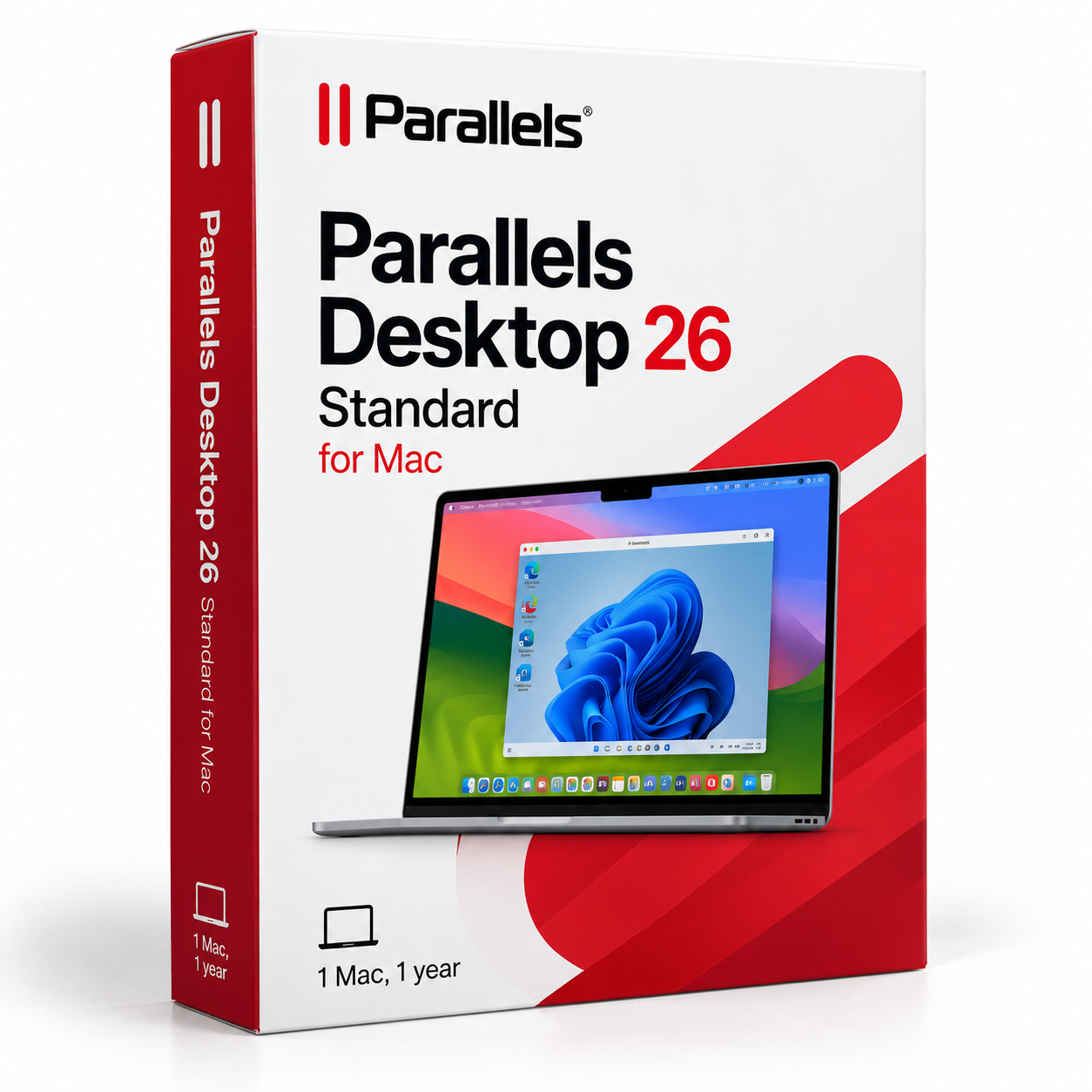
Buy Parallels Desktop 26 Standard for Mac in the UAE
د.إ558.47 excl. VAT
- Run Windows applications on your Mac alongside macOS
- Install Windows 11 in a few clicks
- Display Windows apps beside Mac apps with Coherence mode
- Use thousands of Windows applications including Windows Excel
- Get a perpetual licence for Parallels Desktop 26 on one Mac
For activation in the European Union only. Orders with a billing address outside the EU are not accepted.
Description
A university student with a Windows-only course app
If you study in the UAE, your course may require an application that is available only for Windows. With Parallels Desktop 26 Standard, you can run Windows in a virtual machine on your Mac and use the required app alongside macOS. Windows 11 installs in a few clicks, so you can set up the environment for your coursework without replacing your Mac. Coherence mode displays Windows applications next to Mac apps without showing the Windows desktop. You can move between course software and your Mac applications while staying on the same computer. Remember that the Windows licence is not included and must be purchased separately.
A parent organising household paperwork
Household records often involve spreadsheets, forms and documents that you may already manage in Windows Excel. Parallels Desktop 26 Standard runs thousands of Windows applications, including Microsoft 365 apps such as Windows Excel. Open the Windows version of Excel on your Mac and keep your other Mac applications available alongside it. Coherence mode places the Windows app next to Mac apps, rather than making you work in a separate Windows desktop. The software can also run Linux and macOS in virtual machines, giving you additional operating system environments on the same Mac.
A sole proprietor relying on one accounting tool
If one accounting application is the reason you have kept a Windows computer, a Mac can still be an option. Parallels Desktop 26 Standard lets you run Windows and the application in a virtual machine on macOS. Each virtual machine can use up to 4 vCPUs and 8 GB vRAM. DirectX and OpenGL 3D acceleration are supported, and the product is authorised by Microsoft and SOC-2 certified. On an Apple silicon Mac, supported systems include Windows 11 Pro and Enterprise for Arm. On an Intel Mac, Windows 11 is recommended and Windows 10 is also supported. A separate Windows licence is required.
Moving from a Windows PC to a new MacBook
When you move to a MacBook running macOS Tahoe, you may still need access to familiar Windows applications. Parallels Desktop 26 Standard runs Windows alongside macOS, so you can keep using thousands of Windows programmes while getting used to your new Mac. Coherence mode helps by showing Windows apps beside Mac apps without displaying the Windows desktop. You can also create virtual machines for Linux or another macOS environment. The Standard edition is intended for home and routine use, with a perpetual licence for Parallels Desktop 26 on one Mac.
What your Mac needs
- Processor: Any Apple silicon chip, including M-series or A18 Pro, or Intel Core i5, i7, i9, Core M or Xeon.
- Memory: At least 4 GB RAM; 16 GB or more is recommended for best performance.
- Storage: 600 MB for the app, plus space for the guest operating system. Allow at least 16 GB for Windows.
- macOS: Tahoe 26, Sequoia 15.5 or newer, Sonoma 14.7 or newer, or Ventura 13.7 or newer.
- Internet: Required for activation and updates.
Orders from the United Arab Emirates are VAT-free: no VAT is added at checkout and you receive an official invoice.
One purchase and delivery
This is a one-time purchase for a perpetual licence to Parallels Desktop 26 on one Mac, not a subscription. TresBizz serves customers in the UAE from Brussels, Belgium, and shows the price in UAE dirham. Your licence key and download link arrive by email, usually within minutes and at the latest within 24 hours after payment. Every order comes with an official invoice. Pay by card, Apple Pay, Google Pay or PayPal.
Frequently asked questions
Additional information
| Devices | 1 Mac |
|---|---|
| Term | Lifetime |




Reviews
There are no reviews yet.