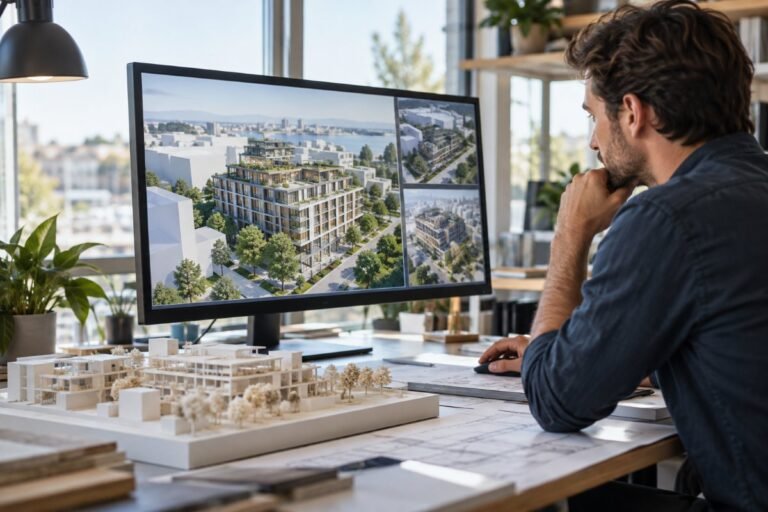
Before a building project reaches detailed design, architects and developers need to understand the site and explore different possibilities. Whether you are considering a residential scheme, a commercial development or an urban regeneration project, early decisions about building form and placement can influence the entire design process. Autodesk Forma gives professionals in Canada a cloud-based workspace to investigate these questions and compare alternatives before committing to detailed plans.
From an initial site assessment to exploring different building configurations, Forma helps you make informed decisions while your ideas are still developing. You can work directly in your browser without installing desktop software.
Explore and analyze design options
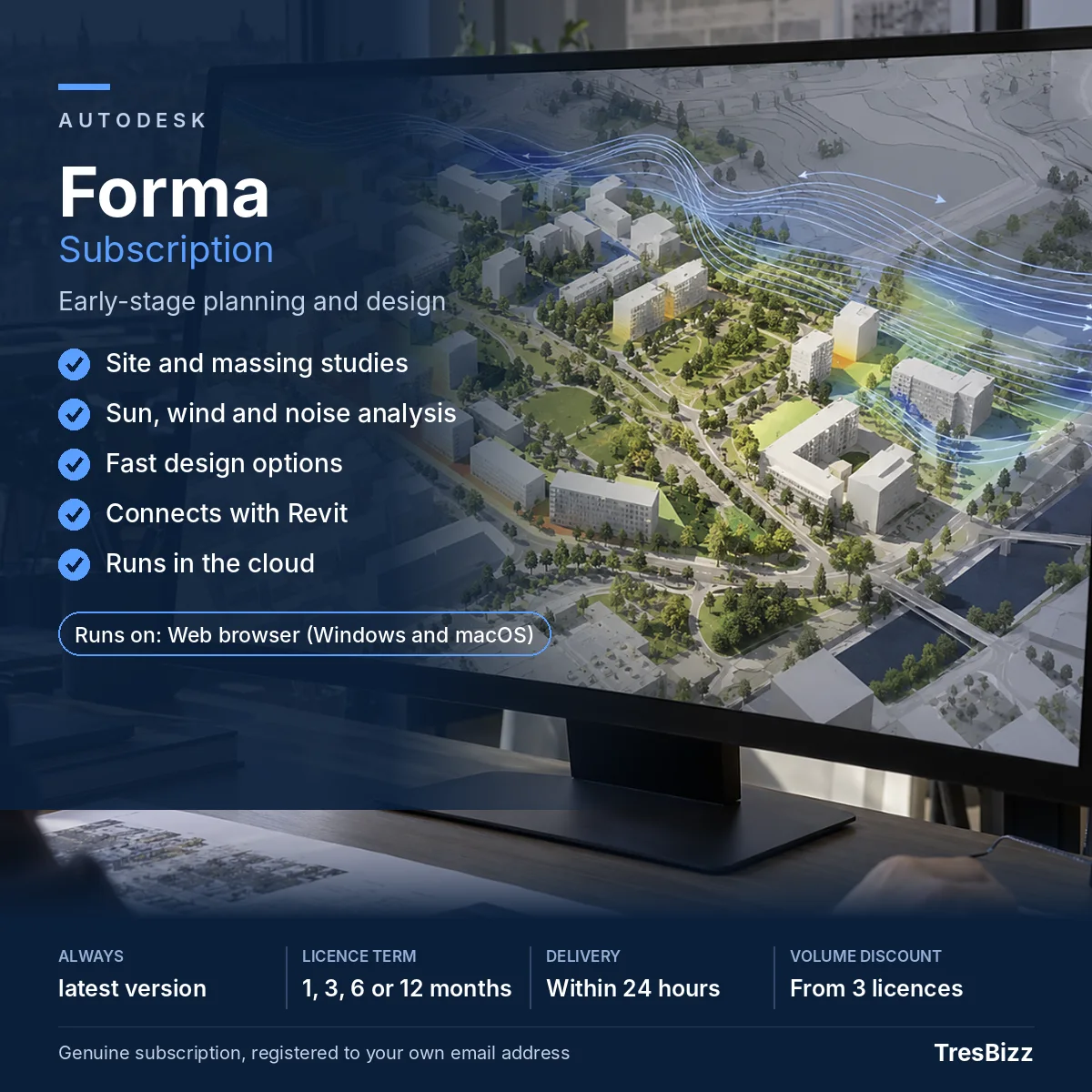
Autodesk Forma combines early-stage building and site planning with environmental analysis. Its main capabilities include:
Site studies: Explore development sites and investigate possible building layouts.
Building massing: Create quick massing studies and compare alternative building forms.
Live metrics: Evaluate different design proposals using live metrics as you make changes.
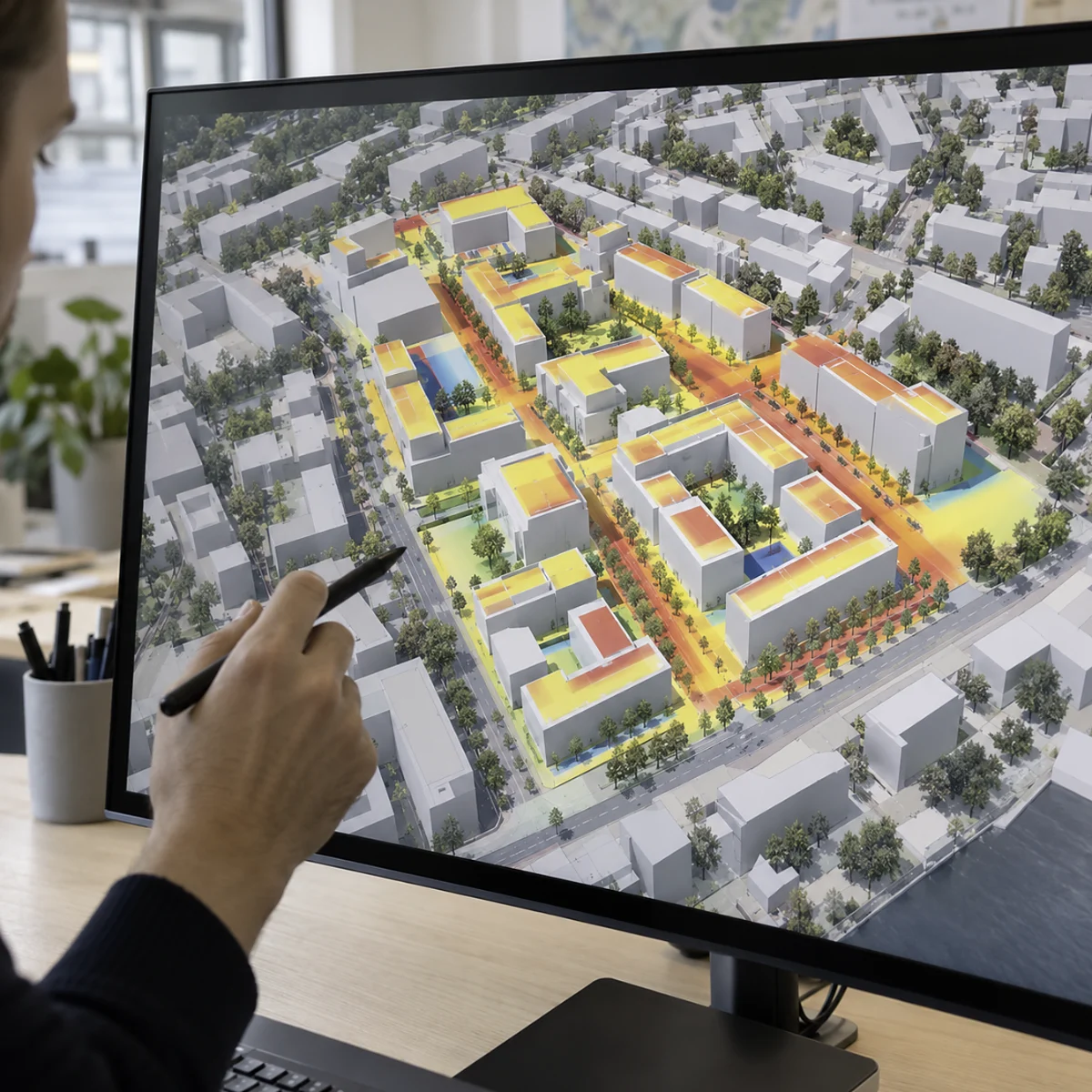
Sun and shadow: Examine how sunlight and shadows affect your proposed development.
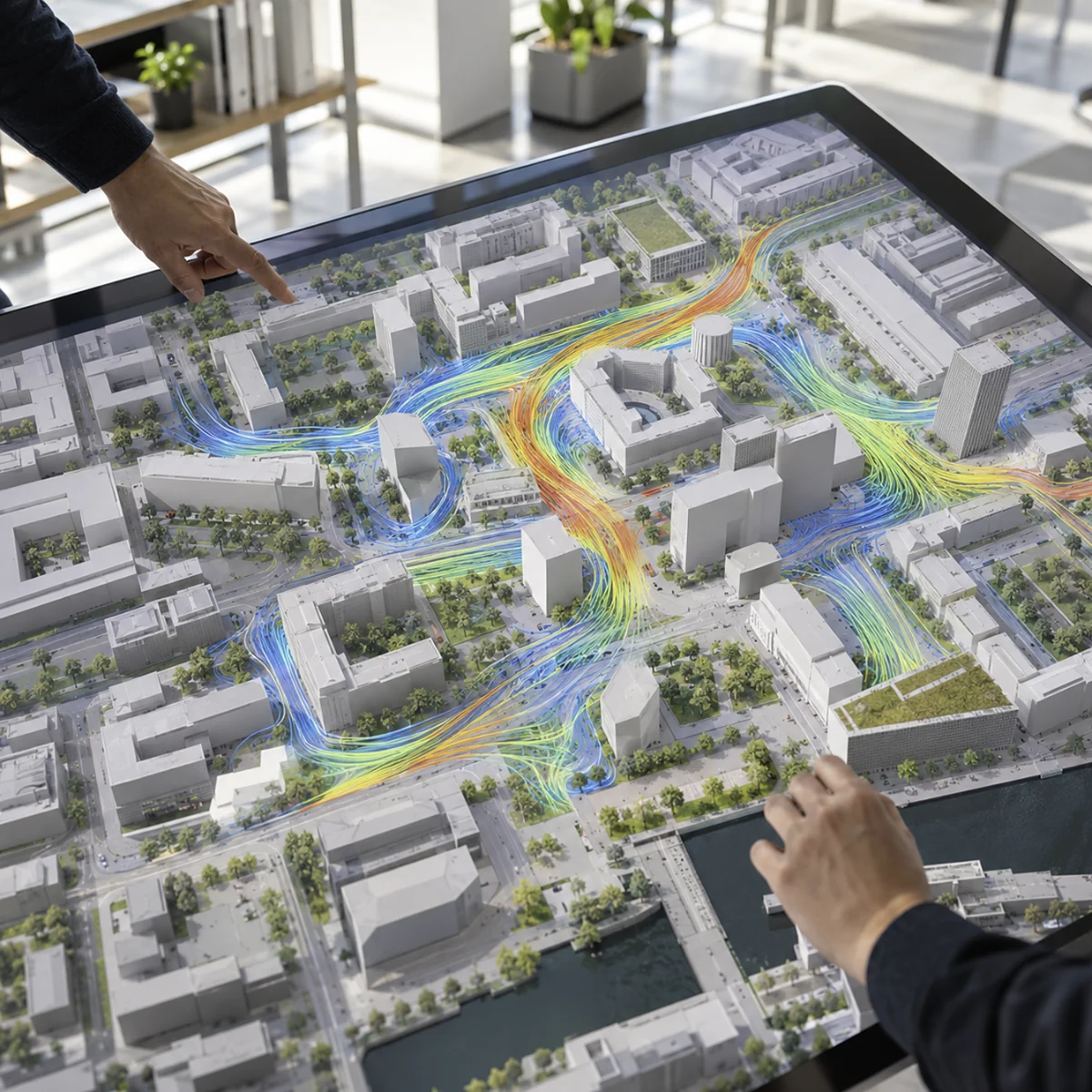
Environmental analysis: Assess daylight, wind, noise and microclimate during the design process.
Revit connection: Continue your design in Revit when you move towards detailed work. Revit is optional and not included.
These features are useful for architects, urban planners and property developers who want to test ideas before detailed design starts. Autodesk Forma is also included in the Autodesk AEC Collection. If your practice requires several design tools, the Collection may offer better value than purchasing individual subscriptions.
Choose your licence period
Buy a subscription for one named user and select the duration that suits your project or business requirements:
1 month: For a short site assessment or focused design study.
3 months: For developing and comparing several early design proposals.
6 months: For longer planning and concept development work.
12 months: For regular use across multiple projects.
Autodesk Forma is a cloud service that is always up to date. There are no software version numbers to select. Each subscription is assigned to one named user through their own Autodesk Account.
Order from TresBizz
TresBizz is based in Brussels, Belgium, and supplies genuine new Autodesk subscriptions to customers in Canada. Your product price is displayed in Canadian dollars, making it straightforward to review your order in your local currency.
Payment methods include card, Apple Pay, Google Pay and PayPal. Every order comes with an official invoice. Business customers in Canada receive an invoice for their accounting records.
Buying for an architectural practice or development team? Volume pricing provides a lower price per licence when ordering 3, 5 or 10 subscriptions. Email support is available for order and activation questions. If activation does not work, TresBizz offers a replacement or refund.
What you need to get started
Forma runs in a modern web browser on Windows or Mac. Google Chrome is recommended. You need an internet connection and your own Autodesk Account. No desktop installation is required.
The Revit connection is optional. If you want to continue your design in Revit, you must obtain a separate Revit subscription or licence.
Orders from Canada are VAT-free: no VAT is added at checkout and you receive an official invoice.
Digital delivery and activation
Your subscription is delivered electronically, so there is no physical package, shipping charge or licence key. Usually within minutes and at the latest usually within minutes, at the latest within 24 hours of your order, you receive an activation email. TresBizz adds the subscription to your own Autodesk Account using your email address.
After receiving confirmation, sign in to your Autodesk Account and open Autodesk Forma in your browser. You can then begin exploring site layouts, comparing massing options and assessing environmental conditions. Choose the subscription period that fits your requirements and buy Autodesk Forma from TresBizz.
Autodesk Forma Questions and Answers
What is Autodesk Forma used for?
Autodesk Forma is a cloud-based planning and design tool for the early stages of building and site projects. It helps architects, urban planners and developers explore site layouts, test building massing and compare design options before detailed design begins.
Can I use Autodesk Forma without installing software?
Yes. Autodesk Forma runs directly in a modern web browser on Windows or Mac. Google Chrome is recommended. You need an internet connection, but no desktop software installation is required.
Does Autodesk Forma include Revit?
No. Autodesk Forma can connect with Revit so you can continue your design in the Revit environment. However, Revit is optional and requires its own separate licence or subscription.
How long does Autodesk Forma activation take?
TresBizz sends your activation email usually within minutes, at the latest within 24 hours of purchase. The subscription is added to your own Autodesk Account under your email address. You can then sign in and start using Forma in your browser.
Can I buy Autodesk Forma for several employees?
Yes. Each subscription is assigned to one named user. TresBizz offers lower per-licence pricing for orders of 3, 5 and 10 subscriptions. Every order includes an official invoice.
Be the first to review “Buy Autodesk Forma Subscription for Early-Stage Building Design in Canada” Cancel reply
AUTHENTIC LICENSE
Secure devices with Genuine Licenses
FAST DELIVERY
Get license by email instantly
OFFICE HOURS SUPPORT
(+32) 2 393 50 50
SECURE PAYMENT
Your data is secure with us
BEST PRICING
Quality and Services within budget
GLOBAL DELIVERY
No Regional Restrictions
Partners
Manage Consent
To provide the best experiences, we use technologies like cookies to store and/or access device information. Consenting to these technologies will allow us to process data such as browsing behavior or unique IDs on this site. Not consenting or withdrawing consent, may adversely affect certain features and functions.
Functional
Always active
The technical storage or access is strictly necessary for the legitimate purpose of enabling the use of a specific service explicitly requested by the subscriber or user, or for the sole purpose of carrying out the transmission of a communication over an electronic communications network.
Preferences
The technical storage or access is necessary for the legitimate purpose of storing preferences that are not requested by the subscriber or user.
Statistics
The technical storage or access that is used exclusively for statistical purposes.The technical storage or access that is used exclusively for anonymous statistical purposes. Without a subpoena, voluntary compliance on the part of your Internet Service Provider, or additional records from a third party, information stored or retrieved for this purpose alone cannot usually be used to identify you.
Marketing
The technical storage or access is required to create user profiles to send advertising, or to track the user on a website or across several websites for similar marketing purposes.







 Autodesk 3ds MaxSubscription 1 to 12 monthsVersions 2023 to 20271 userFrom $142.02/month excl. VAT$171.84 per month incl. 21% VATView product
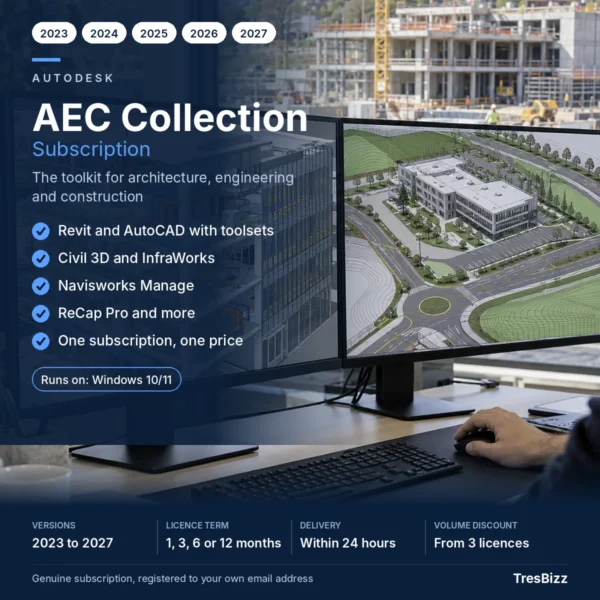 Autodesk AEC CollectionSubscription 1 to 12 monthsVersions 2023 to 2027Revit, AutoCAD, Civil 3D and moreFrom $146.44/month excl. VAT$177.19 per month incl. 21% VATView product
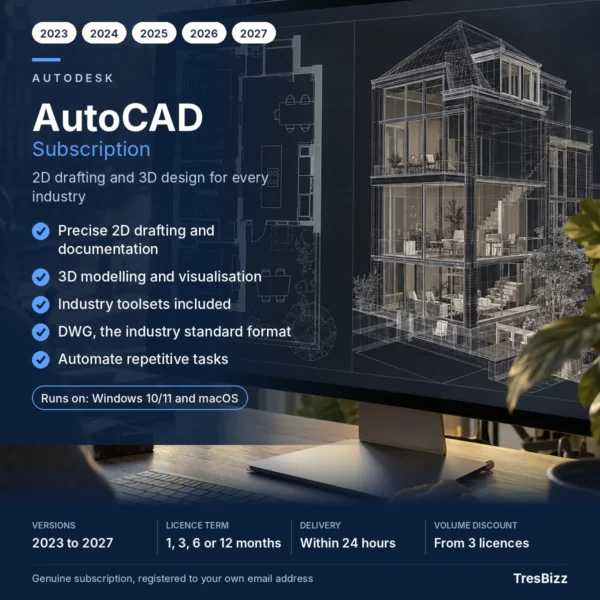 Autodesk AutoCADSubscription 1 to 12 monthsVersions 2023 to 20271 userFrom $146.44/month excl. VAT$177.19 per month incl. 21% VATView product
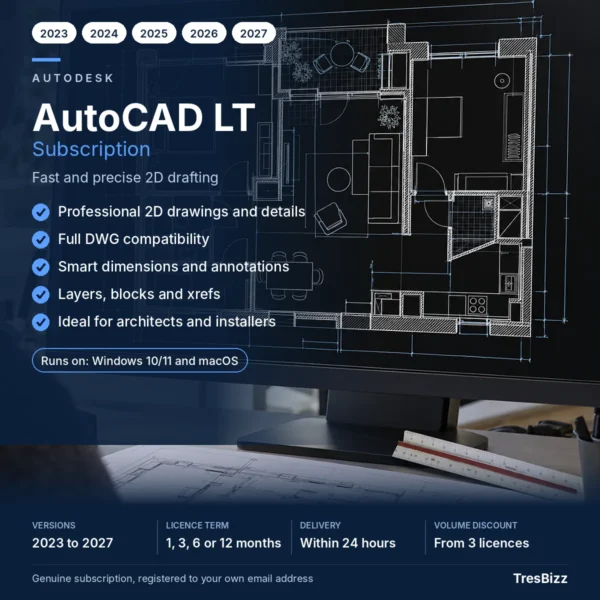 Autodesk AutoCAD LTSubscription 1 to 12 monthsVersions 2023 to 20271 userFrom $89.31/month excl. VAT$108.07 per month incl. 21% VATView product
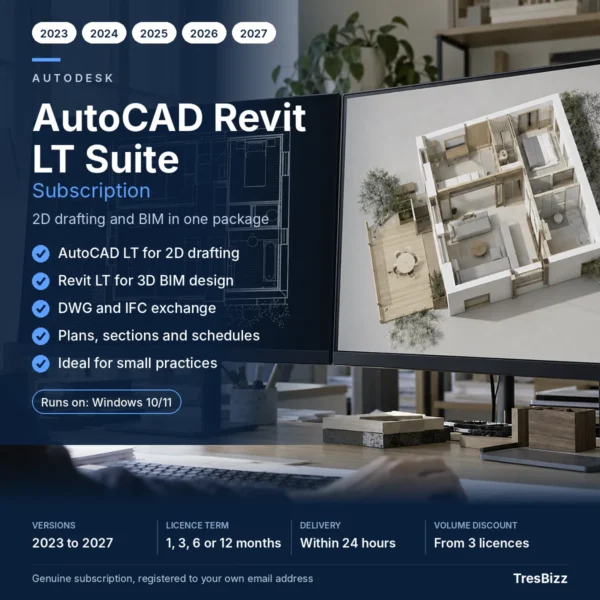 Autodesk AutoCAD Revit LT SuiteSubscription 1 to 12 monthsVersions 2023 to 20271 userFrom $103.54/month excl. VAT$125.28 per month incl. 21% VATView product
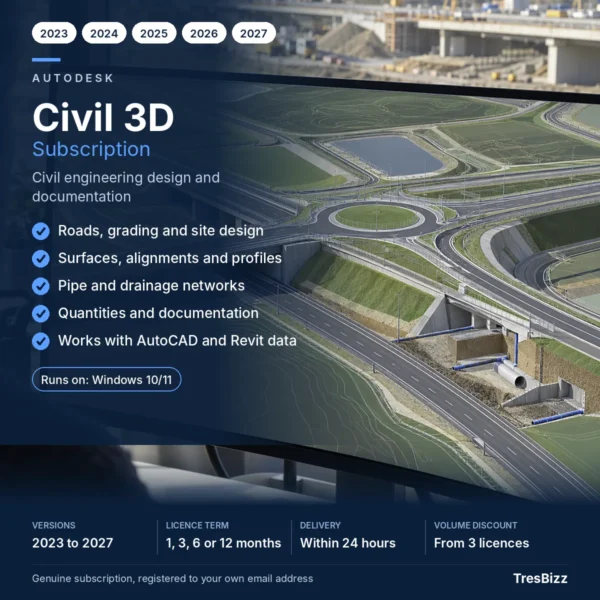 Autodesk Civil 3DSubscription 1 to 12 monthsVersions 2023 to 20271 userFrom $138.29/month excl. VAT$167.33 per month incl. 21% VATView product
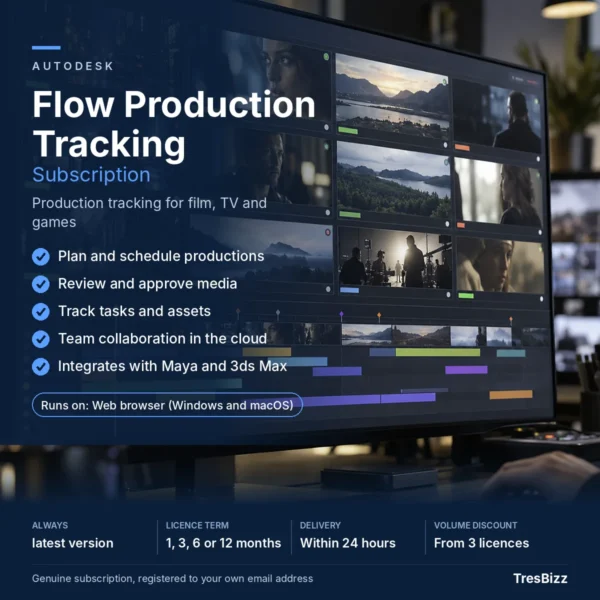 Autodesk Flow Production TrackingSubscription 1 to 12 monthsVersions 2023 to 20271 userFrom $58.39/month excl. VAT$70.65 per month incl. 21% VATView product



Reviews
There are no reviews yet.