



Description
Data protection for Irish users
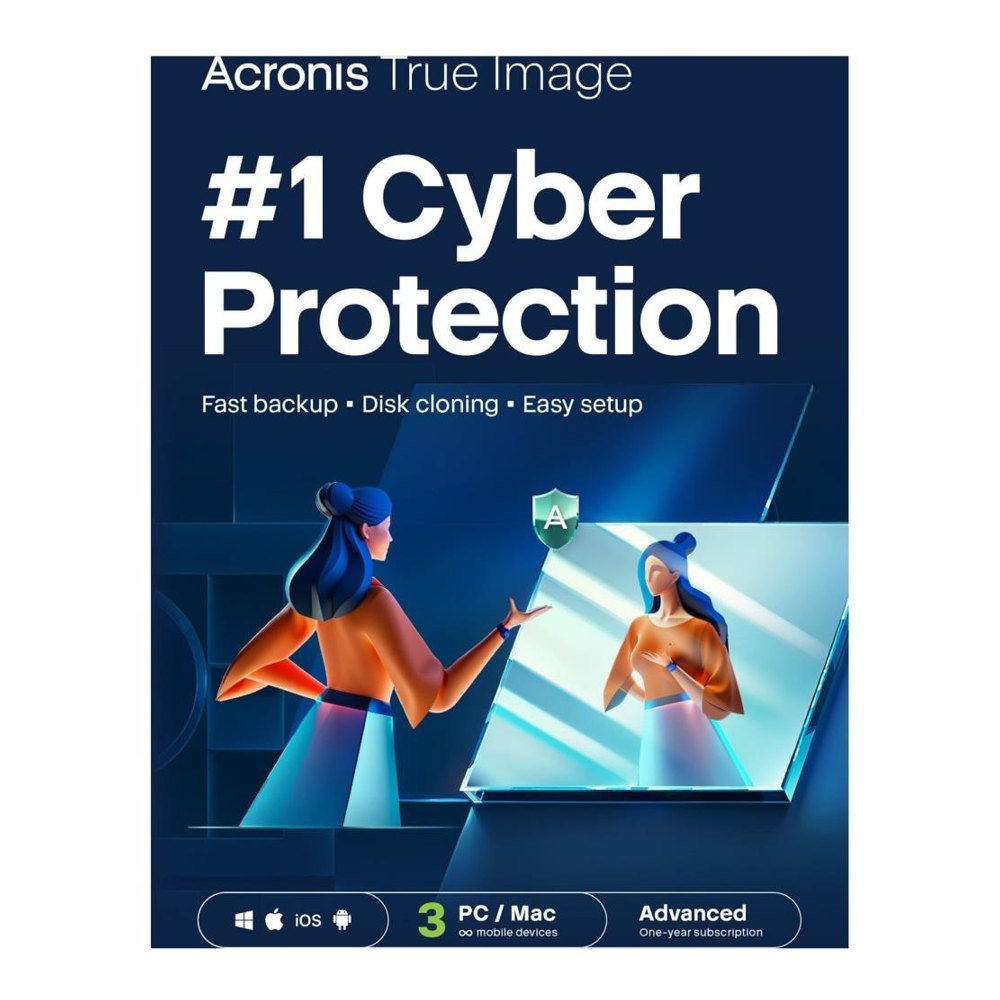
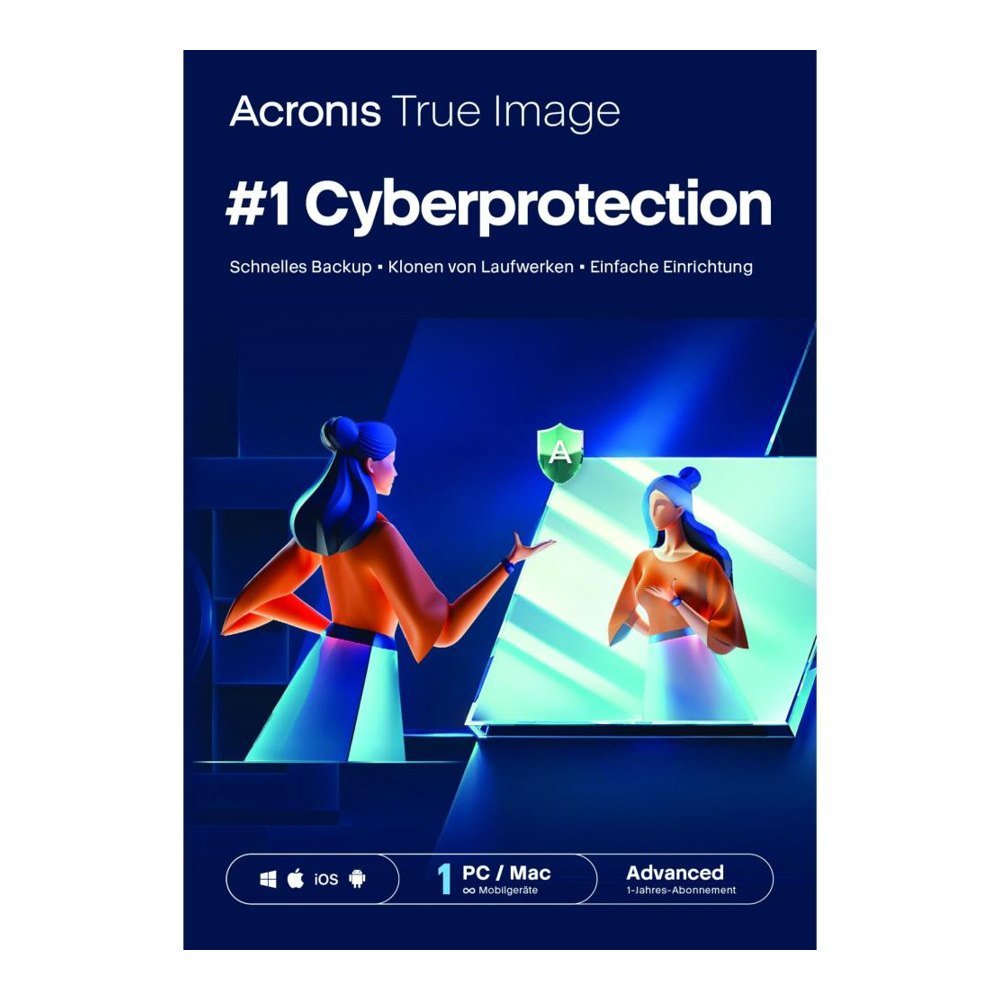
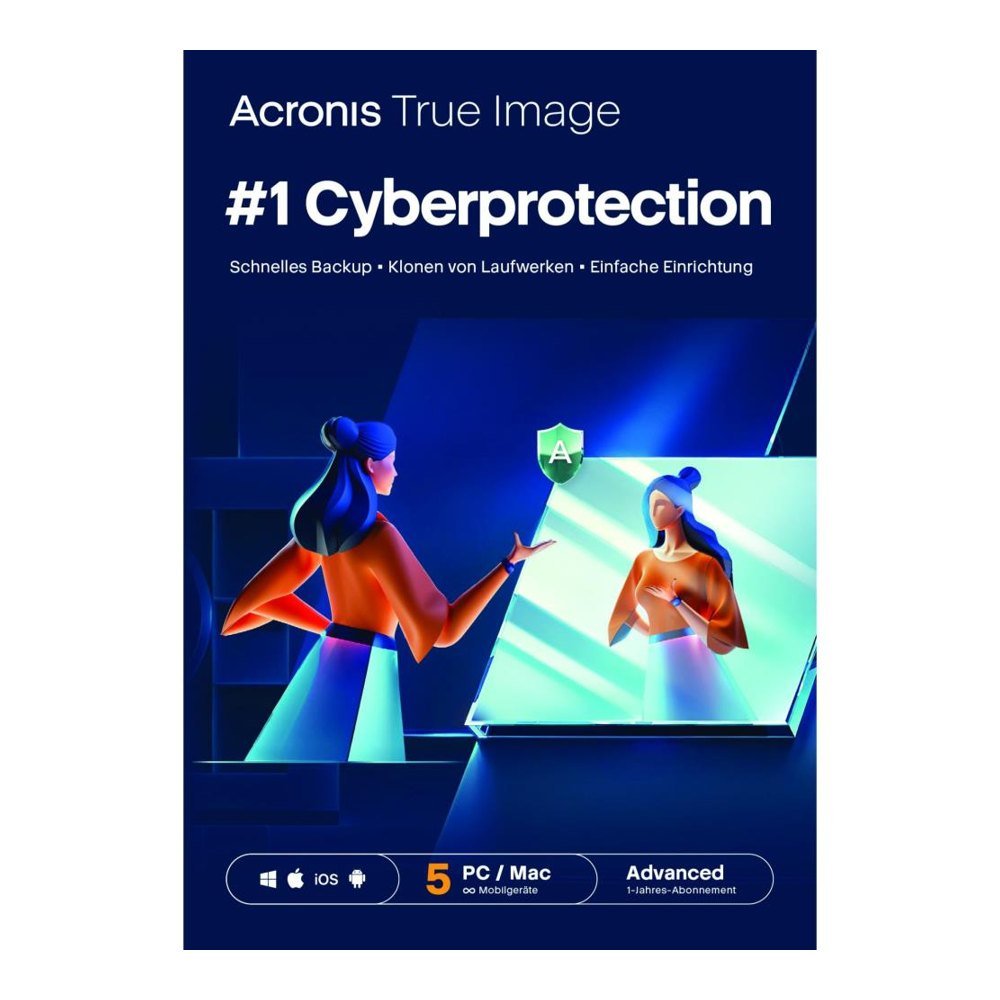
Looking to buy Acronis True Image Advanced in Ireland? Acronis True Image Advanced 500 GB lets you keep a safe duplicate of everything that matters, from family photos to business files, and adds 500 GB of online storage plus security tools. TresBizz sells the licence digitally and every price is shown in euro.
What you get
- Complete system image or file by file backup
- 500 GB online space in Acronis Cloud
- Antivirus with ransomware defence
- Backup of Microsoft 365 data
- Apps and software for Windows, Mac and mobile
The product is designed for households and small offices wanting backup and security from one supplier.
Who benefits
Dropped laptop, dead drive, stolen phone or a nasty ransomware infection: each of these can leave you without your files. With a duplicate stored locally and another online, you can get back a single document or rebuild a full machine. You may also set a timetable so that copies are made without any effort from you.
Licence choices
The product comes as a licence for 1 device, 3 devices or 5 devices, each valid for 12 months. It is meant to be activated within the European Union, which includes Ireland.
Reasons to order here
- Checkout in euro with card, Apple Pay, Google Pay or PayPal
- A proper VAT invoice comes with each order
- Company buyers in the EU may add their VAT number when paying
- Licence key plus download link emailed, typically in a few minutes and within 24 hours at most
TresBizz is a European software retailer in Brussels, Belgium. Our licences are genuine and brand new, and help is available by email. Should a key fail to activate, we send a replacement or give your money back.
Staying safe
Ransomware scrambles your files and asks for payment. The integrated defence notices such attacks and helps you restore the affected files from a clean copy. Antivirus scanning happens behind the scenes without slowing you down. Backing up Microsoft 365 is a smart extra if your emails, calendars and documents are central to how you work.
Technical needs
- Windows 10 or 11
- macOS (recent versions)
- Android and iOS
- A working internet connection
Anything more detailed can be found on the maker's own website.
Setting up your first backup
Work out how many devices need protecting before you choose a licence: there are options for 1, 3 or 5 devices, valid for 12 months. Families with a laptop, a desktop and a phone, or small businesses with a handful of PCs, can match the licence to what they actually own. After payment you receive the key and the download link by email. Hold on to that email in case you reinstall later or move to a different computer.
- Download, install and activate with your key
- Pick what to protect: a whole device or selected folders
- Use the 500 GB Acronis Cloud alongside your local copy
- Switch on Microsoft 365 backup if you rely on it for work
Getting started
When your payment is confirmed, an email arrives with the key and a link to download. Install the program, log in and type in the key. Next, create a first backup plan and decide whether to save to a local disk, the cloud or both. Companies wanting several licences can place one combined order.
Common questions
What cloud space comes with it?
You get 500 GB of Acronis Cloud space.
Does it cover Microsoft 365?
Yes, Advanced includes Microsoft 365 backup.
How many devices are supported?
Pick 1, 3 or 5 devices for 12 months.
How fast does the key arrive?
By email, normally within minutes and always within 24 hours.
Is there a VAT invoice?
Yes, each order includes an official VAT invoice.







Reviews
There are no reviews yet.