



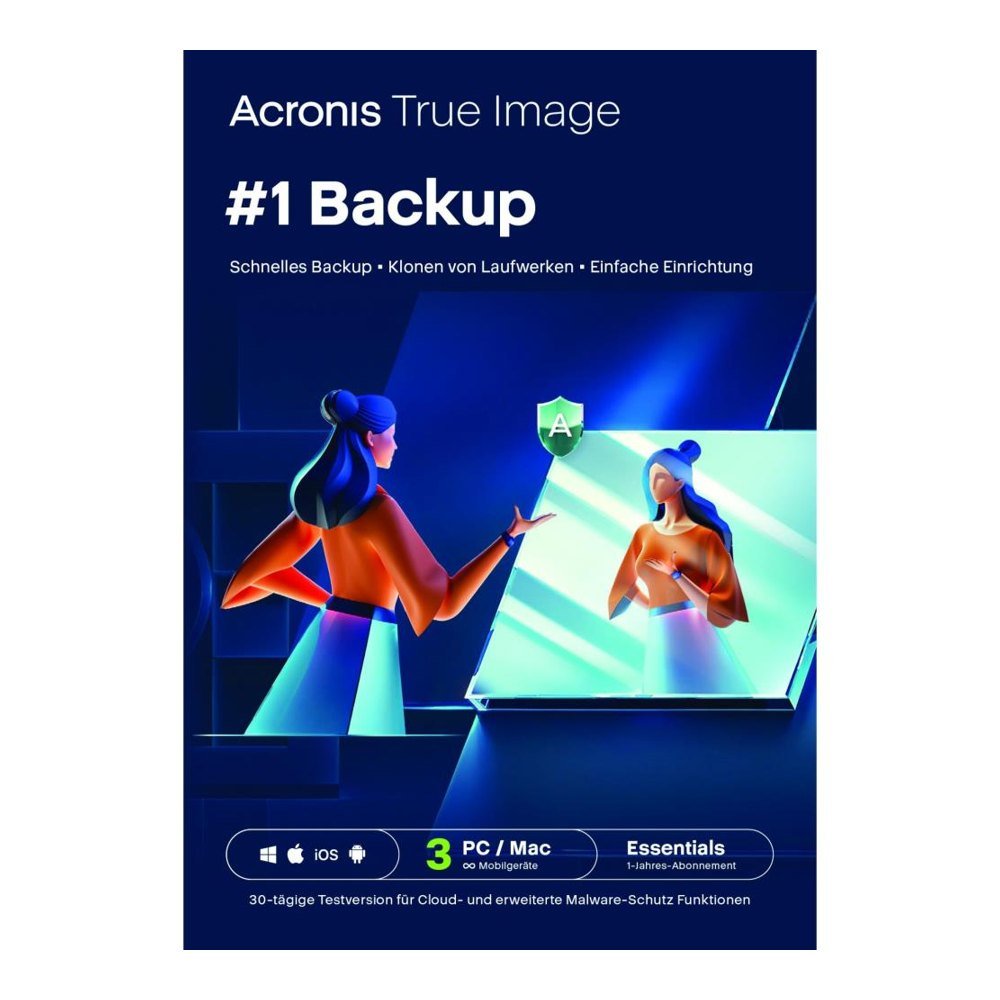
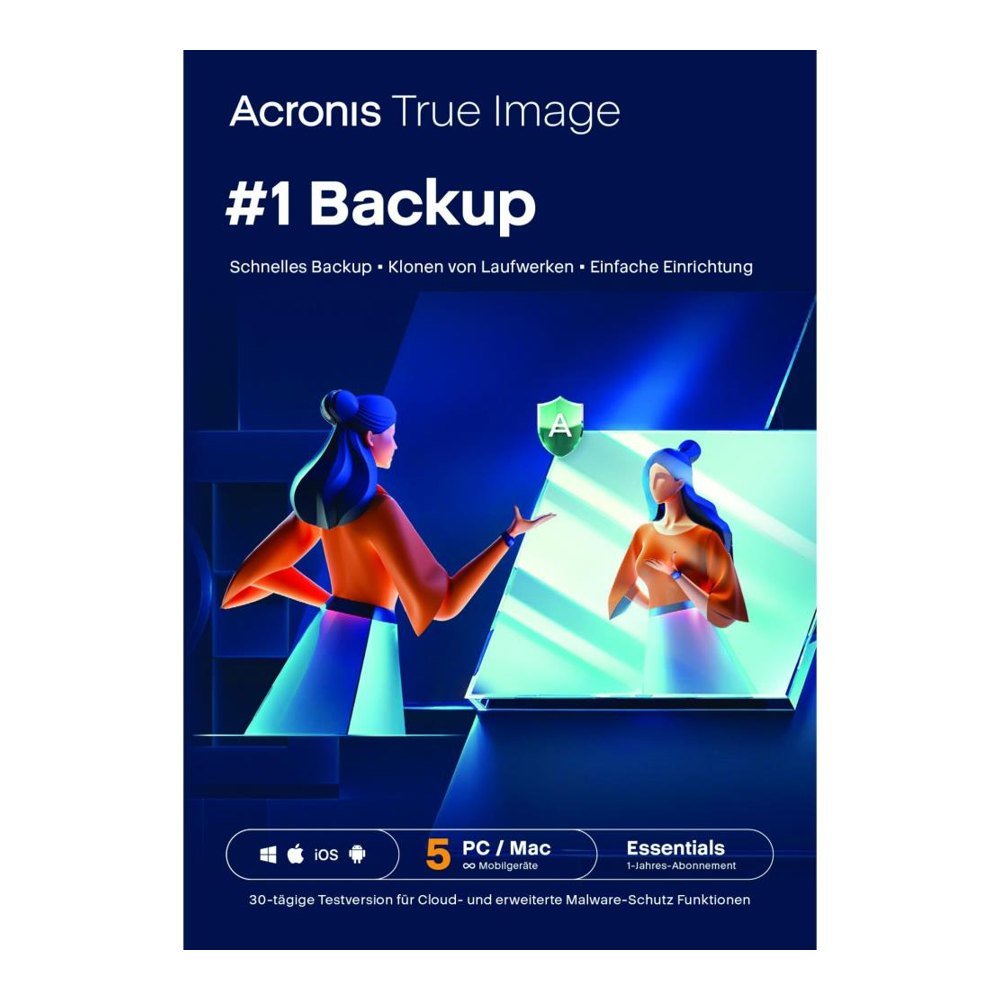

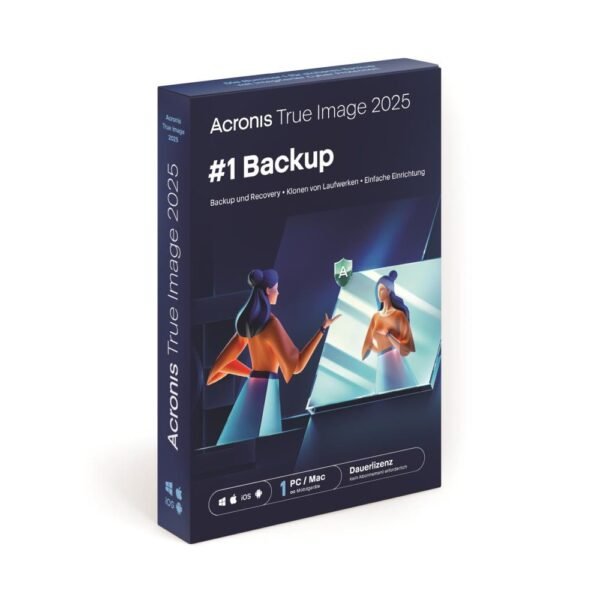
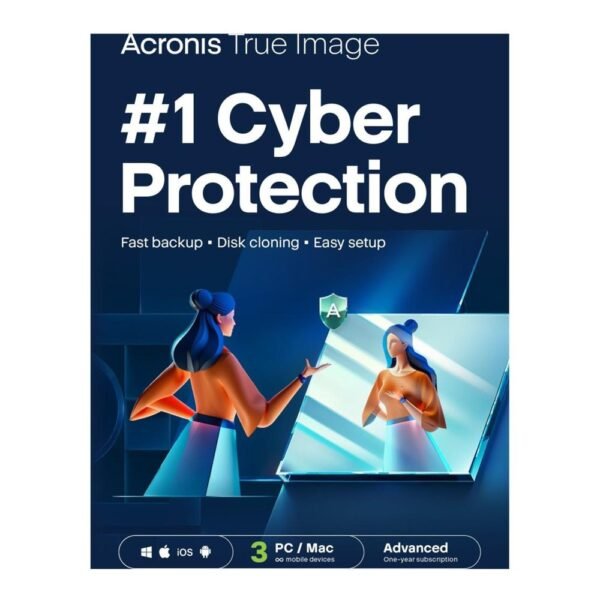
Buy Acronis True Image Essentials in Malta
Price range: €33.53 through €57.85 excl. VAT
- Back up your entire system to a drive of your own
- Clone a disk when moving to new hardware
- Rescue media for a computer that will not start
- Runs on Windows and on Mac
- One year of cover for 1, 3 or 5 devices
For activation in the European Union only. Orders with a billing address outside the EU are not accepted.
Description
Acronis True Image Essentials is a practical way for people in Malta to keep a Windows PC or a Mac safe. It writes a complete copy of your system to a local disk, clones drives on request and brings the machine back after a crash. The licence lasts a year and is meant for ordinary home use.
Main features
- Backup of the whole system or of selected files
- Disk cloning
- Bootable rescue media
- Quick recovery after a fault
- Windows and macOS compatibility
Is it for you
If you keep photos, school work or business papers on one computer, a backup is cheap peace of mind. A dead drive or a failed update can remove everything in an instant. A full image lets you step back to a known good state, settings and programs included.
It also eases an upgrade. When you buy a new laptop, cloning copies the old drive onto the new one, so you skip the slow work of installing each program again.
Backup in practice
The image sits in a single file that holds the system, your applications and their settings. If trouble comes, boot from the rescue media, choose the saved file and let the program restore it. Every step is described in plain words.
Since the copies live on an external disk, they stay within reach even on a slow connection. Make a weekly habit of it, and keep the disk in a different room from the computer.
Pick your licence
There are three sizes: 1 device, 3 devices or 5 devices, each valid for 12 months. A household with several laptops can be covered by one key.
Cloud storage is not included in this edition. For backups kept online, take a look at Advanced or Premium.
Ordering from TresBizz
TresBizz is a European software seller based in Brussels, and it delivers digitally to customers in Malta. Payment is taken in euro by card, Apple Pay, Google Pay or PayPal. Every licence is genuine and brand new.
You receive an official VAT invoice with each order, and EU companies may enter a VAT number at checkout. Write to us by email for help; a key that fails is replaced or paid back.
Computer requirements
You will need Windows 10 or 11, or macOS, and the manufacturer lists the exact versions. Activation needs an internet connection.
How many devices do you need?
When you order, you pick the number of devices: 1, 3 or 5, always for 12 months. These examples may help you choose:
- 1 device: a single laptop or desktop whose photos and documents you want to protect
- 3 devices: a household with, say, a Windows PC, a Mac and a second laptop
- 5 devices: a larger family in which everyone has their own computer
The licence works on both Windows and Mac. Because the backups are made locally, you need an external drive or a second disk to keep your images on. An official VAT invoice comes with every order, and the key reaches you by email.
Getting your key
After payment, an email with your key and download link arrives, typically within minutes and in any case within 24 hours. Install the software, enter the key and set up a first backup. The licence is intended for activation inside the European Union.
Quick answers
Is there any cloud storage?
No, that is part of Advanced and Premium.
Does it clone disks?
Yes, cloning is included.
How long does the licence run?
For twelve months.
When does the key arrive?
Usually within minutes, at most 24 hours.
Will I get a VAT invoice?
Yes, with every order.
Additional information
| Devices | 1 device, 3 devices, 5 devices |
|---|---|
| Term | 12 months |
Related products
-

Acronis True Image Premium 1 TB
Price range: €78.00 through €117.50 excl. VAT Select options This product has multiple variants. The options may be chosen on the product page -
AOMEI Backupper Professional
Price range: €15.75 through €25.00 excl. VAT Select options This product has multiple variants. The options may be chosen on the product page -
AOMEI Backupper Workstation
€32.50 excl. VAT Add to basket -

Acronis True Image Advanced 50 GB
Price range: €33.52 through €66.00 excl. VAT Select options This product has multiple variants. The options may be chosen on the product page






Reviews
There are no reviews yet.