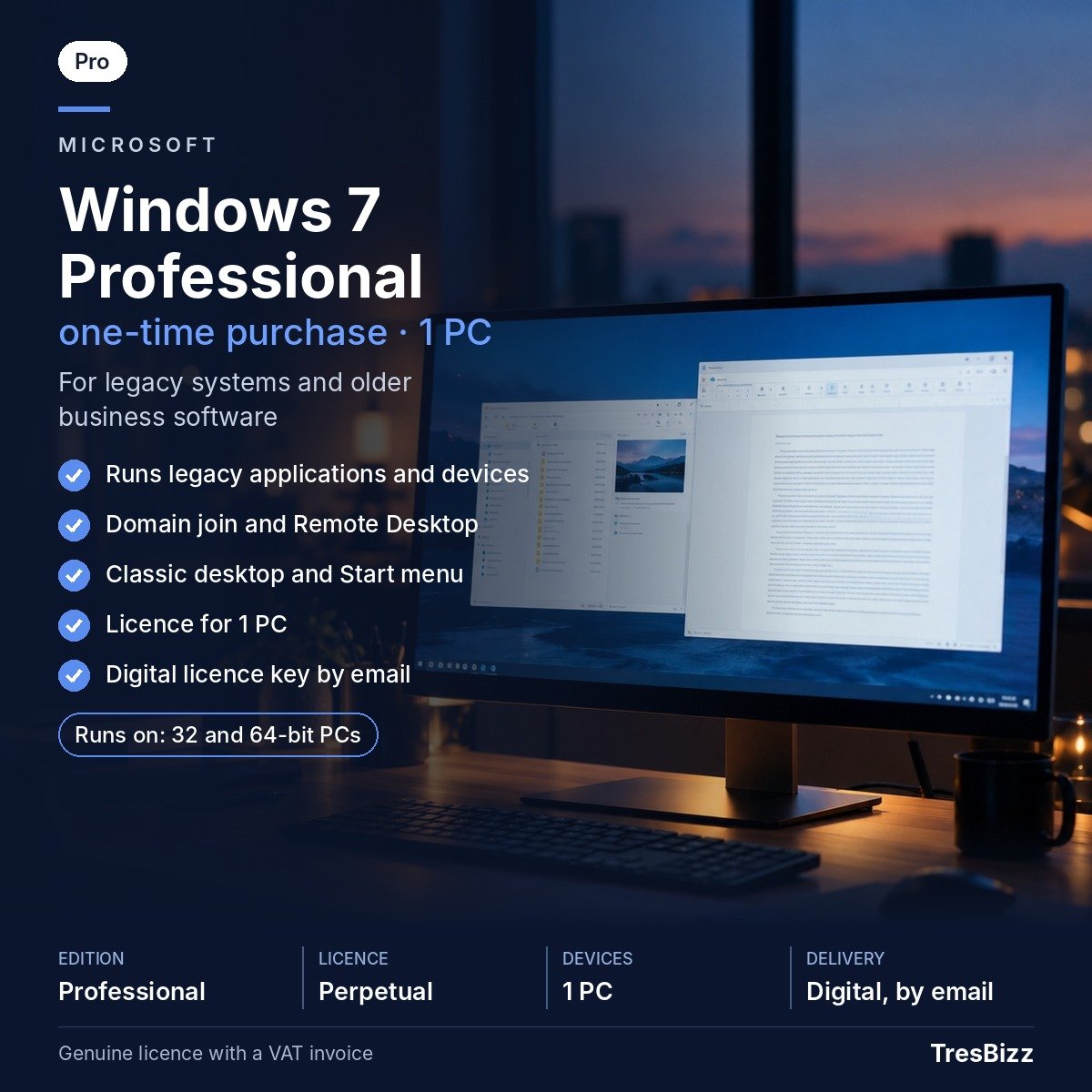
Some New Zealand businesses still depend on older Windows computers to operate specialist applications, maintain established workflows or connect to equipment that was configured for an earlier operating system. Replacing an entire workstation is not always practical when existing software or devices specifically require Windows 7. Windows 7 Professional provides an option for reinstalling a compatible PC or maintaining an existing legacy setup.
Released by Microsoft in 2009, Windows 7 introduced a familiar desktop experience with a redesigned taskbar and Start menu. Aero Snap and Aero Peek make it easier to arrange and preview open windows. The Action Center brings troubleshooting and diagnostic information together, while User Account Control helps manage application permissions. Windows Firewall and Windows Defender anti-spyware are also included.
What is included
Everyday desktop: Windows 7 taskbar, Start menu, Aero Snap and Aero Peek.
System management: Action Center, troubleshooting, diagnostics and User Account Control.
Built-in tools: Windows Firewall and Windows Defender anti-spyware.
Legacy compatibility: Program Compatibility settings for older applications and devices.
Business networking: Join a Windows domain and connect remotely to this PC using Remote Desktop.
File protection: Encrypting File System for individual files and folders.
Business productivity: Network-location backups, location-aware printing and presentation mode.
Licence and edition
This listing is for Windows 7 Professional, with a one-time licence for one PC or laptop. There are no licence variants or recurring subscription payments. The licence is intended for one installation on one computer. Professional includes the business features described above, but does not include BitLocker, AppLocker, BranchCache or DirectAccess, which belong to Windows 7 Ultimate or Enterprise.
Windows 7 support ended on 14 January 2020. Paid Extended Security Updates for businesses also ended in January 2023. The operating system no longer receives security updates, and current web browsers no longer support it. It should therefore be considered only for existing older hardware, legacy business software, specialist devices, offline or isolated machines, or reinstallations of computers that already used Windows 7. For most buyers with compatible hardware, Windows 11 Pro is the recommended choice.
Why buy from TresBizz
TresBizz is based in Brussels, Belgium, and serves customers in New Zealand with locally displayed pricing in New Zealand dollars. Checkout supports card payments, Apple Pay, Google Pay and PayPal. Your order is VAT-free and comes with an official invoice.
Businesses purchasing multiple computers can benefit from lower per-licence pricing when ordering 3, 5 or 10 licences. Email support is available if you need assistance with your order or activation.
System requirements
Processor: 1 GHz or faster, 32-bit or 64-bit.
Memory: 1 GB RAM for 32-bit or 2 GB RAM for 64-bit.
Storage: 16 GB available disk space for 32-bit or 20 GB for 64-bit.
Graphics: DirectX 9 graphics device with WDDM 1.0 driver.
Delivery and activation
There is no physical shipment. Your Windows 7 Professional licence key, download link and step-by-step activation instructions are sent by email, usually within minutes and no later than 24 hours after ordering. Follow the installation guide to install and activate Windows on your PC. If the supplied key does not activate, TresBizz will provide a replacement or refund. Your order also includes an official invoice.
Windows 7 Professional FAQs
Can I still buy Windows 7 Professional in New Zealand?
Yes. TresBizz offers a Windows 7 Professional licence for one PC or laptop. It is intended for legacy systems and compatible older computers. Windows 7 no longer receives security updates.
Is Windows 7 Professional still supported by Microsoft?
No. Microsoft support ended on 14 January 2020. Paid Extended Security Updates for businesses ended in January 2023. Current web browsers also no longer support Windows 7.
What is the difference between Windows 7 Professional and Ultimate?
Professional includes domain joining, Remote Desktop hosting, Encrypting File System and network backups. BitLocker, AppLocker, BranchCache and DirectAccess are not included in Professional.
How will I receive my Windows 7 Professional product key?
TresBizz emails your licence key, download link and installation instructions, usually within minutes and at the latest within 24 hours. No physical delivery is required.
What happens if my Windows 7 activation key does not work?
Contact TresBizz by email. If the supplied key does not activate, TresBizz will replace it or issue a refund. Every order includes an official invoice.
10 reviews for Buy Windows 7 Professional Licence for 1 PC in New Zealand
Rated 5 out of 5
Mustafa –
affordable
Rated 5 out of 5
Sanjay –
Every rupees spent worth it.. genuine product seamless instalation.
Rated 5 out of 5
Unnikrishnan –
Liked it and thanks custer care support for successful installation and support
Panele Fotowoltaiczne –
I really enjoyed your unique approach to this topic. Your article was both informative and innovative.
Rated 5 out of 5
Sean McCarthy –
Windows 7 Professional has been my go-to operating system for years. It’s reliable, user-friendly, and perfect for both personal and professional tasks. The stability is unmatched!
Rated 5 out of 5
Catarina Costa –
I love the simplicity and speed of Windows 7 Professional. Even on older hardware, it runs smoothly without any lag. Great for small businesses looking for a lightweight OS.
Rated 5 out of 5
Bahram Rezaei –
The compatibility mode in Windows 7 Professional is a lifesaver. I can still run older applications that I need for work without any issues. Perfect for those with legacy software!
Rated 5 out of 5
Fleur Dupont –
Windows 7 Professional is one of the most stable operating systems Microsoft has released. The Aero interface is clean and functional, and multitasking is a breeze.
Rated 5 out of 5
Emilia Kowalska –
The security features in Windows 7 Professional, like BitLocker, give me peace of mind when storing sensitive files. It’s a great choice for business users.
Rated 5 out of 5
Emilia Kowalska –
Upgrading to Windows 7 Professional from the Home version was a game-changer. The additional features, like domain join and enhanced backup tools, are perfect for managing workstations in an office
To provide the best experiences, we use technologies like cookies to store and/or access device information. Consenting to these technologies will allow us to process data such as browsing behavior or unique IDs on this site. Not consenting or withdrawing consent, may adversely affect certain features and functions.
Functional
Always active
The technical storage or access is strictly necessary for the legitimate purpose of enabling the use of a specific service explicitly requested by the subscriber or user, or for the sole purpose of carrying out the transmission of a communication over an electronic communications network.
Preferences
The technical storage or access is necessary for the legitimate purpose of storing preferences that are not requested by the subscriber or user.
Statistics
The technical storage or access that is used exclusively for statistical purposes.The technical storage or access that is used exclusively for anonymous statistical purposes. Without a subpoena, voluntary compliance on the part of your Internet Service Provider, or additional records from a third party, information stored or retrieved for this purpose alone cannot usually be used to identify you.
Marketing
The technical storage or access is required to create user profiles to send advertising, or to track the user on a website or across several websites for similar marketing purposes.








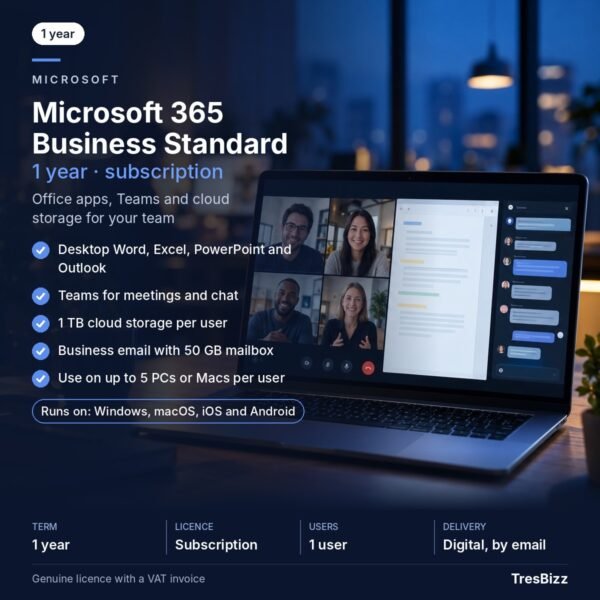 Microsoft 365 Business StandardGenuine licenceDigital delivery by emailOfficial VAT invoiceFrom $216.28 excl. VAT$261.70 incl. 21% VATView product
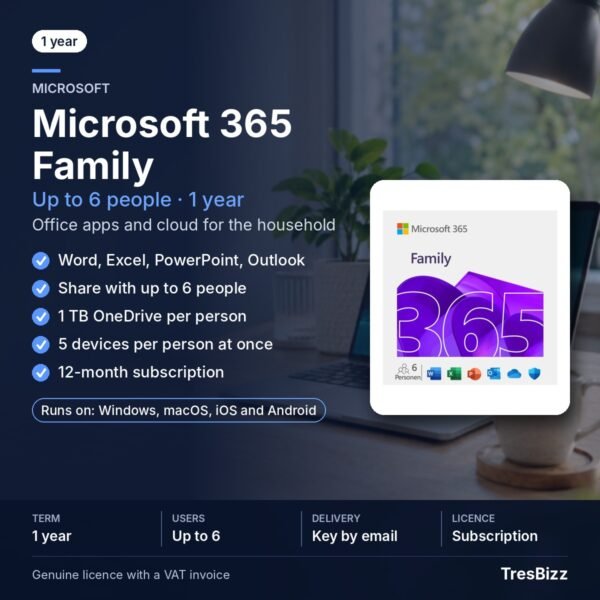 Microsoft 365 FamilyGenuine licenceDigital delivery by emailOfficial VAT invoiceFrom $165.79 excl. VAT$200.61 incl. 21% VATView product
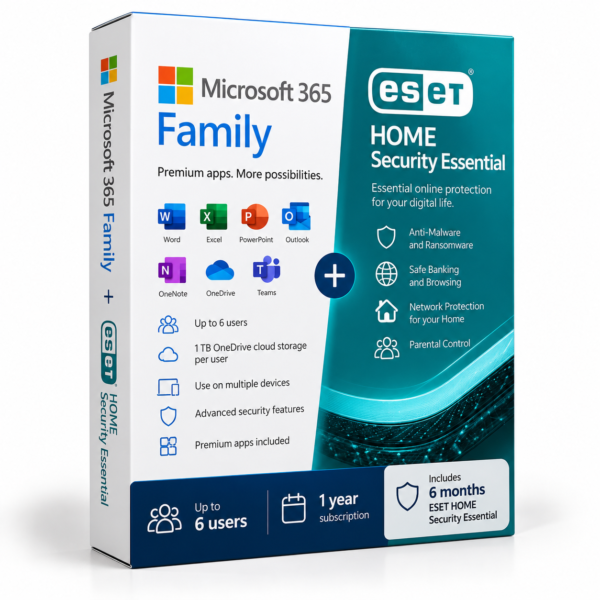 Microsoft 365 Family + ESET HOME Security EssentialGenuine licenceDigital key by emailOfficial VAT invoiceFrom $174.30 excl. VAT$210.90 incl. 21% VATView product
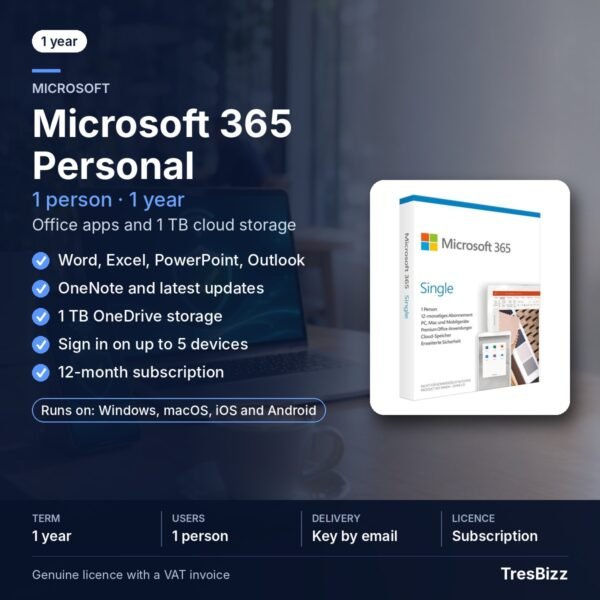 Microsoft 365 PersonalGenuine licenceDigital delivery by emailOfficial VAT invoiceFrom $120.09 excl. VAT$145.31 incl. 21% VATView product
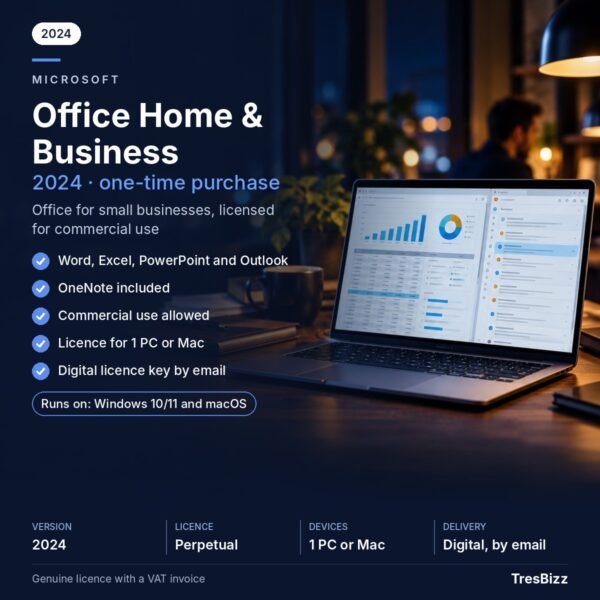 Microsoft Office Home & Business1 PC or MacLifetime licenceCommercial useFrom $239.87 excl. VAT$290.24 incl. 21% VATView product
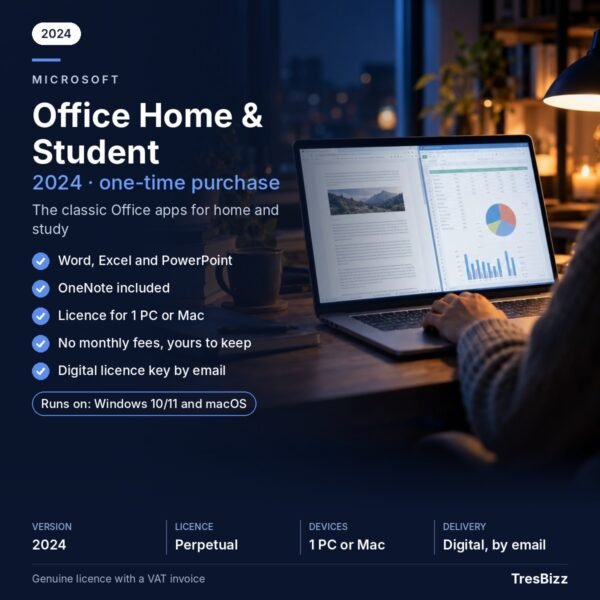 Microsoft Office Home & Student1 PC or MacLifetime licenceWord, Excel, PowerPointFrom $98.31 excl. VAT$118.96 incl. 21% VATView product
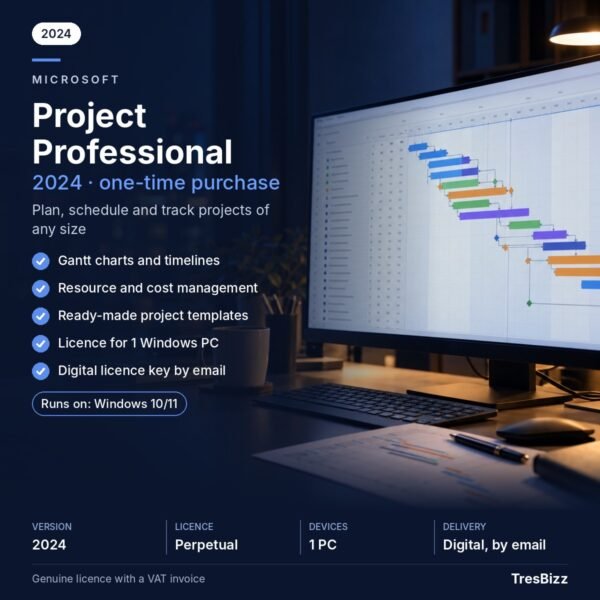 Microsoft Project ProfessionalGenuine licenceDigital delivery by emailOfficial VAT invoiceFrom $668.50 excl. VAT$808.89 incl. 21% VATView product



Mustafa –
affordable
Sanjay –
Every rupees spent worth it.. genuine product seamless instalation.
Unnikrishnan –
Liked it and thanks custer care support for successful installation and support
Panele Fotowoltaiczne –
I really enjoyed your unique approach to this topic. Your article was both informative and innovative.
Sean McCarthy –
Windows 7 Professional has been my go-to operating system for years. It’s reliable, user-friendly, and perfect for both personal and professional tasks. The stability is unmatched!
Catarina Costa –
I love the simplicity and speed of Windows 7 Professional. Even on older hardware, it runs smoothly without any lag. Great for small businesses looking for a lightweight OS.
Bahram Rezaei –
The compatibility mode in Windows 7 Professional is a lifesaver. I can still run older applications that I need for work without any issues. Perfect for those with legacy software!
Fleur Dupont –
Windows 7 Professional is one of the most stable operating systems Microsoft has released. The Aero interface is clean and functional, and multitasking is a breeze.
Emilia Kowalska –
The security features in Windows 7 Professional, like BitLocker, give me peace of mind when storing sensitive files. It’s a great choice for business users.
Emilia Kowalska –
Upgrading to Windows 7 Professional from the Home version was a game-changer. The additional features, like domain join and enhanced backup tools, are perfect for managing workstations in an office