



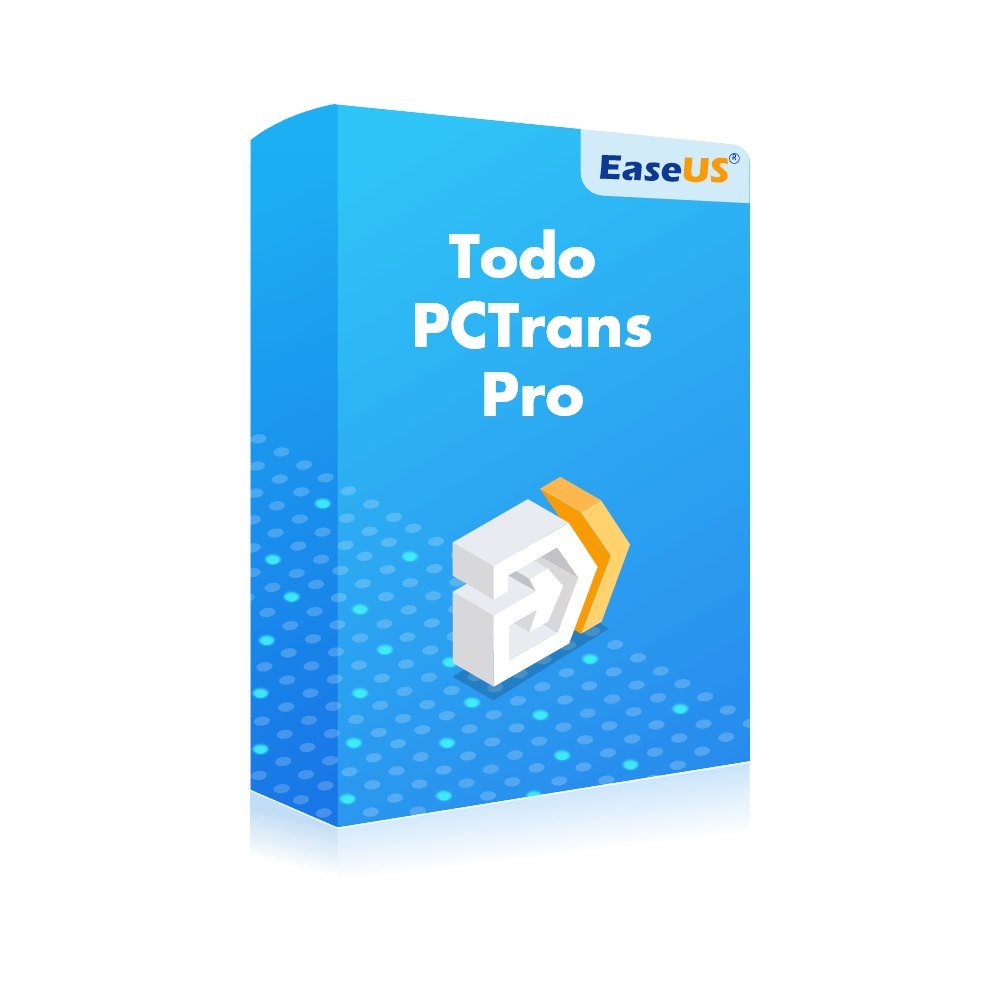

Description
Anyone who has changed laptop knows the routine: install everything again, sign in everywhere, copy the documents across and wonder what was forgotten. EaseUS Todo PCTrans Pro shortens that routine considerably. The software brings your applications, documents and personal settings from an old Windows computer to a new one, using your home or office network or a saved image file. Customers in Ireland can buy EaseUS Todo PCTrans Pro from TresBizz and receive a genuine licence digitally, with a VAT invoice for the books.
Main features
- Brings programs, files and user accounts to a replacement PC
- Relocates installed apps from one local drive to another
- Recovers data from a computer that is no longer working
- Network transfer or image file, whichever suits you
- A single licence for 2 PCs
Relocating apps is a real help on small system drives. Heavy software can be sent to a roomier disk with no reinstall, and your system partition gets some space back.
Choose your term
Pick either 12 months or Lifetime. Both cover 2 PCs. A yearly term makes sense for a single changeover; the Lifetime term suits people who replace devices every few years. Please note the licence is meant to be activated inside the European Union.
Shopping with TresBizz
TresBizz is a software seller in Brussels, Belgium, serving customers across Europe. When you order from Ireland:
- You pay in euro by card, Apple Pay, Google Pay or PayPal
- Each order comes with an official VAT invoice
- Companies elsewhere in the EU may enter their VAT number when paying
- The licence key and download link are emailed, typically within a few minutes and within 24 hours at the latest
- Help is given by email, and a faulty key is swapped for a working one or refunded
Only genuine, brand new licences are sold. Several licences can go into one basket, handy for small firms upgrading a few desktops together.
What you need
- Windows 10 or 11
- An internet connection so the key can be activated
Other details such as RAM and storage are best checked with the publisher. When transferring over a network, make sure the two machines can see one another.
Getting started with ease
These quick pointers will have you up and running with EaseUS Todo PCTrans Pro in no time.
- Compare the system requirements listed on this page with your device before downloading.
- Your licence key and download link are sent by email once payment is confirmed, normally within minutes and always within 24 hours. Should the message not appear, have a look in your junk folder.
- Hold on to the key and to your official invoice showing the VAT.
You will need a working internet connection to activate. If your key does not work, send us an email and we will either replace it or give you a refund.
Getting started
After payment you will find an email waiting with your key and a link to the installer. Download it, run the setup, type in the key and let the wizard lead you through each step. The time needed varies with the amount of data and the speed of your connection. Afterwards, launch a few familiar programs on the new machine to be sure they behave as before. Should a problem come up, send us a short email and we will look into it straight away.
Questions answered
How many computers can I use it on?
It is licensed for 2 PCs.
Can I get a lifetime licence?
Yes, the options are 12 months and Lifetime.
Does it run on Windows 10?
Yes, on Windows 10 and 11, with internet needed for activation.
How fast is delivery?
Your key is emailed, normally within minutes and always within 24 hours.
What happens if activation fails?
Email us and we will send a replacement key or refund your order.








Reviews
There are no reviews yet.