





Description
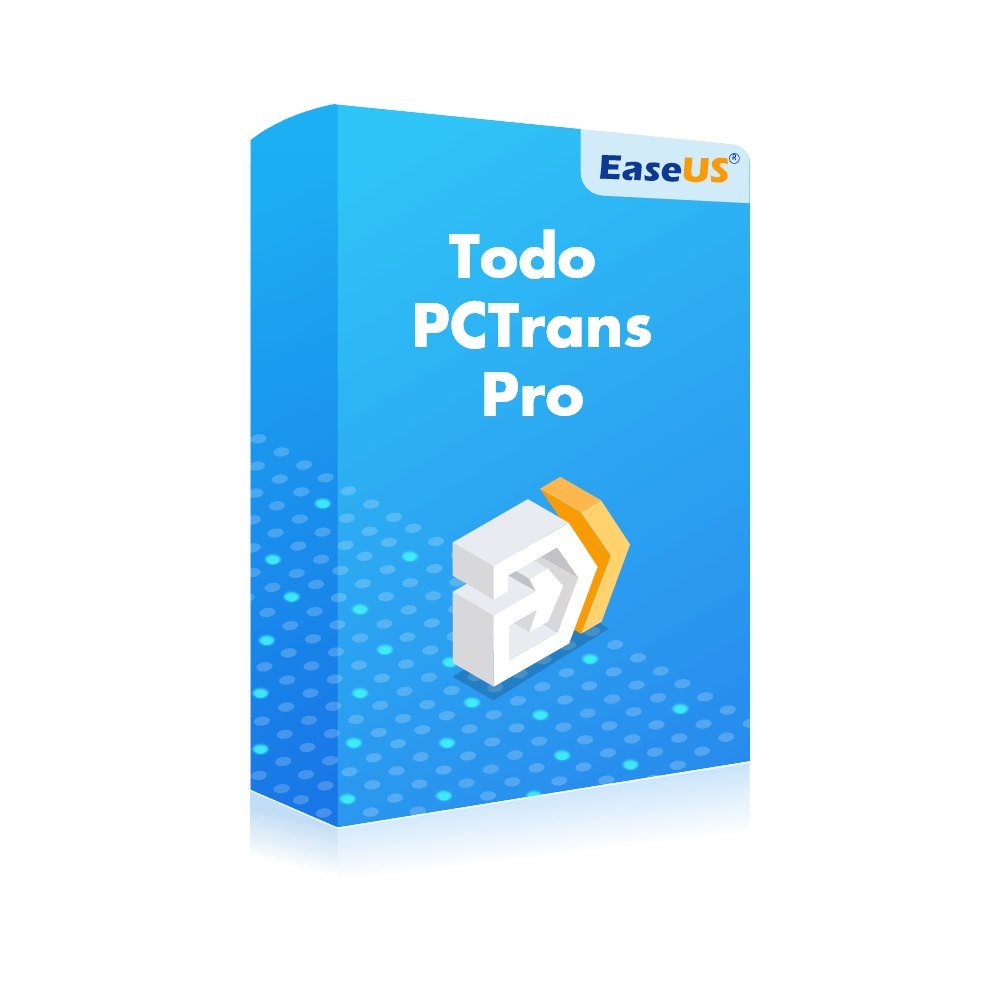
Setting up a new computer is the easy part. Reinstalling every program, hunting down old files and recreating your settings is what eats the weekend. EaseUS Todo PCTrans Pro takes care of that job. It moves your programs, files and settings from the old Windows PC to the new one, either across your network or with an image file, so you can carry on working as if nothing changed. If you want to buy EaseUS Todo PCTrans Pro in the UK, TresBizz supplies a genuine licence by email together with a proper VAT-free invoice.
What it does
- Transfers programs, files and accounts to a new PC
- Moves apps between local drives
- Rescues data from a dead PC
- Works over the network or through an image file
- One licence covers 2 PCs
The app mover is handy when your system disk is nearly full. Large programs can be shifted to another drive without reinstalling them, which gives Windows room to breathe.
Licence options
There are two terms to choose from: 12 months or Lifetime. Either way, the licence covers 2 PCs. The 12 month option suits a one-off upgrade, while Lifetime is the better pick if you swap machines regularly. The licence is intended for activation within the European Union.
Why TresBizz
TresBizz is a European software reseller based in Brussels, Belgium. For customers in the United Kingdom, that means:
- Pricing in pounds sterling, with payment by card, Apple Pay, Google Pay or PayPal
- An official VAT-free invoice with every order
- No VAT is charged at checkout so no VAT number is needed
- Your key and download link arrive by email within 24 hours
- Support by email, and a key that does not work is replaced or refunded
We sell genuine new licences only. Businesses can order several licences in one go, which is useful when a whole team is moving to new machines.
System requirements
- Windows 10 or 11
- Internet connection for activation
For details such as memory or disk space, please check the publisher's information. For a transfer across the network, both computers need to be able to reach each other on the same network.
Delivery and activation
Once payment clears, an email lands in your inbox with the licence key and a download link. Download the software, install it, enter the key and follow the on-screen wizard. How long the transfer takes depends on how much data you are moving and how quick your network is. When it finishes, open a few of your usual programs on the new PC to confirm that everything runs as expected. If anything looks wrong, drop us an email and we will help you sort it out.
Frequently asked questions
How many PCs does the licence cover?
The licence covers 2 PCs.
Is there a lifetime option?
Yes, you can choose between 12 months and Lifetime.
Which version of Windows do I need?
Windows 10 or 11, plus an internet connection for activation.
When will my key arrive?
By email within 24 hours.
What if the key does not work?
Email us and we will replace the key or refund you.








Reviews
There are no reviews yet.