



Buy Autodesk Mudbox in Ireland: Sculpt in 3D
Price range: €9.02 through €71.00 excl. VAT
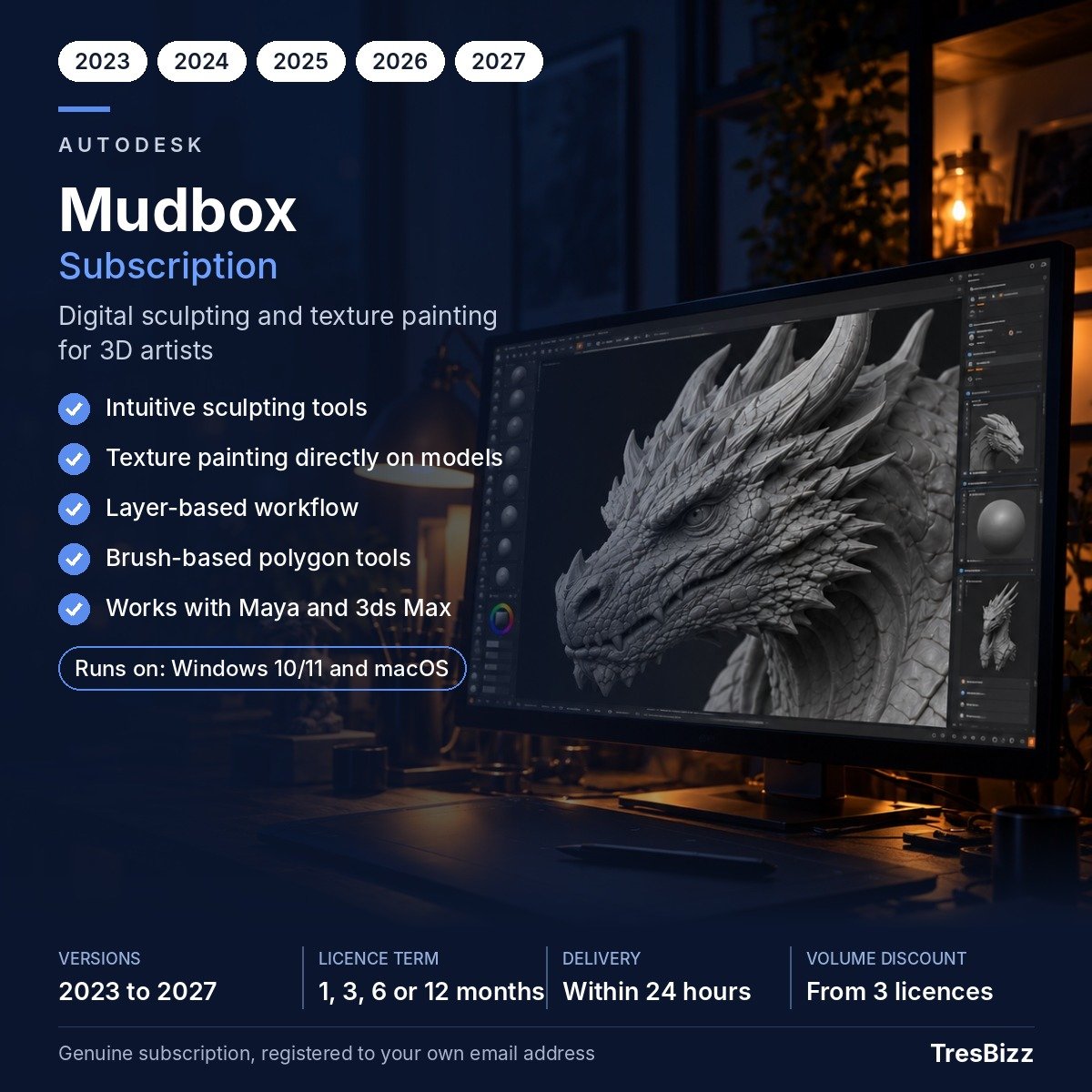
- Sculpt lifelike characters with clay-style brushes
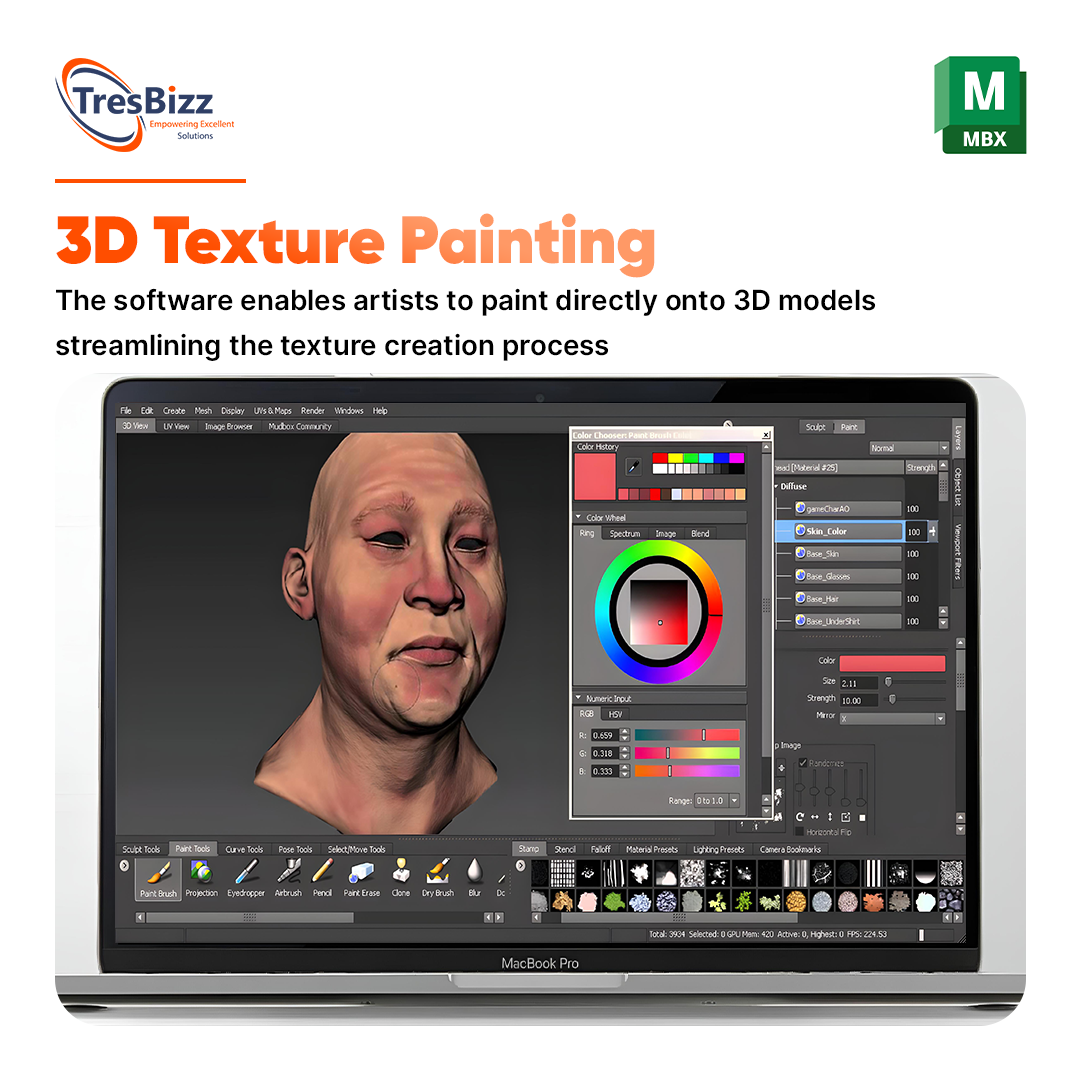
- Paint detailed textures on top of your models
- Work in layers and change your mind safely
- One device, flexible terms from a month to a year
- Licence details sent by email within minutes
Description
Sculpt and paint in 3D
Autodesk Mudbox is software for sculpting and painting three-dimensional models, aimed at artists and studios working in film, games and design. Irish creatives can use it to bring characters, creatures and props to life with remarkable detail. Order your subscription from TresBizz and start working the same day.
Main features
Here is what Mudbox brings to your desk:
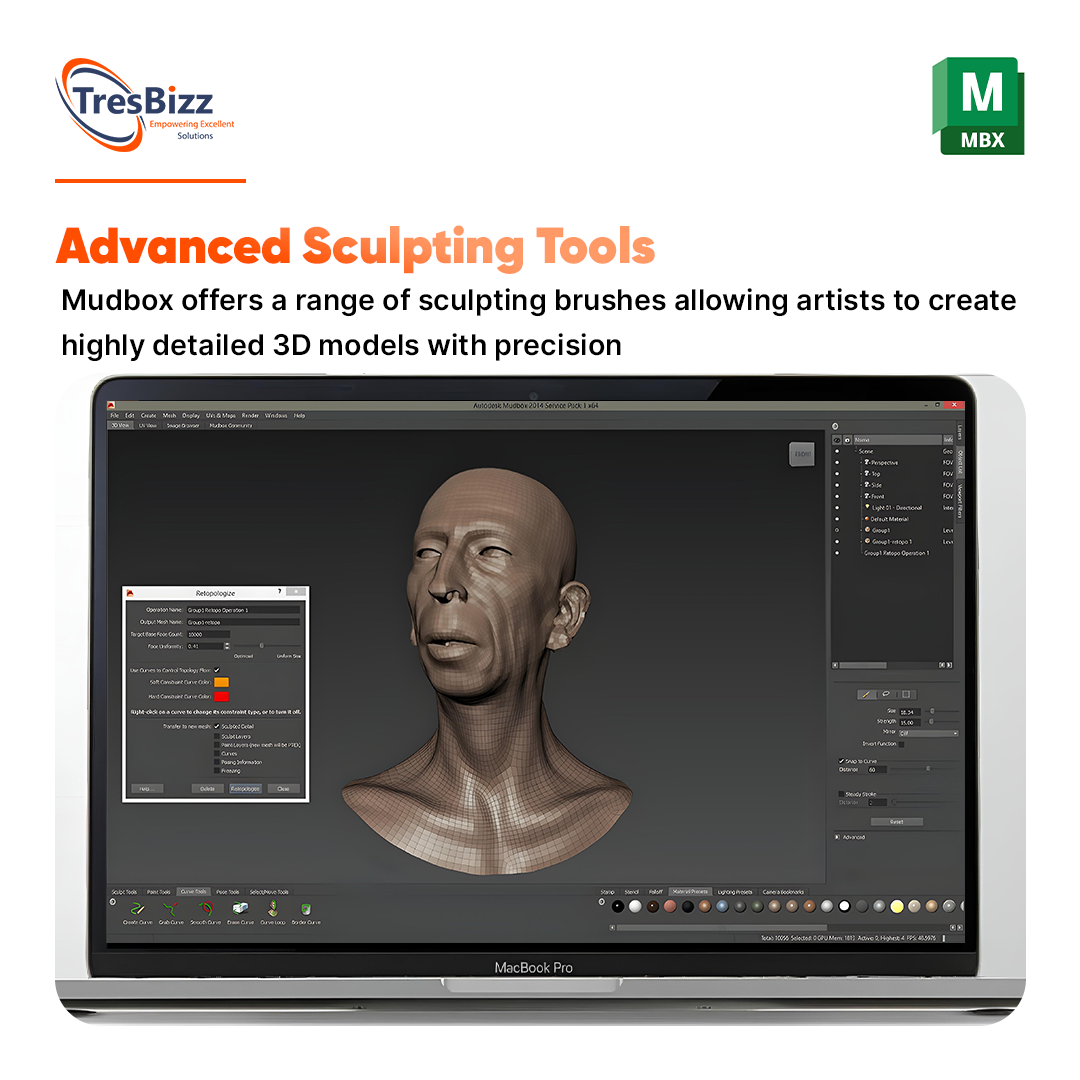
- Brushes and tools modelled on real-world sculpting
- Realistic clay behaviour under pressure and smoothing
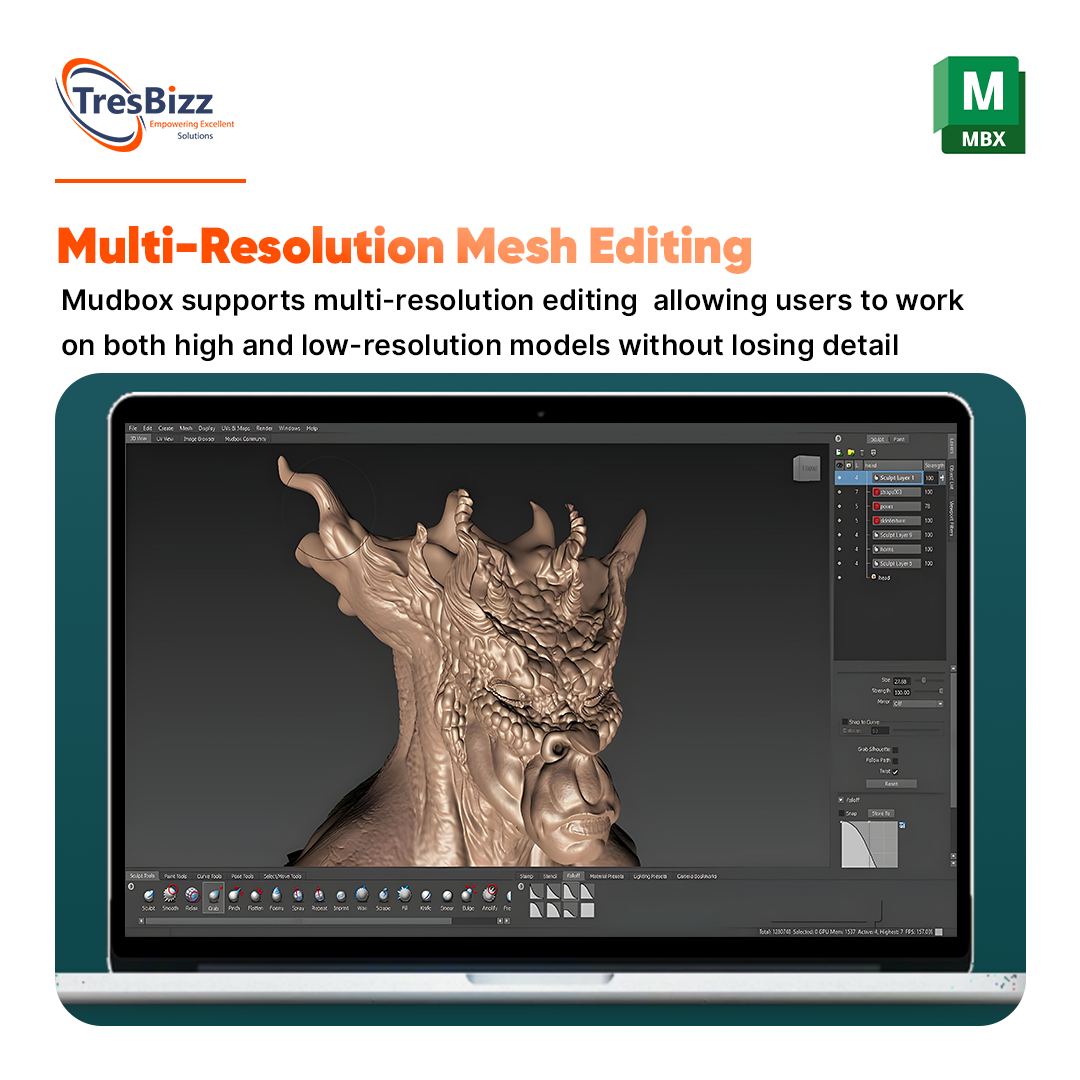
- Detail-rich meshes with millions of polygons
- Layers to edit freely without ruining earlier work
- Symmetry settings and live Boolean operations
- UV layout tools to prepare models for texturing
- Painting guided by your own reference images
- An interface you can arrange to your liking
Because Mudbox cooperates with Maya and 3ds Max, it is easy to move work between Autodesk programs. Output formats also cover 3D printing.
Common uses
Mudbox is popular for concept art, character creation, game development, animation and special effects. Its approachable layout lets beginners get going, while professionals appreciate the precision when producing high-quality models for demanding projects.
Choose your term
The licence is a subscription covering 1 device. Terms available are 1 month, 3 months, 6 months and 12 months, and you can select version 2023, 2024, 2025, 2026 or 2027. Short terms suit one-off jobs, while longer ones suit ongoing production.
The TresBizz advantage
TresBizz is a software retailer in Brussels, Belgium, delivering across Europe including Ireland.
- Checkout in euro with card, Apple Pay, Google Pay or PayPal
- An official VAT invoice is issued with every order
- EU companies can add their VAT number when ordering
- Help by email, with faulty keys swapped or paid back
Handy to know
Newcomers can lean on the learning resources Autodesk provides, and layers make it easy to undo experiments while you refine a character. The interface can be customised so your most-used brushes sit exactly where you want them. For teams working with Maya or 3ds Max, Mudbox is a natural companion for sculpting and texturing stages.
What your computer needs
Autodesk lists support for Windows 11 and 10, macOS (versions named by the maker) and several Linux distributions. Your machine should have a 64-bit multi-core Intel or AMD processor, 4 GB of RAM (8 GB or more works better), 2 GB of storage for the installation and a three-button mouse. For graphics cards, see the hardware list on the Autodesk site.
Your first sculpting session
If you are new to Mudbox, this order of work keeps things simple:
- Start with the rough shape using the sculpting brushes and symmetry
- Build up detail on layers so you can change your mind without losing work
- Unwrap the model using the UV layout tools
- Paint directly on the surface, with reference images if you like
Then export to the format you need, such as for Maya, 3ds Max or 3D printing. With terms of 1, 3, 6 or 12 months, the subscription can follow the length of one project.
Getting started
After we receive payment, your key and download link arrive by email, normally within minutes and always within 24 hours. Install Mudbox, log in with your Autodesk account and switch on your subscription.
Quick answers
Can a newcomer learn Mudbox?
Yes. A bit of 3D sculpting background is useful, and Autodesk provides tutorials and learning material.
Mudbox or ZBrush?
Both are strong. Mudbox focuses on a friendly interface and a classic sculpting approach, whereas ZBrush offers more specialist tools.
Is 3D printing export possible?
Yes, you can save models in several formats that 3D printing programs accept.
Which terms can I order?
1, 3, 6 or 12 months, each for 1 device.
What happens if the key fails?
Send us an email and we will provide a replacement key or return your money.
Additional information
| Licence type | Subscription |
|---|---|
| Version | 2023, 2025, 2027, 2024, 2026 |
| Term | 1 month, 3 months, 6 months, 12 months |
| Devices | 1 device |
Related products
-

Autodesk Flow Production Tracking
Price range: €37.62 through €296.00 excl. VAT Select options This product has multiple variants. The options may be chosen on the product page -
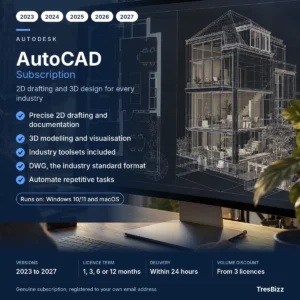
Autodesk AutoCAD
Price range: €94.35 through €742.42 excl. VAT Select options This product has multiple variants. The options may be chosen on the product page -

Autodesk Fusion 360 Extensions
Price range: €113.86 through €896.00 excl. VAT Select options This product has multiple variants. The options may be chosen on the product page -
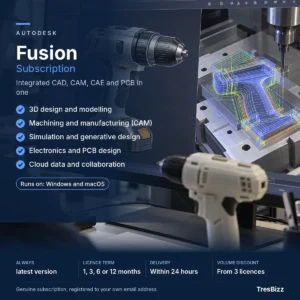
Autodesk Fusion
Price range: €71.47 through €562.40 excl. VAT Select options This product has multiple variants. The options may be chosen on the product page







Reviews
There are no reviews yet.