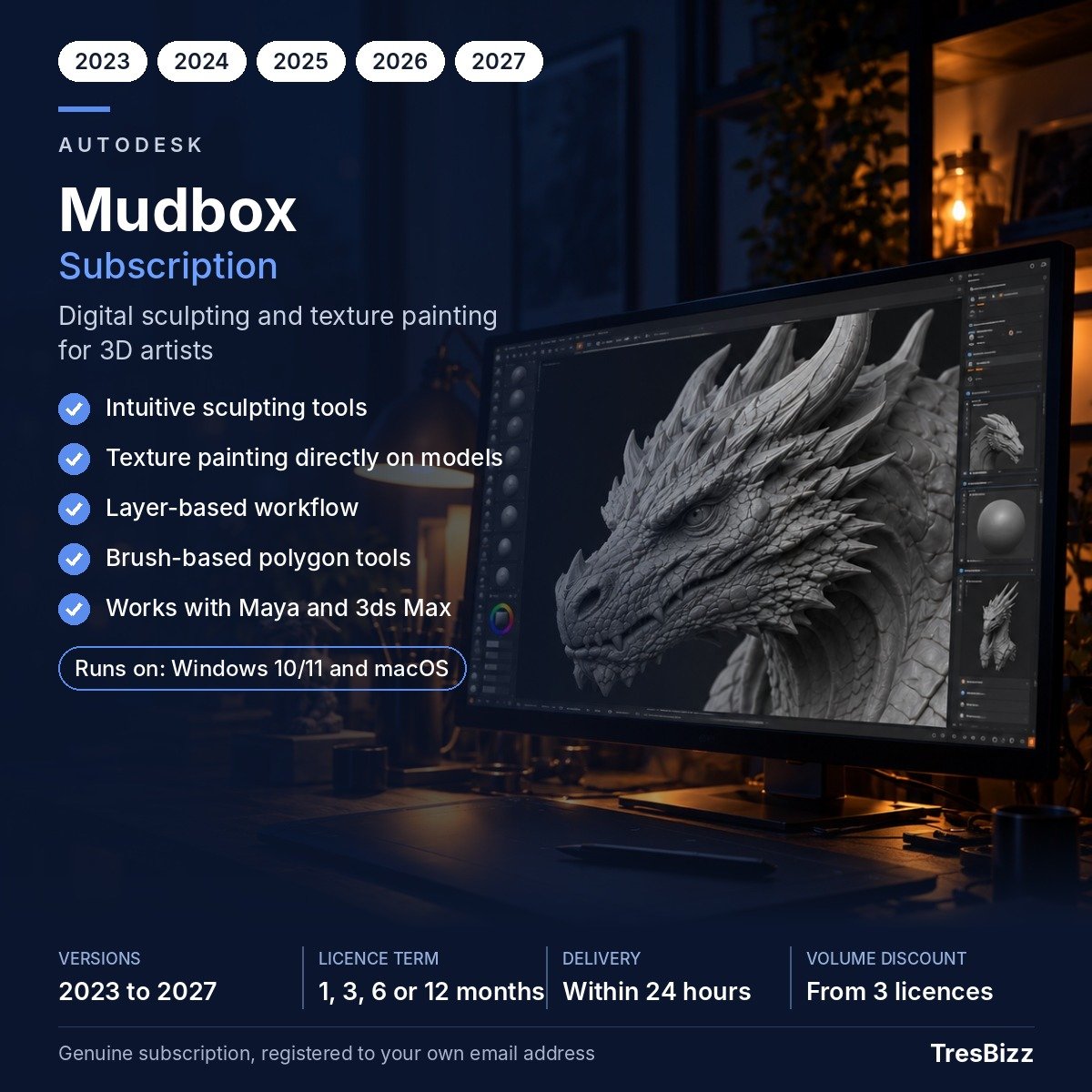
Autodesk Mudbox is a digital sculpting and painting application built for artists and professionals in entertainment and design. It lets you shape high-resolution characters, creatures and props with the feel of real clay. TresBizz makes it easy to buy a genuine Mudbox subscription in the United Kingdom, with everything handled online.
What you can do with it
Mudbox gives you a full toolkit for organic modelling:
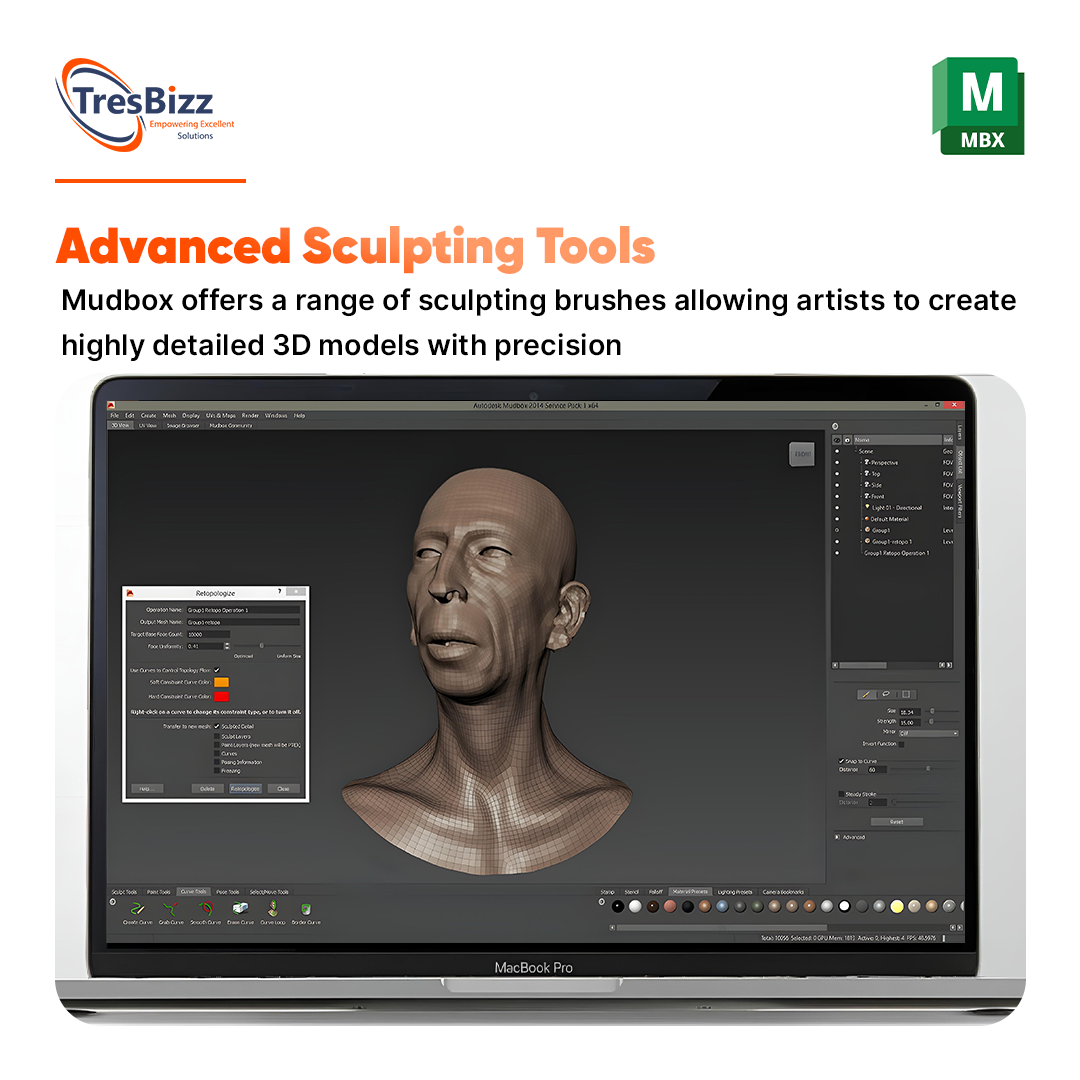
A wide range of brushes that mimic traditional sculpting techniques
Digital clay that responds to pressure and smoothing
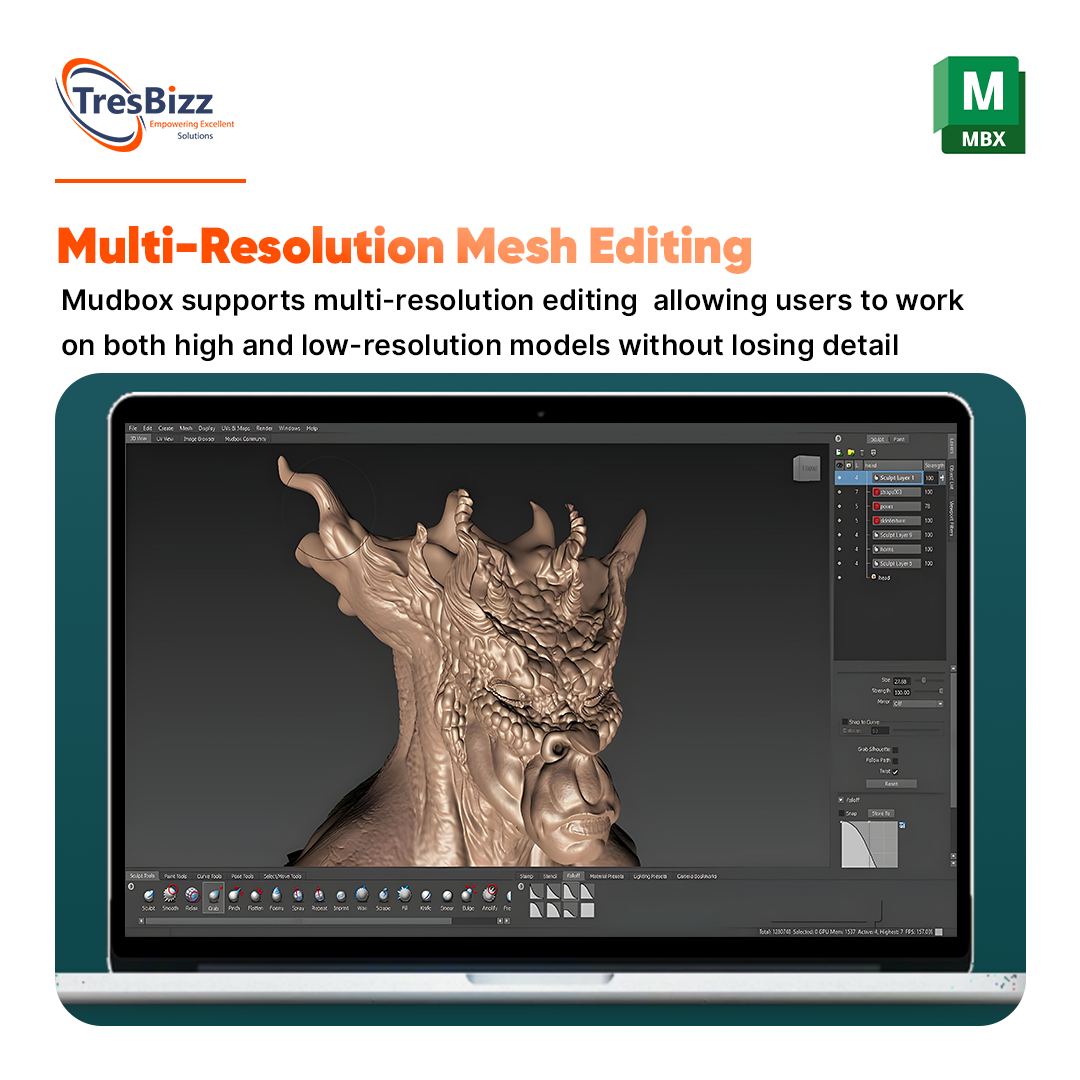
Fine detail with support for millions of polygons
Layers for non-destructive editing and experimenting
Symmetry and live Boolean operations for complex shapes
Built-in UV layout tools for unwrapping models
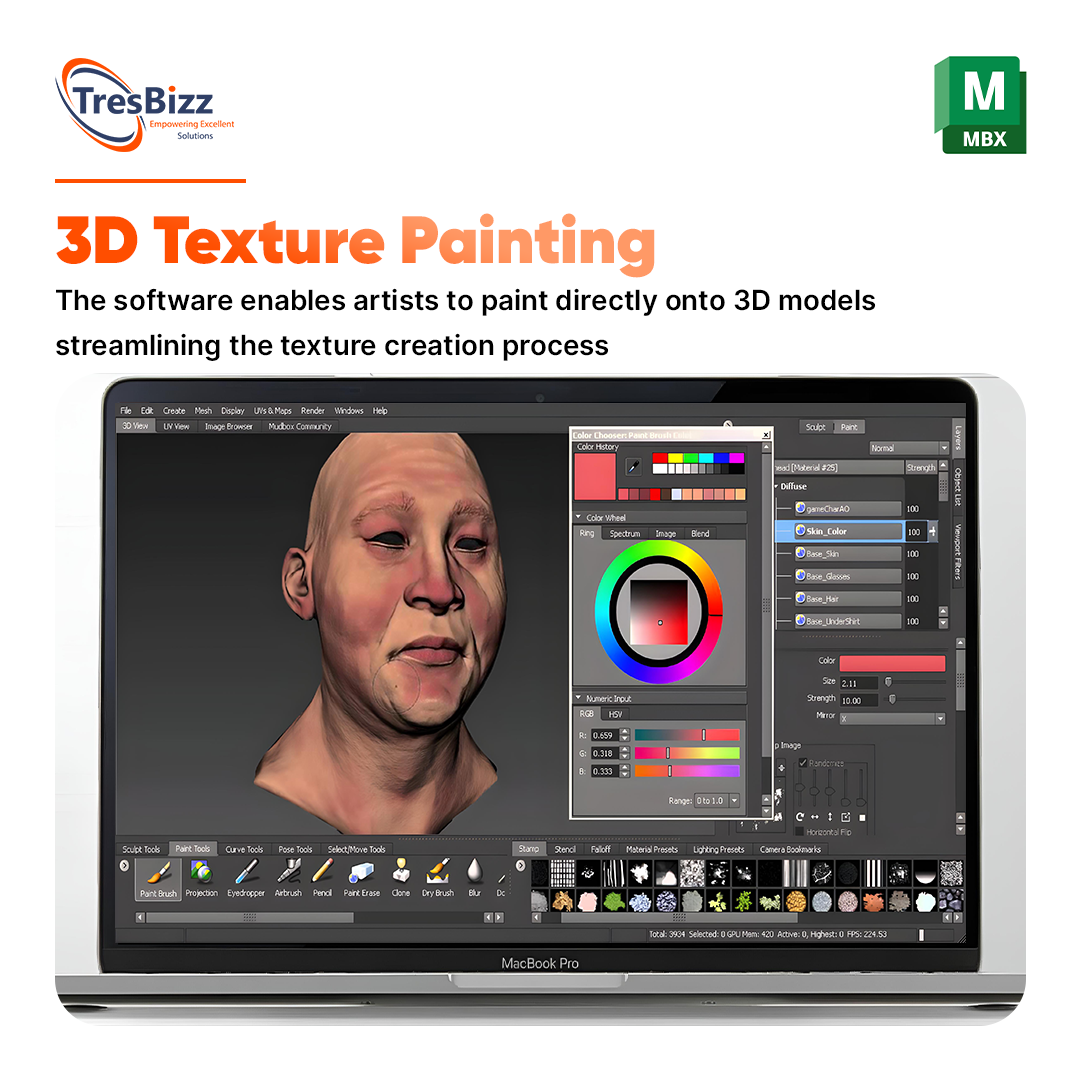
Image-based painting from reference pictures
A customisable interface
It works alongside other Autodesk software such as Maya and 3ds Max, so it slots neatly into a wider 3D pipeline. Finished models can be exported in several formats, including ones suited to 3D printing.
Who uses Mudbox
Concept artists, character designers, game developers and visual effects teams rely on Mudbox. The friendly interface helps newcomers and seasoned professionals alike to reach polished results quickly, whether the job is a single prop or a full cast of creatures.
Licence options
Your licence is a subscription for 1 device. Pick the term that suits the project: 1 month, 3 months, 6 months or 12 months. Versions 2023, 2024, 2025, 2026 and 2027 are on offer. Simply choose the combination you need on the product page.
Why buy from TresBizz
TresBizz is a software seller based in Brussels, Belgium, serving customers across Europe, including the UK.
Pay in pounds sterling by card, Apple Pay, Google Pay or PayPal
Every order comes with an official VAT-free invoice
No VAT is charged at checkout so no VAT number is needed
Email support, and a key that fails is replaced or refunded
System requirements
According to Autodesk, Mudbox runs on Windows 11 and 10, on macOS (versions listed by the manufacturer) and on selected Linux distributions. You need a 64-bit multi-core Intel or AMD processor, 4 GB of RAM (8 GB or more is recommended), 2 GB of disk space for installation and a three-button mouse. Autodesk publishes a list of supported graphics cards on its website.
Getting started with a model
A simple routine gets you moving quickly in Mudbox:
Block out the basic form with the sculpting brushes and use symmetry
Add detail on separate layers so edits stay non-destructive
Unwrap the model with the UV layout tools
Paint straight onto the model, including from reference images
When you are done, export the result in the format you need, for example for Maya, 3ds Max or 3D printing. Because the subscription runs for 1, 3, 6 or 12 months, you can match the term to a single project.
Delivery and activation
Once payment clears, we email your licence key and download link, usually within minutes and at the latest within 24 hours. Download the software, install it and sign in with your Autodesk account to activate the subscription. Check the requirements above before you order.
Mudbox questions answered
Is Mudbox suitable for beginners?
Yes, although some prior experience with 3D sculpting helps. Autodesk offers learning resources to get you started.
How does Mudbox differ from ZBrush?
Both are powerful. Mudbox is known for its intuitive interface and traditional sculpting workflow, while ZBrush has a wider range of specialised features.
Can I export models for 3D printing?
Yes, Mudbox exports in various formats that work with 3D printing software.
How long does the subscription run?
You choose 1, 3, 6 or 12 months, for 1 device.
What if my key does not work?
Email us and we will replace the key or refund your order.
Be the first to review “Buy Autodesk Mudbox: 3D Sculpting Subscription UK” Cancel reply
AUTHENTIC LICENSE
Secure devices with Genuine Licenses
FAST DELIVERY
Get license by email instantly
OFFICE HOURS SUPPORT
(+32) 2 393 50 50
SECURE PAYMENT
Your data is secure with us
BEST PRICING
Quality and Services within budget
GLOBAL DELIVERY
No Regional Restrictions
Partners
Manage Consent
To provide the best experiences, we use technologies like cookies to store and/or access device information. Consenting to these technologies will allow us to process data such as browsing behavior or unique IDs on this site. Not consenting or withdrawing consent, may adversely affect certain features and functions.
Functional
Always active
The technical storage or access is strictly necessary for the legitimate purpose of enabling the use of a specific service explicitly requested by the subscriber or user, or for the sole purpose of carrying out the transmission of a communication over an electronic communications network.
Preferences
The technical storage or access is necessary for the legitimate purpose of storing preferences that are not requested by the subscriber or user.
Statistics
The technical storage or access that is used exclusively for statistical purposes.The technical storage or access that is used exclusively for anonymous statistical purposes. Without a subpoena, voluntary compliance on the part of your Internet Service Provider, or additional records from a third party, information stored or retrieved for this purpose alone cannot usually be used to identify you.
Marketing
The technical storage or access is required to create user profiles to send advertising, or to track the user on a website or across several websites for similar marketing purposes.






 Autodesk 3ds MaxSubscription 1 to 12 monthsVersions 2023 to 20271 userFrom £76.59/month excl. VAT£92.67 per month incl. 21% VATView product
 Autodesk AEC CollectionSubscription 1 to 12 monthsVersions 2023 to 2027Revit, AutoCAD, Civil 3D and moreFrom £78.98/month excl. VAT£95.57 per month incl. 21% VATView product
 Autodesk AutoCADSubscription 1 to 12 monthsVersions 2023 to 20271 userFrom £78.98/month excl. VAT£95.57 per month incl. 21% VATView product
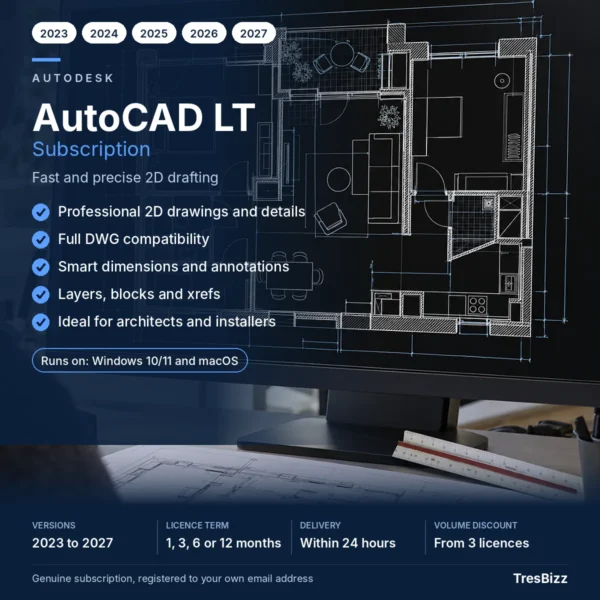 Autodesk AutoCAD LTSubscription 1 to 12 monthsVersions 2023 to 20271 userFrom £48.16/month excl. VAT£58.27 per month incl. 21% VATView product
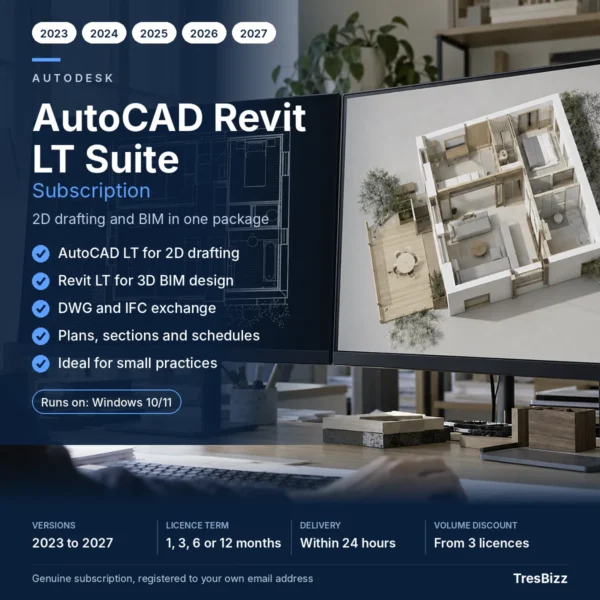 Autodesk AutoCAD Revit LT SuiteSubscription 1 to 12 monthsVersions 2023 to 20271 userFrom £55.84/month excl. VAT£67.57 per month incl. 21% VATView product
 Autodesk Civil 3DSubscription 1 to 12 monthsVersions 2023 to 20271 userFrom £74.58/month excl. VAT£90.24 per month incl. 21% VATView product
 Autodesk Flow Production TrackingSubscription 1 to 12 monthsVersions 2023 to 20271 userFrom £31.49/month excl. VAT£38.10 per month incl. 21% VATView product




Reviews
There are no reviews yet.