



Description
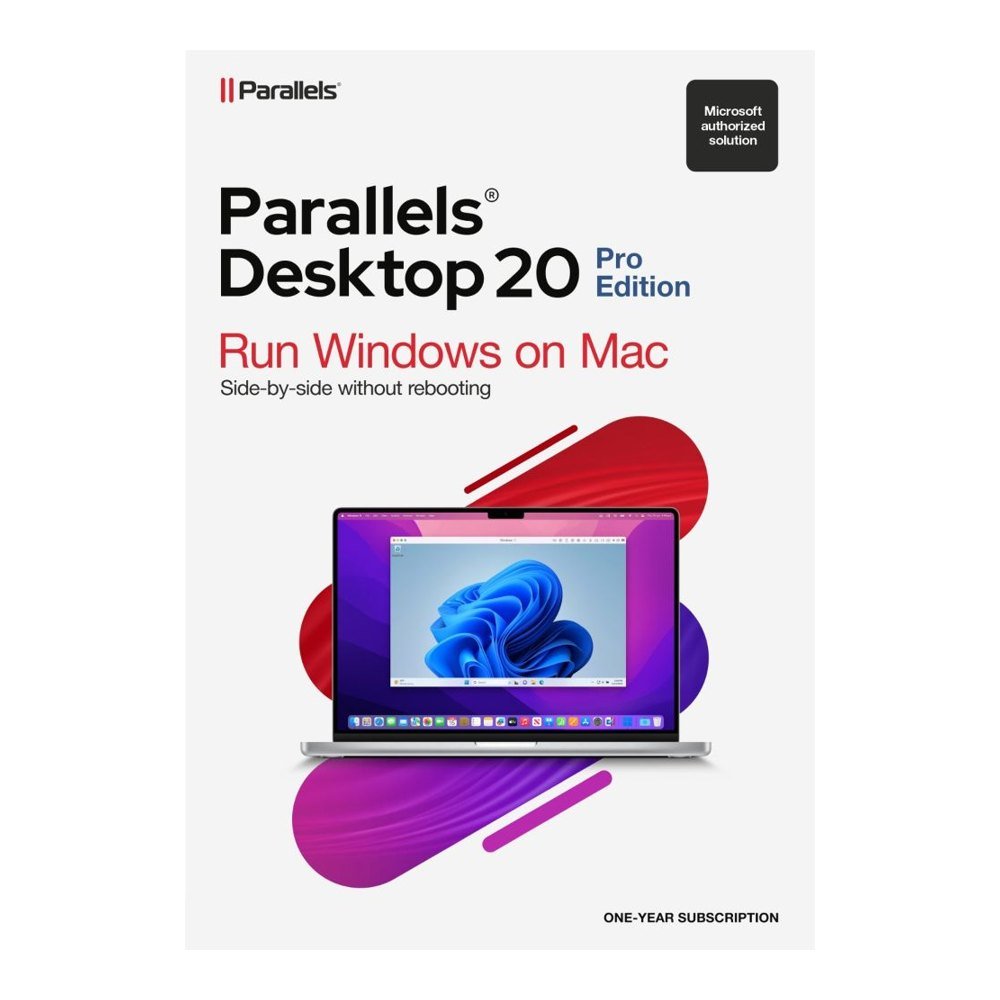
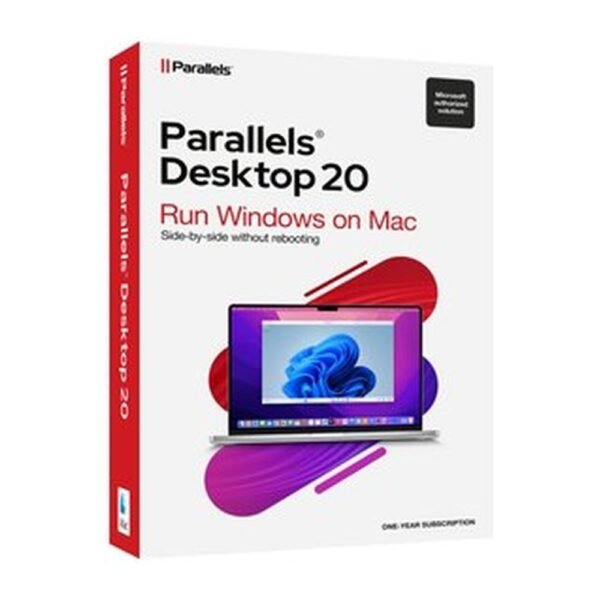
Developing software on a Mac can mean checking how an application behaves on different operating systems, testing a website or reproducing a particular setup. Parallels Desktop 20 Pro lets you run Windows, Linux and macOS virtual machines alongside macOS on the same Mac. It is the Pro edition for developers, testers and power users who need more virtual machine capacity and practical tools for technical work.
What does the Pro edition add?
Compared with Standard, Pro supports up to 128 GB vRAM and 32 vCPUs per virtual machine on Intel Macs. On Apple silicon, the limits are 62 GB vRAM and 18 vCPUs, while Standard is limited to 8 GB and 4 vCPUs. This extra capacity gives you more room to run systems for software development and testing.
On Apple silicon Macs, Windows 11 Pro and Enterprise Arm versions run with Microsoft's authorisation. On Intel Macs, you can run Windows 11 or Windows 10 in 64-bit versions. A Windows licence is not included with Parallels Desktop 20 Pro and must be purchased separately.
Which developer tools are included?
The Pro edition includes a Visual Studio plug-in and a VS Code extension, along with the prlctl and prlsrvctl command-line tools. It works with Vagrant, Packer, Jenkins, Minikube and Docker. Intel Mac users also get nested virtualisation, while debugging options include lldb and memory core dumps.
For everyday handling, you can use port forwarding and Shared, Bridged or Host-Only network modes. Other options include running virtual machines without a graphical interface, one-click cloning, launching SSH sessions, opening websites in a browser for testing and packaging a virtual machine as a single file. Clipboard sharing can be limited to one direction or disabled.
Can my Mac run it?
You need a Mac with an Apple M1, M2, M3 or M4 chip, including Pro, Max and Ultra versions, or an Intel Core i5, i7, i9, Core M or Xeon processor. The minimum memory is 4 GB, with 16 GB or more recommended for best performance; allow about 600 MB for the app plus storage for each guest system, including at least 16 GB for Windows, and use macOS Sequoia 15.0 or newer, Sonoma 14.0 or newer, Ventura 13.4 or newer, or Monterey 12.6 or newer.
Who in a team gets most from it?
Developers can use separate virtual machines to check software on different systems, while testers can reproduce setups without moving between computers. For a small Irish software team, the ability to clone a virtual machine or launch an SSH session can also help when preparing repeatable tests. Power users who work with several operating systems can keep those systems available on one Mac.
How does the subscription work?
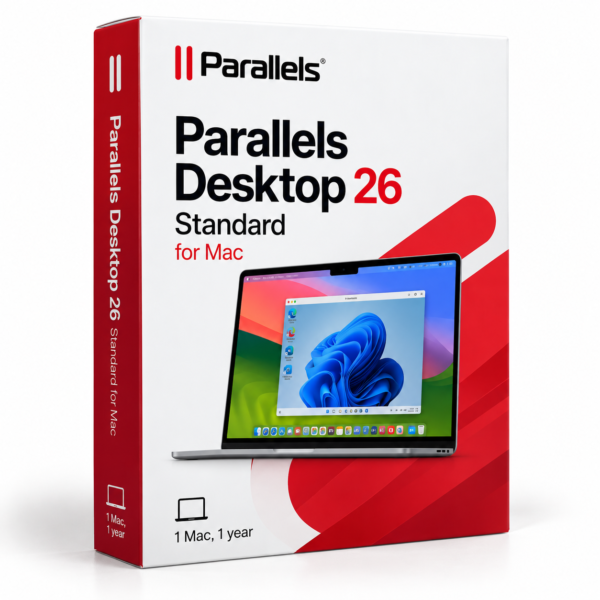
This offer covers a 12-month subscription for 1 Mac. It is a subscription rather than a permanent licence, so check the term before ordering. If your work requires Windows, arrange a separate Windows licence as it is not part of this product.
What happens after I order?
TresBizz sends your Parallels licence key and download link by email within 24 hours after payment. Every order includes an official VAT invoice, and EU business buyers can enter a VAT number for reverse charge treatment where applicable. There is no physical shipment. Install the application on your Mac, enter the supplied key and complete activation. The licence is intended for activation within the European Union. TresBizz provides email support, with a replacement or refund if activation does not work.





Reviews
There are no reviews yet.