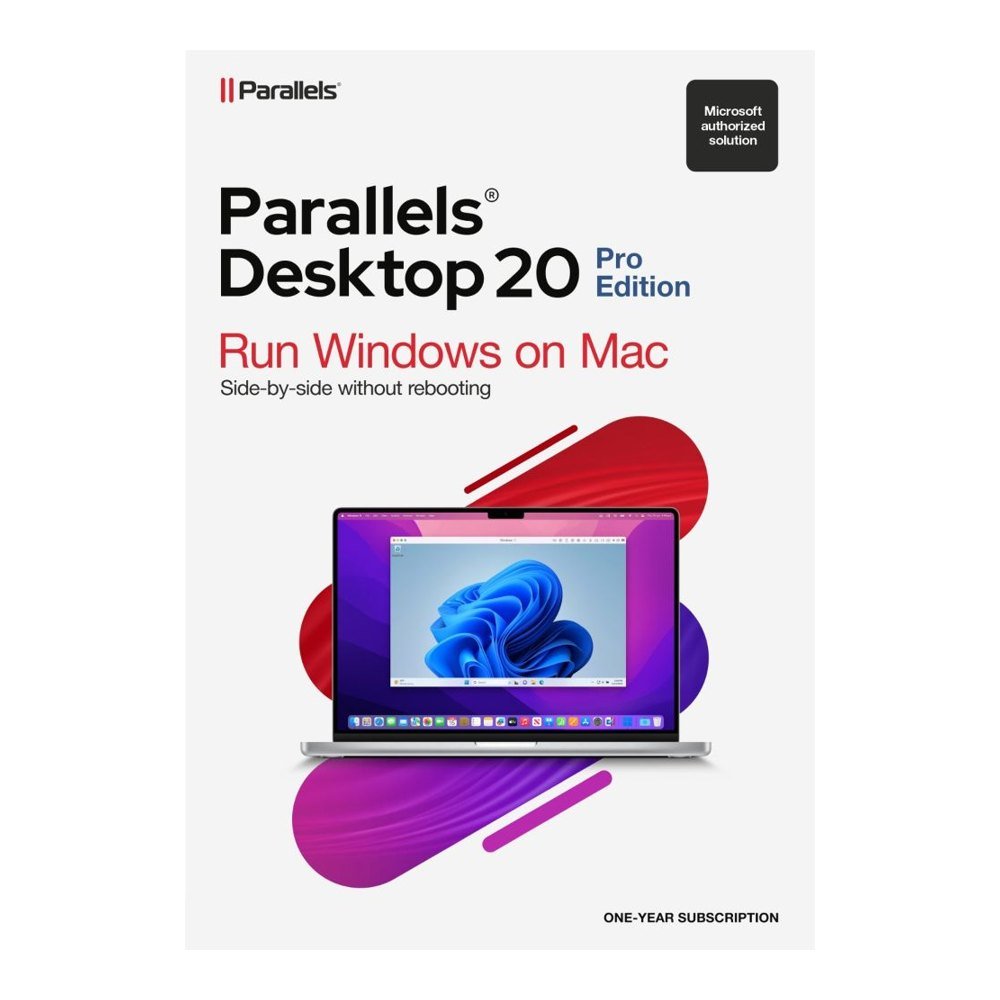
Developers working on cross-platform applications often need to check builds in more than one operating system. Parallels Desktop 20 Pro runs Windows, Linux and macOS virtual machines on a Mac, side by side with macOS. You can keep your main Mac environment open while testing a build in a separate virtual machine. Developer tools include a Visual Studio plug-in, a VS Code extension and the prlctl and prlsrvctl command-line tools. Integrations with Vagrant, Packer, Jenkins, Minikube and Docker help connect virtual machine work with development workflows. On Intel Macs, nested virtualisation is supported. Debugging options include lldb and memory core dumps.
Run several virtual machines for data and QA
A data or quality assurance team may need several operating system configurations to check behaviour across environments. Pro offers higher virtual machine resource limits than Standard. On Intel Macs, each virtual machine can use up to 128 GB vRAM and 32 vCPUs. On Apple silicon Macs, the limits are 62 GB vRAM and 18 vCPUs. Standard is limited to 8 GB and 4 vCPUs. You can run headless virtual machines, clone a machine with one click and launch SSH sessions. Port forwarding and Shared, Bridged and Host-Only network modes provide options for configuring network access. Clipboard sharing can be set to one-way or disabled, and a virtual machine can be packaged as a single file.
Use a Windows-only finance or engineering app
A consultant working on a Mac may still need a particular Windows application for a finance or engineering task. Parallels Desktop 20 Pro lets you run a supported Windows system in a virtual machine alongside macOS, so you can keep Mac applications available too. On Intel Macs, supported systems are Windows 11 or Windows 10, 64-bit. On Apple silicon Macs, Windows 11 Pro and Enterprise Arm versions run with Microsoft's authorisation. A Windows licence is not supplied and must be bought separately. Open in Browser is available for testing websites, and the virtual machine can be kept separate from the main Mac environment.
Study on an Apple silicon MacBook
Students using an Apple silicon MacBook can set up virtual environments for coursework, software testing and technical learning. Parallels Desktop 20 Pro supports Apple M1, M2, M3 and M4 chips, including Pro, Max and Ultra variants. You can run Linux or supported Windows 11 Arm systems alongside macOS, then keep separate virtual machines for different subjects or tasks. One-click cloning helps prepare another environment from an existing virtual machine. Clipboard sharing can be restricted to one direction or switched off, depending on how you want information to pass between the guest system and your Mac.
System requirements
Mac: Apple M1, M2, M3 or M4, including Pro, Max and Ultra, or Intel Core i5, i7, i9, Core M or Xeon.
Memory: 4 GB RAM; 16 GB or more for best performance.
Storage: About 600 MB for the app, plus space for each guest system and at least 16 GB for Windows.
macOS: Sequoia 15.0 or newer, Sonoma 14.0 or newer, Ventura 13.4 or newer, or Monterey 12.6 or newer.
Licence and delivery
This is a 12-month subscription for one Mac, and a Windows licence must be bought separately if needed. TresBizz emails the licence key and download link within 24 hours after payment, with an official invoice supplied for every order.
Every order is VAT-free and comes with an official invoice.
Be the first to review “Buy Parallels Desktop 20 Pro for Mac Development” Cancel reply
AUTHENTIC LICENSE
Secure devices with Genuine Licenses
FAST DELIVERY
Get license by email instantly
OFFICE HOURS SUPPORT
(+32) 2 393 50 50
SECURE PAYMENT
Your data is secure with us
BEST PRICING
Quality and Services within budget
GLOBAL DELIVERY
No Regional Restrictions
Partners
Manage Consent
To provide the best experiences, we use technologies like cookies to store and/or access device information. Consenting to these technologies will allow us to process data such as browsing behavior or unique IDs on this site. Not consenting or withdrawing consent, may adversely affect certain features and functions.
Functional
Always active
The technical storage or access is strictly necessary for the legitimate purpose of enabling the use of a specific service explicitly requested by the subscriber or user, or for the sole purpose of carrying out the transmission of a communication over an electronic communications network.
Preferences
The technical storage or access is necessary for the legitimate purpose of storing preferences that are not requested by the subscriber or user.
Statistics
The technical storage or access that is used exclusively for statistical purposes.The technical storage or access that is used exclusively for anonymous statistical purposes. Without a subpoena, voluntary compliance on the part of your Internet Service Provider, or additional records from a third party, information stored or retrieved for this purpose alone cannot usually be used to identify you.
Marketing
The technical storage or access is required to create user profiles to send advertising, or to track the user on a website or across several websites for similar marketing purposes.










Reviews
There are no reviews yet.