





Description
Windows 11 Pro at work
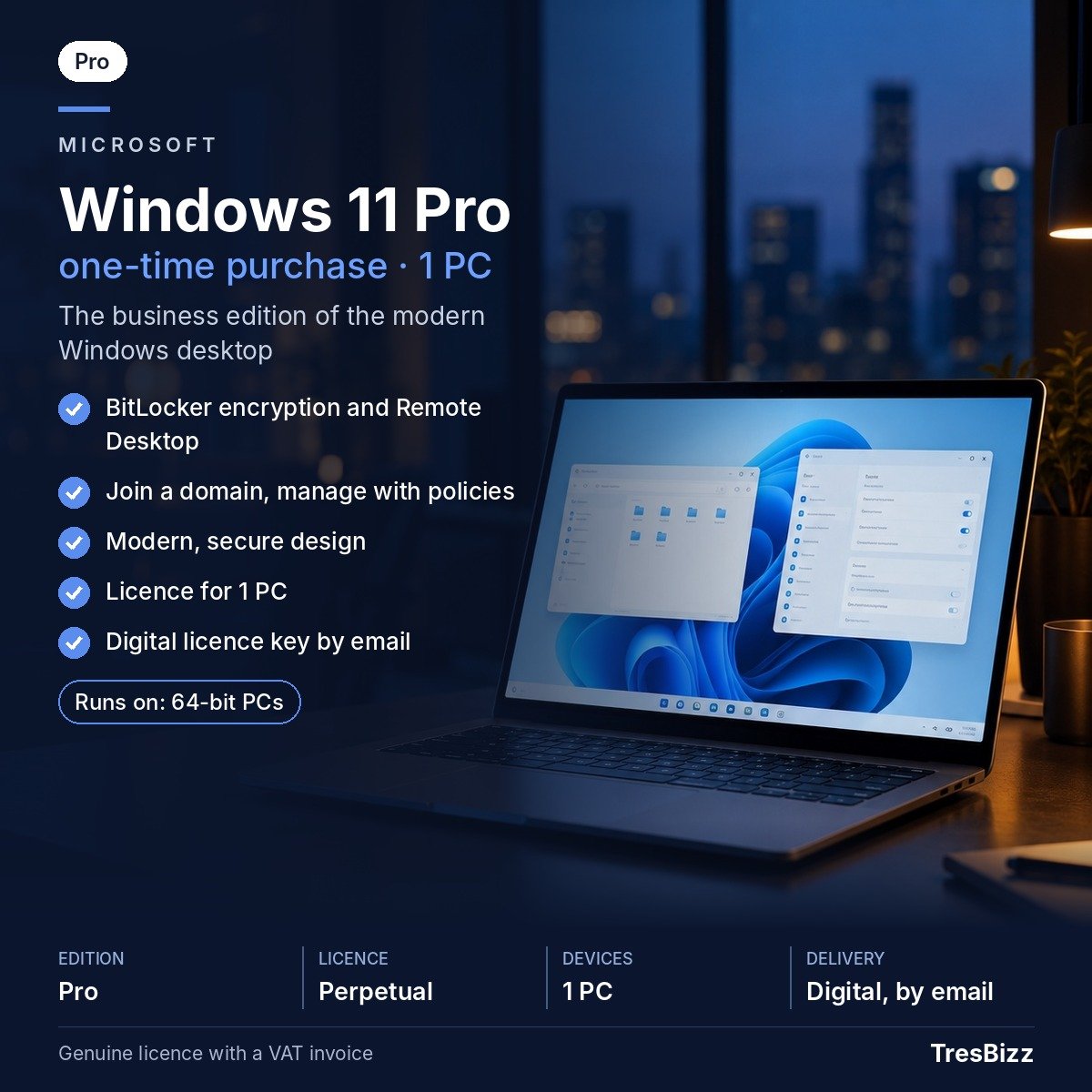
Windows 11 Pro keeps the Windows desktop you know and adds tools for security, administration and remote access. You get a centred Start menu, a refreshed taskbar and Snap layouts that keep windows tidy. It suits freelancers, home offices, small firms in Valletta, Sliema or Gozo, and anyone looking after several business computers. If you want tighter control over your data and your devices, the Pro edition is built for that.
Key features
- BitLocker: encrypt the storage drive to help guard information against unauthorised access.
- Remote Desktop: set your PC to accept incoming connections when you need to work from another place.
- Business administration: join a domain or Microsoft Entra ID and manage supported settings through Group Policy.
- Hyper-V: build and run virtual machines using built-in technology.
- Windows Sandbox: run applications in a separate environment.
- Update controls: set organisation-wide update policies with Windows Update for Business and configure kiosk-style devices with Assigned Access.
- Integrated security: Microsoft Defender, Windows Hello on compatible devices and TPM 2.0 hardware protection.
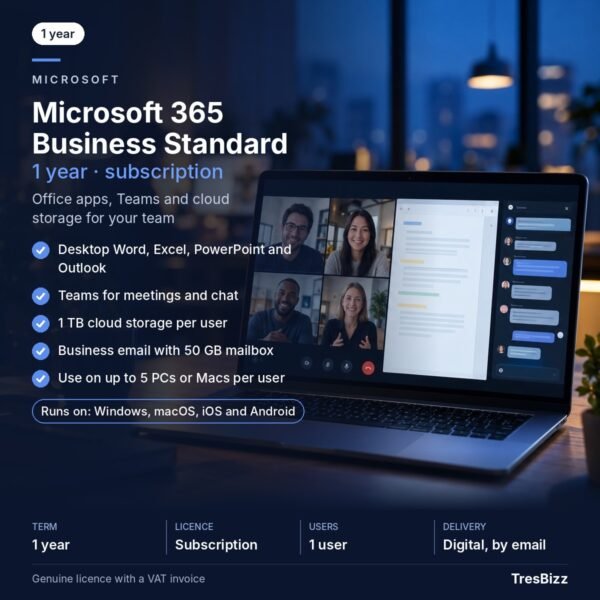
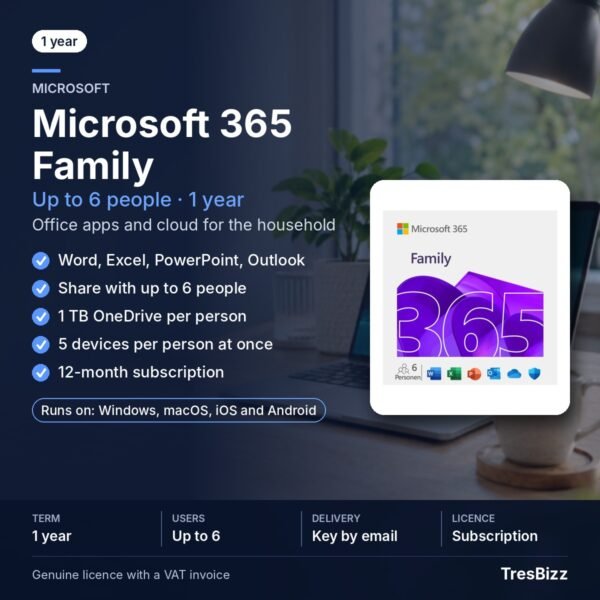
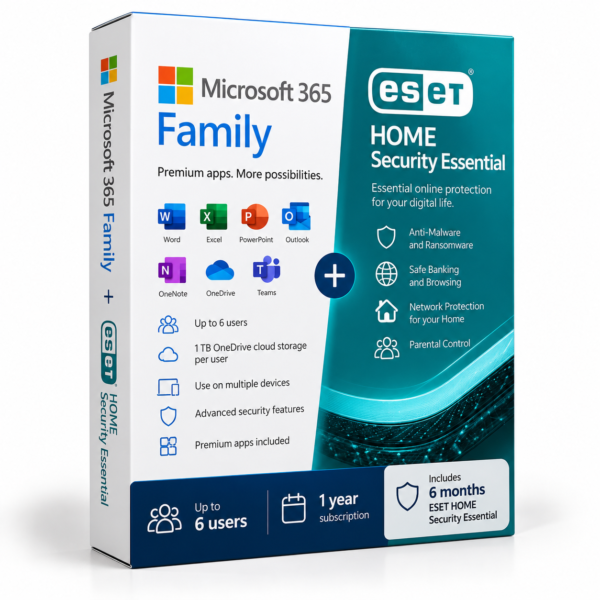
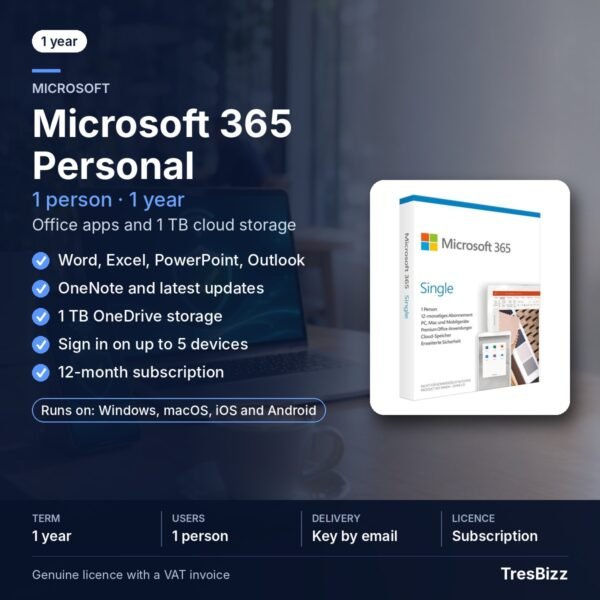
Windows 11 Pro also runs Microsoft 365 apps such as Word, Excel and PowerPoint. A Microsoft 365 subscription or licence is not part of this purchase.
Licence options
Choose how many devices you need to cover. The 1-device option suits a single computer or workstation. Pick 5 devices for a small business or a user with several machines, and 10 devices for a larger set-up. Every option is a genuine, new perpetual licence for the current version, so you pay once and there is no monthly subscription to keep up.
Why buy from TresBizz
TresBizz is based in Brussels, Belgium, and delivers to customers in Malta. Orders are charged in euro, and you can pay by card, Apple Pay, Google Pay or PayPal. Each order includes an official VAT invoice. Businesses in the EU can enter their VAT number at checkout, and reverse charge applies where it is allowed. Your product key and download link arrive by email within 24 hours. If a key does not work, we replace it or refund you. Support is by email.
System requirements
Please check your computer before ordering. Windows 11 Pro needs:
- A compatible 64-bit processor with at least 2 cores at 1 GHz or faster.
- At least 4 GB of RAM and 64 GB of storage.
- UEFI firmware with Secure Boot and a TPM 2.0 module.
- DirectX 12 compatible graphics with a WDDM 2.0 driver.
- An HD display larger than 9 inches at 720p or higher.
- An internet connection for first-time set-up.
Microsoft's PC Health Check app tells you whether your hardware qualifies.
Delivery and activation
Once you order, we email your Windows 11 Pro product key, the download link and an installation guide. Follow the steps to install Windows and activate your licence. Should you get stuck, write to us by email and we will help.
In short
Windows 11 Pro gathers encryption, remote access, virtualisation and administration in one system. Pick the number of devices and work with a licence that does not expire.
Common questions
How does Pro differ from Windows 11 Home?
Pro adds BitLocker, Remote Desktop hosting, domain and Microsoft Entra ID join, Group Policy, Hyper-V, Windows Sandbox and Windows Update for Business.
Is there a monthly subscription?
No. Each option is a new perpetual licence for the current version, paid for once.
Does it include Microsoft 365?
No. Windows 11 Pro runs Word, Excel and PowerPoint, but a Microsoft 365 subscription or licence is not included.
What PC do I need?
A 64-bit processor with 2 cores at 1 GHz, 4 GB RAM, 64 GB storage, UEFI with Secure Boot, TPM 2.0, DirectX 12 with WDDM 2.0 and an HD display above 9 inches.
How do I get my key?
By email with the download link and guide within 24 hours. If the key fails, we replace it or refund you.





Reviews
There are no reviews yet.