



Description
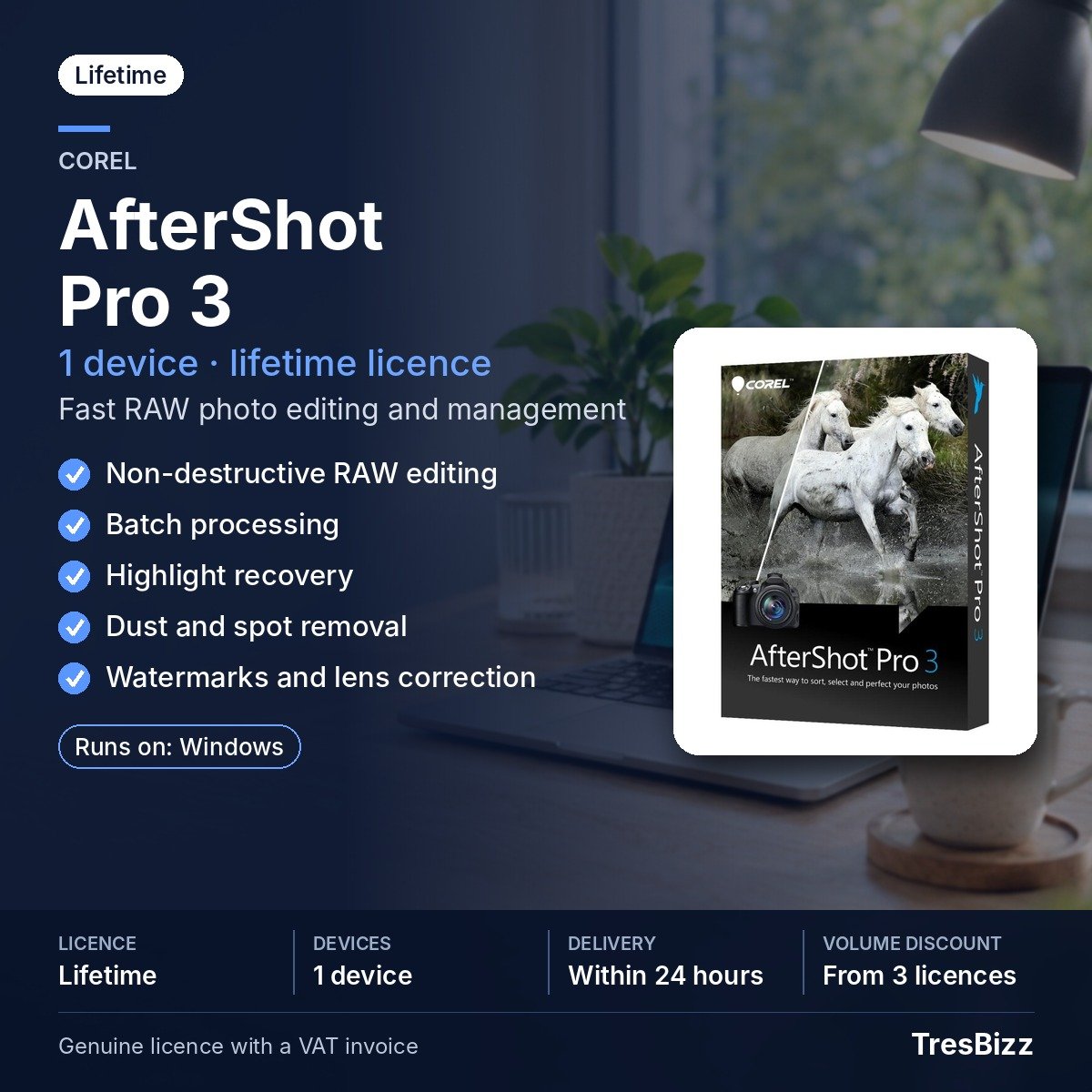
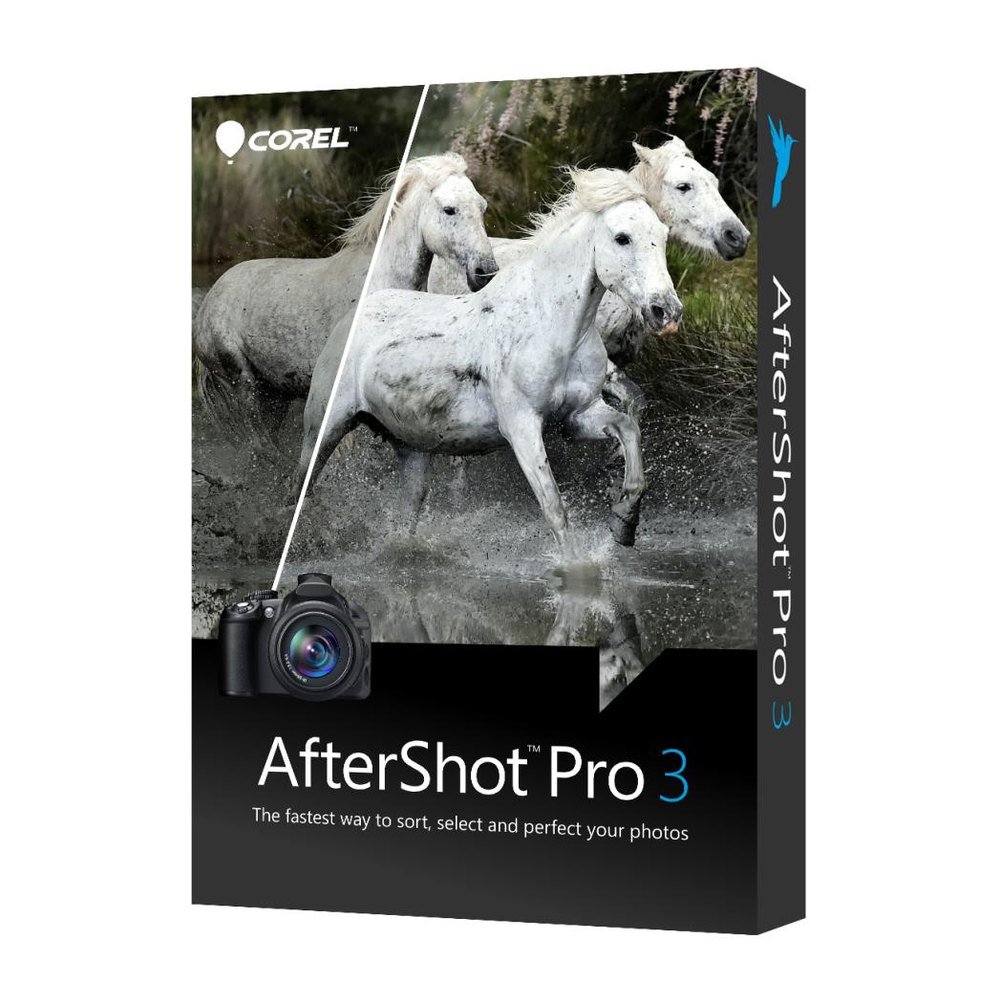
Corel AfterShot Pro 3
Corel AfterShot Pro 3 is RAW image editing and image management software for people who work with camera files and want an efficient way to sort and refine their images. It works with photo directories as they are stored on the computer, so no import step is required. Marking, reviewing and editing can take place within the same working space, from the first selection to the finished image.
Key features
- Broad file support Work with JPG, TIFF and RAW files including ARW, CR2, CRW, DCR, DNG, MRW, NEF, NRW, ORF, PEF, RAW, RW2, RWL and SR2.
- Image sorting Use stars and flags to mark images and make selection easier.
- Non-destructive editing Refine image appearance while keeping the underlying image file unchanged.
- Batch editing Apply a set of edits to multiple images in one operation.
- Preset library Choose looks from the Image Preset Library and apply them to your images.
- Highlight Recovery Use the Highlight Recovery Range slider to restore tonal information in bright areas.
- Image refinement Use Blemish Remover, watermarking, Lens Correction Updater and plug-ins as part of your editing workflow.
Benefits
- Spend less time preparing files. Work from photo directories and sort images with stars and flags before editing.
- Keep a consistent look. Presets and batch editing help apply a similar style to a group of images.
- Work with camera RAW files. Open many camera RAW formats alongside JPG and TIFF files.
- Refine image appearance. Highlight Recovery and Blemish Remover provide tools for common image improvements.
- Present your work. Add watermarks and use plug-ins to extend the editing workflow.
Who it is for
Corel AfterShot Pro 3 is intended for image makers who handle collections from digital cameras and want sorting and editing tools in one place. It can suit independent image creators, hobby users and people who prepare images for print or online use. Its support for many camera RAW formats makes it relevant when JPG files alone are not enough for the intended workflow. The 64-bit requirement should be checked before purchase.
Licence options
This offer is a perpetual licence for one device. It is a one-time purchase, not a recurring plan. The licence key and download link are supplied by TresBizz after payment. The licence is intended for activation within the European Union. Each order comes with an official VAT invoice. EU business buyers can enter a VAT number, with reverse charge applied where the relevant conditions are met.
System requirements
- Operating system: 64-bit Windows 10. Corel also lists Windows 8.1, Windows 8 and Windows 7 in 64-bit editions. Windows 11 is not on Corel’s listed requirements.
- Processor: 64-bit Intel or AMD processor.
- Memory: 2 GB RAM; 4 GB RAM for HDR.
- Storage: 400 MB available disk space.
- Display: 1024 x 768 resolution.
Delivery and activation
TresBizz sends the licence key and download link by email within 24 hours after payment. Download the software, install it on the intended device, enter the licence key and complete activation. No physical shipment is involved. An internet connection is required for activation. If a key does not activate, TresBizz will provide a replacement or a refund. Email support is available for assistance with the order and activation.
Conclusion
Corel AfterShot Pro 3 brings RAW file support, image sorting, batch editing and targeted refinement tools into one Windows program. Its perpetual one-device licence suits users who prefer a one-time purchase. Check the listed Windows version, 64-bit hardware and memory requirements before ordering. With email delivery from TresBizz and an official VAT invoice for each order, you can receive the licence details and proceed with setup after payment.
Corel AfterShot Pro 3 Frequently Asked Questions
Which image formats does Corel AfterShot Pro 3 support?
It supports JPG, TIFF and a broad range of RAW formats, including ARW, CR2, CRW, DCR, DNG, MRW, NEF, NRW, ORF, PEF, RAW, RW2, RWL and SR2.
Do I need to import images before editing?
No. Corel AfterShot Pro 3 works with photo directories as they are stored on your computer. You can begin sorting and editing without an import step.
Can I edit multiple images in one operation?
Yes. Batch editing lets you apply a set of edits to multiple images. You can also use presets from the Image Preset Library.
Does Corel AfterShot Pro 3 support Windows 11?
Windows 11 is not listed in Corel's stated system requirements. Corel lists 64-bit Windows 10, Windows 8.1, Windows 8 and Windows 7.
How many devices does the licence cover?
The offer is a perpetual licence for one device. The licence key and download link are sent by email within 24 hours after payment.










Reviews
There are no reviews yet.