



Description
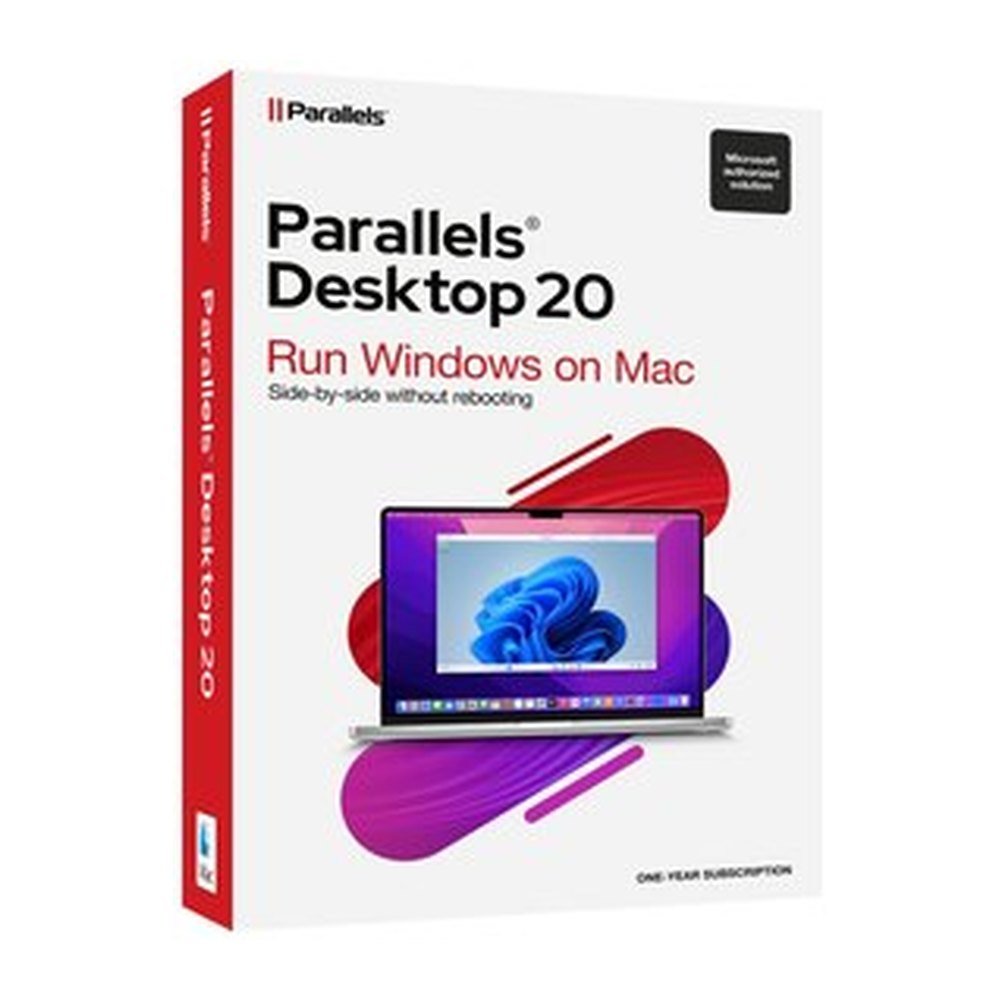
Parallels Desktop 20 Standard
Parallels Desktop 20 Standard makes it possible to run Windows on your Mac while keeping macOS as your main operating environment. Designed for home and everyday use, this virtualisation application lets you access Windows applications without switching to a separate computer. It is particularly useful when a programme you need is available for Windows but your preferred device is a Mac. Install Windows 11 in a few clicks and use familiar applications alongside your Mac software. You can also create virtual machines running Linux and macOS. For everyday computing, documents and spreadsheets, this provides a convenient way to work with different operating systems on one device.
Key features
- Windows on Mac: Run Windows and its applications alongside macOS without replacing your existing operating system.
- Quick installation: Install Windows 11 in a few clicks and prepare your virtual environment for everyday tasks.
- Coherence mode: Display Windows applications next to Mac applications without showing the Windows desktop.
- Application compatibility: Run thousands of Windows applications, including Microsoft 365 applications such as Windows Excel.
- Additional operating systems: Create virtual machines for Linux and macOS as well as Windows.
- 3D graphics support: Use 3D acceleration with DirectX and OpenGL for compatible applications.
Benefits
- Keep your Mac environment: Access Windows applications without giving up the macOS environment you already use.
- Work with familiar software: Open Windows applications such as Excel alongside your regular Mac applications.
- Save switching between devices: Use different operating systems on one computer rather than maintaining separate machines for everyday tasks.
- Simplify access: Windows 11 installation in a few clicks makes setting up a virtual machine straightforward.
- Choose your environment: Run Windows, Linux and macOS virtual machines according to your software needs.
Who it is for
Parallels Desktop 20 Standard is intended for home users and people who need Windows applications for everyday activities on a Mac. It suits students, office users and individuals who work with documents, spreadsheets and Microsoft 365 applications. It is also useful when a particular Windows programme is required but changing the main computer is not desirable. Its allocation of up to 4 vCPUs and 8 GB vRAM per virtual machine is designed for typical personal and everyday use.
Licence options
This product includes a 12-month subscription for 1 Mac. The subscription covers Parallels Desktop 20 Standard for the selected term. A Windows licence is not included and must be purchased separately. On Apple silicon Macs, the authorised Arm versions of Windows 11 Pro and Enterprise are supported. On Intel Macs, Windows 11 or Windows 10 64-bit is supported. The Parallels licence is intended for activation within the European Union.
System requirements
- Mac processor: Apple M1, M2, M3 or M4, including Pro, Max and Ultra versions, or Intel Core i5, i7, i9, Core M or Xeon.
- Memory: At least 4 GB RAM. 16 GB or more is recommended for best performance.
- Storage: Approximately 600 MB for the application, plus additional space for each guest operating system. Windows requires at least 16 GB.
- macOS: Sequoia 15.0 or newer, Sonoma 14.0 or newer, Ventura 13.4 or newer, or Monterey 12.6 or newer.
Delivery and activation
TresBizz, based in Brussels, Belgium, supplies an authentic Parallels licence key. Following payment, the licence key and download link are sent by email within 24 hours. No physical shipment is involved. Download and install the application on your Mac, enter the supplied key and complete activation. Every order includes an official VAT invoice. EU business buyers can provide a VAT number for reverse charge where applicable. Email support is available if assistance is needed. If activation does not work, TresBizz provides a replacement or refund.
Conclusion
Parallels Desktop 20 Standard offers a straightforward way to use Windows applications while keeping macOS on your Mac. Choose the 12-month subscription for 1 Mac and access multiple virtual operating systems from one computer.
Frequently Asked Questions
Can I run Windows on a Mac with Parallels Desktop 20 Standard?
Yes. Parallels Desktop 20 Standard runs Windows as a virtual machine alongside macOS. Apple silicon Macs support authorised Arm versions of Windows 11 Pro and Enterprise. Intel Macs support Windows 11 or Windows 10 64-bit. A separate Windows licence must be purchased.
Does Parallels Desktop 20 Standard include a Windows licence?
No. The subscription covers Parallels Desktop 20 Standard only. You must purchase a separate Windows licence to use Windows.
What is Coherence mode in Parallels Desktop 20 Standard?
Coherence mode displays Windows applications alongside Mac applications without showing the Windows desktop. This allows you to use applications from both systems in the same working environment.
Can I use Microsoft Excel with Parallels Desktop 20 Standard?
Yes. The application supports thousands of Windows applications, including Microsoft 365 applications such as Windows Excel.
How long does the Parallels Desktop 20 Standard subscription last?
The subscription is valid for 12 months and covers 1 Mac. TresBizz sends the licence key and download link by email within 24 hours after payment.






Reviews
There are no reviews yet.