



Description
A university student using a course app
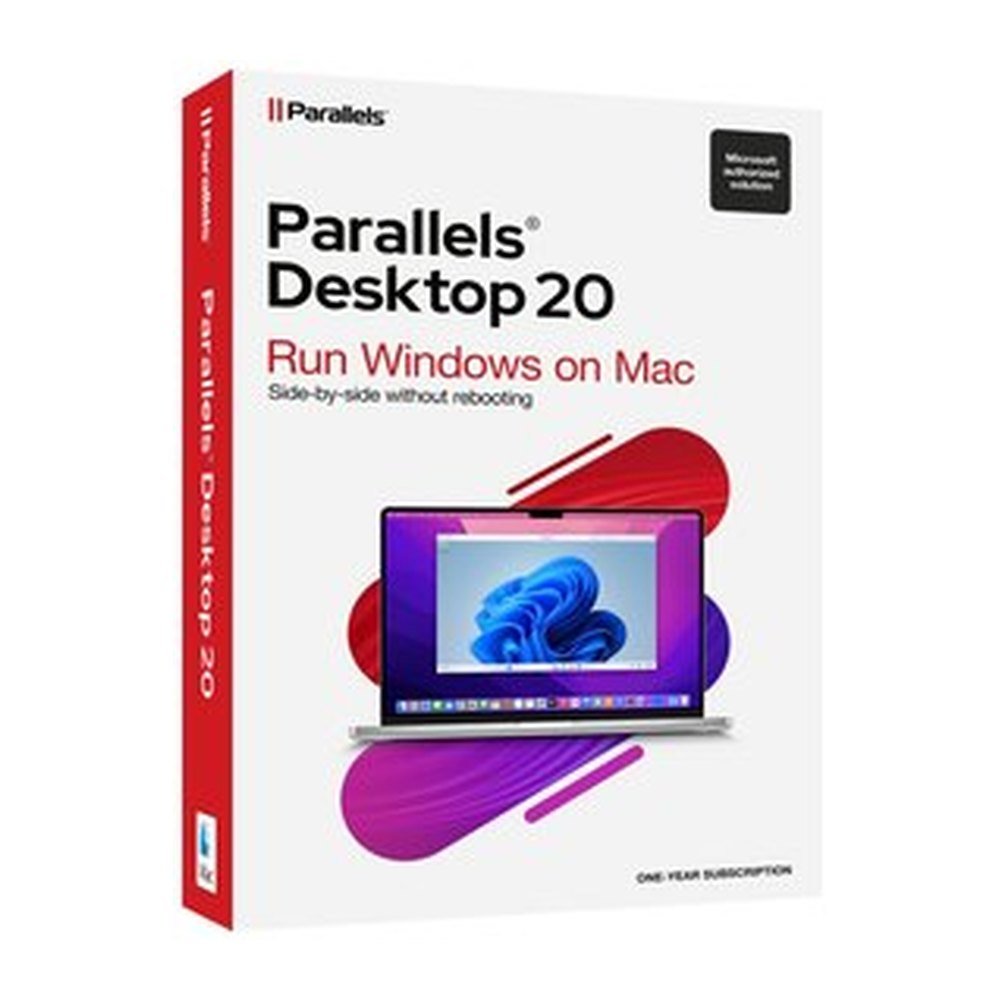
Your university course may require an application that runs on Windows rather than macOS. Parallels Desktop 20 Standard lets you run Windows in a virtual machine on your Mac, so you can use the required application alongside your usual Mac environment. Windows 11 can be installed in a few clicks. With Coherence mode, its applications appear beside Mac apps without displaying the Windows desktop. This can make it easier to switch between course material and other work on the same screen. A Windows licence is not included and must be bought separately.
A parent managing household paperwork
For household records, spreadsheets and family paperwork, you may prefer using the Windows version of an application you already know. Parallels Desktop 20 Standard runs thousands of Windows applications, including Microsoft 365 apps such as Windows Excel. You can open a Windows spreadsheet and keep Mac applications available alongside it. Coherence mode displays the Windows app directly next to Mac apps, rather than requiring you to work inside the full Windows desktop. The software also supports Linux and macOS virtual machines.
A freelancer with one accounting tool
If your accounts rely on a particular Windows application, changing your main computer does not necessarily mean abandoning that programme. Run Windows in a virtual machine on your Mac and use the application there. Parallels Desktop 20 Standard supports up to 4 vCPUs and 8 GB vRAM per virtual machine. It also provides 3D acceleration through DirectX and OpenGL. The product is authorised by Microsoft and SOC-2 certified. On Apple silicon Macs, it supports Windows 11 Pro and Enterprise Arm versions. On Intel Macs, it supports Windows 11 or Windows 10, 64-bit. You need to obtain a separate Windows licence before installing Windows.
Moving from a Windows PC to a MacBook
Changing to a MacBook can leave you with familiar Windows applications that you still need to run. Parallels Desktop 20 Standard provides a way to keep using thousands of Windows applications while working in macOS. You can also run Linux or another macOS environment in a virtual machine. The Standard edition is intended for home and routine use, with a 12-month subscription covering one Mac. It is a subscription rather than a permanent licence, so check the term before selecting this option.
What your Mac needs
- Mac model: Apple M1, M2, M3 or M4, including Pro, Max and Ultra variants, or Intel Core i5, i7, i9, Core M or Xeon.
- Memory: At least 4 GB RAM; 16 GB or more for best performance.
- Storage: About 600 MB for the application, plus space for each guest operating system and at least 16 GB for Windows.
- macOS: Sequoia 15.0 or newer, Sonoma 14.0 or newer, Ventura 13.4 or newer, or Monterey 12.6 or newer.
Subscription and delivery
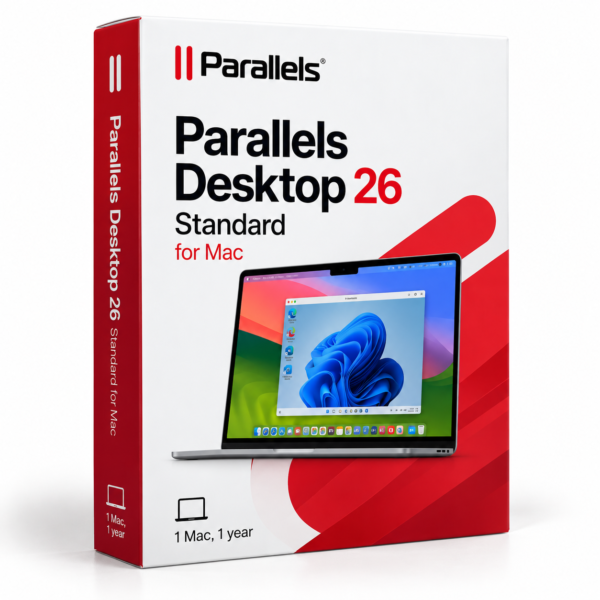
This is a 12-month subscription for one Mac, and a Windows licence must be bought separately if required. TresBizz emails the licence key and download link within 24 hours after payment, with an official invoice supplied for every order.
Every order is VAT-free and comes with an official invoice.






Reviews
There are no reviews yet.