




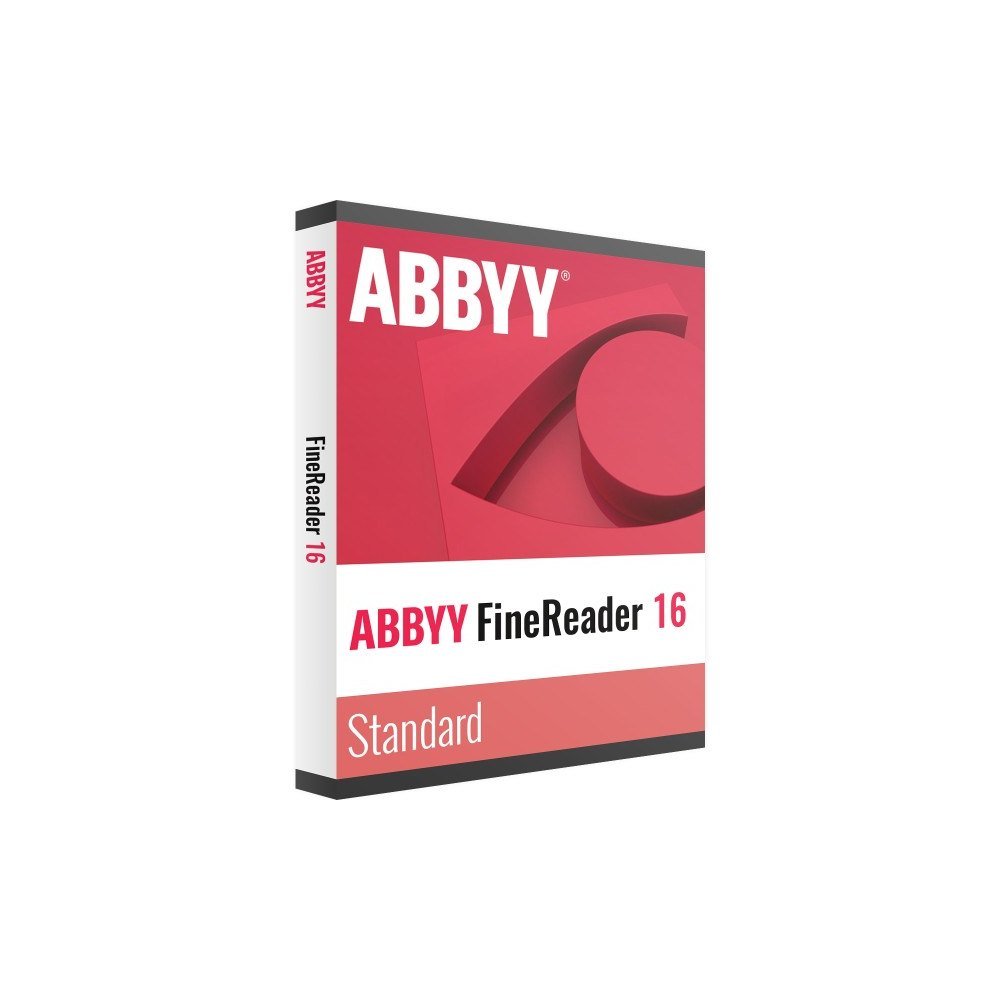
Description
Make paperwork work harder
Paperwork is still part of everyday business across the UK. From supplier invoices and signed forms to archived correspondence and scanned contracts, important information often arrives as a PDF or paper document. Manually retyping information takes time and makes everyday administration more difficult. ABBYY FineReader PDF 16 Standard helps you turn scanned documents into searchable files and editable content. Whether you work in an office, run a small business or provide freelance services, you can manage PDF documents and digitise paperwork from your Windows computer.
Everything for everyday PDFs
This PDF editor combines document editing, conversion and optical character recognition in one application. You can work with existing PDF files as well as scans and photographs of paper documents.
- Edit PDF documents: Change text and images, add comments, collaborate and organise pages.
- Tabbed interface: Open and manage multiple documents using the tabbed workspace introduced in version 16.
- Convert documents: Turn PDFs and scans into editable Word, Excel and other formats while preserving the original layout.
- Create PDFs: Produce PDF documents from supported source files.
- AI-based OCR: Recognise text in scans, photographs and paper documents across 198 languages.
- Forms and protection: Fill in and sign PDF forms, protect files with passwords and redact sensitive information.
Standard licence options
Choose the subscription duration that suits your working requirements. Both options cover one user and provide a time-limited licence.
- 12 months: A one-year licence for one user.
- 36 months: A three-year licence for one user.
This is the Standard edition. Compare Documents and Hot Folder automated conversion are not included. These features belong to ABBYY FineReader PDF 16 Corporate. If you regularly need to compare document versions or automate conversion through watched folders, check the Corporate edition before ordering.
Why buy from TresBizz
TresBizz supplies a genuine new licence from Brussels, Belgium, with the product price displayed in GBP for UK customers. Pay using card, Apple Pay, Google Pay or PayPal. Orders from the United Kingdom are VAT-free: no VAT is added at checkout.
Every order includes an official invoice, and no VAT is charged. You receive the licence key, download link and activation instructions by email within 24 hours. There is no physical shipment to wait for. Businesses ordering three, five or ten licences can benefit from a lower price per licence at the applicable quantity.
Windows system requirements
Before purchasing, check that your computer meets the following requirements:
- Windows 11 or Windows 10 64-bit.
- 1 GHz or faster x64 processor.
- 2 GB RAM plus 512 MB for each additional processor.
- 1.6 GB disk space for installation and another 1.6 GB available for operation.
- Screen resolution of 1024 x 768 or higher.
- Internet connection required for licence activation.
Tested on Windows Server 2022, 2019, 2016 and 2012 R2 in Remote Desktop environments. This edition is not for Mac. ABBYY offers a separate FineReader PDF for Mac.
Delivery and activation
After placing your order, look out for an email from TresBizz within 24 hours. It contains your licence key, the software download link and the activation steps. Download the Windows application, install it and follow the supplied instructions to activate your subscription. No box, USB drive or postal delivery is involved. If your licence key does not work, contact our email support team for a replacement or refund. You can then get on with editing PDFs and digitising your documents.
Frequently asked questions
Where can I buy ABBYY FineReader PDF 16 Standard in the UK?
You can order ABBYY FineReader PDF 16 Standard from TresBizz. The product is listed in GBP, and your licence key, download link and activation instructions are sent by email within 24 hours.
Can ABBYY FineReader PDF 16 Standard convert scanned PDFs to Word?
Yes. Its AI-based OCR recognises text in scanned documents and photographs and converts PDFs and scans into editable Word, Excel and other formats while retaining the original layout.
Does FineReader PDF 16 Standard work on Windows 11?
Yes. It supports Windows 11 and Windows 10 in 64-bit versions. An internet connection is required to activate the licence.
What is the difference between Standard and Corporate?
Standard includes PDF editing, conversion and OCR. It does not include Compare Documents or Hot Folder automated conversion, which are available in FineReader PDF 16 Corporate.
Is ABBYY FineReader PDF 16 Standard available for Mac?
No. This licence is for Windows. ABBYY sells a separate FineReader PDF product for Mac.






Reviews
There are no reviews yet.