



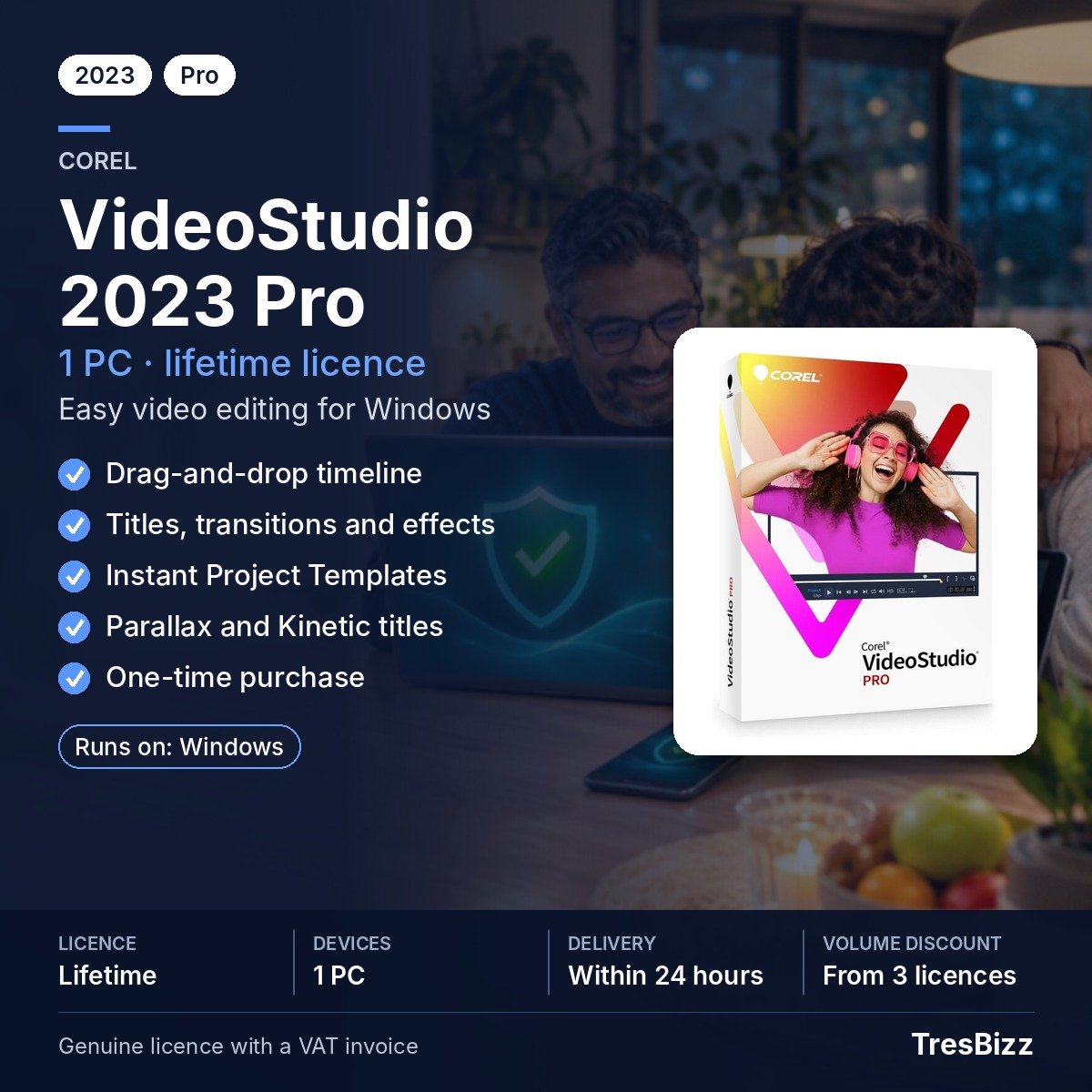

Corel VideoStudio 2023 Pro
€27.03 excl. VAT
- Edit video with drag-and-drop tools and ready-made templates
- Add titles transitions filters and effects to your edits
- Use Parallax and Kinetic title effects introduced in 2023
- Work with 8K video decoding and enhanced rendering options
- Perpetual licence for one Windows device
For activation in the European Union only. Orders with a billing address outside the EU are not accepted.
Description
Corel VideoStudio 2023 Pro
Corel VideoStudio 2023 Pro is a Windows video editing application for assembling clips and adding titles, transitions, filters and effects. Its drag-and-drop approach makes it possible to build an edit by placing media and visual elements along the timeline. Ready-made editing templates offer another way to begin. The 2023 release adds new title motion, transition styles and rendering improvements, alongside practical tools for managing audio levels, captions and colour adjustments. It also supports decoding 8K video.
Key features
- Drag-and-drop editing: Assemble clips with titles, transitions, filters and effects, or begin with Instant Project Templates.
- New title effects: Add Parallax and Kinetic title effects, use Enter, Middle and Exit title motions, and edit Merged Titles.
- Title motion controls: Work with title motion integrated into Customize Motion for more control over text movement.
- New transitions: Apply Parallax, Instant Color Change and Split transitions, with transition durations as short as 0.1 seconds.
- Rendering and 8K: Decode 8K video and use enhanced rendering with Intel OneVPL and Deep Link Hyper Encode.
- Editing controls: Use Customize Toolbar, larger waveform and volume controls, LUT management and Mark In/Out selection.
- Additional tools: Create GIFs from projects, use subtitle hotkeys and .SBV subtitles, and work with Stop Motion support for newer Canon and Nikon SDKs.
Benefits
- Build an edit efficiently: Drag clips and elements into place, then add titles and transitions as needed.
- Give titles more movement: Use the 2023 title effects and motion controls to add movement to on-screen text.
- Shape the presentation: Apply filters, transitions and LUT adjustments to refine the appearance of your video.
- Manage sound and timing: Use the larger waveform display, volume controls and Mark In/Out points while editing.
- Work with high-resolution media: Use 8K video decoding and the enhanced rendering technologies supported in this release.
Who it is for
Corel VideoStudio 2023 Pro is for Windows users who want to edit personal recordings, instructional clips, presentations or other video content. Its drag-and-drop editing tools support straightforward assembly, while title motion, transitions, LUT management and Stop Motion tools offer further ways to shape an edit. It is a Pro edition, and the features listed here relate to that edition.
Licence options
This product is supplied as a perpetual licence for one Windows device. It is a one-time purchase rather than recurring access. The licence is intended for activation within the European Union. Check the system requirements to confirm that your PC can run this release.
System requirements
- Operating system: Windows 11, Windows 10 or Windows 8, 64-bit only.
- Processor: Intel Core i3 or AMD A4 at 3.0 GHz; Intel Core i7 or AMD Athlon A10 for HD/UHD, multi-camera and 360 work.
- RAM: 4 GB minimum; 8 GB recommended.
- Storage: 10 GB disk space.
- Display: 1024 x 768 resolution.
- Graphics: 256 MB VRAM; 512 MB recommended.
- Other: Windows-compatible sound card and an online connection for installation, registration and updates. HEVC requires Windows 10, supporting hardware and the Microsoft HEVC extension.
Delivery and activation
TresBizz emails the licence key and download link within 24 hours after payment. Install Corel VideoStudio 2023 Pro, enter the supplied key and complete activation. Every order comes with a VAT invoice. Email support is available, and a replacement or refund is offered if the key does not activate.
Conclusion
Corel VideoStudio 2023 Pro combines timeline editing, title motion, transitions and 8K decoding in a Windows application. Review the system requirements and obtain the perpetual one-device licence from TresBizz by digital delivery.
Frequently asked questions
What can I do with Corel VideoStudio 2023 Pro?
You can assemble video with drag-and-drop editing, add titles, transitions, filters and effects, work with LUTs, create GIFs and use Stop Motion tools.
Does Corel VideoStudio 2023 Pro support 8K video?
Yes. The 2023 release supports 8K video decoding. Enhanced rendering also uses Intel OneVPL and Deep Link Hyper Encode.
What new title effects are in Corel VideoStudio 2023 Pro?
The 2023 release adds Parallax and Kinetic title effects, Enter, Middle and Exit title motions, Merged Title editing and title motion integration with Customize Motion.
Which Windows versions support Corel VideoStudio 2023 Pro?
The listed systems are Windows 11, Windows 10 and Windows 8, all 64-bit. HEVC requires Windows 10, supporting hardware and the Microsoft HEVC extension.
How do I receive and activate my Corel VideoStudio 2023 Pro licence?
TresBizz emails the licence key and download link within 24 hours after payment. Install the application, enter the key and complete activation. The licence is intended for EU activation.
Additional information
| Devices | 1 PC |
|---|---|
| Term | Lifetime |






Reviews
There are no reviews yet.