





Description
A practical office suite for everyday work
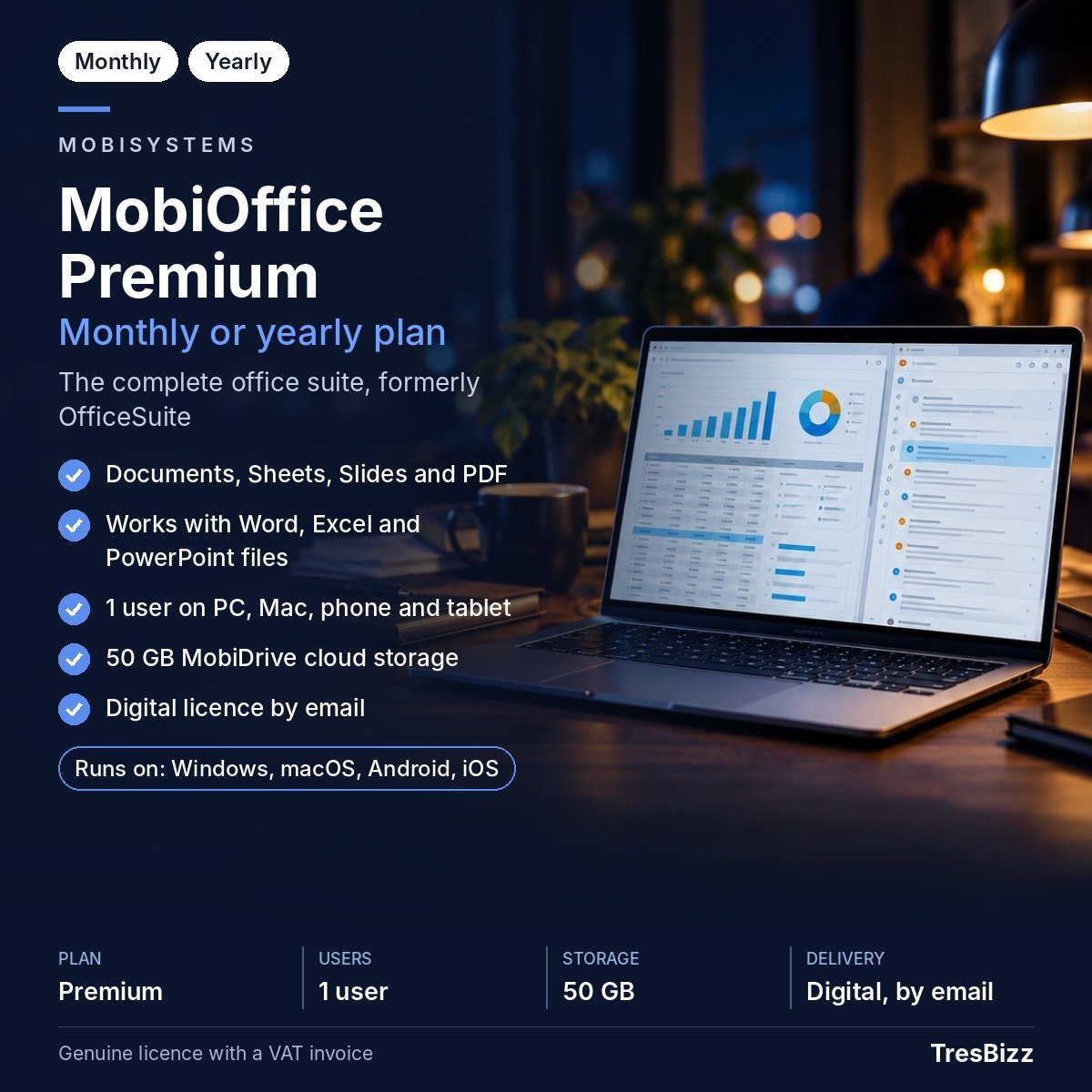
Whether you work from home, manage a small business, study at university or organise household paperwork, MobiOffice Premium gives you the essential office applications in one subscription. For UK customers looking for an alternative to more expensive office software subscriptions, this package brings together document editing, spreadsheets, presentations and cloud storage. Work on a desktop computer during the day and continue reviewing files on your phone or tablet when you are away from your desk. MobiOffice is developed by MobiSystems, a European software developer founded in 2001 and headquartered in Bulgaria. Its familiar office tools make it practical for everyday productivity, without requiring you to change the way you organise your documents.
Everything in one subscription
MobiOffice Premium provides one user with all Premium features across supported PCs, Macs, smartphones and tablets. The package includes three main productivity applications:
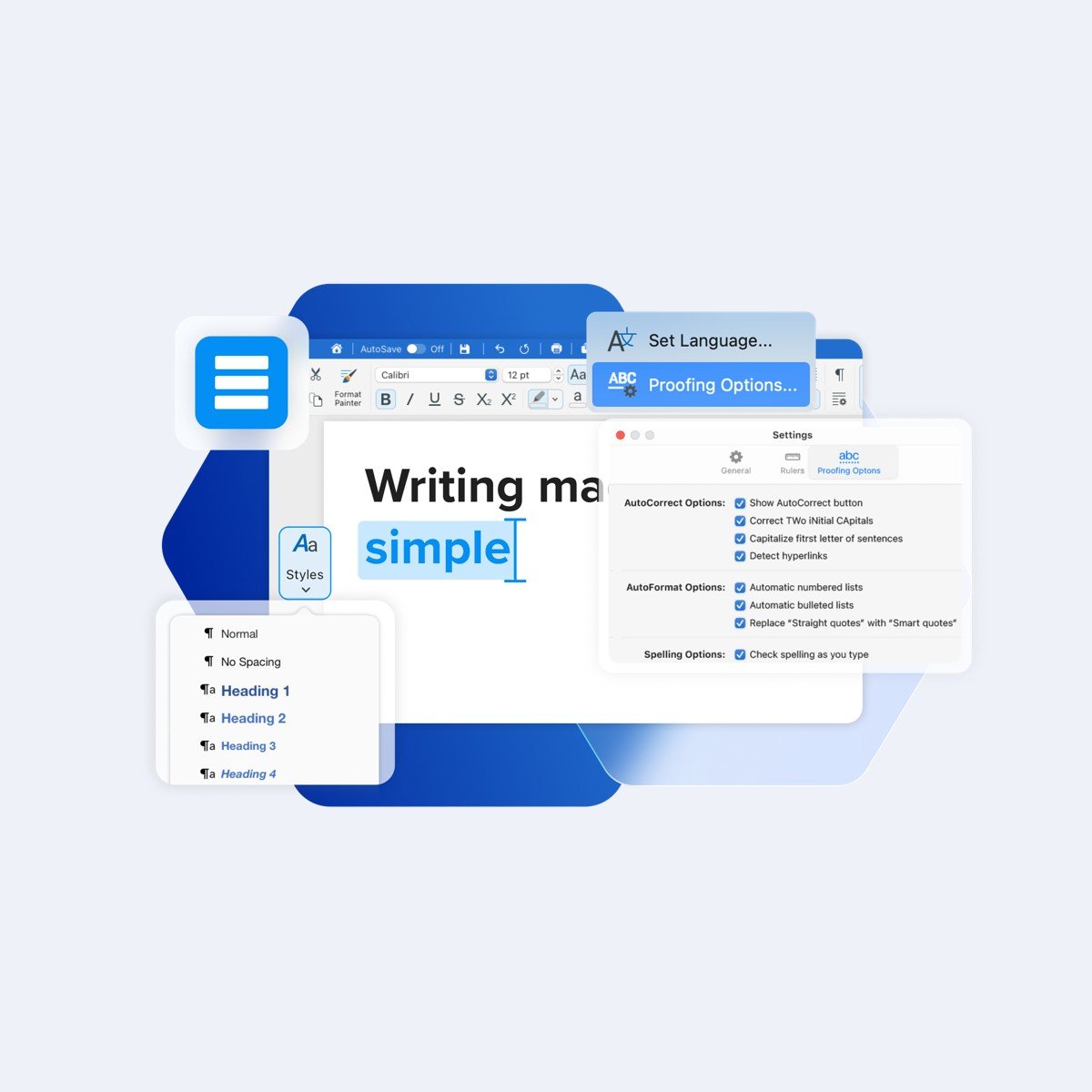
- Documents: Create, edit and organise written documents for business correspondence, reports, assignments and personal administration.
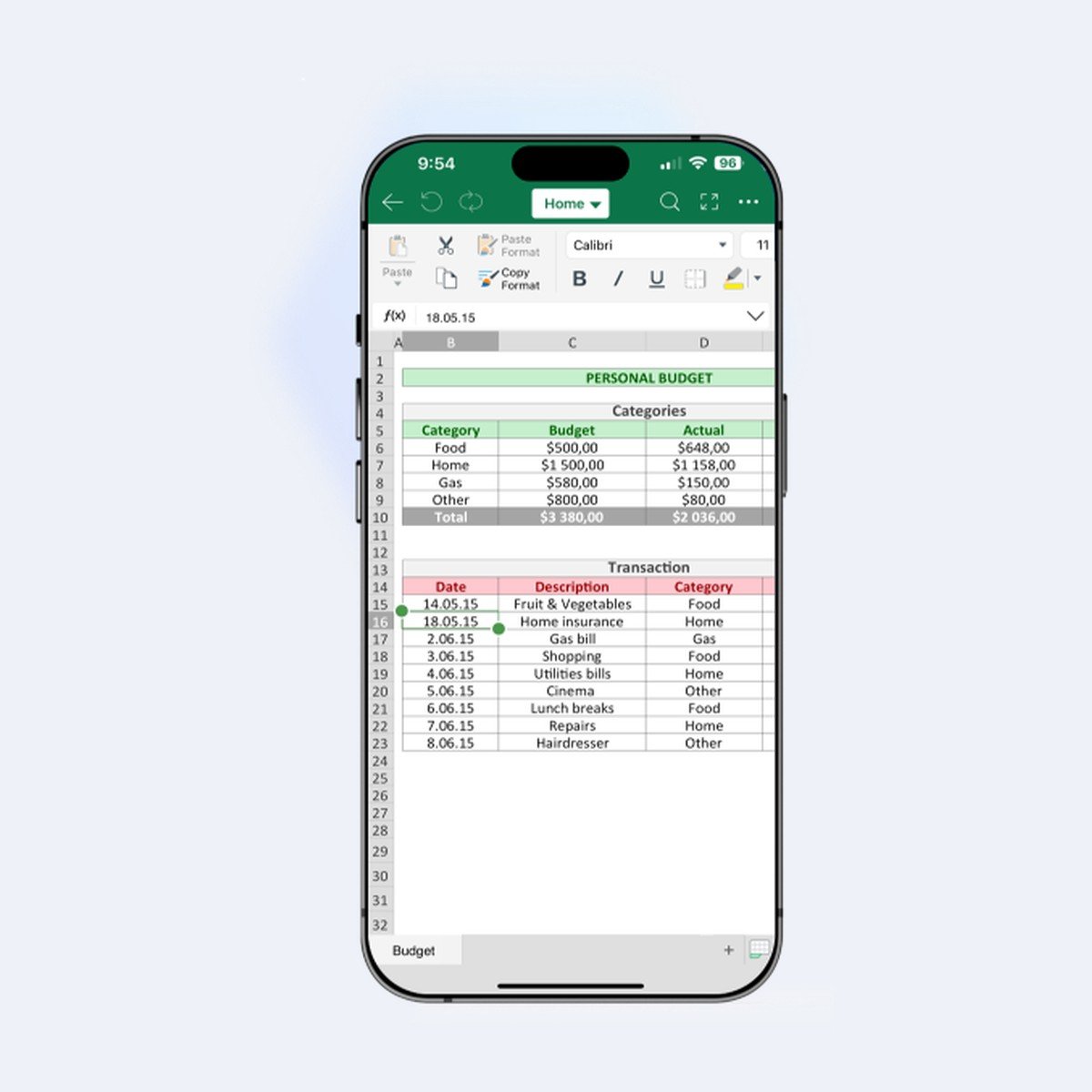
- Sheets: Work with spreadsheets, calculations, tables, budgets and numerical information.
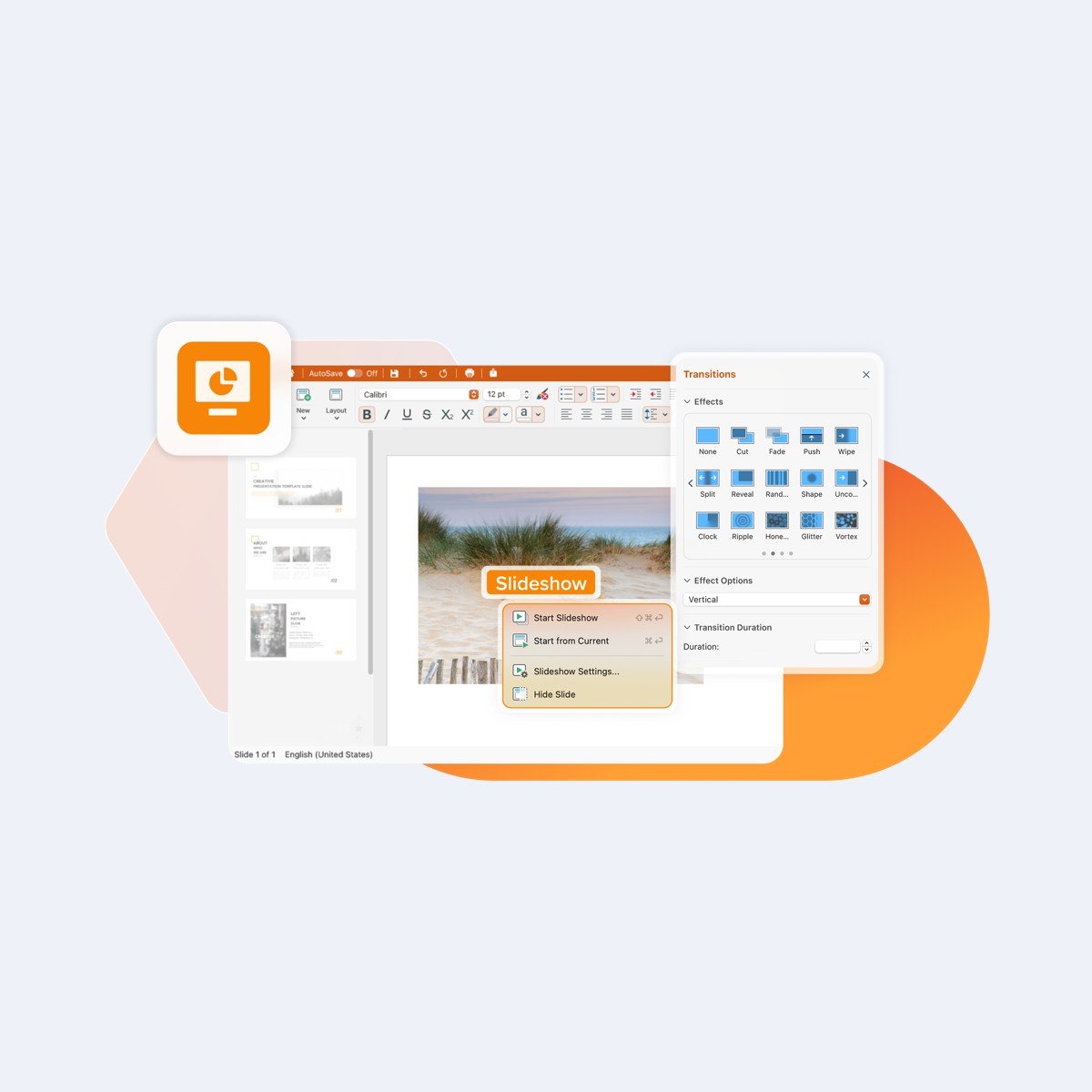
- Slides: Prepare and edit presentations for meetings, training sessions and educational projects.
- Microsoft Office compatibility: Open and edit .docx, .xlsx and .pptx files, so you can continue working with documents received from colleagues, customers or educational institutions.
- PDF conversion: Convert documents to PDF and convert PDF files back into editable document formats. Advanced PDF editing is not included. That functionality belongs to the separate MobiPDF product.
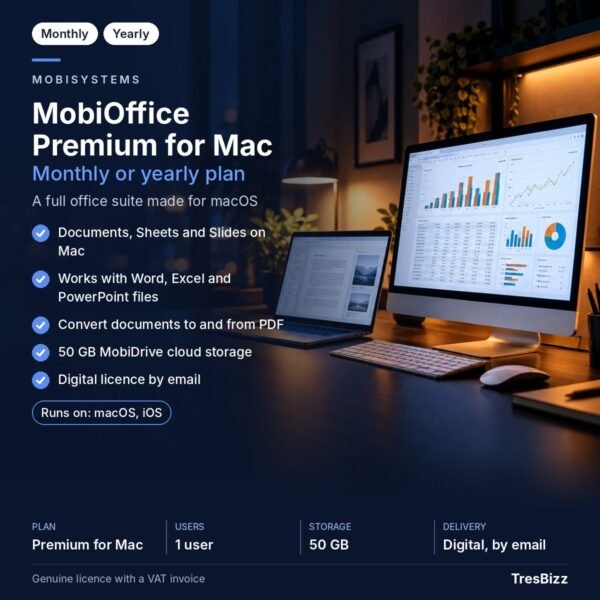
- MobiMail: Use the mail and calendar application on Windows, Android and iOS. MobiMail is not available on Mac.
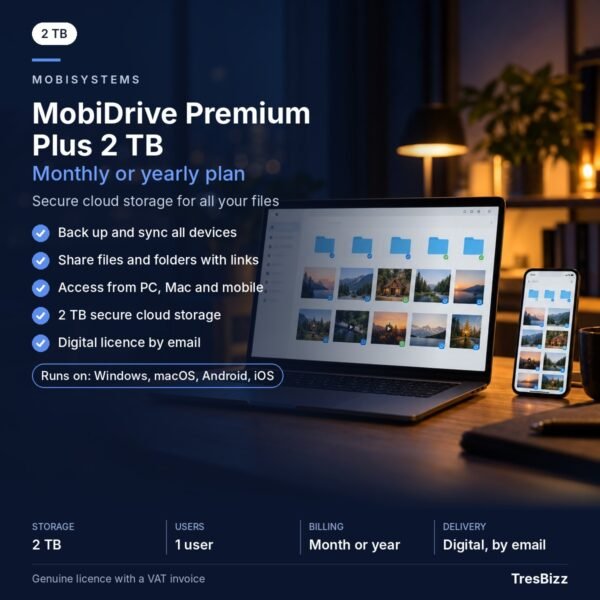
- MobiDrive: Store and access files using the included 50 GB cloud storage allocation.
- Updates: Receive regular product updates during your subscription.
Choose your subscription term
MobiOffice Premium is supplied as a subscription for one user. Select the term that suits your requirements when ordering: one month or twelve months. Both options include the Premium features and the supported device coverage. The subscription is intended for personal use by one account holder, rather than multiple separate users. You need a MobiSystems account to sign in and activate the software. Your selected subscription term determines the applicable licence period.
Why order from TresBizz UK
TresBizz is the seller of this product and is based in Brussels, Belgium. Your order is processed in a straightforward way, with pricing displayed in GBP for the UK market. You can pay using a payment card, Apple Pay, Google Pay or PayPal. Every purchase includes a VAT-free invoice for your records. UK customers should consider the applicable tax treatment for their purchase and business accounting requirements. No VAT is charged at checkout, and you receive an official invoice with no VAT shown. If you need several licences for a company, team or organisation, volume pricing is available with lower per-licence pricing from quantities of 3, 5 and 10. Support is provided by email. If an activation key does not work, TresBizz offers a replacement or refund.
Windows system requirements
Before purchasing, check that your Windows computer meets the specified minimum requirements. MobiOffice Premium supports Windows 10 version 14393 or higher on x64 systems. The minimum memory requirement is 1 GB RAM, with 2 GB recommended. A dual-core processor running at 1 GHz or faster is required. Requirements for other supported platforms may differ. Make sure you have a working internet connection for account sign-in and activation.
Email delivery and activation
This is a digital product. There is no physical package, and nothing will be shipped to your address. After your order has been processed, TresBizz sends your licence key, together with the software download link and activation instructions, by email within 24 hours. Check your inbox and spam folder if the message is not immediately visible. Download the software using the supplied link, install it on your supported device and sign in with your MobiSystems account. Enter or apply the supplied licence key, following the activation steps. Once activated, you can start using your subscription's Premium features on your supported devices.
MobiOffice Premium frequently asked questions
Can I use MobiOffice Premium instead of Microsoft Office?
MobiOffice Premium includes Documents, Sheets and Slides, and supports opening and editing Microsoft Office .docx, .xlsx and .pptx files. It is an alternative office suite for everyday document, spreadsheet and presentation work.
Does MobiOffice Premium include PDF editing?
The subscription includes conversion to and from PDF. Advanced PDF editing is not included, because that functionality is provided by the separate MobiPDF product.
Can I install MobiOffice Premium on a Mac?
Yes. The subscription covers one user across supported PCs, Macs, phones and tablets. However, MobiMail is not available on Mac. The specified Windows requirements apply to Windows computers.
How long does delivery take from TresBizz?
TresBizz sends the licence key, download link and activation instructions by email within 24 hours of order processing. No physical delivery is involved.
Can I buy several MobiOffice Premium licences for my business?
Yes. Volume pricing offers a lower price per licence when ordering 3, 5 or 10 pieces. Each subscription is for one user, and support is available by email.








Reviews
There are no reviews yet.