




Description
Make studying with PDFs easier
Digital documents are part of everyday education across the United Kingdom. Whether you are preparing coursework at university, reviewing lecture notes, completing school assignments or distributing teaching materials, PDF files are often central to the process. MobiPDF Pro for Students & Teachers gives pupils, students and teaching staff a practical set of PDF tools for managing educational documents without constantly switching between different applications.
With this education subscription from MobiSystems, you can work with course materials on your computer and continue using supported features on your mobile devices. Highlight important passages, add comments to reading materials, organise pages and prepare documents for submission. It is a useful option for anyone who regularly works with digital handouts, revision materials, assignments and administrative paperwork.
Everything included
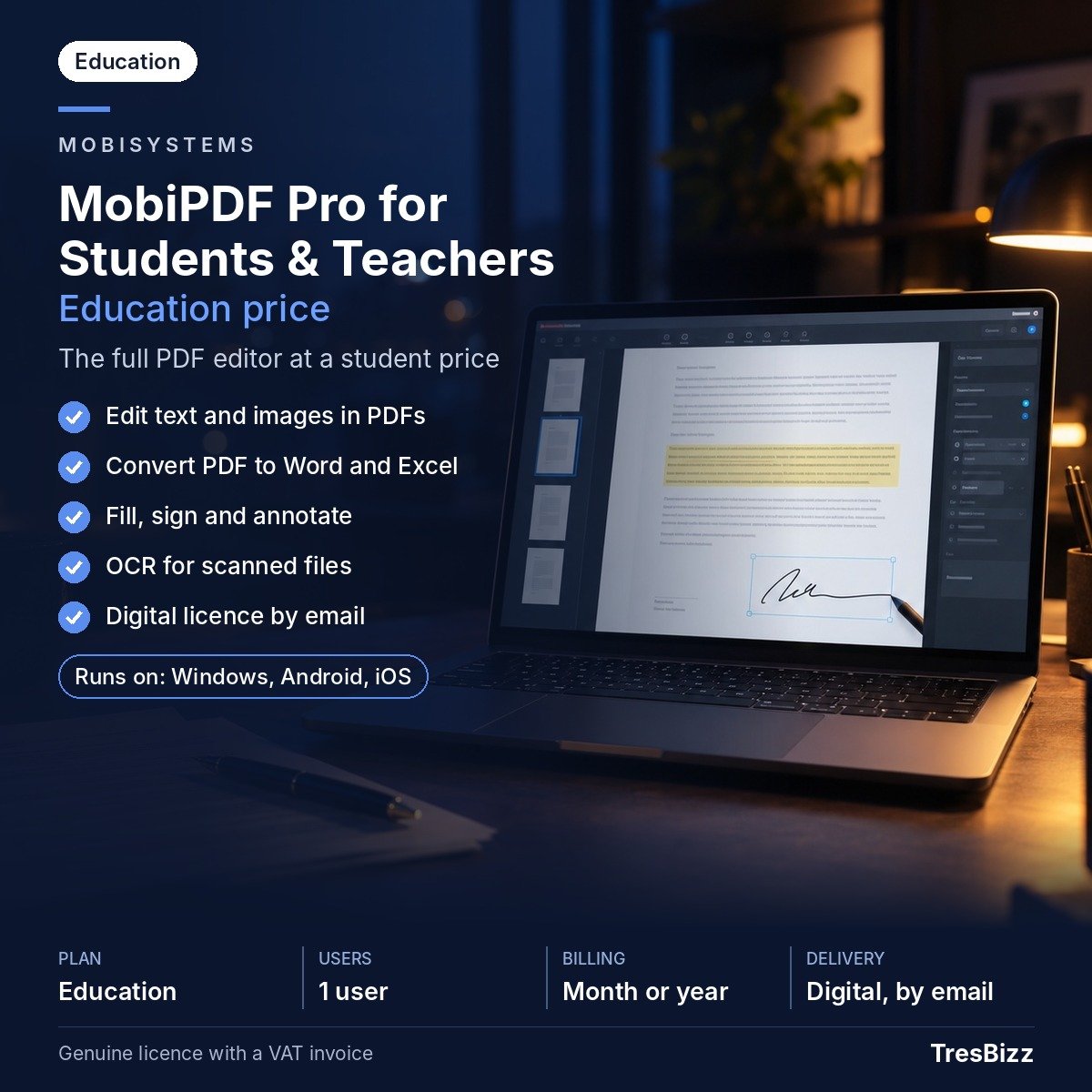
MobiPDF Pro for Students & Teachers includes the features of MobiPDF Pro. Its tools cover everyday PDF tasks as well as more advanced document editing.
- Study annotations: Highlight key information, add notes and comments, and annotate PDF handouts, reading lists and course documents.
- Page management: Create, combine, rotate, reorder, delete and split PDF pages to organise coursework and learning resources.
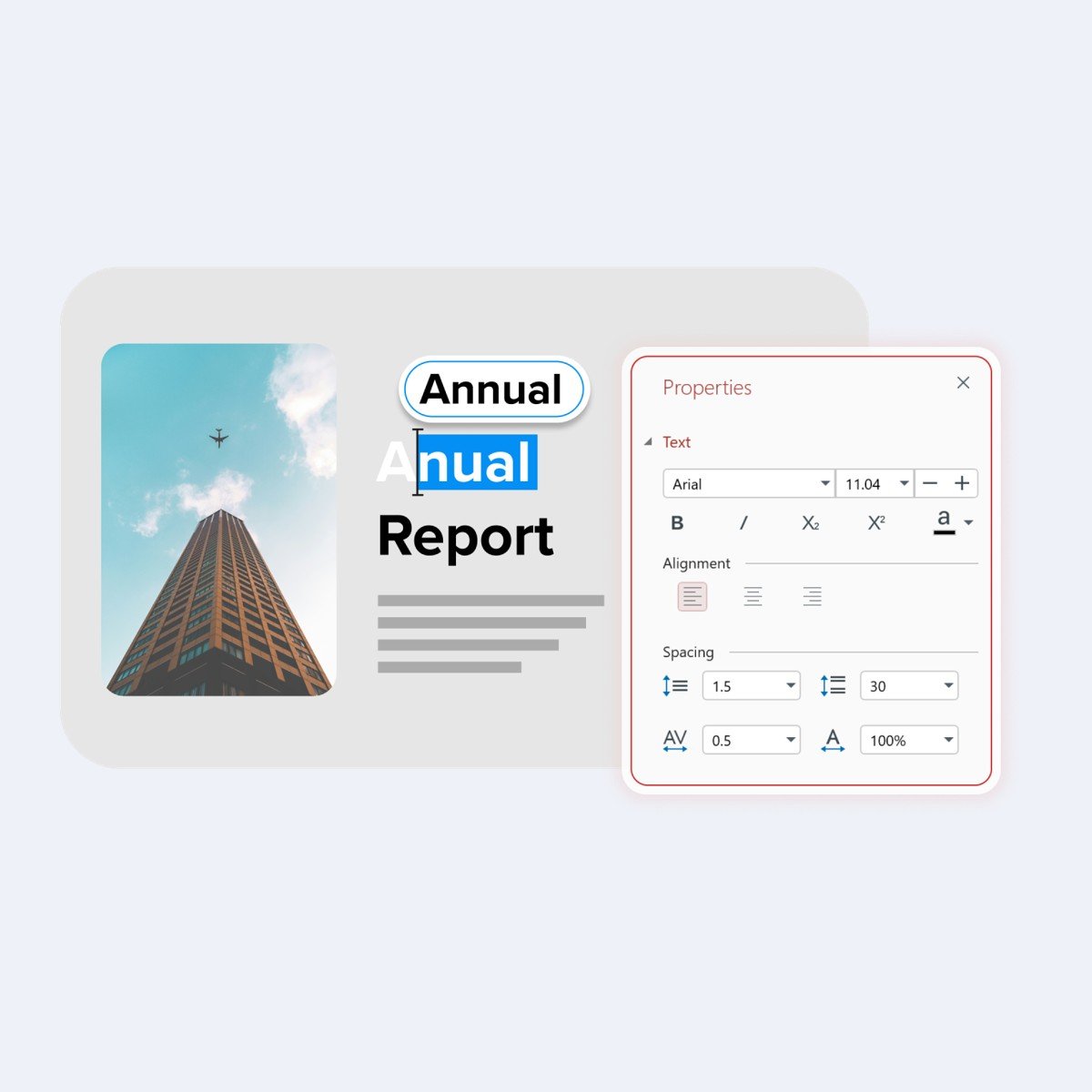
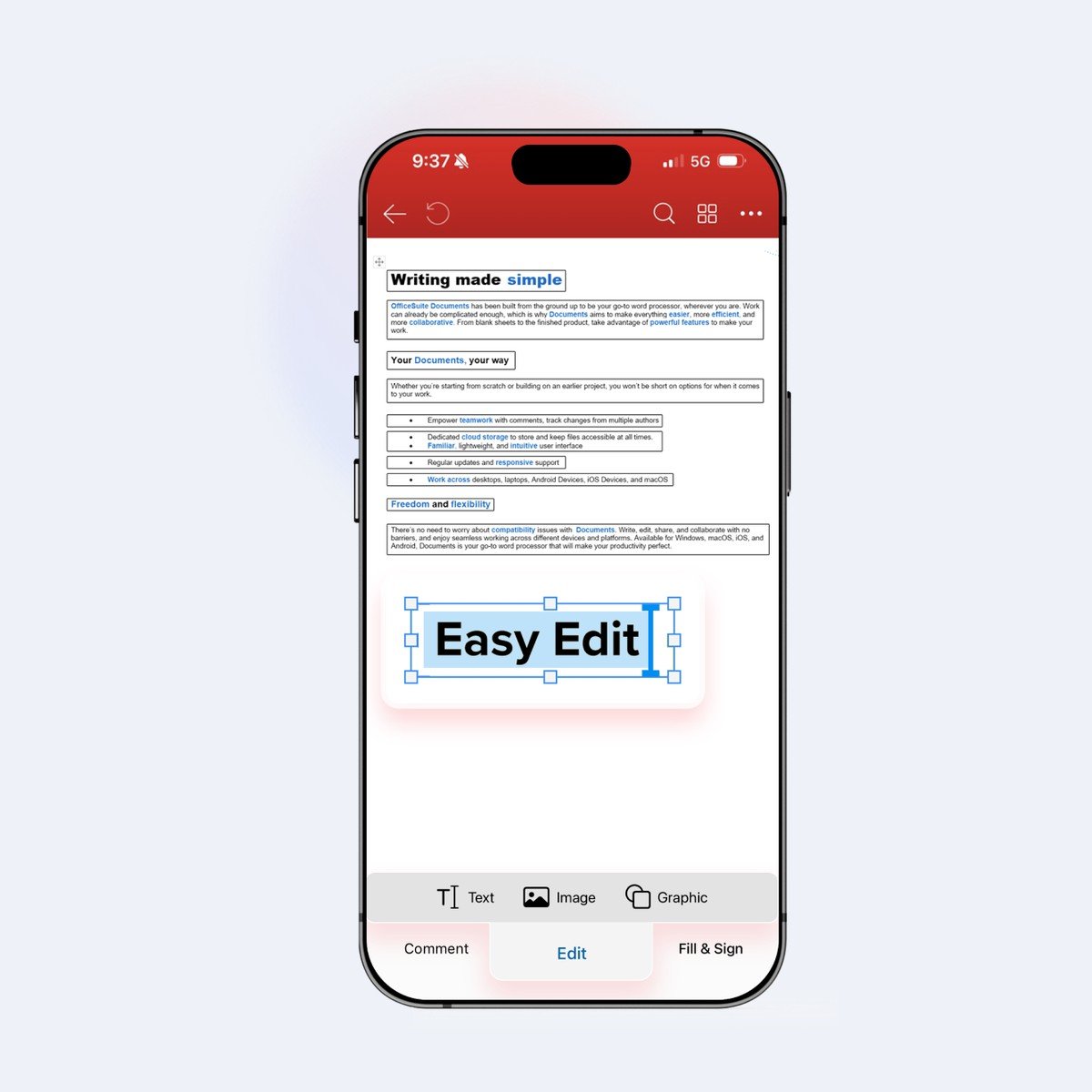
- PDF editing: Edit existing text and images directly within PDF documents.
- File conversion: Convert PDFs to and from other formats, including Microsoft Word and Excel, when you need to continue editing information.
- OCR technology: Turn scanned documents into editable and searchable PDFs, making printed educational material easier to work with.
- Forms and signatures: Create, complete and sign forms, protect documents with passwords and apply digital signatures.
- Cloud storage: Receive 20 GB of cloud storage for supported document workflows.
Choose your subscription
This education edition is intended for pupils, students and teaching staff. You can select the subscription period that suits your studies or teaching schedule:
- 1-month subscription: Suitable for a shorter study period, a specific assignment or temporary teaching requirements.
- 12-month subscription: Designed for ongoing use throughout an academic year and longer educational projects.
Each subscription supports 1 desktop and up to 2 mobile devices. MobiSystems may request confirmation of your education status as a student or teacher. An active MobiSystems account and internet connection are required for activation and sign-in.
Why buy from TresBizz
TresBizz is the seller of your MobiPDF Pro for Students & Teachers licence, operating from Brussels, Belgium. Your purchase is supplied as a genuine new licence. The product page displays the price in British pounds so you can review the amount in the local currency before placing your order.
Choose from card payments, Apple Pay, Google Pay and PayPal. Your order includes an official invoice, and no VAT is charged. No VAT is charged at checkout, so no VAT number is needed. Educational organisations and other buyers ordering several licences can also benefit from volume pricing. The per-licence price becomes lower when ordering 3, 5 or 10 licences.
TresBizz provides assistance by email. If your licence key does not work, you can receive a replacement or a refund.
System requirements
Check that your devices meet the following requirements before purchasing:
- Windows: Windows 11 or Windows 10. Version 22H2 is recommended. A 64-bit x64 system, at least 1 GB RAM with 2 GB recommended, and a 1 GHz dual-core processor or faster are required.
- iPhone and iPad: iOS 18 or later.
- Android: Android 8.0 or later.
- Internet: Required for product activation and signing in with your MobiSystems account.
Delivery and activation
There is no physical shipment. After your order has been processed, TresBizz sends your licence key, download link and activation instructions by email within 24 hours. Check your email for the delivery details and follow the supplied installation steps. Download MobiPDF, install it on a supported device and sign in using your MobiSystems account. Enter or apply your licence key according to the activation instructions. Once activated, you can start editing PDFs, organising study documents and preparing educational paperwork with MobiPDF Pro for Students & Teachers.
Frequently asked questions
Is MobiPDF Pro for Students & Teachers suitable for university students?
Yes. It is an education subscription intended for pupils, students and teaching staff. Students can annotate lecture notes, organise course materials, edit PDFs and prepare documents for coursework.
How many devices can I use with MobiPDF Pro for Students & Teachers?
The subscription can be used on 1 desktop and up to 2 mobile devices. It also includes 20 GB of cloud storage.
Can I convert PDF files into Word or Excel?
Yes. MobiPDF Pro includes PDF conversion to and from other formats, including Word and Excel.
Does MobiPDF Pro for Students & Teachers work on Windows 11?
Yes. Windows 11 and Windows 10 are supported. Windows 10 version 22H2 is recommended. The minimum requirements include x64 architecture, 1 GB RAM and a 1 GHz dual-core processor.
How will I receive my MobiPDF licence after ordering?
TresBizz emails your new licence key, download link and activation instructions within 24 hours. No physical delivery is required.










Reviews
There are no reviews yet.