





Description
Better tools for everyday learning
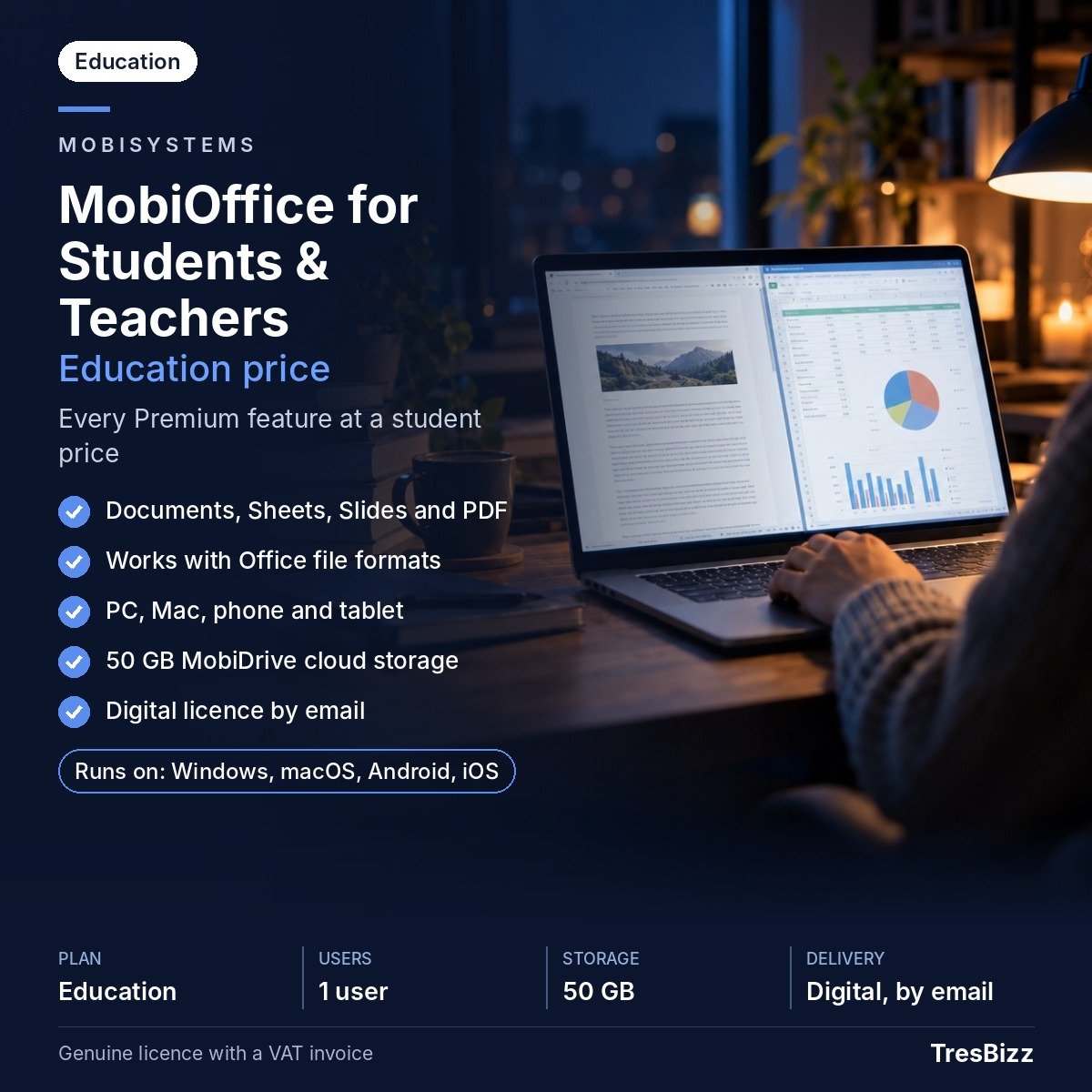
Whether you are studying at university, completing college coursework or preparing lessons in a British classroom, having reliable office software makes everyday academic work easier. From writing essays and preparing presentations to organising research and working with spreadsheets, students and teachers regularly handle different document formats. MobiOffice Premium for Students & Teachers brings essential office applications together in one subscription. It provides a practical workspace for academic tasks across different devices, without requiring you to switch between several separate applications.
For UK students who work between home, campus and the library, having access to the same office tools on a computer, phone or tablet can make managing assignments more convenient.
What is included
MobiOffice is the office suite developed by MobiSystems, a European software developer founded in 2001 and headquartered in Bulgaria. Its education plan provides all Premium features for one eligible user.
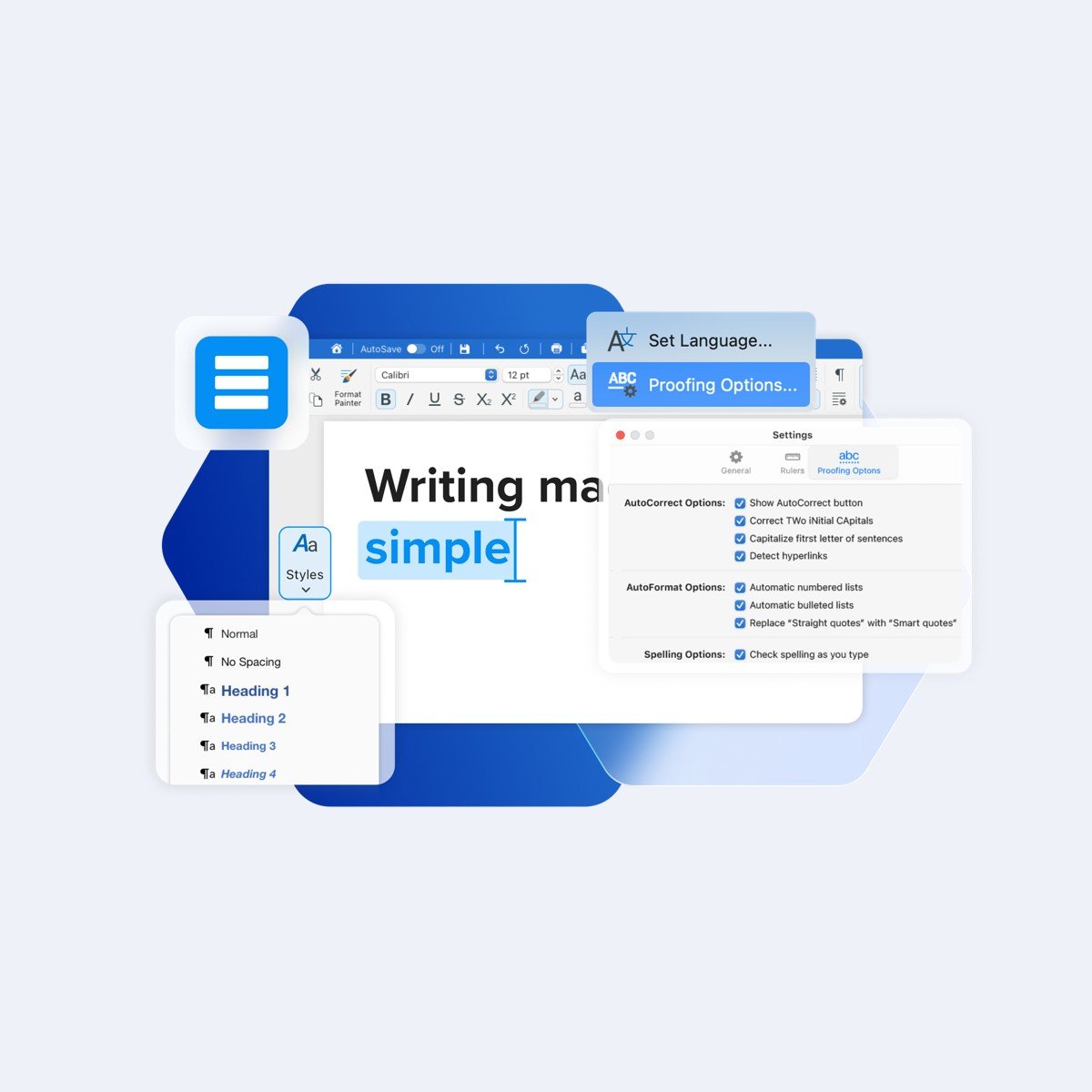
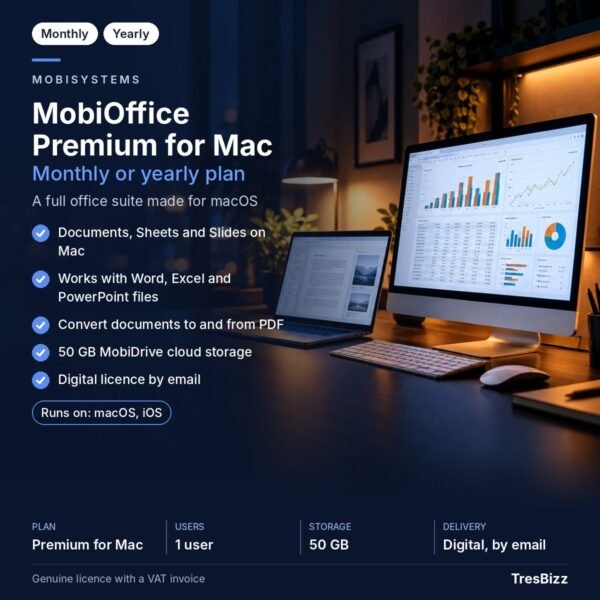
- Documents: Create, open and edit written assignments, reports and other documents.
- Sheets: Work with spreadsheets, calculations, tables and academic data.
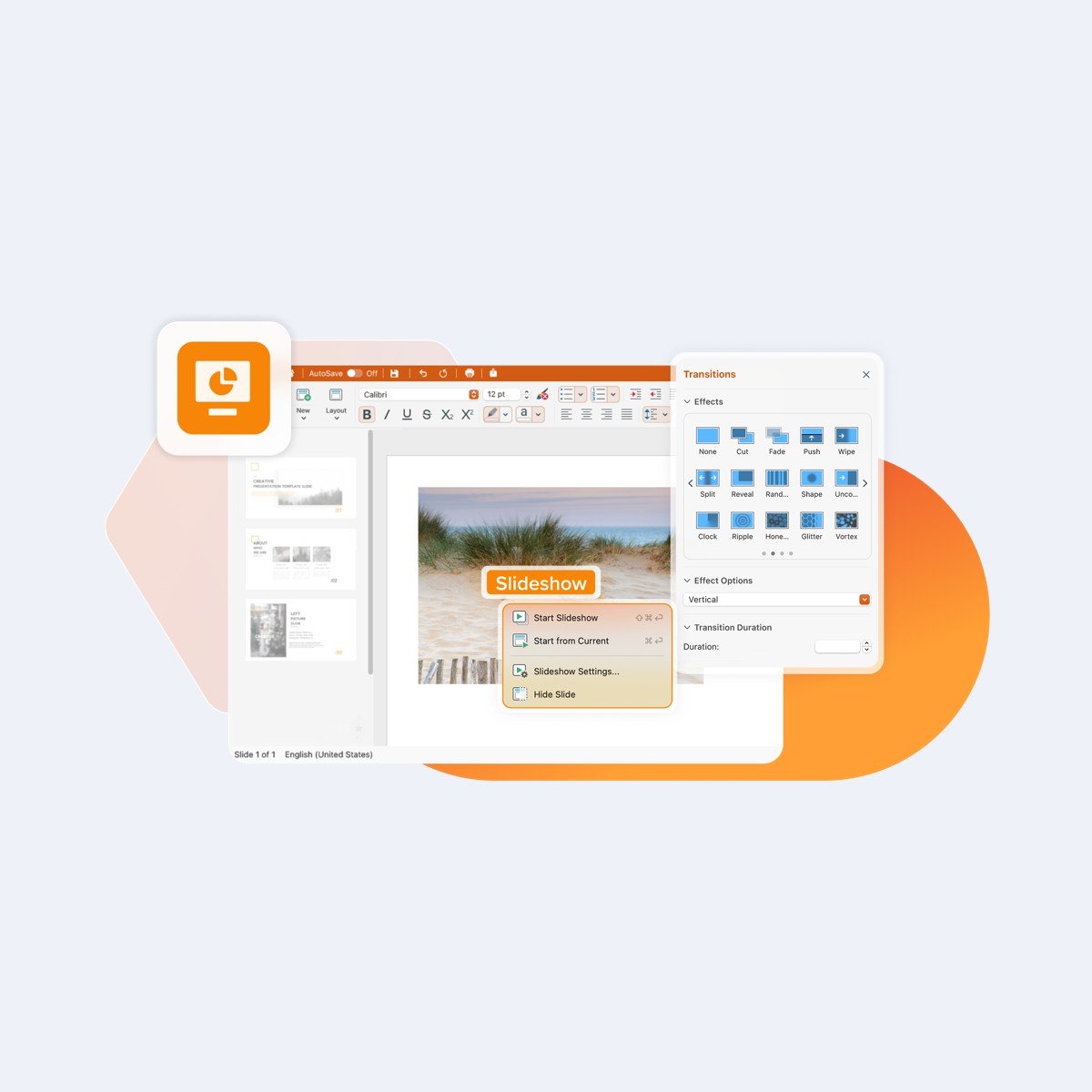
- Slides: Prepare presentations for seminars, lectures and classroom activities.
- Microsoft Office compatibility: Open and edit DOCX, XLSX and PPTX files.
- PDF conversion: Convert documents to and from PDF. Advanced PDF editing is not included and is available separately through MobiPDF.
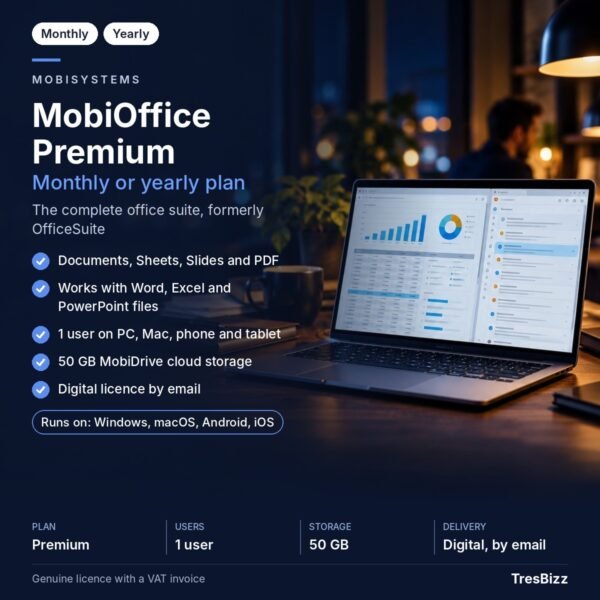
- MobiDrive: Use 50 GB of cloud storage for your documents and study files.
- Updates: Receive regular product updates as part of your subscription.
Your subscription covers one user on PCs, Macs, phones and tablets. This makes it suitable for people who use different devices throughout their academic day.
Choose your subscription term
Choose between a one-month and a twelve-month subscription. Both options are education plans intended for eligible pupils, students and teaching staff. A valid academic email address is required. MobiSystems may request additional confirmation of your education status before approving eligibility. A MobiSystems account is also required to sign in and activate the software. Check that you meet the education requirements before ordering.
Why buy from TresBizz
TresBizz supplies genuine new software licences from Brussels, Belgium, with transparent digital delivery. The UK-facing shop displays the price in GBP, so you can review the amount in your local currency before placing your order. Payment options include major payment cards, Apple Pay, Google Pay and PayPal. No physical delivery is involved, so there is no waiting for a parcel or dealing with shipping arrangements.
Every order includes an official invoice, and no VAT is charged. Orders from the United Kingdom are VAT-free: no VAT is added at checkout. If you need several licences for a school, college, tutoring organisation or educational department, volume pricing offers a lower price per licence when ordering 3, 5 or 10 pieces.
TresBizz also provides support by email. If your licence key does not work, you can receive a replacement or a refund.
System requirements
For Windows computers, the specified minimum requirements are Windows 10 version 14393 or higher, a 64-bit x64 system, 1 GB RAM and a 1 GHz dual-core processor. At least 2 GB RAM is recommended for a more comfortable experience. A MobiSystems account is required for sign-in and activation. The licence also supports Macs, phones and tablets.
Delivery and activation
After your order has been processed, TresBizz sends your licence key, software download link and activation instructions to your email address within 24 hours. There is no physical product to ship. Download the application using the supplied link, install it on your supported device and sign in with your MobiSystems account. Follow the supplied activation steps to apply your education licence. If you encounter an activation problem, contact TresBizz by email for assistance. Your purchase gives you a straightforward way to equip your academic workflow with office applications and cloud storage.
MobiOffice Education Plan FAQs
Who can buy MobiOffice Premium for Students & Teachers?
The education plan is intended for eligible pupils, students and teaching staff with a valid academic email address. MobiSystems may request confirmation of your education status.
Does MobiOffice Premium work with Microsoft Office files?
Yes. Documents, Sheets and Slides can open and edit Microsoft Office DOCX, XLSX and PPTX files.
Can I use MobiOffice on more than one device?
The subscription covers one user on PCs, Macs, phones and tablets. You need a MobiSystems account to sign in and activate the software.
Does MobiOffice Premium include PDF editing?
It includes document conversion to and from PDF. Advanced PDF editing is not included. That functionality is available separately through MobiPDF.
How will I receive my MobiOffice licence?
TresBizz emails your new licence key, download link and activation instructions within 24 hours of your order. If the key does not work, you can request a replacement or refund.









Reviews
There are no reviews yet.