





Description
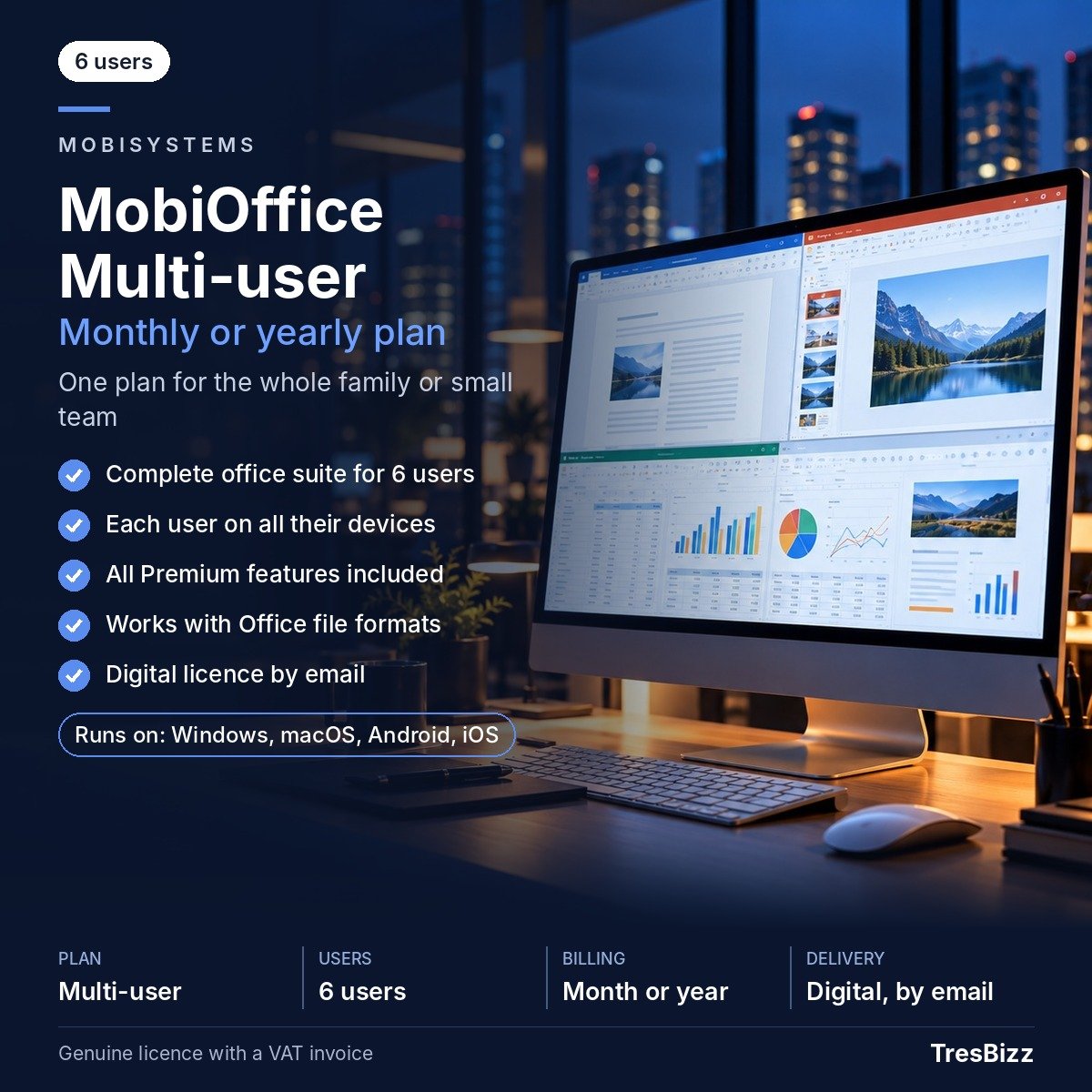
Bring your everyday productivity together with MobiOffice Multi-user. This office suite subscription supports up to six users with a separate private account for each person. Everyone can work with documents spreadsheets and presentations while keeping personal files and settings separate. Each user receives all Premium features across PCs Macs smartphones and tablets. Whether you are organising household documents coordinating shared responsibilities or managing everyday work across several devices MobiOffice provides a practical office environment for multiple people. Developed by MobiSystems a European software developer founded in 2001 and headquartered in Bulgaria MobiOffice brings essential office applications together in one subscription.
Key features
- Up to six users: Each person has an individual account with private files and settings.
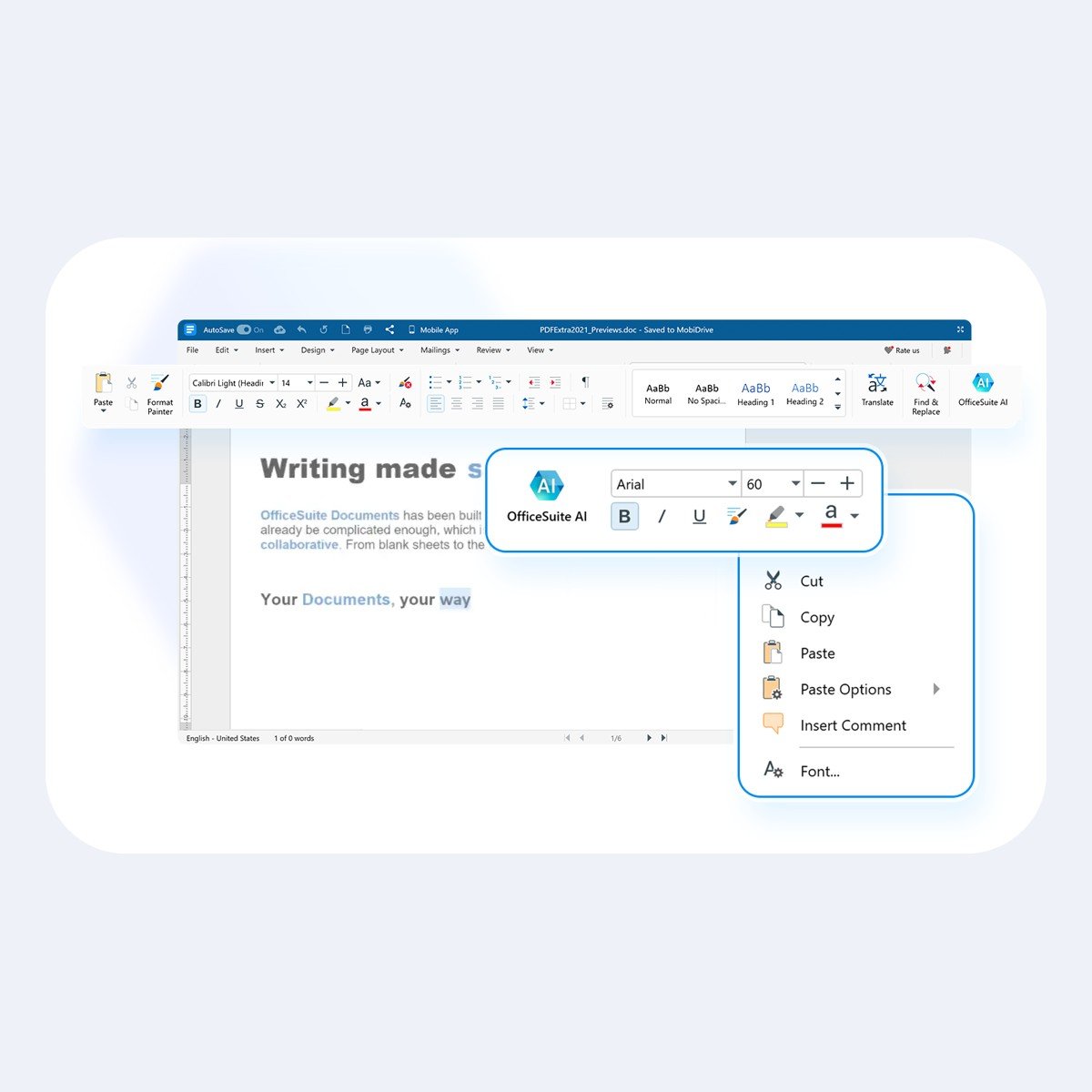
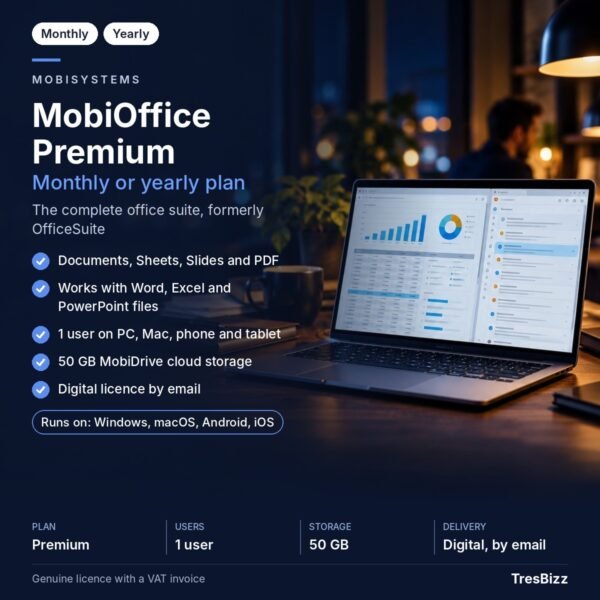
- Documents: Create and edit text documents for everyday writing and productivity tasks.
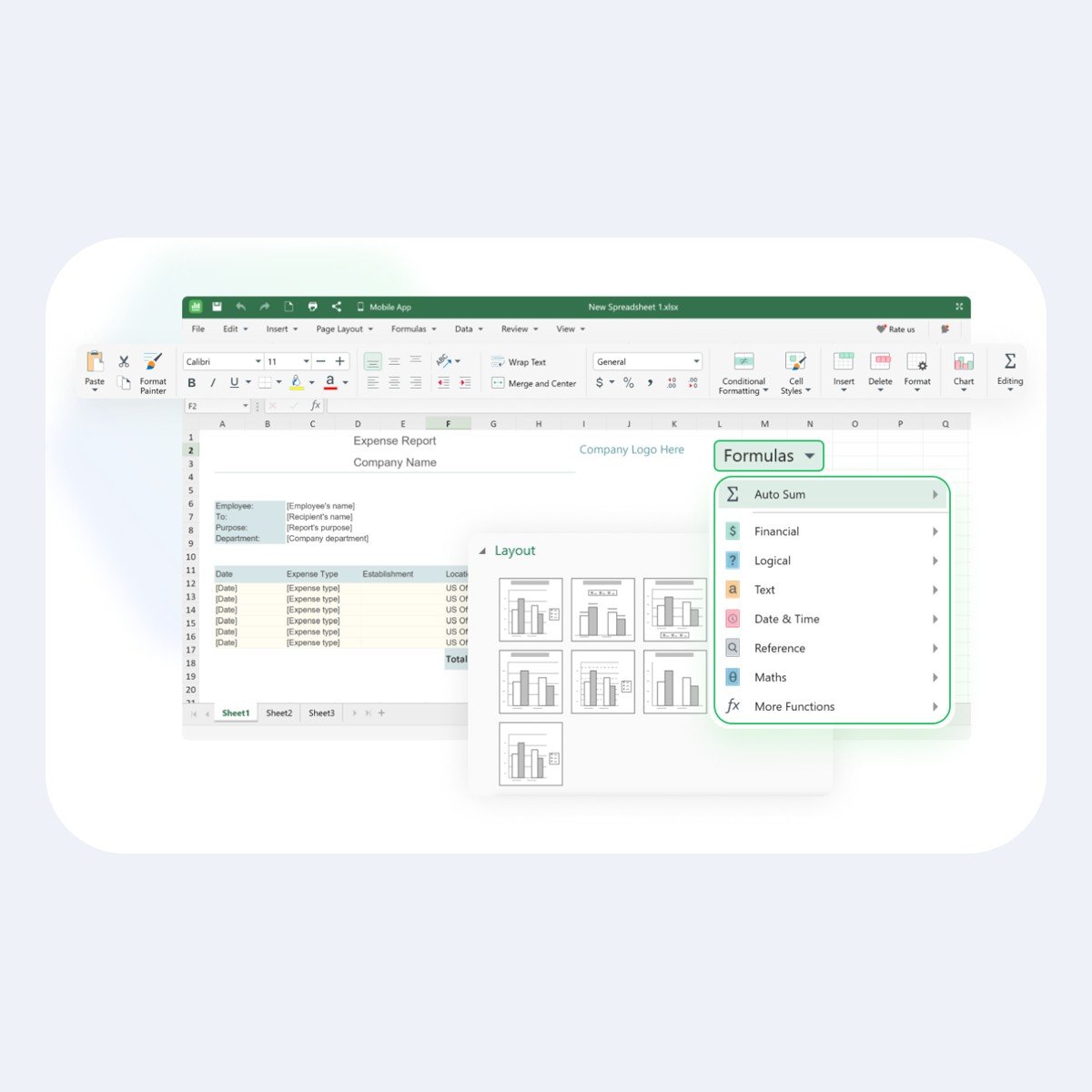
- Sheets: Work with spreadsheets and organise information using the spreadsheet application.
- Slides: Prepare and edit presentations for sharing information and communicating ideas.
- Microsoft Office compatibility: Open and edit .docx .xlsx and .pptx files.
- PDF conversion: Convert documents to PDF and convert PDF files back into documents. Advanced PDF editing is not included and is available separately through MobiPDF.
- MobiMail: Use the integrated mail and calendar application on Windows Android and iOS. MobiMail is not available on Mac.
- Product updates: Regular product updates are included throughout the subscription.
Benefits
MobiOffice Multi-user makes it easier for several people to maintain their own productivity environment under one subscription. Individual accounts keep each user’s files and settings separate rather than combining everything into a shared profile. This distinction is useful when different people have different documents preferences and working routines.
Cross-device Premium access gives every user the flexibility to work on a compatible PC Mac phone or tablet. You can prepare a document on a computer and continue working from another supported device. Compatibility with commonly used Microsoft Office file formats also helps when exchanging documents with colleagues classmates customers or other contacts.
The included PDF conversion tools provide another convenient way to prepare documents for distribution or continue working with PDF content. If you need advanced PDF editing you can consider MobiPDF as a separate product.
Who it is for
MobiOffice Multi-user is suitable for households families small teams and groups of individuals who need office applications across several devices. It can support students preparing assignments parents organising documents and professionals handling everyday office tasks. The separate accounts are particularly useful when multiple people use the same subscription but want to maintain their own files and settings.
It is also a practical option for international users who regularly exchange Microsoft Office documents and need a familiar set of applications for writing spreadsheets and presentations. Before purchasing check that your devices meet the relevant system requirements.
Licence options
Choose the subscription duration that matches your intended use. MobiOffice Multi-user is available through two term options:
- 1-month subscription: A monthly subscription option for shorter-term requirements.
- 12-month subscription: A yearly subscription option for longer-term use.
Both options support up to six users and provide Premium features for each user on supported devices. A MobiSystems account is required to sign in and activate the subscription.
System requirements
For Windows computers the stated minimum requirements are:
- Operating system: Windows 10 version 14393 or higher.
- Architecture: x64.
- Memory: 1 GB RAM minimum with 2 GB recommended.
- Processor: 1 GHz dual-core processor minimum.
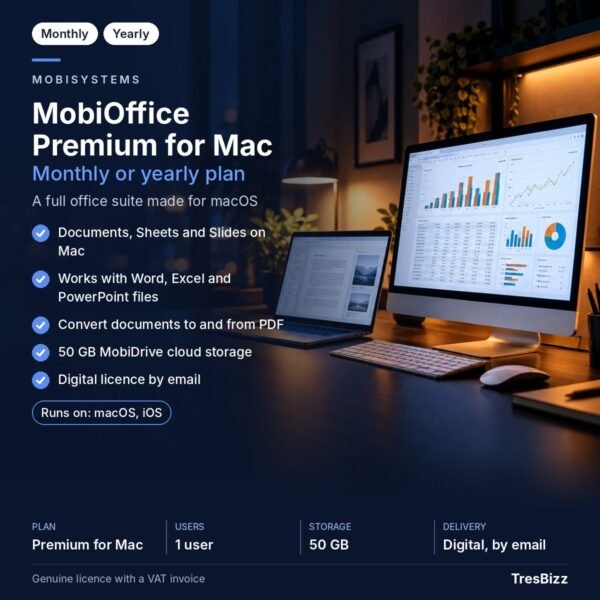
MobiOffice also supports Macs phones and tablets. Check device compatibility before purchasing. MobiMail is available on Windows Android and iOS but is not available on Mac.
Delivery and activation
TresBizz is the seller of this genuine new licence and operates from Brussels Belgium. After placing your order you will receive the licence key the download link and activation instructions by email within 24 hours. Follow the supplied steps to install the software and activate your subscription using your MobiSystems account.
An official VAT invoice is provided with every order. If your licence key does not work TresBizz provides support by email and offers a replacement or refund. Keep your order details and activation information available in case you need assistance.
Conclusion
MobiOffice Multi-user combines documents spreadsheets presentations PDF conversion and mail and calendar functionality in a subscription designed for up to six individual users. With separate accounts Premium features across supported devices and regular product updates it provides a straightforward way to organise everyday office tasks for several people. Choose a 1-month or 12-month subscription from TresBizz and receive your licence details and activation instructions by email within 24 hours.
Frequently Asked Questions
How many people can use MobiOffice Multi-user?
The subscription supports up to six users. Each person receives a private account so their files and settings remain separate.
Can each user access Premium features on multiple devices?
Yes. Every user receives all Premium features on PCs Macs phones and tablets.
Can MobiOffice Multi-user open Microsoft Office files?
Yes. Documents Sheets and Slides can open and edit Microsoft Office files in .docx .xlsx and .pptx formats.
Does MobiOffice include advanced PDF editing?
No. MobiOffice supports document conversion to and from PDF but advanced PDF editing is not included. That functionality is available separately through MobiPDF.
How will I receive and activate my licence?
TresBizz sends your genuine new licence key download link and activation steps by email within 24 hours. You need a MobiSystems account to sign in and activate the subscription.







Reviews
There are no reviews yet.