





Description
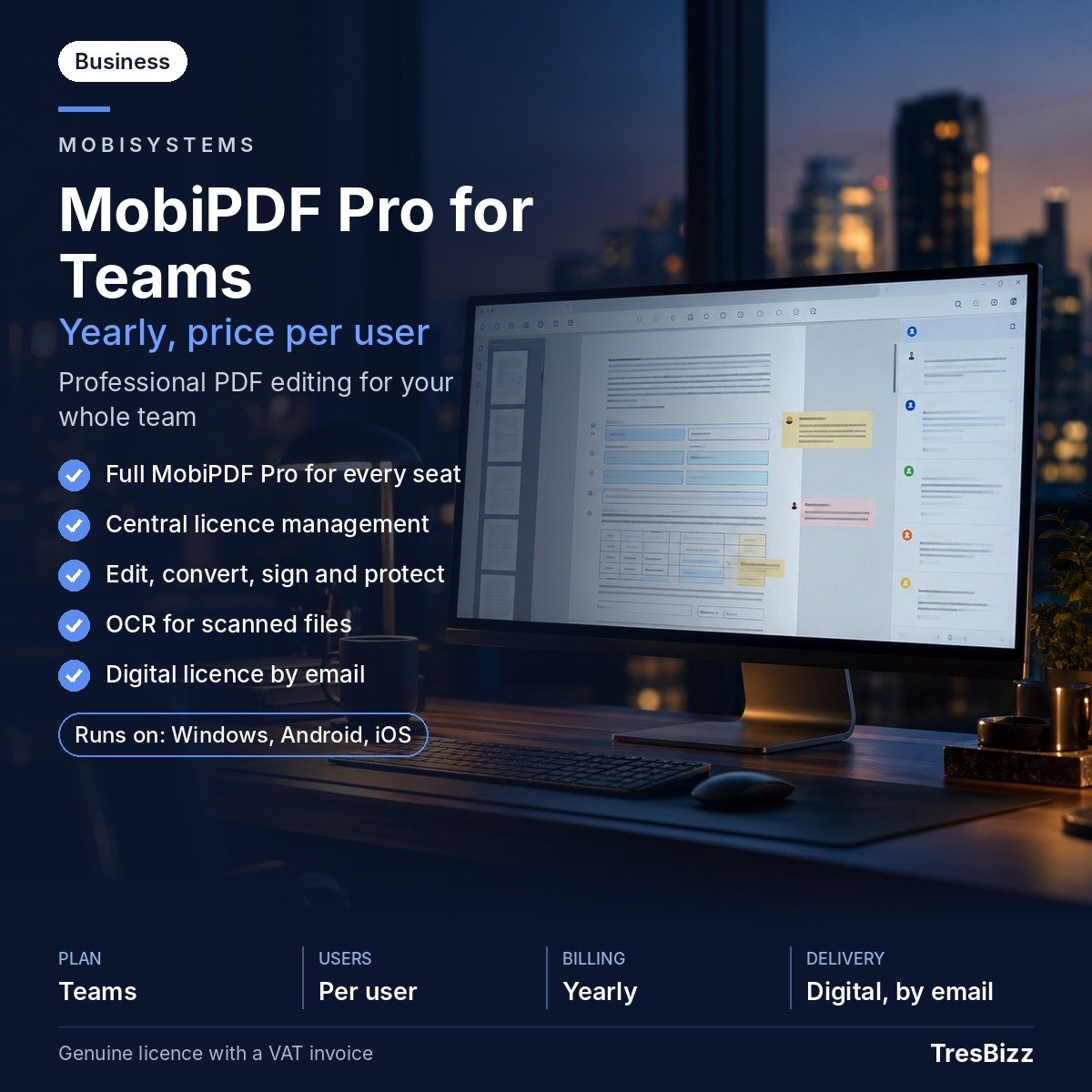
MobiPDF Pro for Teams is MobiSystems’ business subscription to the full MobiPDF Pro editor, formerly known as PDF Extra. It provides professional PDF tools through licences purchased per user and billed yearly. Each employee can use the software on one Windows desktop and up to two mobile devices, including an iPhone, iPad or Android phone or tablet. The subscription combines editing, conversion, scanning, signing and cloud storage with centralised licence administration. Buy MobiPDF Pro for Teams from TresBizz for business document workflows across teams and devices.
Key features
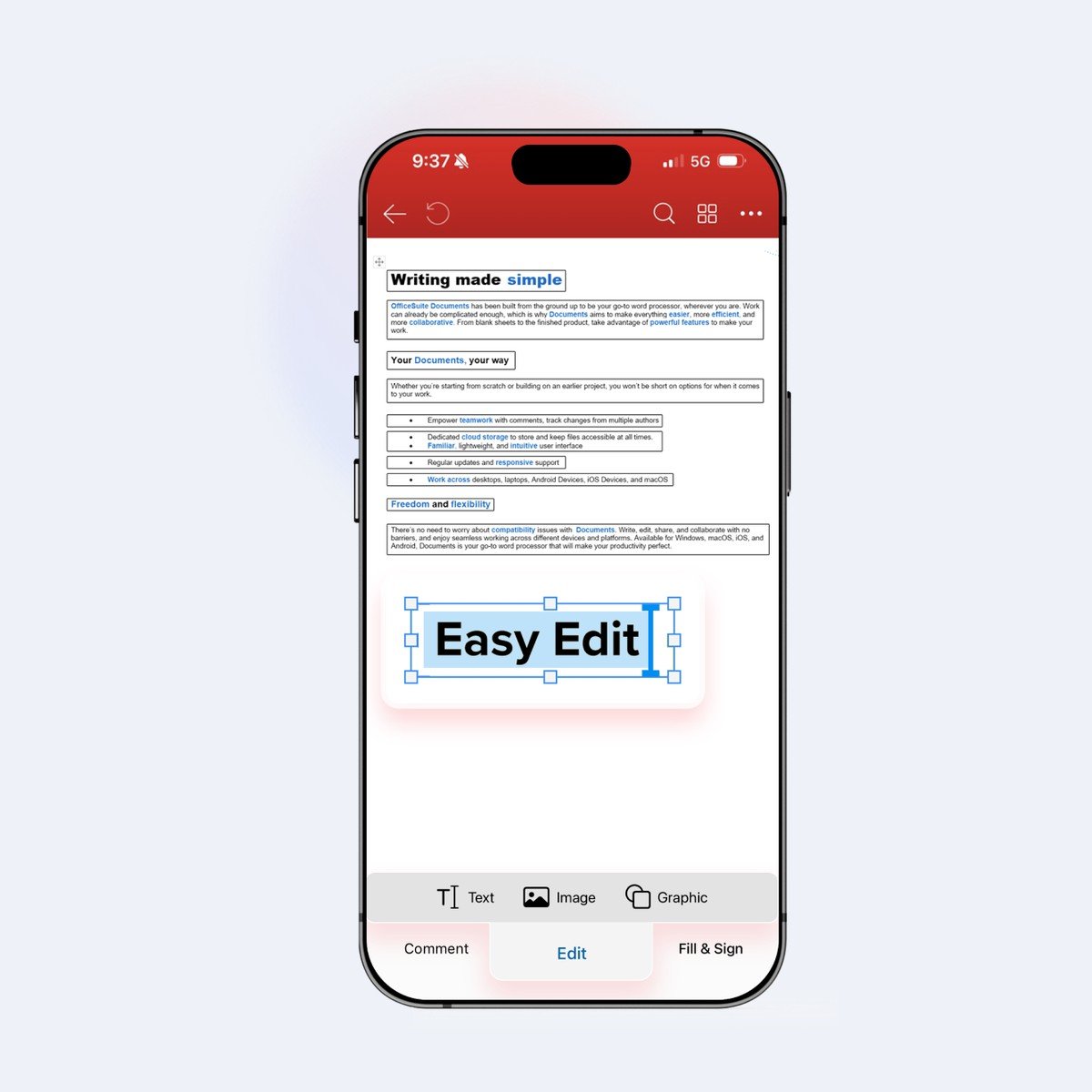
- Editing: Create PDFs and edit their text and images. Combine files, rotate pages, change page order, delete pages or split documents into separate PDFs.
- Conversion: Convert PDFs to and from more than 30 file formats, including Word and Excel.
- OCR: Turn scanned documents into searchable and editable PDFs using optical character recognition.
- Forms and signatures: Create, fill in, sign and share forms. Protect PDFs with passwords and apply digital signatures.
- Mobile tools: Scan and edit documents on iPhone, iPad and Android devices. Each user receives 500 GB of MobiDrive cloud storage.
- Administration: Assign and reassign seats in the web-based admin console. Add seats as the organisation grows.
- Deployment: Business options include an unattended MSIX installer for Windows. The subscription includes priority support from MobiSystems.
Benefits
- One workspace: Handle editing, page organisation, conversion, scanning and signing in one PDF application.
- Device flexibility: Work on a Windows desktop and up to two supported mobile devices per user.
- Team control: Manage access centrally and reassign seats when responsibilities change.
- Scalability: Add seats as the business expands or more employees need access.
- Cloud capacity: Each licensed user receives 500 GB of MobiDrive storage.
- Deployment: Use the unattended Windows MSIX installer for managed installation.
Who it is for
MobiPDF Pro for Teams is designed for companies and professional groups that regularly prepare, revise, convert or share PDF documents. Administrative staff can manage forms and scanned paperwork, while finance teams can work with reports and spreadsheets converted from PDFs. Sales and project teams can prepare documents, collect signatures and share completed files. It also suits organisations with employees who move between office computers and mobile devices. The per-user licence is useful when employees need individual access and administrators want central control over assignments.
Licence options
TresBizz offers the Per user, 12 months (yearly subscription) option. Each seat covers one user on one Windows desktop and up to two supported mobile devices. The subscription is billed yearly. Administrators can assign or reassign seats through the web-based admin console, and add seats as the team grows. Select the quantity according to the number of employees who need access.
System requirements
Windows computers must run Windows 11 or Windows 10; version 22H2 is recommended for Windows 10. The required architecture is x64. At least 1 GB RAM and a 1 GHz dual-core processor are required; 2 GB RAM is recommended. Mobile devices require iOS 18 or later, according to the current download page, or Android 8.0 or later. An internet connection is needed for activation and sign-in with a MobiSystems account.
Delivery and activation
TresBizz, based in Brussels, Belgium, supplies a genuine new MobiPDF Pro for Teams licence. Your key, download link and activation steps are sent by email within 24 hours. Follow the instructions to download the application, sign in with your MobiSystems account and activate the licence. Every order includes an official VAT invoice. If a key does not work, TresBizz provides support by email and offers a replacement or refund.
Conclusion
MobiPDF Pro for Teams combines PDF editing, conversion, OCR, forms, signatures, mobile tools and cloud storage in a yearly business subscription. Central seat management helps administrators allocate access as teams change, while the Windows deployment option supports business installation. Choose the 12-month per-user licence from TresBizz for PDF editing across desktop and mobile devices.
Frequently asked questions about MobiPDF Pro for Teams
What is MobiPDF Pro for Teams?
MobiPDF Pro for Teams is MobiSystems' business subscription of the full MobiPDF Pro editor, formerly known as PDF Extra. It provides professional PDF editing tools, mobile access, cloud storage and centralised licence administration.
How many devices can each user activate?
Each licensed user can use MobiPDF on one Windows desktop and up to two mobile devices. Supported mobile devices include an iPhone, iPad, Android phone or Android tablet.
What is included in the yearly subscription?
The subscription includes the full MobiPDF Pro editor, PDF editing and conversion, OCR, form creation and signing, password protection, digital signatures, 500 GB of MobiDrive cloud storage per user and team licence management.
Can administrators transfer licences between employees?
Yes. Administrators can assign and reassign seats through the web-based administration console. Additional seats can also be added as the organisation grows.
How will I receive my MobiPDF Pro for Teams licence?
TresBizz sends the genuine new licence key, download link and activation instructions by email within 24 hours. Every order includes an official VAT invoice. If a key does not work, support is available by email with a replacement or refund.












Reviews
There are no reviews yet.