






Description
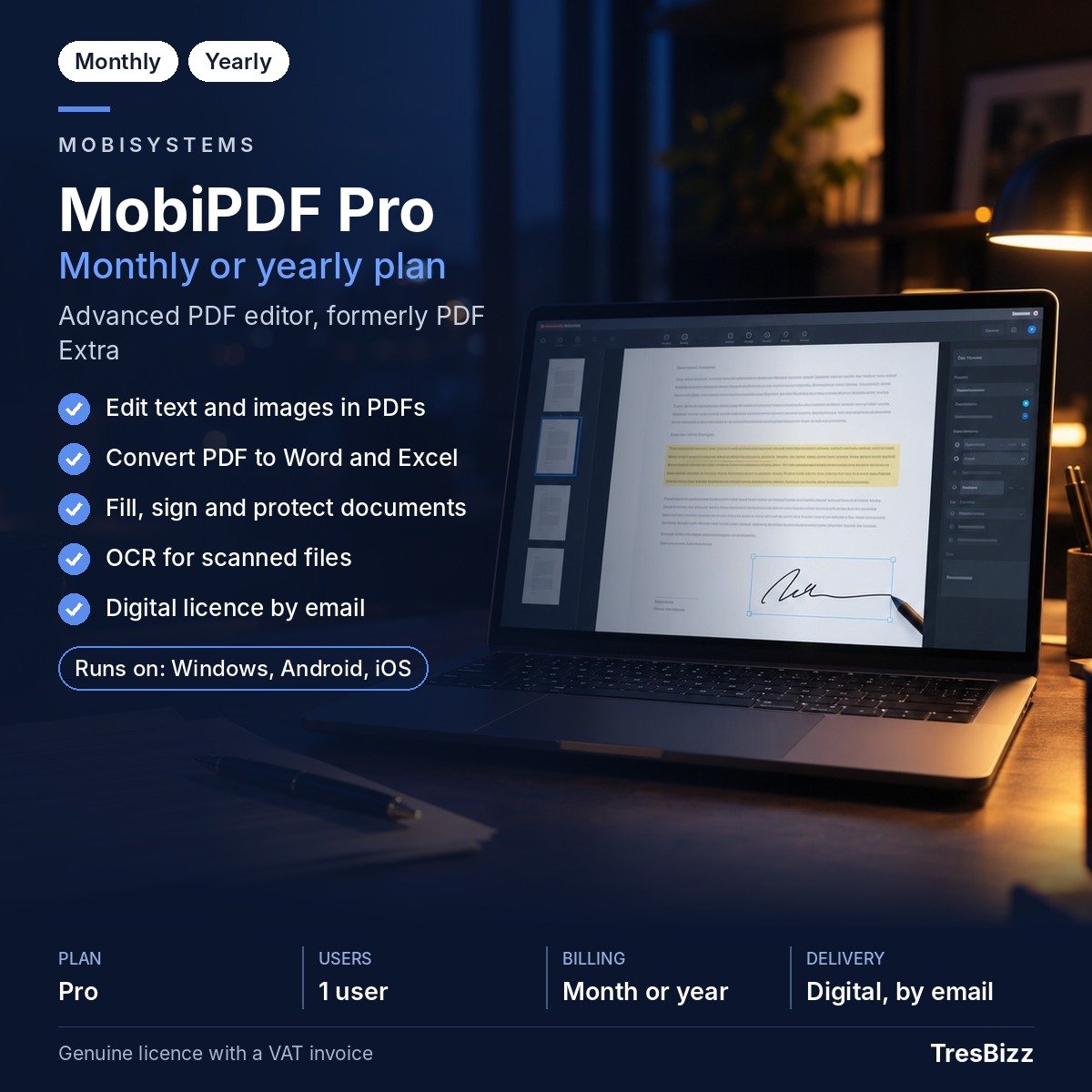
MobiPDF Pro is an advanced PDF editor from MobiSystems, formerly known as PDF Extra. It brings together tools for creating, editing, organising, converting and securing PDF documents on desktop and mobile devices. Use it to update text and images, arrange pages, convert files, work with scanned paperwork and prepare forms for signing. You can also combine separate files, rotate pages and compress PDFs as part of routine document preparation. Buy MobiPDF Pro from TresBizz and choose a 1-month or 12-month subscription. Both options include access to ongoing product updates.
Key features
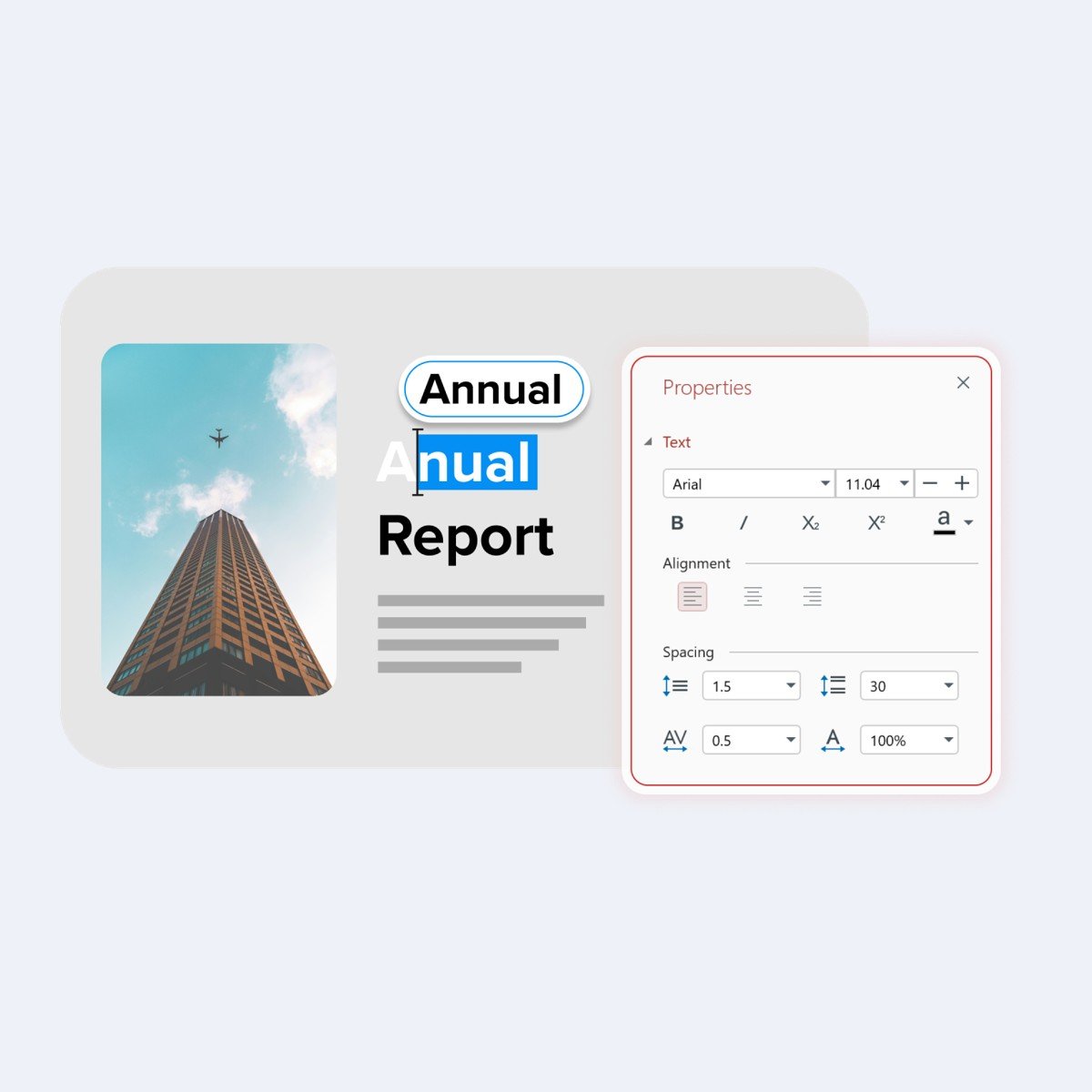
- PDF editing: Change text and images directly in existing PDF documents, without recreating the complete file.
- Page management: Create, combine, rotate, reorder and delete pages, or split a document into smaller PDF files.
- Conversion: Convert PDFs to and from other formats, including Microsoft Word and Excel, for working across document types.
- OCR: Turn scanned documents into editable and searchable PDFs using optical character recognition.
- Forms and signatures: Create, fill in and sign forms, as well as apply digital signatures to PDF documents.
- Security and compression: Protect PDFs with passwords and compress files when you need to manage document size.
Benefits
- Everyday document work: Handle editing, conversion, page organisation and signing in one application.
- More usable scans: OCR makes text in scanned paperwork searchable and editable instead of leaving it only as an image.
- Flexible access: Use the subscription on one Windows desktop and up to two supported mobile devices.
- Familiar formats: Move information between PDF, Word and Excel files with the available conversion tools.
- Document control: Password protection and digital signatures provide tools for securing and signing PDF files.
- Ongoing updates: Product updates are included during the subscription period.
Who it is for
MobiPDF Pro is designed for individuals and organisations that regularly work with PDF documents. Professionals can revise reports, organise paperwork and prepare forms for colleagues or clients. Freelancers can manage contracts, convert files and sign documents digitally. Students can work with study materials, organise reading documents and turn scanned notes into searchable PDFs. If your everyday tasks involve more than simply opening and reading PDFs, MobiPDF Pro offers editing and document-management capabilities in one subscription.
Licence options
Choose the subscription period that fits your needs:
- 1-month subscription: A shorter option for a temporary project or a limited period of PDF work.
- 12-month subscription: An option for regular use throughout the year.
Each subscription includes all MobiPDF Pro features on one Windows desktop and up to two mobile devices. Compatible mobile devices include iPhone, iPad and Android devices. Ongoing product updates are included while the subscription is active.
System requirements
Check that your devices meet the following requirements before purchasing:
- Windows: Windows 11 or Windows 10; version 22H2 is recommended for Windows 10.
- Architecture: x64.
- Memory: At least 1 GB RAM; 2 GB is recommended.
- Processor: At least a 1 GHz 2-core processor.
- Mobile: iOS 18 or later for iPhone and iPad, or Android 8.0 or later.
- Connection: Internet access is required for activation and sign-in with a MobiSystems account.
Delivery and activation
TresBizz is the seller of this product and is based in Brussels, Belgium. Your order includes a genuine new MobiPDF Pro licence. The key, download link and activation steps are sent to your email within 24 hours of purchase. Follow the instructions to install the application, activate it and sign in with your MobiSystems account. An internet connection is needed for activation and sign-in with your MobiSystems account. This is needed when setting up your subscription on a supported device. TresBizz supplies an official VAT invoice with every order. If a licence key does not work, support is available by email, with a replacement or refund offered.
Conclusion
MobiPDF Pro brings together the essential tools for editing, converting, organising and protecting PDF documents. OCR helps make scanned files searchable and editable, while form tools and digital signatures support common digital paperwork tasks. Choose a 1-month or 12-month term to suit your requirements. Buy MobiPDF Pro from TresBizz for a genuine new licence, email delivery within 24 hours, activation instructions and an official VAT invoice.
Frequently Asked Questions about MobiPDF Pro
What is MobiPDF Pro?
MobiPDF Pro is an advanced PDF editor developed by MobiSystems. Formerly known as PDF Extra, it provides tools for editing PDF text and images, managing pages, converting documents, using OCR, completing forms and applying digital signatures.
Which devices are covered by one MobiPDF Pro subscription?
One subscription provides access to all MobiPDF Pro features on one Windows desktop and up to two mobile devices. Supported mobile devices include iPhone, iPad and Android devices.
Can MobiPDF Pro convert PDF files into Word and Excel documents?
Yes. MobiPDF Pro supports conversion of PDF documents to and from other formats, including Microsoft Word and Excel.
What are the available MobiPDF Pro subscription periods?
TresBizz offers MobiPDF Pro subscriptions for 1 month or 12 months. Both options include access to all product features on the supported devices and ongoing product updates.
How will I receive and activate my MobiPDF Pro licence?
TresBizz sends your genuine new licence key, download link and activation instructions by email within 24 hours. Follow the supplied instructions to install the application, activate your subscription and sign in with your MobiSystems account. Every order includes an official VAT invoice. If a key does not work, TresBizz provides support by email and offers a replacement or refund.










Reviews
There are no reviews yet.