





Description
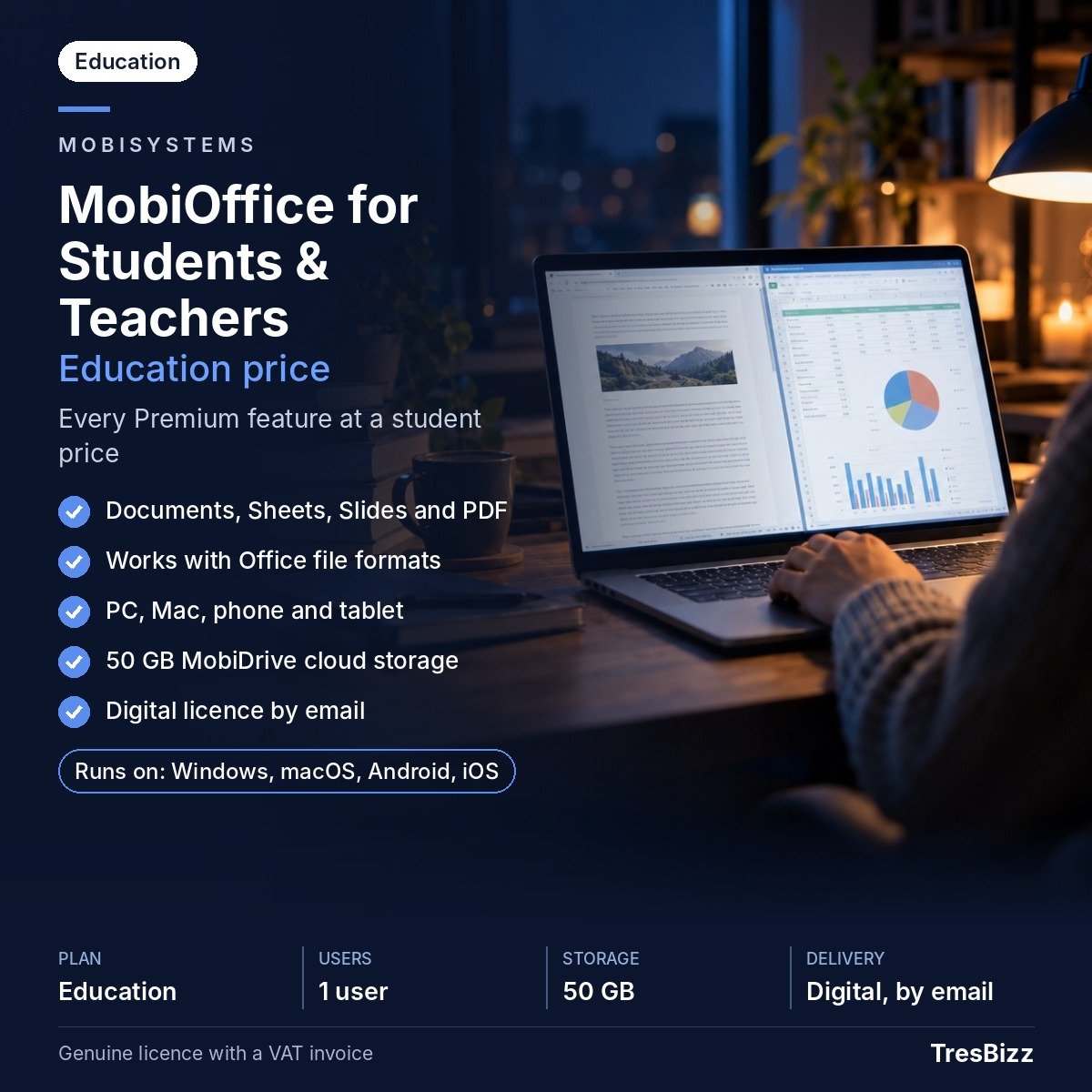
MobiOffice Premium for Students & Teachers brings essential office applications together in one practical education suite. Developed by MobiSystems, a European software developer founded in 2001 and headquartered in Bulgaria, MobiOffice provides tools for assignments, research, presentations and everyday documents. The education plan includes all Premium features for one eligible pupil, student or teaching staff member across PCs, Macs, phones and tablets. A valid academic email address is required, and MobiSystems may ask users to confirm their education status.
Key features
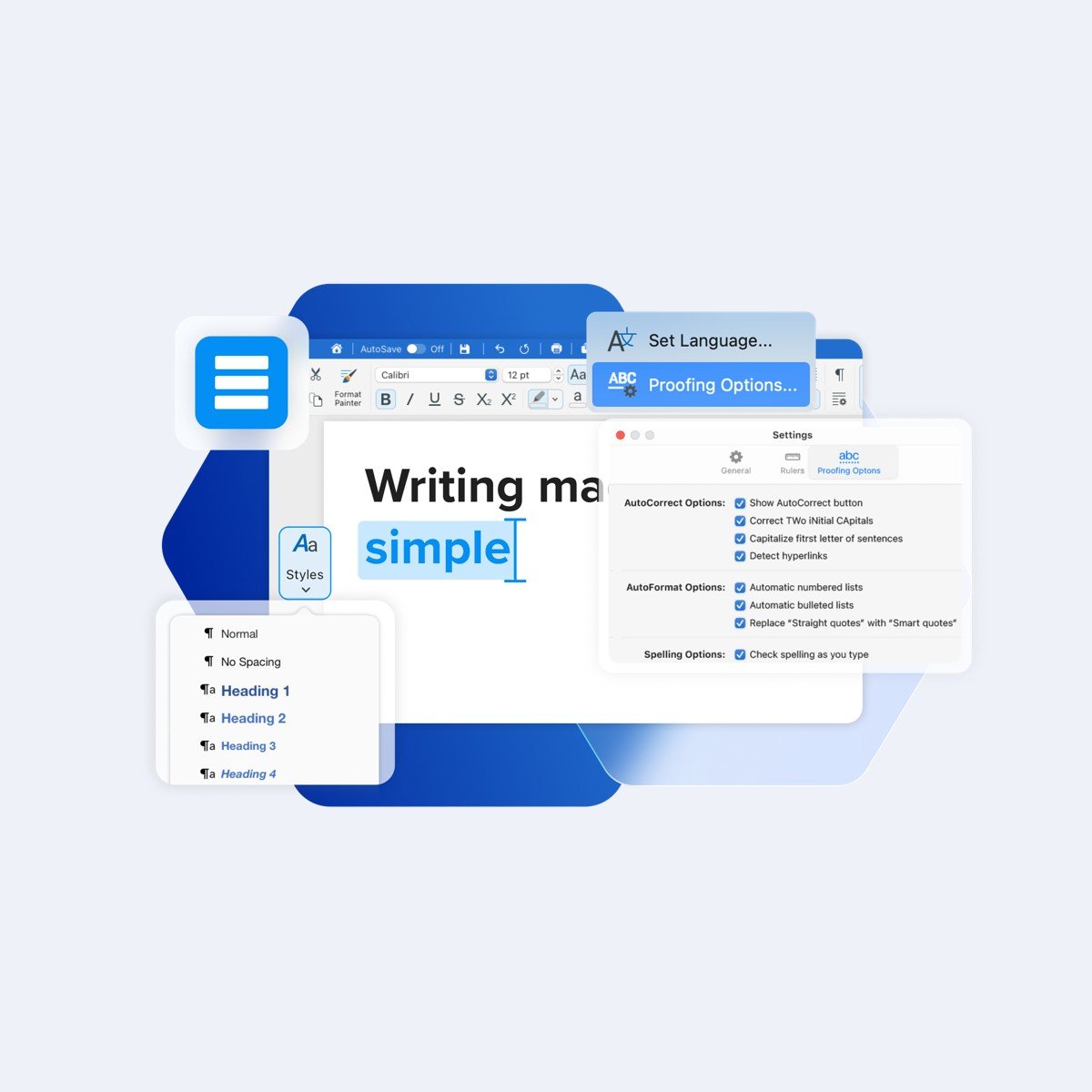
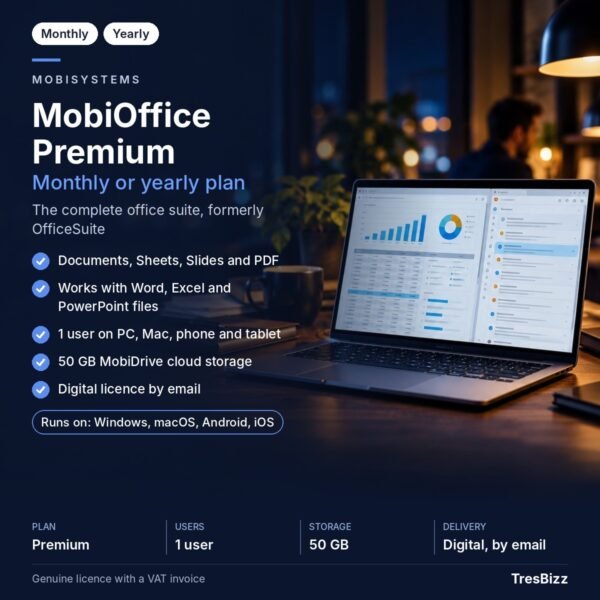
- Documents: Create, open and edit essays, reports, assignments and other text-based files.
- Sheets: Organise information, manage numerical data and work with tables.
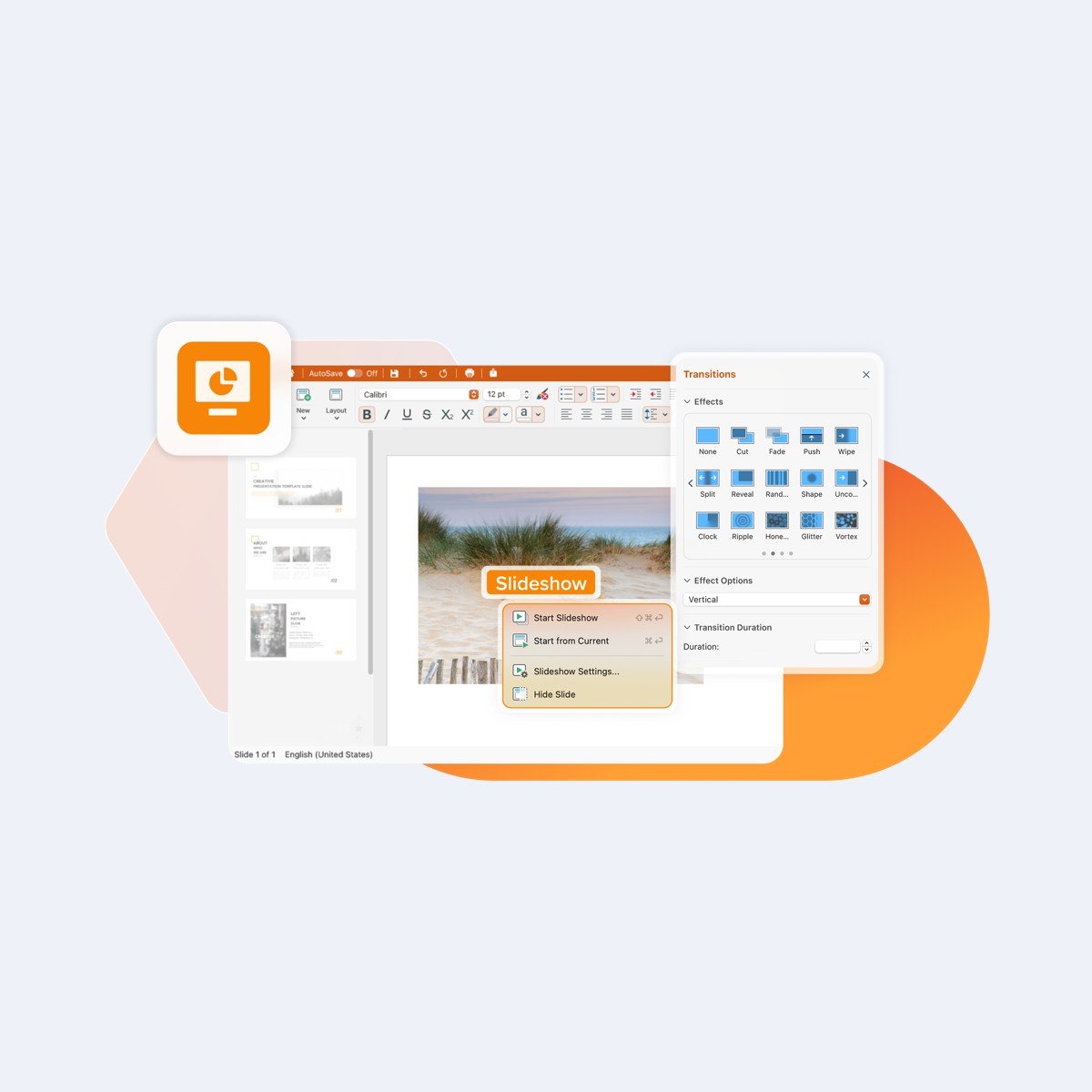
- Slides: Prepare presentations for lectures, classroom activities and research projects.
- Microsoft Office compatibility: Open and edit Microsoft Office files, including DOCX, XLSX and PPTX formats.
- PDF conversion: Convert documents to PDF and PDF files back into editable document formats. Advanced PDF editing is not included and is available separately through MobiPDF.
- MobiDrive storage: Store documents and other supported files with 50 GB of cloud storage.
- Product updates: Regular product updates are included with the subscription.
Benefits
Documents, Sheets and Slides cover different types of academic work in one office suite. Students can prepare assignments, organise research and develop presentations. Teaching staff can create lesson materials, spreadsheets and educational documents using the same applications.
Microsoft Office compatibility makes it easier to work with coursework and shared documents received in DOCX, XLSX or PPTX formats. Users can open and edit these files in MobiOffice. PDF conversion also helps when documents need to be distributed in PDF format or converted back into editable files.
The 50 GB of MobiDrive storage provides online space for important work. One user can access the suite across supported PCs, Macs, phones and tablets. Regular product updates are included throughout the subscription.
Who it is for
This education plan is intended for eligible pupils, school and university students, and teaching staff with a valid academic email address. It suits individuals who need office tools for assignments, research, presentations, spreadsheets, classroom preparation or educational administration. MobiSystems may request confirmation of education status. The licence covers one user, not multiple members of a class, family or institution.
Licence options
TresBizz offers two subscription terms: one month or twelve months. Both provide MobiOffice Premium with all Premium features for one eligible user across supported PCs, Macs, phones and tablets. Choose the term that suits your expected period of use. This is a subscription licence, not a perpetual licence. A valid academic email address is required, and MobiSystems may request confirmation of education status.
System requirements
For Windows, the minimum requirements are Windows 10 version 14393 or higher, a 64-bit x64 system, 1 GB of RAM and a 1 GHz dual-core processor. At least 2 GB of RAM is recommended. These specifications apply to Windows. MobiOffice also supports Macs, phones and tablets, although device-specific requirements are not specified here. Check device compatibility before installation. A MobiSystems account is required to sign in and activate the product.
Delivery and activation
TresBizz, based in Brussels, Belgium, supplies a genuine new licence. Your licence key, download link and activation steps will arrive by email within 24 hours of your order. Follow the instructions to download and install MobiOffice, then sign in with your MobiSystems account to activate it. An eligible academic email address is required. Every order includes an official VAT invoice. If the supplied key does not work, TresBizz provides support by email and offers a replacement or refund.
Conclusion
MobiOffice Premium for Students & Teachers combines Documents, Sheets, Slides, Microsoft Office compatibility, PDF conversion and 50 GB of cloud storage. Its cross-device access makes it a practical office suite for eligible learners and teaching professionals. Choose a one-month or twelve-month subscription from TresBizz and receive your genuine licence details by email within 24 hours.
Frequently Asked Questions
Who can purchase MobiOffice Premium for Students & Teachers?
The education plan is intended for eligible pupils, students and teaching staff. A valid academic email address is required, and MobiSystems may request confirmation of education status.
Which applications are included in MobiOffice Premium?
The suite includes Documents, Sheets and Slides. These applications support written documents, spreadsheets and presentations, as well as opening and editing Microsoft Office files in DOCX, XLSX and PPTX formats.
Does MobiOffice Premium include PDF editing?
MobiOffice can convert documents to and from PDF. Advanced PDF editing is not included in this product and is available separately through MobiPDF.
How many devices can I use with this education licence?
The education plan covers one user on PCs, Macs, phones and tablets. A MobiSystems account is required to sign in and activate the product.
How will I receive and activate my licence?
TresBizz emails your genuine new licence key, download link and activation steps within 24 hours. Sign in with your MobiSystems account and follow the supplied instructions. Every order includes an official VAT invoice. If the key does not work, TresBizz provides support by email and offers a replacement or refund.










Reviews
There are no reviews yet.