






Description
Keep Maltese business paperwork moving
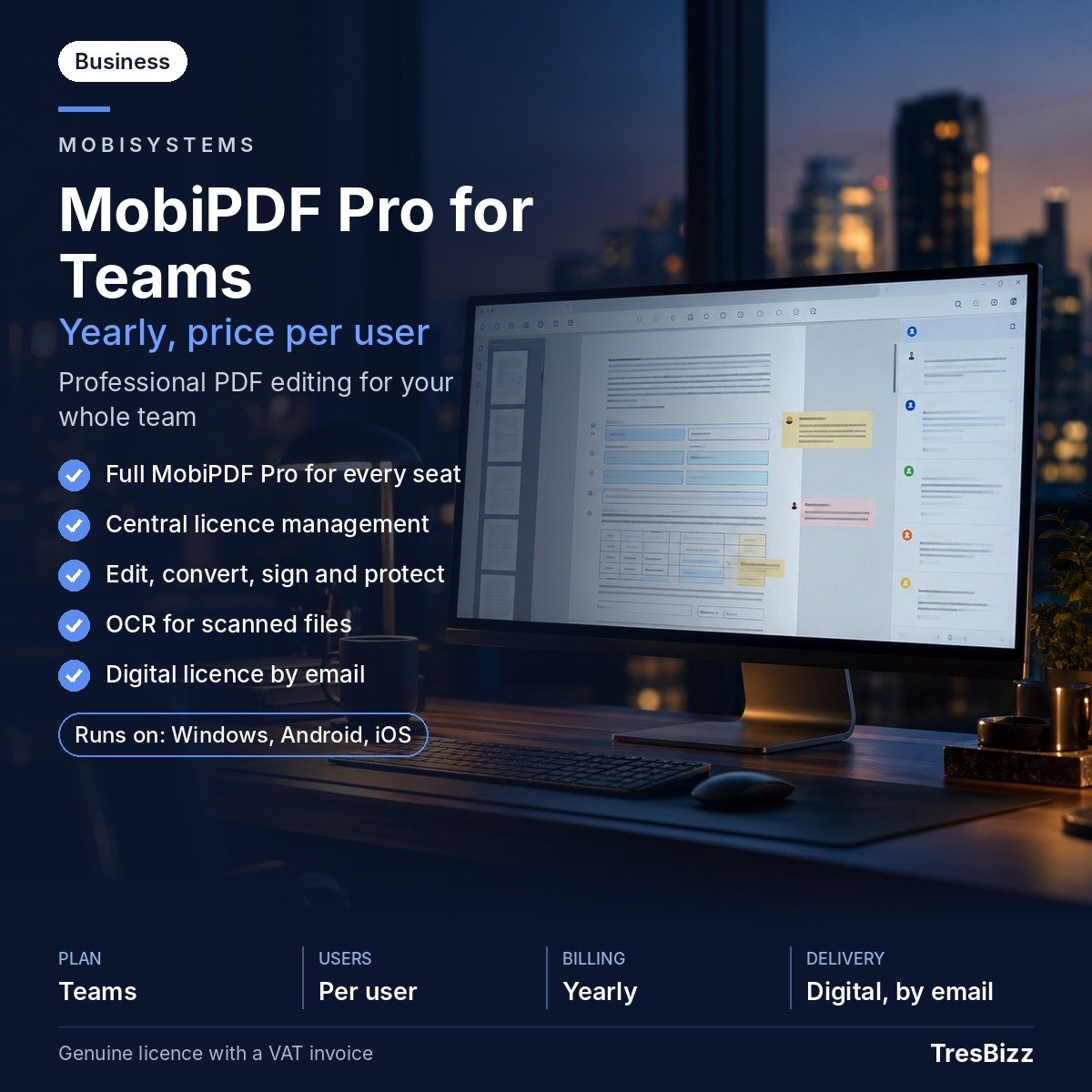
From company administration in Valletta to client files in Sliema and supplier documentation across Malta and Gozo, business paperwork needs to be easy to update, sign and share. PDF documents are often used for quotations, agreements, application forms, reports and internal records. MobiPDF Pro for Teams gives professional users one place to handle these everyday document tasks. Rather than relying on separate applications for page changes, document conversion and signatures, your staff can work with a complete PDF editor on their Windows computers and supported mobile devices. It is a practical choice for small businesses, professional offices, service providers and growing teams that handle digital paperwork regularly.
One editor for everyday PDF work
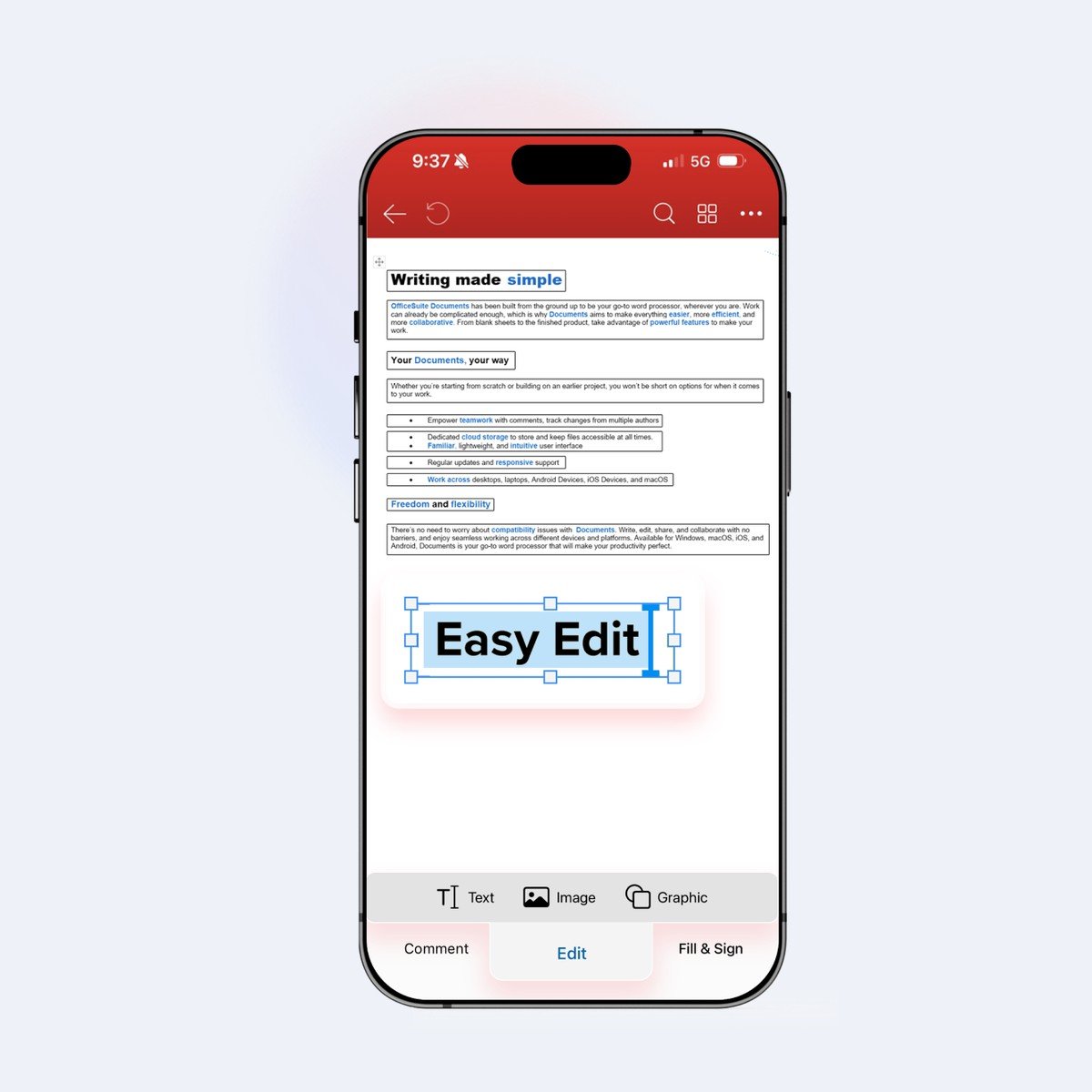
MobiPDF Pro for Teams includes the full MobiPDF Pro editor. Create PDF files and make changes to existing documents without rebuilding the entire file. Edit text and images directly, combine several documents, rotate pages, change their order, remove unwanted pages or split a large PDF into smaller sections. These tools are useful when preparing client packs, updating company records or organising paperwork before sending it to another department.
- Convert PDFs to and from more than 30 file formats, including Microsoft Word and Excel.
- Use OCR to recognise text in scanned documents and make the resulting PDFs searchable and editable.
- Create forms, complete fields, sign documents and share completed forms.
- Protect PDF files with passwords and apply digital signatures.
- Scan and edit documents using an iPhone, iPad or Android smartphone or tablet.
- Store work files with 500 GB of MobiDrive cloud storage per user.
Team licensing without unnecessary complexity
MobiPDF Pro for Teams, formerly known as PDF Extra, is the business subscription from MobiSystems for its full MobiPDF Pro editor. Licences are purchased per user, also called a seat, and billed yearly. Each seat covers one Windows desktop and up to two mobile devices. Supported mobile devices include an iPhone, iPad, Android smartphone or Android tablet.
Team administrators can assign seats and move them between users through the web-based administration console. Additional seats can be purchased as the workforce expands. Businesses planning a Windows rollout can also use the unattended MSIX installer. Priority support from MobiSystems is included as part of the business offering.
Why order from TresBizz
TresBizz supplies MobiPDF Pro for Teams with pricing displayed in euros for customers in Malta. Payment is available by card, Apple Pay, Google Pay and PayPal. Organisations purchasing several licences can benefit from lower per-licence pricing at quantities of 3, 5 and 10 seats, making it easier to plan purchases for departments or entire teams.
The seller is TresBizz, based in Brussels, Belgium. Every order includes an official VAT invoice. EU business customers can enter their VAT number during the purchasing process, with reverse-charge treatment where applicable. Your purchase is for a new, authentic software licence. There is no physical parcel to wait for and no shipping arrangement is required.
Check your device requirements
For desktop use, MobiPDF requires Windows 10 or Windows 11. Windows 10 version 22H2 is recommended. A 64-bit x64 system, a processor with at least two cores running at 1 GHz and a minimum of 1 GB RAM are required. The recommended memory is 2 GB RAM. On mobile devices, the current supported requirements are iOS 18 or later and Android 8.0 or later. An internet connection is necessary for activation and sign-in using a MobiSystems account.
Email delivery and activation
Your licence is delivered electronically. Within 24 hours of placing your order, TresBizz sends an email containing the licence key, the software download link and step-by-step activation instructions. Download the application, install it on your supported device and sign in using your MobiSystems account to complete activation. There is no box, disc or courier delivery. If the supplied key does not work, you can request a replacement or a refund. For order-related questions or assistance with delivery, contact the TresBizz support team by email.
MobiPDF Pro for Teams Questions and Answers
Where can I buy MobiPDF Pro for Teams in Malta?
You can order MobiPDF Pro for Teams through TresBizz. The price is displayed in euros, and the licence key, download link and activation instructions are sent by email within 24 hours.
How many devices can one MobiPDF Pro for Teams user access?
One seat covers one Windows desktop and up to two mobile devices. These can be an iPhone, iPad, Android smartphone or Android tablet.
Does MobiPDF Pro for Teams include cloud storage?
Yes. Each licensed user receives 500 GB of MobiDrive cloud storage for business documents and other supported files.
Can a Maltese company purchase multiple MobiPDF licences?
Yes. Licences are purchased per user, and additional seats can be added as the team grows. Lower per-licence pricing applies to orders of 3, 5 and 10 seats.
Will I receive a VAT invoice for my order?
Yes. Every TresBizz order includes an official VAT invoice. EU business customers can provide their VAT number, with reverse charge applied where applicable.











Reviews
There are no reviews yet.