




Description
Office software for modern UK teams
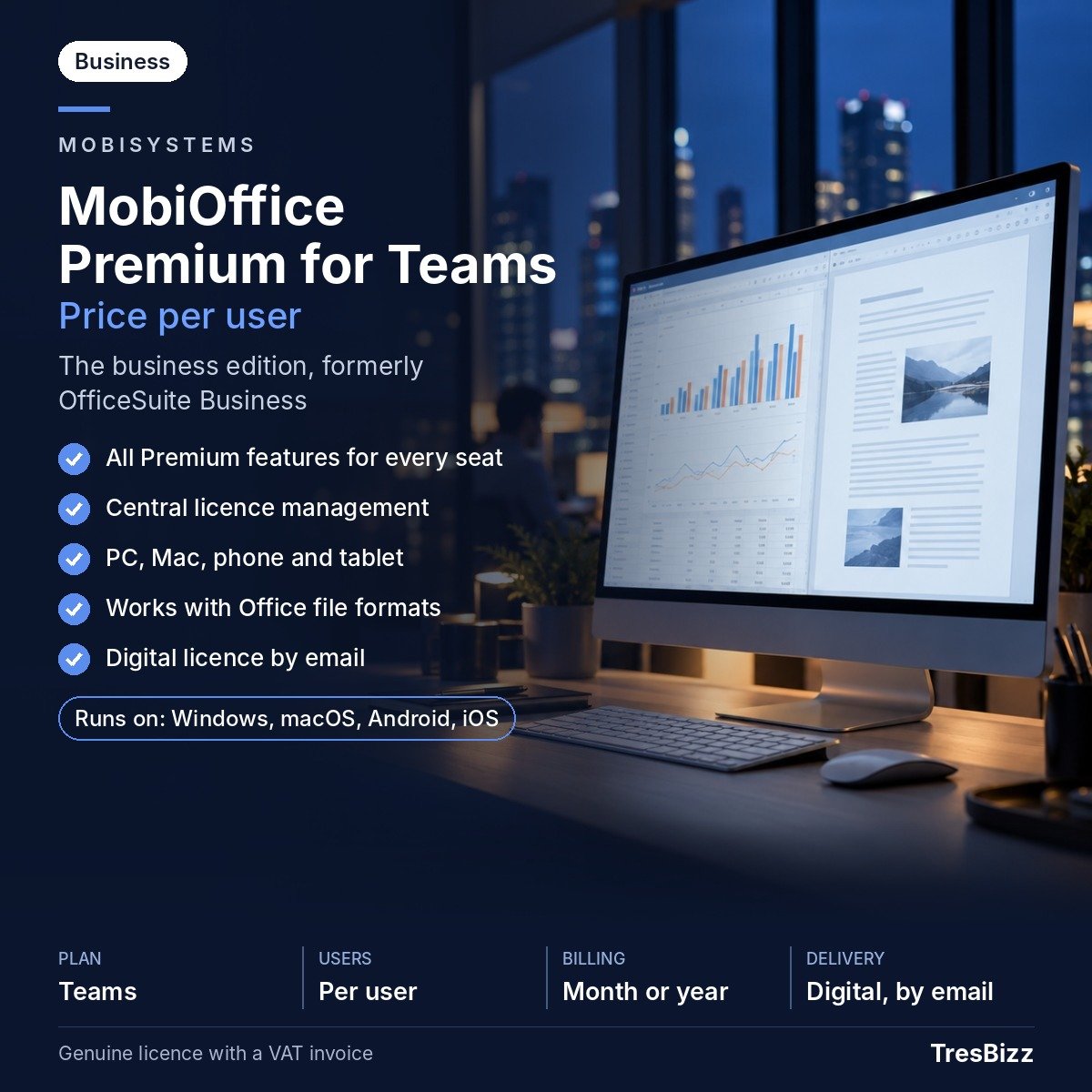
Businesses across the United Kingdom need office software that works across different devices and helps colleagues manage everyday documents without unnecessary complications. Whether your organisation operates from a central office, supports hybrid working or has employees using different types of computers, a consistent office suite makes collaboration and document handling easier. MobiOffice Premium for Teams brings essential productivity applications together in a business edition designed around individual users. Each employee receives Premium features across supported PCs, Macs, phones and tablets under their assigned licence.
MobiOffice is developed by MobiSystems, a European software developer founded in 2001 and headquartered in Bulgaria. Its business edition provides an alternative office environment for organisations that regularly create documents, manage spreadsheets and prepare presentations.
What your team gets
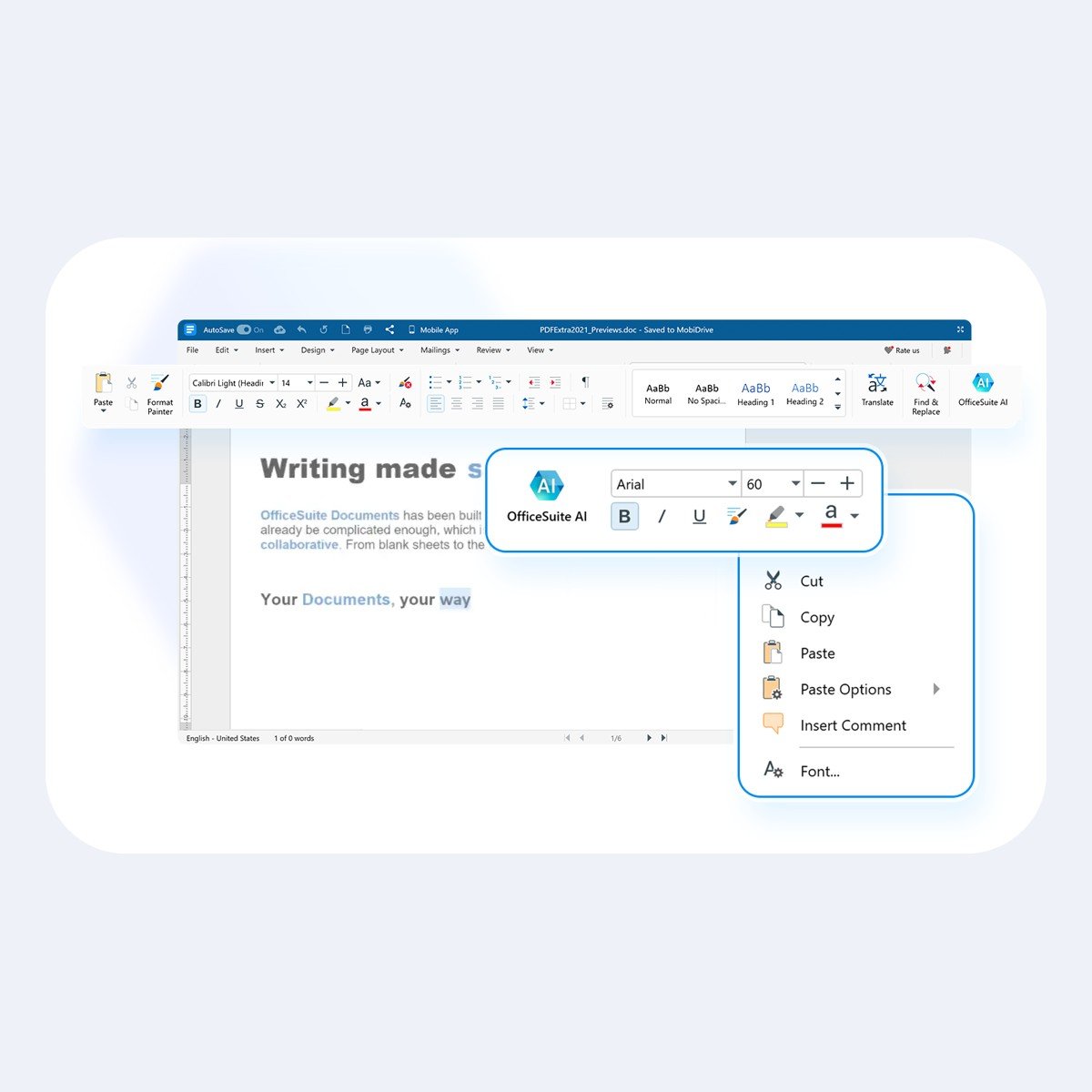
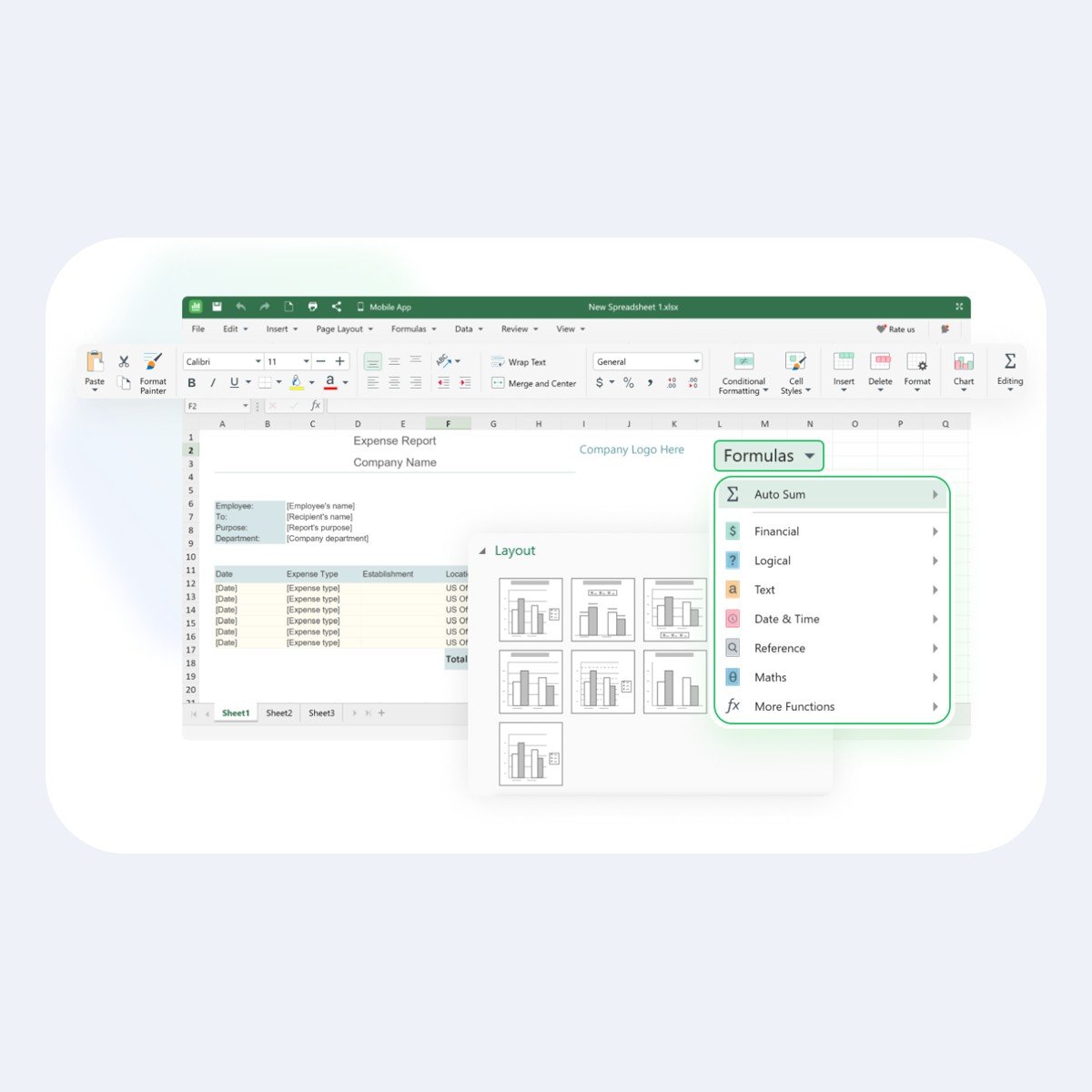
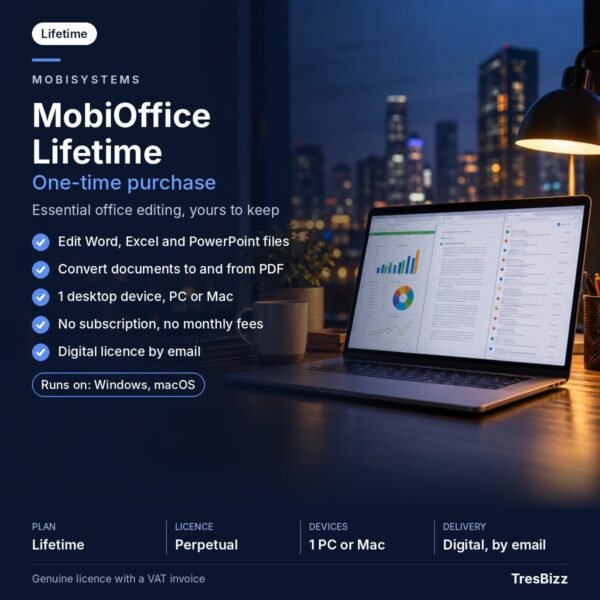
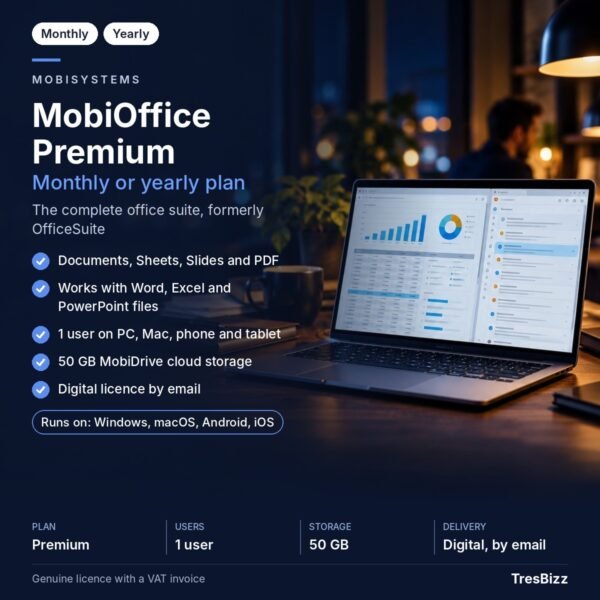
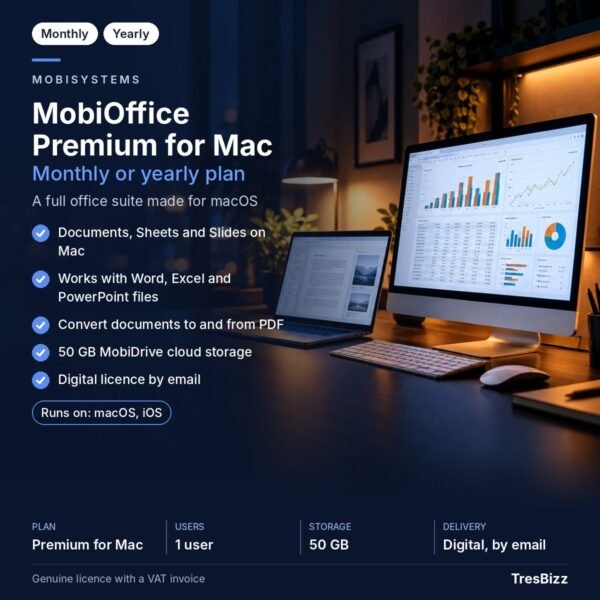
The package includes three core productivity applications: Documents, Sheets and Slides. Documents handles everyday written material, Sheets provides spreadsheet functionality, and Slides helps employees prepare presentations. All three applications can open and edit Microsoft Office file formats, including DOCX, XLSX and PPTX. This allows staff to continue working with commonly exchanged business files.
Document conversion to and from PDF is included. However, advanced PDF editing is not part of MobiOffice Premium for Teams. Organisations requiring those additional PDF editing capabilities should consider the separate MobiPDF product.
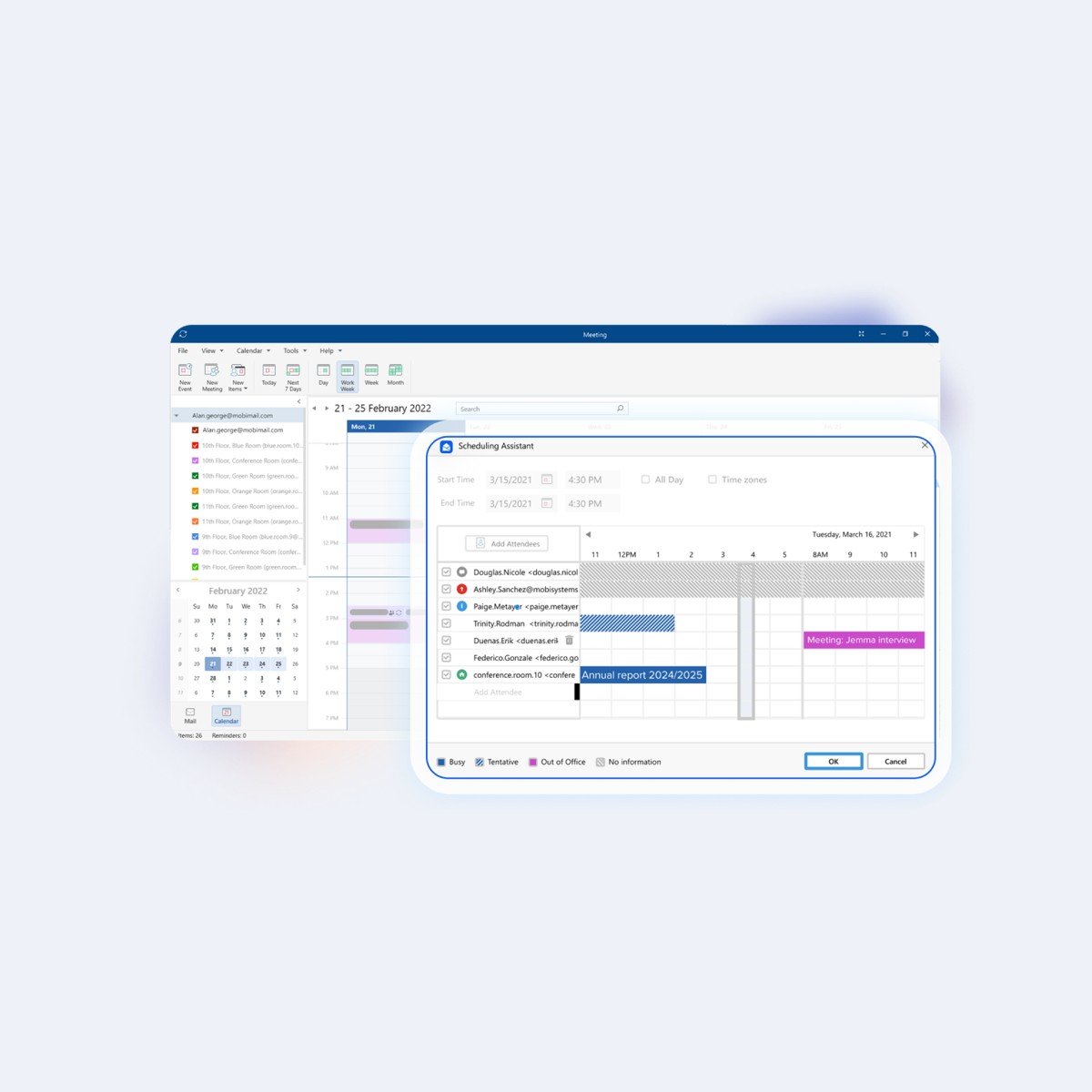
The included MobiMail application combines email and calendar functionality on Windows, Android and iOS. It is important to note that MobiMail is not available on Mac. Regular product updates are included, helping your organisation keep its software current.
Choose your licence term
MobiOffice Premium for Teams uses a subscription model with two available terms: one month or twelve months. Both options are priced per user, so the number of employees determines the number of licences required. Each licensed user receives the complete set of Premium features on supported devices rather than a separate licence for every computer or mobile device.
Administrators can manage licences and user access centrally. Corporate deployment is supported through MSIX packages, while volume licensing makes the edition suitable for organisations purchasing several seats. TresBizz offers lower per-licence pricing when ordering 3, 5 or 10 licences.
Order through TresBizz
TresBizz is based in Brussels, Belgium, and serves customers purchasing software for their businesses. Your order is for a genuine new licence, with the price displayed in GBP for the UK market. Payment options include bank cards, Apple Pay, Google Pay and PayPal, alongside the local payment methods presented during checkout.
Every purchase includes an official invoice, and no VAT is charged. No VAT is charged at checkout, so no VAT number is needed. Orders from the United Kingdom are VAT-free: no VAT is added at checkout.
Our email support team can help with licence-related questions. If your activation key does not work, TresBizz offers a replacement or refund.
Windows system requirements
On Windows, MobiOffice requires Windows 10 version 14393 or higher and a 64-bit x64 system. The minimum memory requirement is 1 GB RAM, although 2 GB is recommended. Your computer must have a dual-core processor running at a minimum of 1 GHz. Check these specifications before ordering to make sure the intended computer meets the requirements.
Digital delivery and activation
This is a digital software purchase, so no physical package or postal delivery is involved. Within 24 hours of ordering, TresBizz sends your licence key, download link and activation instructions by email. To sign in and activate MobiOffice, you need a MobiSystems account. Follow the supplied instructions to download the software, sign in and activate your assigned licence. Once activated, the licensed user can access the included Premium features across supported devices.
Frequently asked questions
Can I use MobiOffice Premium for Teams on multiple devices?
Yes. Each licence is assigned to one user and includes Premium features on supported PCs, Macs, phones and tablets. A separate licence for every device is not required under the per-user licensing model.
Does MobiOffice Premium for Teams support Microsoft Office files?
Yes. Documents, Sheets and Slides can open and edit DOCX, XLSX and PPTX files. This makes it possible to continue working with documents, spreadsheets and presentations received from colleagues and customers.
Does the Teams edition include PDF editing?
MobiOffice includes document conversion to and from PDF. Advanced PDF editing is not included. Those capabilities belong to the separate MobiPDF product.
How much does a MobiOffice Teams licence cost?
The price is displayed in GBP on the UK product page and is calculated per user. You can select a one-month or twelve-month subscription. Lower per-licence pricing is available for orders of 3, 5 and 10 licences.
How do I receive and activate my MobiOffice licence?
TresBizz emails your licence key, download link and activation steps within 24 hours. You need a MobiSystems account to sign in and activate the software. No physical shipment is required.










Reviews
There are no reviews yet.