





Description
Restore compatibility with established Windows software
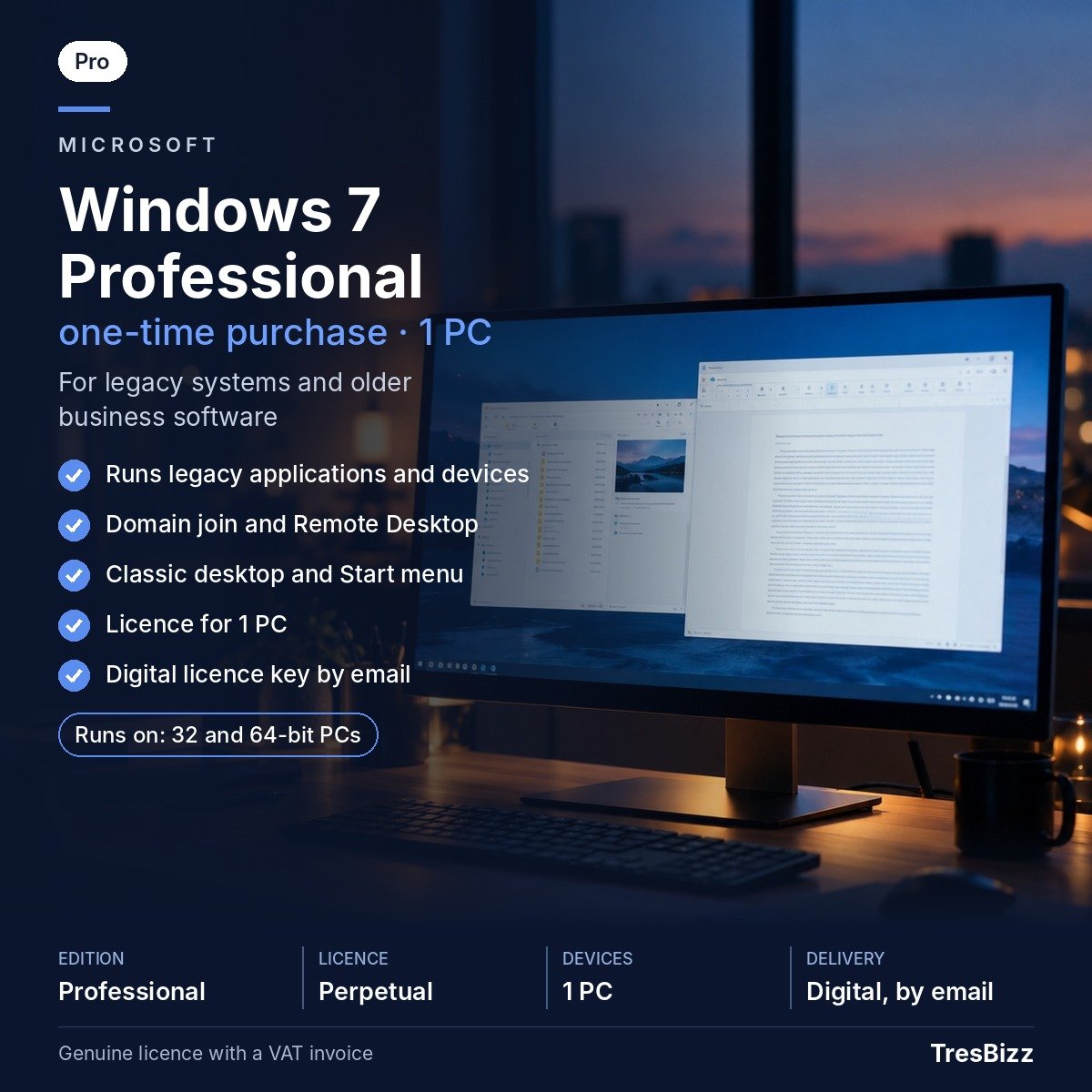
Keeping an older computer operational can be essential when specialised applications or connected machinery rely on a particular Microsoft operating system. Replacing such equipment may involve unnecessary expense or introduce difficulties with existing workflows. Windows 7 Professional remains relevant for maintaining installations built around this platform. It can be considered when rebuilding a previous setup, supporting older business applications or operating dedicated computers that must retain their original software environment. Offline systems and isolated workstations are among its more appropriate applications.
A familiar desktop with practical controls
Professional capabilities for established workplaces
This edition combines standard desktop facilities with additional functions intended for business computing and administration.
- Network integration: Connect a workstation to an existing Windows domain used for organisational administration.
- Remote computer access: Remote Desktop hosting allows authorised connections from another computer.
- Confidential documents: Encrypting File System protects supported individual files and folders.
- Centralised storage: Configure backup operations to save information at a network location.
- Printer selection: Location-aware printing helps select available printers when working across different environments.
- Meeting preparation: Presentation mode provides settings for displaying information during demonstrations.
- Older application support: Compatibility options help accommodate programmes and equipment developed for previous Windows releases.
- System protection: Windows Firewall and Windows Defender anti-spyware are included alongside Action Center facilities.
Edition differences and security considerations
The product offered here is Windows 7 Professional. Its licence covers one installation on a single desktop or notebook computer. Payment is made once rather than through a recurring subscription. This edition does not provide BitLocker drive encryption, AppLocker, BranchCache or DirectAccess. Those particular capabilities belong to Windows 7 Ultimate or Enterprise.
There is an important distinction between software availability and ongoing security maintenance. Microsoft discontinued Windows 7 support on 14 January 2020. The business Extended Security Updates programme also finished in January 2023. Security patches are no longer supplied, while current web browsers have withdrawn compatibility. Accordingly, this edition should not be selected for a new computer intended for routine internet use or sensitive online activities. More suitable scenarios include legacy applications, specialist hardware, offline environments, isolated business computers and reinstallations of machines previously operating with Windows 7. Windows 11 Pro is the recommended alternative for most compatible modern computers.
Check your computer before installation
Confirm that the intended machine meets Microsoft’s original minimum hardware specifications:
- Processor: 1 GHz CPU or faster with 32-bit or 64-bit architecture.
- RAM: 1 GB for a 32-bit installation or 2 GB for a 64-bit installation.
- Disk space: 16 GB for 32-bit systems or 20 GB for 64-bit systems.
- Graphics hardware: DirectX 9 compatibility with a WDDM 1.0 driver.
Order your digital licence through TresBizz
TresBizz is a software retailer operating from Brussels in Belgium. Each purchase includes a new digital licence, an official VAT invoice and electronic fulfilment. Your activation key, download link and installation documentation are dispatched to the email address provided during checkout. Delivery normally takes only a few minutes and the maximum stated timeframe is 24 hours. No physical package or postal delivery is involved.
Checkout supports payment cards, Apple Pay, Google Pay and PayPal, together with additional local payment methods where available. Eligible EU business purchasers can submit their VAT registration details to receive reverse charge treatment when applicable. Organisations ordering multiple installations can benefit from reduced individual licence prices for quantities of 3, 5 and 10.
Complete setup with activation assistance
After receiving the order confirmation, open the delivery email and follow the supplied installation documentation. Download the software using the provided link, install Windows on the designated machine and enter the licence key during activation. TresBizz offers assistance by email for purchasing and activation enquiries. Should the supplied key fail to activate, a replacement key or refund will be arranged. Your VAT invoice is included with the order for accounting and record-keeping purposes.
Windows 7 Professional Purchase and Installation Guide
How can I purchase a Windows 7 Professional licence online?
TresBizz supplies a digital Windows 7 Professional licence covering one desktop or laptop. The order contains an activation key, software download link, installation guidance and an official VAT invoice. This edition is particularly relevant to compatible older computers and legacy applications.
Can Windows 7 Professional be used as my main internet operating system?
This is not recommended. Microsoft discontinued support on 14 January 2020, and the business Extended Security Updates programme concluded in January 2023. Modern browsers have also discontinued compatibility. Windows 11 Pro is a better choice for everyday computing on supported hardware.
Which administration and networking functions come with Professional?
Included capabilities cover Windows domain connectivity, Remote Desktop hosting, Encrypting File System, network-location backups, location-aware printing and presentation mode. The edition also provides Action Center, Windows Firewall and Windows Defender anti-spyware.
Are BitLocker and AppLocker included in this edition?
No. Windows 7 Professional excludes BitLocker, AppLocker, BranchCache and DirectAccess. These advanced capabilities are available in the Ultimate and Enterprise editions instead.
How quickly will TresBizz send my digital activation details?
Your licence key, download address and installation documentation are sent electronically after order processing. Delivery normally takes a few minutes and no longer than 24 hours. If activation cannot be completed with the supplied key, TresBizz arranges a replacement or refund.



Mustafa –
affordable
Sanjay –
Every rupees spent worth it.. genuine product seamless instalation.
Unnikrishnan –
Liked it and thanks custer care support for successful installation and support
Panele Fotowoltaiczne –
I really enjoyed your unique approach to this topic. Your article was both informative and innovative.
Sean McCarthy –
Windows 7 Professional has been my go-to operating system for years. It’s reliable, user-friendly, and perfect for both personal and professional tasks. The stability is unmatched!
Catarina Costa –
I love the simplicity and speed of Windows 7 Professional. Even on older hardware, it runs smoothly without any lag. Great for small businesses looking for a lightweight OS.
Bahram Rezaei –
The compatibility mode in Windows 7 Professional is a lifesaver. I can still run older applications that I need for work without any issues. Perfect for those with legacy software!
Fleur Dupont –
Windows 7 Professional is one of the most stable operating systems Microsoft has released. The Aero interface is clean and functional, and multitasking is a breeze.
Emilia Kowalska –
The security features in Windows 7 Professional, like BitLocker, give me peace of mind when storing sensitive files. It’s a great choice for business users.
Emilia Kowalska –
Upgrading to Windows 7 Professional from the Home version was a game-changer. The additional features, like domain join and enhanced backup tools, are perfect for managing workstations in an office