



Description
Microsoft Office Home & Student
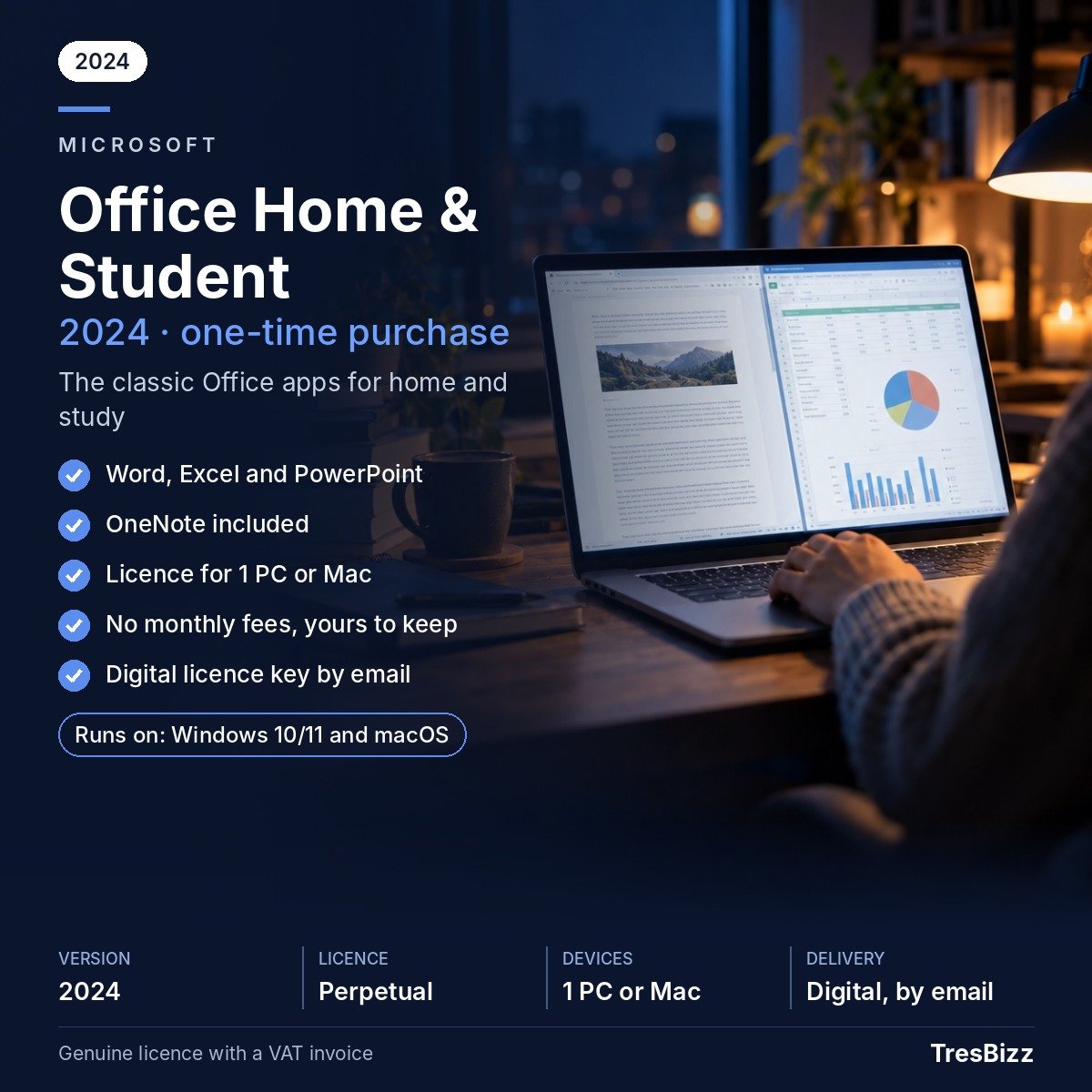
Microsoft Office Home & Student puts familiar desktop tools for writing, spreadsheets and presentations in one package for personal use. Rather than renewing a subscription each month or year, you buy a perpetual licence for a single PC. This edition is intended for non-commercial use; it is not the right choice for professional or business work.
Key features
- Word for documents: Draft essays, letters, reports and personal paperwork with the desktop word processor.
- Excel for information: Arrange data in spreadsheets and handle figures for budgets, study work and personal lists.
- PowerPoint presentations: Build slide shows for coursework, lessons and projects at home.
- OneNote availability: OneNote is included only with certain versions, so check the selected edition.
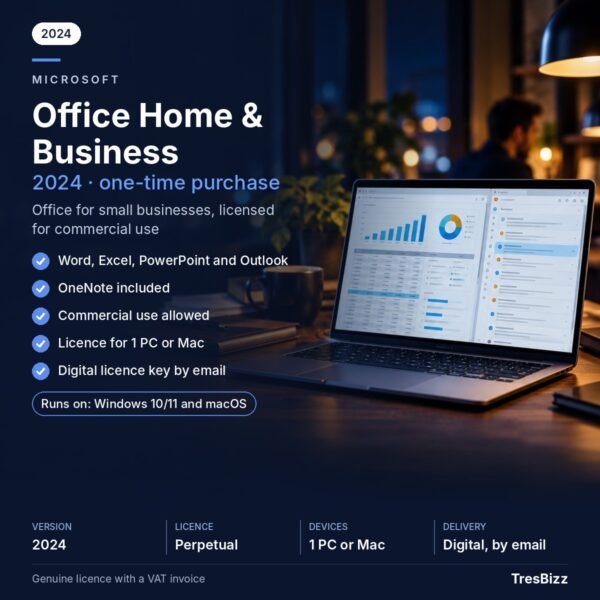
- Outlook excluded: This package does not contain Outlook. Choose Office Home & Business if you also require that application.
- No cloud bundle: Microsoft 365 cloud services are not part of this desktop software package.
- Perpetual ownership: Pay once for a licence covering one PC, rather than taking out a recurring subscription.
Benefits
- Handle everyday tasks: Use three established Office applications for documents, calculations and visual presentations.
- Support learning: Prepare coursework, organise research details and create material for school or university projects.
- Keep home work organised: Bring personal documents, lists and household figures together.
- Select the right generation: Compare the available releases and choose a version that fits your Windows PC and support needs.
Who it is for
This edition is intended for families, school pupils and university students who need desktop tools for study and personal tasks. It is suitable for personal and educational use, not commercial activity. If your work requires Outlook or you need Office for professional purposes, consider Office Home & Business instead.
Licence options
Choose from Office 2016, Office 2019, Office 2021 or Office 2024. Each option is a new perpetual licence for one PC, purchased with a one-time payment instead of a subscription. Office 2024, sold by Microsoft as Office Home 2024, is the newest release and the recommended option for most buyers; Microsoft security updates are scheduled until October 2029. Support for Office 2021 ended in October 2026, and it no longer receives security updates. Support for Office 2019 and Office 2016 ended in October 2025; neither receives security updates, so these editions are mainly worth considering when compatibility with an existing system is important. TresBizz is based in Brussels and supplies an official VAT invoice with every order. EU business buyers can enter a VAT number, with reverse charge where applicable. Pay by card, Apple Pay, Google Pay or PayPal. Reduced per-licence prices are available when ordering 3, 5 or 10 pieces.
System requirements
- Operating system: Windows 10 or Windows 11.
- Processor: 1.6 GHz.
- Memory: 4 GB RAM.
- Storage: 4 GB disk space available.
- Activation: An internet connection is required.
Delivery and activation
Within 24 hours, TresBizz sends your product key, the download link and an installation guide to your email address. If the supplied key will not activate, contact the email support team for a replacement or a refund.
Conclusion
Microsoft Office Home & Student is a straightforward desktop choice for home and educational tasks for buyers who prefer a one-time PC licence. Compare the edition dates and support status before ordering; Office 2024 is the recommended current option in this range.
Frequently Asked Questions
Which applications are included in Microsoft Office Home & Student?
The package includes Microsoft Word, Excel and PowerPoint. OneNote availability depends on the selected edition. Outlook and Microsoft 365 cloud services are not included.
Can I use this Office licence for business activities?
No. Microsoft Office Home & Student is intended exclusively for non-commercial use at home and for educational activities. For professional or commercial purposes, choose Office Home & Business.
Is Microsoft Office Home & Student a subscription?
No. It is a perpetual licence purchased through a single payment. The licence covers installation on one PC without monthly or annual subscription payments.
Which Office edition should I choose?
Office 2024 is the newest available edition and the recommended choice for most buyers. It receives Microsoft security updates until October 2029. Office 2021, 2019 and 2016 have reached their respective support end dates and no longer receive security updates.
How will I receive and activate my Office purchase?
TresBizz emails your product key, download link and installation guide within 24 hours. An internet connection is required for activation. If the key does not activate, you can request a replacement or refund through email support.






Reviews
There are no reviews yet.