



Description
Windows Server Standard
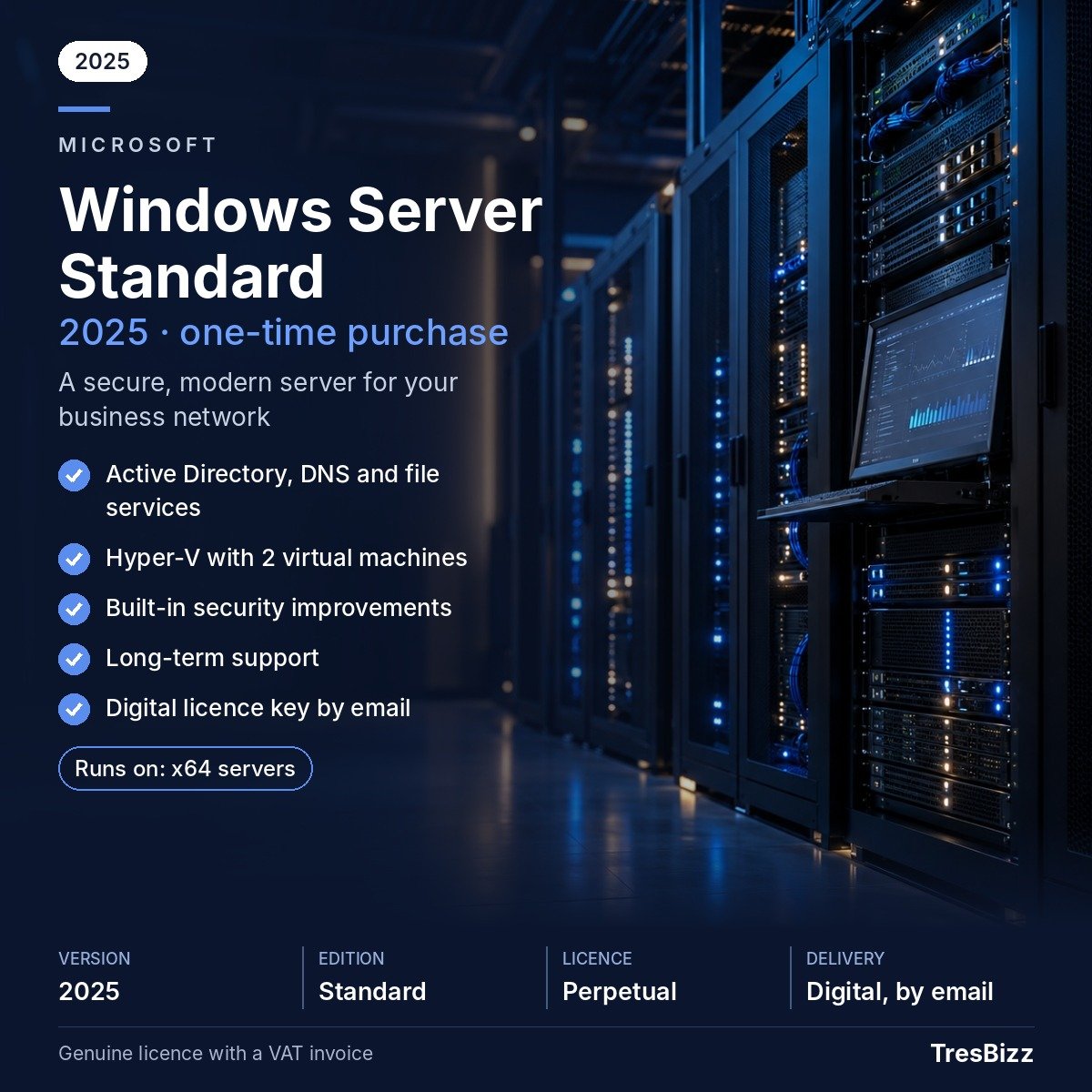
Windows Server Standard is Microsoft’s server operating system for small and medium-sized companies running computing infrastructure on premises or in a private cloud. It combines directory management, shared storage, printing, web hosting and application hosting in one Microsoft solution. Active Directory handles identities and connected hardware, while other components cover file and print functions, Internet Information Services (IIS), Hyper-V and the integrated protection features of the chosen year. TresBizz lists editions dated 2016, 2019, 2022 and 2025, allowing buyers to match a licence to their current setup or a forthcoming deployment.
Key features
- Directory services: Active Directory organises user identities and computer records, supporting structured access management.
- File sharing: Staff can reach common folders through the included file service.
- Printing: The print role helps coordinate printers connected to the organisation’s network.
- Web hosting: Internet Information Services (IIS) runs web and application server functions.
- Hyper-V: Standard allows two virtual machines alongside the Hyper-V host, provided all processor cores in the physical machine are licensed.
- Integrated protection: Each year includes the security functions belonging to that Windows Server edition.
- Core model: Microsoft calculates licence coverage using the machine’s physical processor cores.
Benefits
- One administration point: Directory and device records can be handled through Active Directory rather than scattered account lists.
- Practical service mix: Shared folders, printer management and IIS hosting address several common company IT needs.
- Consolidated computing: Hyper-V makes room for two guest systems on a correctly licensed machine, alongside its host. For a substantially larger virtual-machine estate, consider Datacenter.
- Choice by lifecycle: The four dates let buyers weigh Microsoft update coverage against software or system compatibility.
Who it is for
This edition targets small and medium-sized enterprises running their own IT setup, whether in an office server room or a private cloud. It suits teams needing directory services, shared folders, printer handling, IIS hosting or a modest Hyper-V configuration. Windows Server 2025 is the latest edition and the recommended choice for new deployments, receiving security updates until 2034. For established 2022 installations, security updates continue until 14 October 2031, although mainstream support ended on 13 October 2026. The 2019 edition receives security updates only until 9 January 2029 and remains relevant for software compatibility. Windows Server 2016 reaches end of support on 12 January 2027.
Licence options
TresBizz, based in Brussels, sells new perpetual licences for Windows Server Standard 2016, 2019, 2022 and 2025. Each is a one-time purchase, not a recurring subscription. Microsoft’s core-based rules require coverage for all physical cores, subject to at least 8 core licences per processor and 16 per server. Client Access Licences (CALs) are needed for people or devices connecting to the server and are not included. Send TresBizz an email stating the machine’s core total and anticipated users or devices to ask which core coverage and CALs fit. Every order includes an official VAT invoice. EU company buyers can provide a VAT number, with reverse charge applied where relevant.
System requirements
Microsoft’s minimum hardware specifications are:
- 64-bit processor running at 1.4 GHz or above.
- 512 MB RAM; 2 GB for a Desktop Experience setup.
- Extra RAM for virtual machines.
- 32 GB disk space.
- Network adapter.
Delivery and activation
No parcel is sent. TresBizz emails the licence key, software download link and setup instructions within 24 hours of the order. Follow the guide to install the chosen edition and activate it using the key. Help is provided by email. If a key will not activate, TresBizz arranges a replacement or refund.
Conclusion
Windows Server Standard combines directory services, shared storage, printing, IIS hosting and limited Hyper-V capacity in one Microsoft server system. Review the lifecycle dates, confirm core coverage and account for CALs before choosing the edition that matches your requirements.
Windows Server Standard Frequently Asked Questions
Which Windows Server Standard edition should I choose?
Windows Server 2025 is the latest edition and the recommended choice for new deployments, with security updates until 2034. The 2022 edition suits established installations and receives security updates until 14 October 2031, although mainstream support ended on 13 October 2026. Version 2019 receives security updates only until 9 January 2029 and may suit older software. Windows Server 2016 reaches end of support on 12 January 2027. After that date, security updates cease, so it is intended solely for legacy setups.
How many virtual machines can Standard run?
The Standard edition allows two virtual machines alongside the Hyper-V host, provided all physical processor cores in the machine have been licensed. For an environment requiring substantially more virtual machines, consider the Datacenter edition.
Are CALs part of the Windows Server Standard licence?
No. Client Access Licences are additional requirements for people or devices connecting to the server. They are not included. Send TresBizz an email explaining the server's core total and anticipated access requirements to ask which CAL quantities are suitable.
How many core licences do I need?
Microsoft requires coverage for all physical processor cores. The minimum is 8 core licences per processor and 16 per server. TresBizz can help identify the relevant core coverage and CAL requirements if you provide your server specifications by email.
What if my licence key cannot be activated?
Send TresBizz an email explaining the activation problem. If the supplied key does not activate, a replacement or refund will be arranged. Your key, software download link and installation guide are delivered electronically within 24 hours of your order.






Reviews
There are no reviews yet.