



Description
Microsoft 365 Personal
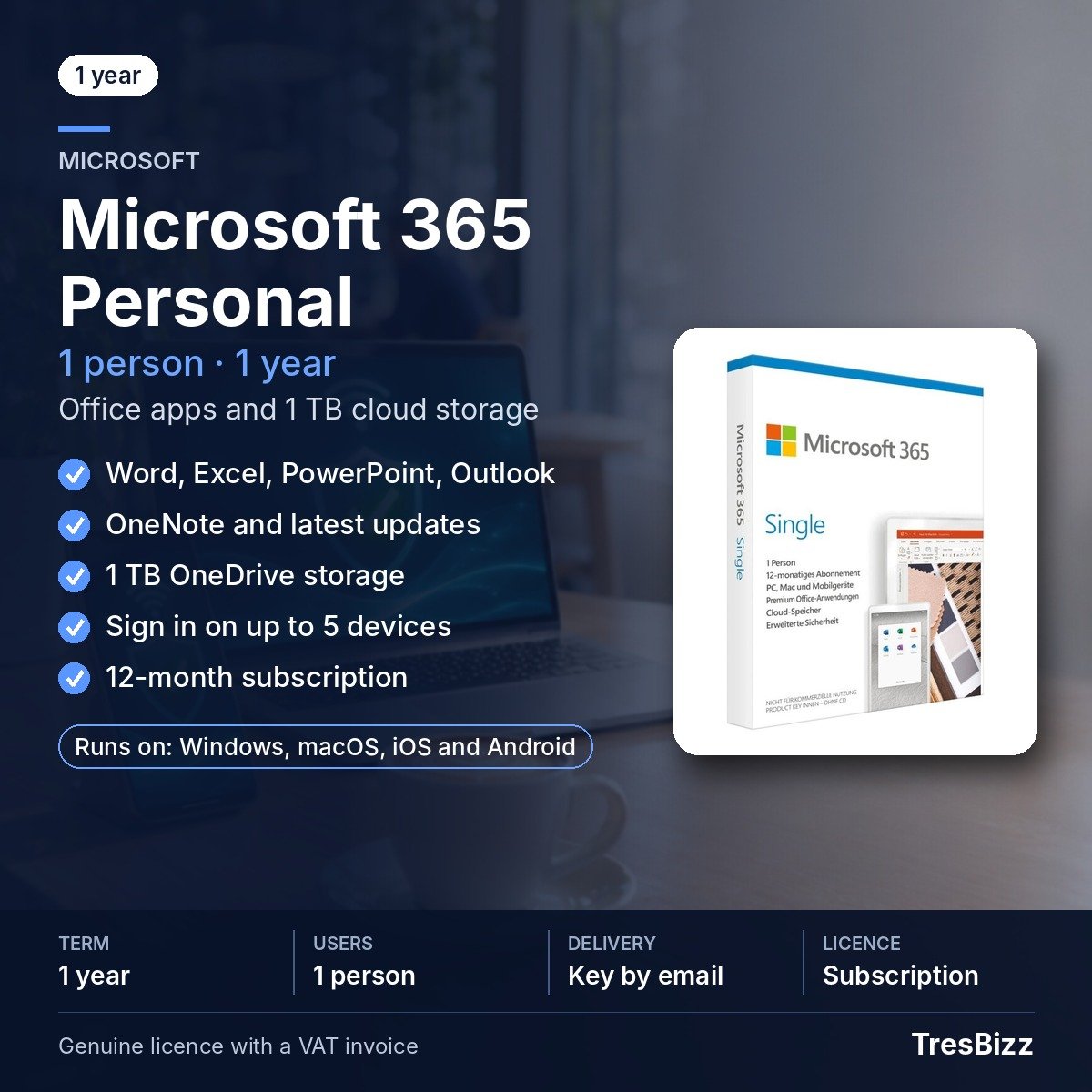
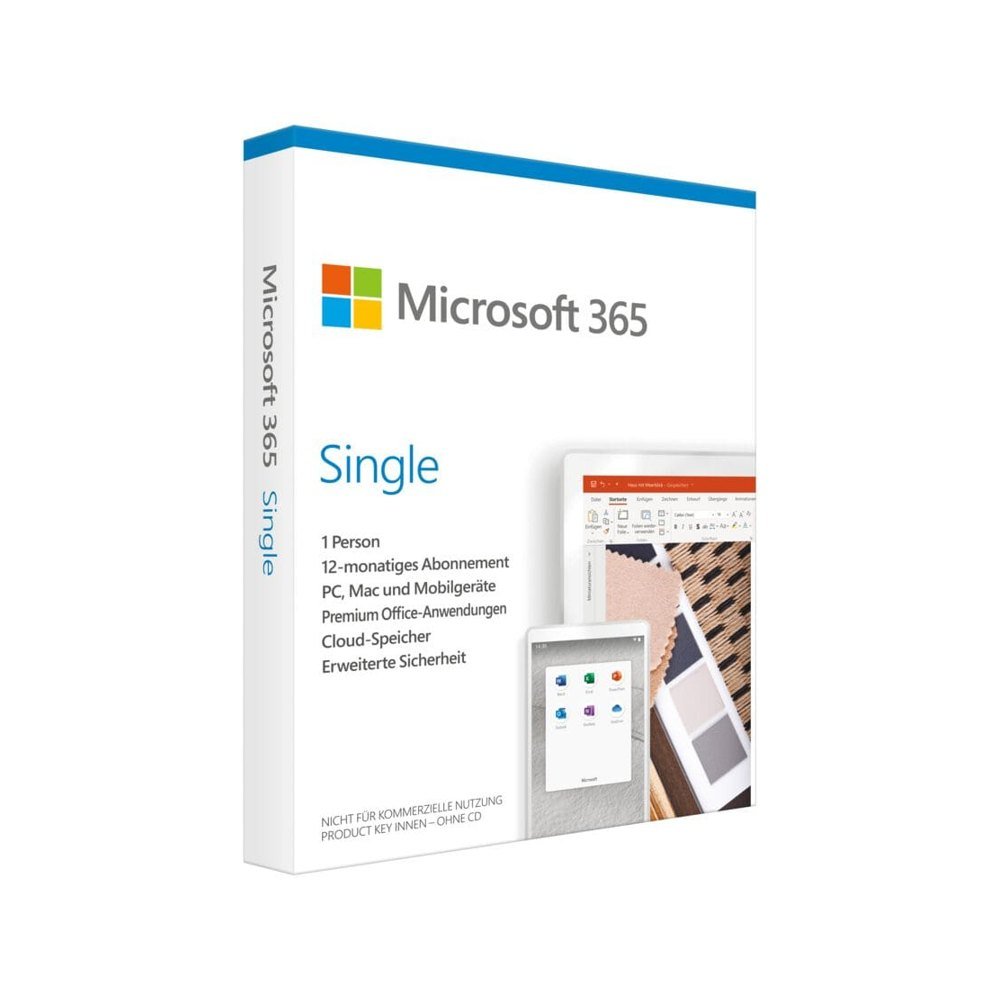
Bring everyday work, study and personal organisation together with Microsoft 365 Personal. This subscription gives one person access to familiar Microsoft applications and 1 TB of OneDrive cloud storage. Use Word for documents, Excel for budgets and calculations, PowerPoint for presentations, Outlook for correspondence and OneNote for notes. The applications work across compatible computers, tablets and phones, making it easier to continue a task on the device that suits the moment.
Key features
- Document creation: Use Microsoft Word to prepare letters, reports, CVs and other written material.
- Spreadsheets: Microsoft Excel helps arrange information, handle budgets and perform calculations.
- Presentations: Build presentations for professional, educational and personal activities with PowerPoint.
- Email management: Microsoft Outlook provides tools for managing email and everyday correspondence.
- Digital notes: Capture and organise useful information in Microsoft OneNote.
- Cloud space: Keep files and photos in 1 TB of OneDrive storage, with options to back up and share content.
Benefits
- Work across devices: Move between a Windows PC, Mac, tablet and smartphone without purchasing a separate subscription for every device.
- Keep tasks together: Handle writing, calculations, slides, email and notes through a connected set of familiar applications.
- Store important content: Use the included OneDrive capacity to keep personal files and photos online, make backups and share selected content.
- Stay current: Use premium applications that are maintained with updates during your active subscription period.
The applications cover common personal and work-related tasks, from drafting a letter to reviewing figures or preparing slides. OneDrive also gives you a place to keep photos and other files accessible online. The five-device sign-in allowance is useful when you use more than one type of device during the day. The subscription remains assigned to a single user, even when that person switches between devices.
Who it is for
Microsoft 365 Personal is intended for an individual who wants productivity tools for everyday responsibilities. It can suit someone who prepares documents, studies, tracks household spending, creates presentations, manages personal email or keeps notes and files in order. The licence is designed for individual use rather than distribution among several household members.
Licence options
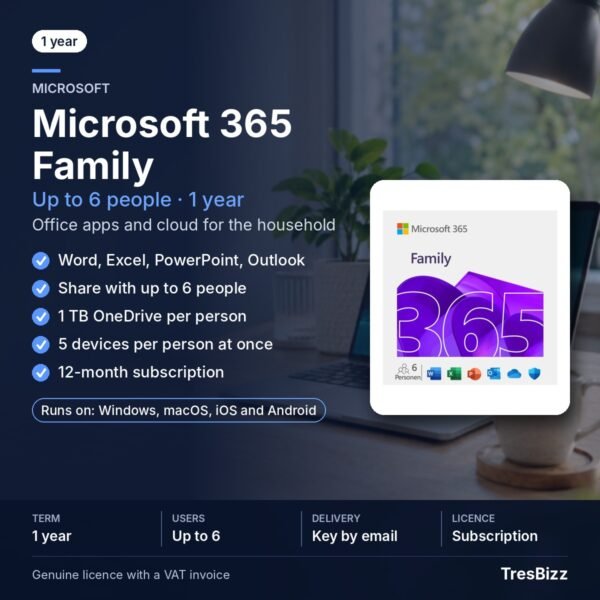
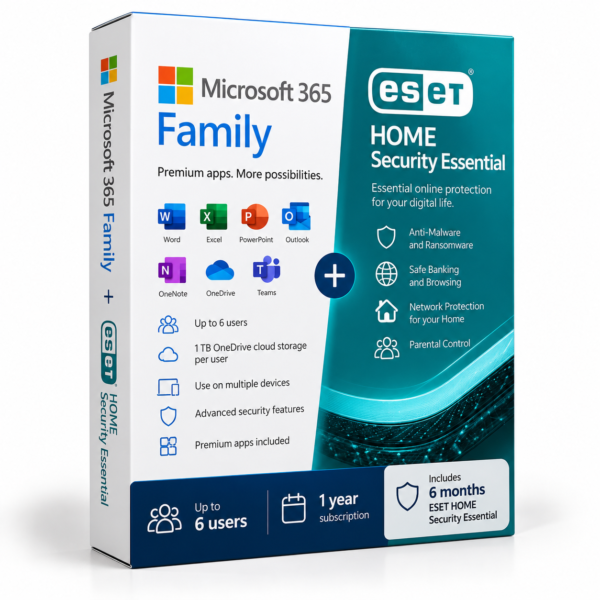
This product is a 12-month Microsoft 365 Personal subscription for one person, covering use on Windows 11 and Windows 10 PCs, current macOS versions, iOS devices and Android devices. You can activate it as a new subscription or redeem the key to add another year to an existing Microsoft 365 Personal subscription. The subscription period begins when activation takes place. For a household with multiple users, consider Microsoft 365 Family, which covers up to six people.
System requirements
- A PC running Windows 11 or Windows 10.
- A Mac running a current version of macOS.
- An iOS device or an Android device.
- An internet connection.
- A Microsoft account.
Delivery and activation
After purchase, the product key, download link and installation guide are sent to your email address within 24 hours. Follow the supplied instructions to download the applications and redeem the key with your Microsoft account. If you already have Microsoft 365 Personal, redeem the key against that subscription to extend it by one year. Email support is available if you need assistance with delivery or activation. If a key does not activate, TresBizz provides a replacement or refund.
Conclusion
Microsoft 365 Personal combines essential productivity applications with 1 TB of OneDrive storage in a 12-month subscription for one user. With support for up to five simultaneous device sign-ins and applications kept up to date, it offers a practical way to manage documents, spreadsheets, presentations, email, notes and personal files across compatible devices. Choose this edition for individual use, or consider Microsoft 365 Family when access is needed by more people.
Microsoft 365 Personal Frequently Asked Questions
How long does Microsoft 365 Personal last?
The subscription provides 12 months of access. Its validity period starts when you activate the product key.
How many devices can I use with Microsoft 365 Personal?
One person can sign in on up to five devices simultaneously. Supported devices include Windows PCs, Macs, tablets and smartphones.
Which applications are included?
The subscription includes Microsoft Word, Excel, PowerPoint, Outlook and OneNote, together with 1 TB of OneDrive cloud storage.
Can I extend my existing Microsoft 365 Personal subscription?
Yes. Redeem the purchased product key against your existing subscription to add another 12 months.
Is Microsoft 365 Personal suitable for multiple household members?
No. This edition is intended for one individual. Households requiring access for several people can consider Microsoft 365 Family, which supports up to six people.







Reviews
There are no reviews yet.