



Description
Microsoft Project Standard 2024
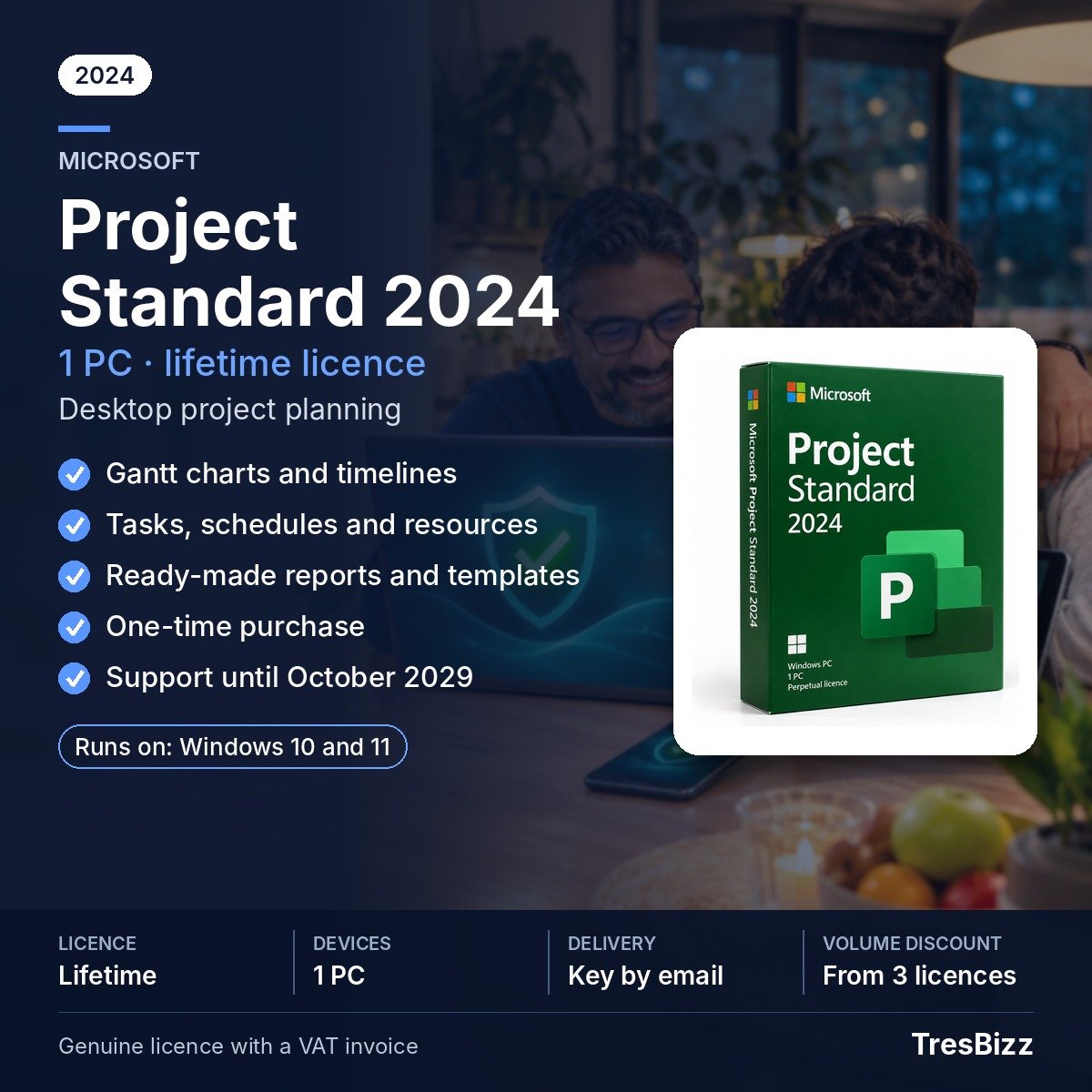
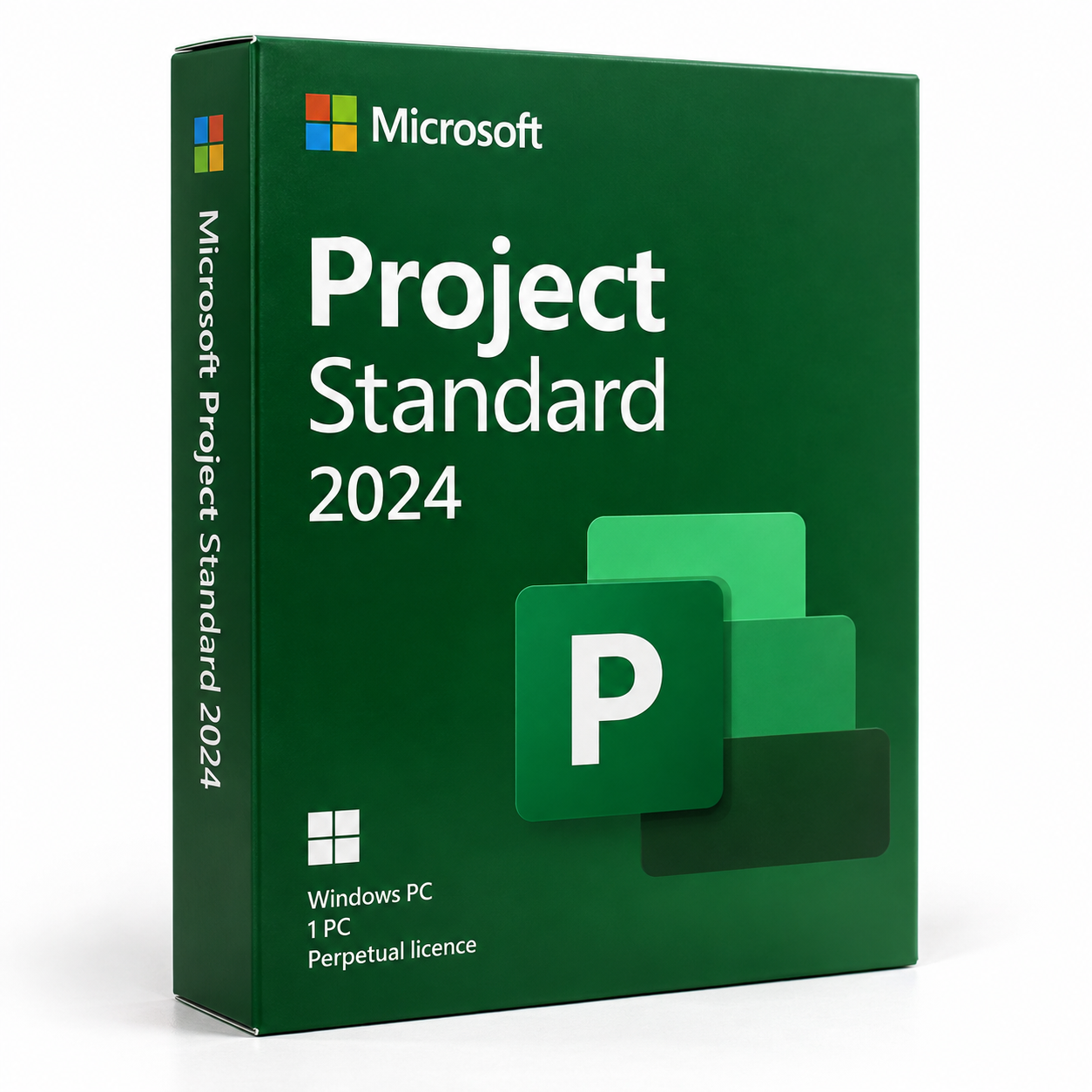
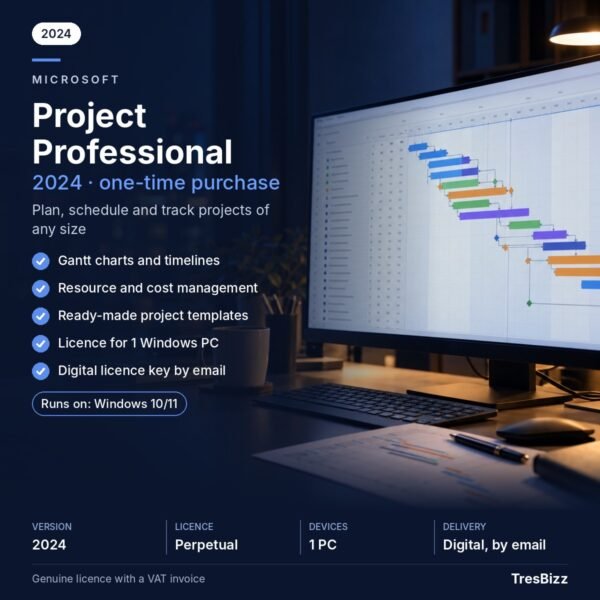
Bring order to project work with Microsoft Project Standard 2024, a desktop planning application for building schedules and keeping activities visible from start to finish. Map the work into individual tasks, assign the resources needed for those activities and review progress against the plan. Gantt charts and timelines provide a visual view of dates and project stages, while built-in templates and reports help you get started and communicate project information. This edition is licensed for use on one Windows PC and is aimed at people who coordinate projects independently.
Key features
- Visual schedules: Display project tasks and their planned dates in Gantt charts and timelines.
- Task organisation: Divide a project into smaller activities and arrange them within a working schedule.
- Resource planning: Identify the resources needed to carry out specific project activities.
- Progress reviews: Compare project development with the schedule you have prepared.
- Structured reporting: Use ready-made reports to present relevant project details.
- Planning templates: Begin a new schedule with the templates available in the application.
Benefits
- See the overall plan: Visual scheduling helps you understand how separate activities and dates fit together.
- Organise work clearly: Turning a larger assignment into defined tasks makes the schedule easier to review and manage.
- Check progress: Compare current project development with planned timing and identify where work stands.
- Use a fixed licence: A one-time purchase gives you continued use of the licensed 2024 edition without a recurring subscription.
Who it is for
Project Standard 2024 suits individual project managers, professionals and businesses that plan and oversee work on a single computer. It can support client assignments, business improvement initiatives and internal projects where task scheduling, resource planning, progress checks and reporting are required. It is not the edition for organisations that need a connection to Project Server or Project Online, or advanced resource management; those capabilities are available in Project Professional.
Licence options
TresBizz in Brussels supplies a perpetual licence for one Windows PC. Pay once and keep using the licensed Project Standard 2024 version; there is no recurring subscription. The licence is for a single device, and later feature updates are not included. Microsoft security updates for Project 2024 are scheduled until October 2029. Microsoft 365 cloud services are not part of this edition. Every order includes an official VAT invoice. EU business buyers can enter a VAT number, with reverse charge applied where applicable. Payment is available by card, Apple Pay, Google Pay or PayPal. Reduced per-licence prices are available when ordering 3, 5 or 10 pieces.
System requirements
- One Windows PC.
- Windows 10 or Windows 11.
- An internet connection is needed for activation.
- Not compatible with macOS or Mac computers.
Delivery and activation
Your product key, download link and installation guide will be sent by email within 24 hours. Follow the guide to install the application on your Windows PC and complete activation using an internet connection. Email support is available if you need assistance with delivery, installation or activation. If the supplied key does not activate, TresBizz will provide a replacement or a refund.
Conclusion
Microsoft Project Standard 2024 provides core desktop tools for scheduling tasks, planning resources and reviewing project progress on one Windows PC. Choose it when you need a perpetual licence and independent project planning, rather than Project Professional’s server connectivity or advanced resource management. Keep in mind that feature updates are not added later and Microsoft security updates are scheduled only until October 2029.
Microsoft Project Standard 2024 Frequently Asked Questions
Is Microsoft Project Standard 2024 a subscription?
No. It comes with a perpetual licence for one Windows PC. You pay once and can continue using the licensed 2024 version without recurring subscription payments.
What is the difference between Project Standard and Project Professional?
Project Standard 2024 is intended for independent project planning on one computer. It does not connect to Project Server or Project Online and does not provide advanced resource management. These capabilities are available in Project Professional.
Does Microsoft Project Standard 2024 work on Mac?
No. This edition requires a Windows PC running Windows 10 or Windows 11. It is not available for macOS or Mac computers.
Will Microsoft Project Standard 2024 receive updates?
Later feature updates are not included. Microsoft security updates for Project 2024 are scheduled until October 2029. Microsoft 365 cloud services are also excluded.
How will I receive and activate my purchase?
Your product key, download link and installation guide arrive by email within 24 hours. An internet connection is required for activation. Email support is available, and a replacement or refund is provided if the supplied key does not activate.








Reviews
There are no reviews yet.