



Description
Microsoft 365 Family
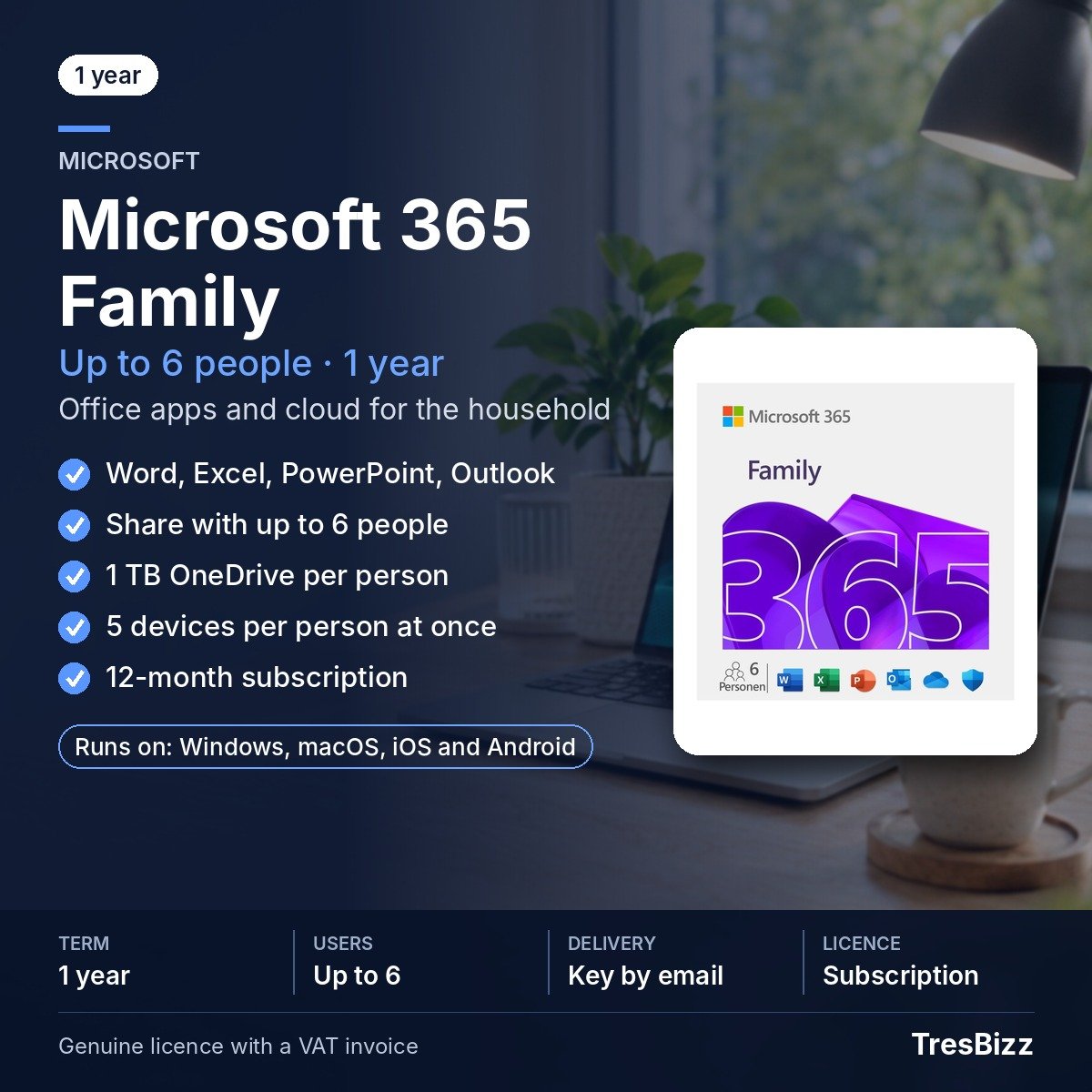
Give everyone in your household access to essential productivity software through one convenient Microsoft 365 Family subscription. Designed for up to six individual users, this package combines five premium applications with personal online storage. Each household member can work independently using their own Microsoft account, keeping documents, preferences and personal files separate. From preparing presentations and handling spreadsheets to writing correspondence and keeping notes, the included tools support a wide range of everyday activities. The subscription also accommodates households using different types of computers and mobile equipment.
Key features
- Five premium applications: Access Word, Excel, PowerPoint, Outlook and OneNote with each person’s account.
- Household sharing: One subscription owner can extend access to five additional people through individual invitations.
- Personal cloud capacity: Every user receives 1 TB of OneDrive storage, providing up to 6 TB across the household.
- Multiple device access: Each individual can remain signed in on a maximum of five devices simultaneously.
- Application updates: The included Microsoft programmes receive ongoing updates while the subscription remains active.
- Cloud file management: OneDrive provides facilities for backing up documents and sharing files with other people.
- Cross-platform compatibility: Work across supported Windows computers, Mac systems, tablets and smartphones.
Benefits
- One household subscription: Provide software access for several family members without purchasing an individual package for every person.
- Individual privacy: Invited members retain their own Microsoft accounts, personal documents and account preferences rather than using a common profile.
- More room for documents: Separate OneDrive allocations give everyone space to store personal projects, important files and other digital content.
- Flexible working: Switch between supported computers and mobile devices while keeping access to familiar applications and stored documents.
Who it is for
Microsoft 365 Family is suitable for households where several people need reliable office applications for education, personal administration, communication or projects at home. Families with students, working adults and multiple devices can benefit from having separate accounts under a shared subscription. It also suits couples and other households that want individual storage and application access without managing several independent subscriptions. Each participant can organise their own work while the subscription owner manages invitations.
Licence options
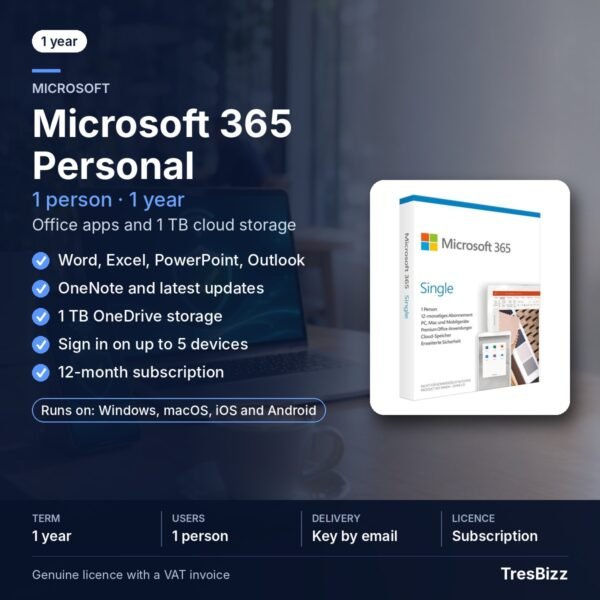
Choose Microsoft 365 Family as a 12-month subscription, with the term beginning when activation takes place. The owner can invite up to five additional users, giving six people access, five applications each, 1 TB of personal OneDrive storage and simultaneous sign-in on up to five devices per person. An eligible existing Microsoft 365 Personal or Family subscription can also be extended by another 12 months using the product key. This is a subscription extension, not a permanent software licence. TresBizz, based in Brussels, supplies an official VAT invoice with every order.
System requirements
- Windows 11 or Windows 10 PC.
- Current macOS versions.
- Compatible iOS devices.
- Compatible Android devices.
- Internet access for activation and use.
- A Microsoft account is required.
- Individual devices must meet the requirements of the applications being installed.
Delivery and activation
After purchasing from TresBizz, you will receive your product key, the relevant download link and an installation guide by email within 24 hours. Follow the supplied instructions to redeem the key through your Microsoft account and activate the subscription. Once activation is complete, the subscription owner can invite the other household members. Email support is available if you need assistance with installation or activation. If a supplied key cannot be activated, TresBizz will arrange a replacement or refund.
Conclusion
Microsoft 365 Family brings five essential productivity applications and substantial personal cloud storage together in one subscription for up to six people. With individual accounts, broad device support and a 12-month term, it offers households a practical way to organise everyday digital activities. Buy Microsoft 365 Family from TresBizz and equip everyone at home with the tools they need.
Microsoft 365 Family Frequently Asked Questions
How many people can use Microsoft 365 Family?
The subscription supports up to six people in total. The owner can invite five additional household members, with each person using their own Microsoft account.
Which applications are included?
Every participant receives access to Word, Excel, PowerPoint, Outlook and OneNote. These premium applications receive updates throughout the active subscription.
How much OneDrive storage does each person receive?
Each of the six potential users receives 1 TB of personal OneDrive storage. When all six places are used, the combined household capacity reaches 6 TB.
Can I extend an existing Microsoft 365 subscription?
Yes. The product key can extend an eligible existing Microsoft 365 Personal or Family subscription by another 12 months. It does not provide a permanent licence.
Which devices are compatible with Microsoft 365 Family?
The subscription supports Windows 11 and Windows 10 PCs, current macOS versions, iOS devices and Android devices. Internet access and a Microsoft account are necessary for activation and use.







Reviews
There are no reviews yet.