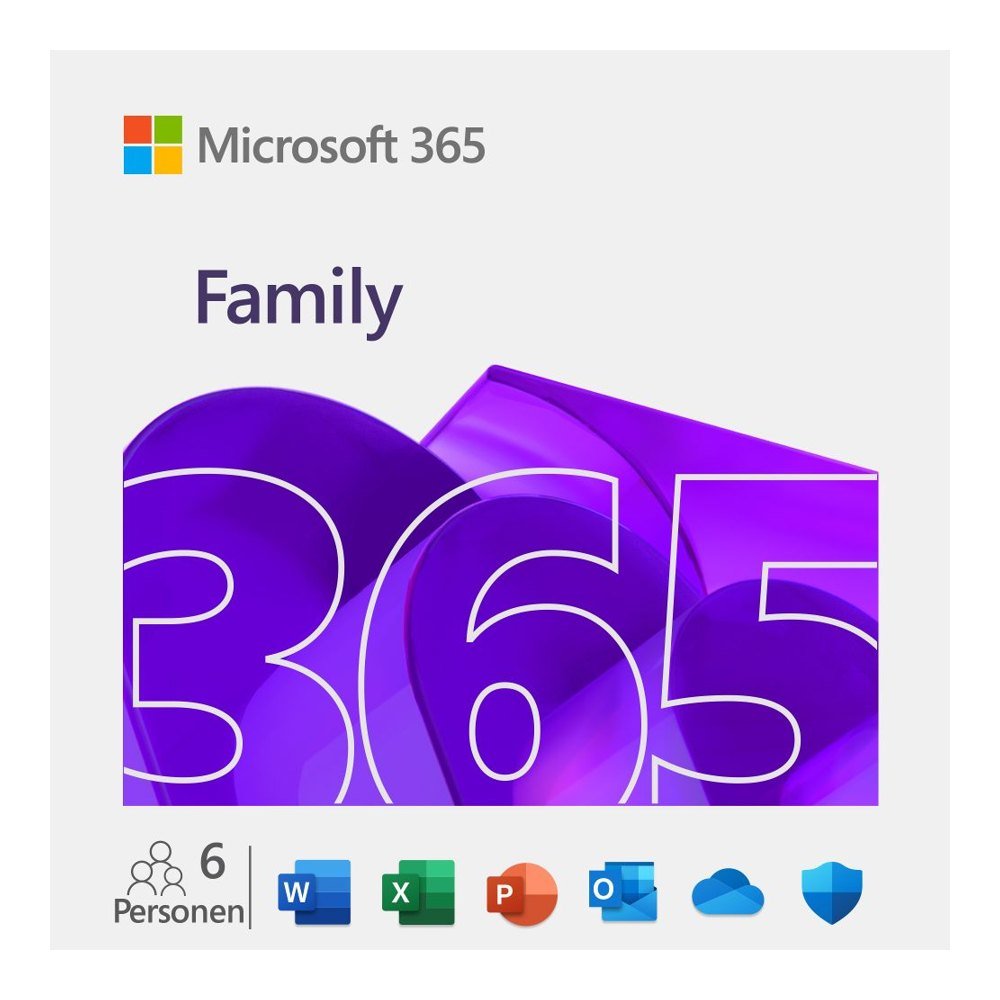
Need Microsoft Office for more than one person at home? Microsoft 365 Family gives your household a practical way to access premium productivity apps without buying a separate subscription for everyone. One subscription can be shared with up to six people, making it suitable for families, couples and households where several people use a computer, tablet or phone for everyday tasks. Whether you are preparing school assignments, organising household documents, managing personal finances or working on projects from home, everyone gets their own Microsoft apps and cloud storage.
For UK households using a combination of Windows PCs, Macs and mobile devices, this subscription makes it easier to keep everyday documents accessible across different screens. Each person can work with their own Microsoft account and maintain their own files and settings.
What is included
Five premium apps: Each person gets Word, Excel, PowerPoint, Outlook and OneNote. The apps are kept up to date throughout the subscription.
Six people: The subscription owner can invite up to five additional people to share the benefits.
Personal cloud storage: Each person receives 1 TB of OneDrive storage. The household can therefore have up to 6 TB in total.
Device flexibility: Every person can be signed in on up to five devices at the same time.
File backup and sharing: OneDrive helps users back up files and share documents with others.
Multiple platforms: Use the apps on Windows PC, Mac, tablet and phone.
One subscription for six people
Microsoft 365 Family has a 12-month term starting from activation. The subscription owner uses their Microsoft account to invite the other household members. Each invited person keeps a separate private Microsoft account with their own files and settings. Sharing the subscription does not mean sharing personal accounts or documents.
Already using Microsoft 365 Personal or Family? This product key can also extend an eligible existing subscription by another year. It provides 12 months of access rather than a permanent software licence.
Why buy from TresBizz
TresBizz is based in Brussels, Belgium, and supplies a genuine new Microsoft 365 Family licence. The product page displays the price in GBP for UK customers. Choose a convenient payment method from card, Apple Pay, Google Pay or PayPal. Your purchase includes an official VAT invoice. Business customers can enter their VAT number for reverse charge treatment where applicable.
Buying several licences for a household or organisation? Volume pricing offers a lower price per licence when ordering 3, 5 or 10 pieces. This can make managing multiple subscriptions more convenient.
There is no physical delivery to wait for. Your licence key, download link and activation instructions are sent by email, usually within minutes and no later than 24 hours. If your key does not work, contact our email support team for a replacement or refund.
System requirements
Microsoft 365 Family supports Windows 11 and Windows 10 PCs, current macOS versions, iOS devices and Android devices. An internet connection and a Microsoft account are required for activation and use. Check that your devices meet the requirements for the applications you intend to install.
Digital delivery and activation
After placing your order with TresBizz, look out for an email containing your product key, download link and activation steps. No DVD, USB stick or physical package is shipped. To activate the subscription, visit microsoft.com/setup and redeem the product key using your Microsoft account. Once the key has been redeemed, follow the instructions to install the Microsoft 365 apps on your supported devices.
The subscription starts when activated and runs for 12 months. The owner can then invite up to five additional people through their Microsoft account. Each person can sign in on up to five devices and use their own OneDrive storage. If you need help with delivery or activation, TresBizz provides support by email.
Microsoft 365 Family FAQs
How many people can use Microsoft 365 Family?
One Microsoft 365 Family subscription can be shared with up to six people in total. The subscription owner can invite up to five additional people.
Does each person get their own OneDrive storage?
Yes. Every person receives 1 TB of OneDrive cloud storage, giving the household up to 6 TB in total. Each person keeps their own private Microsoft account and files.
Can I use Microsoft 365 Family on a Mac and Windows PC?
Yes. The subscription supports Windows 11 and Windows 10 PCs, current macOS versions, iOS and Android. Each person can be signed in on up to five devices at the same time.
How do I activate Microsoft 365 Family?
Redeem the product key at microsoft.com/setup using your Microsoft account. Follow the activation instructions and install the apps on your supported devices.
Can I extend my existing Microsoft 365 subscription?
Yes. The product key can also be used to extend an existing Microsoft 365 Personal or Family subscription by one year. The subscription term is 12 months from activation.
Additional information
Devices
6 user/devices
Term
12 months
Reviews
There are no reviews yet.
Be the first to review “Buy Microsoft 365 Family for Your Household” Cancel reply
AUTHENTIC LICENSE
Secure devices with Genuine Licenses
FAST DELIVERY
Get license by email instantly
OFFICE HOURS SUPPORT
(+32) 2 393 50 50
SECURE PAYMENT
Your data is secure with us
BEST PRICING
Quality and Services within budget
GLOBAL DELIVERY
No Regional Restrictions
Partners
Manage Consent
To provide the best experiences, we use technologies like cookies to store and/or access device information. Consenting to these technologies will allow us to process data such as browsing behavior or unique IDs on this site. Not consenting or withdrawing consent, may adversely affect certain features and functions.
Functional
Always active
The technical storage or access is strictly necessary for the legitimate purpose of enabling the use of a specific service explicitly requested by the subscriber or user, or for the sole purpose of carrying out the transmission of a communication over an electronic communications network.
Preferences
The technical storage or access is necessary for the legitimate purpose of storing preferences that are not requested by the subscriber or user.
Statistics
The technical storage or access that is used exclusively for statistical purposes.The technical storage or access that is used exclusively for anonymous statistical purposes. Without a subpoena, voluntary compliance on the part of your Internet Service Provider, or additional records from a third party, information stored or retrieved for this purpose alone cannot usually be used to identify you.
Marketing
The technical storage or access is required to create user profiles to send advertising, or to track the user on a website or across several websites for similar marketing purposes.













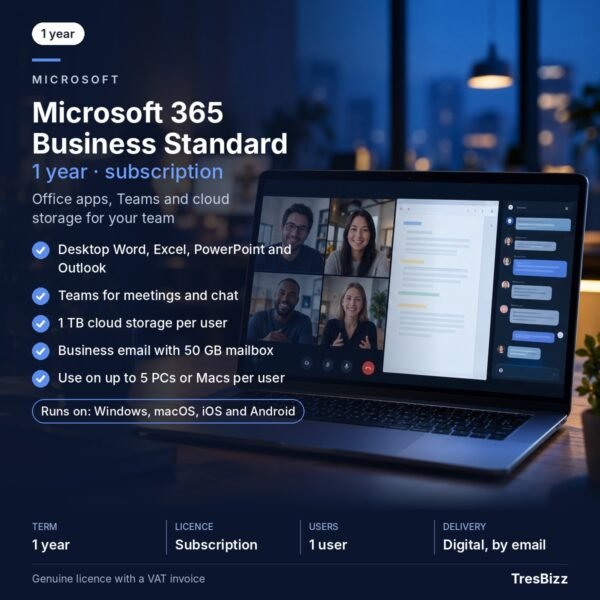 Microsoft 365 Business StandardGenuine licenceDigital delivery by emailOfficial VAT invoiceFrom £92.08 excl. VAT£111.42 incl. 21% VATView product
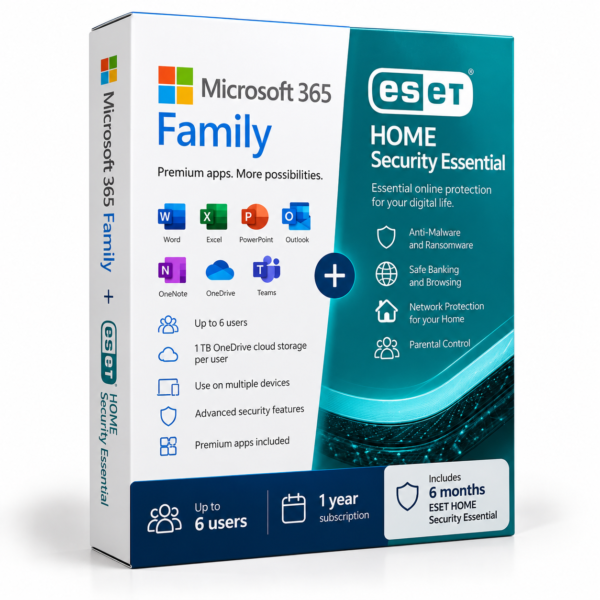 Microsoft 365 Family + ESET HOME Security EssentialGenuine licenceDigital key by emailOfficial VAT invoiceFrom £74.21 excl. VAT£89.79 incl. 21% VATView product
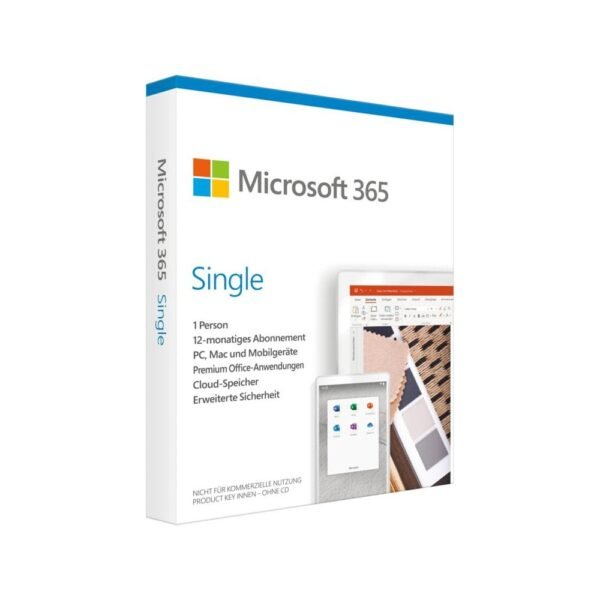 Microsoft 365 PersonalGenuine licenceDigital delivery by emailOfficial VAT invoiceFrom £51.13 excl. VAT£61.87 incl. 21% VATView product
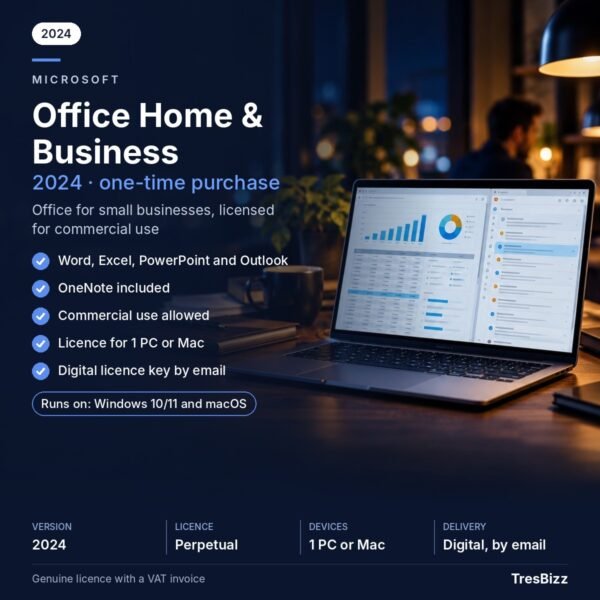 Microsoft Office Home & Business1 PC or MacLifetime licenceCommercial useFrom £102.12 excl. VAT£123.57 incl. 21% VATView product
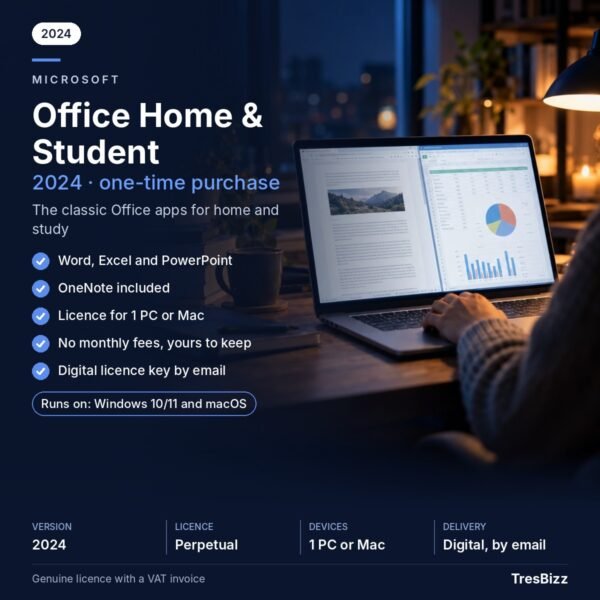 Microsoft Office Home & Student1 PC or MacLifetime licenceWord, Excel, PowerPointFrom £41.85 excl. VAT£50.64 incl. 21% VATView product
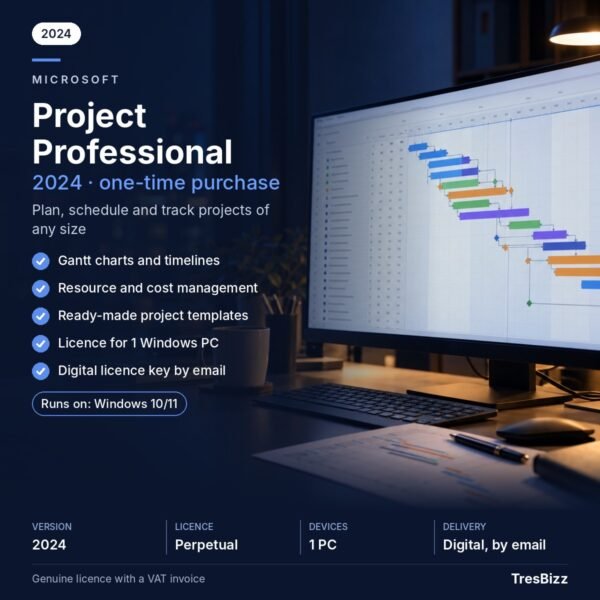 Microsoft Project ProfessionalGenuine licenceDigital delivery by emailOfficial VAT invoiceFrom £284.60 excl. VAT£344.37 incl. 21% VATView product
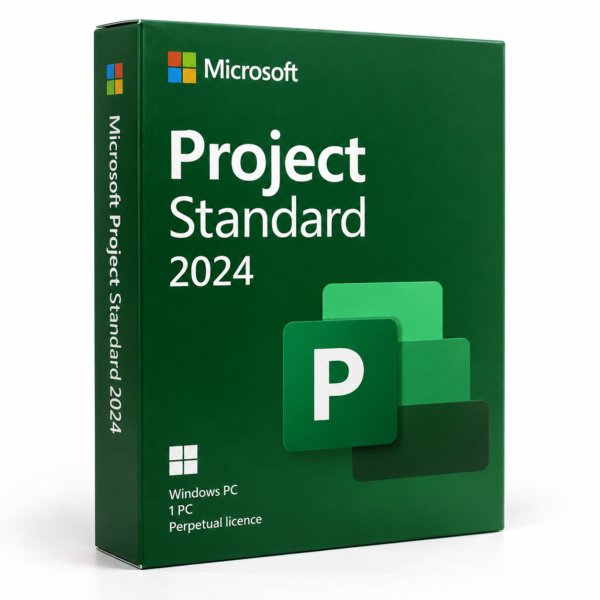 Microsoft Project Standard 2024Genuine licenceDigital delivery by emailOfficial VAT invoiceFrom £581.68 excl. VAT£703.83 incl. 21% VATView product



Reviews
There are no reviews yet.