





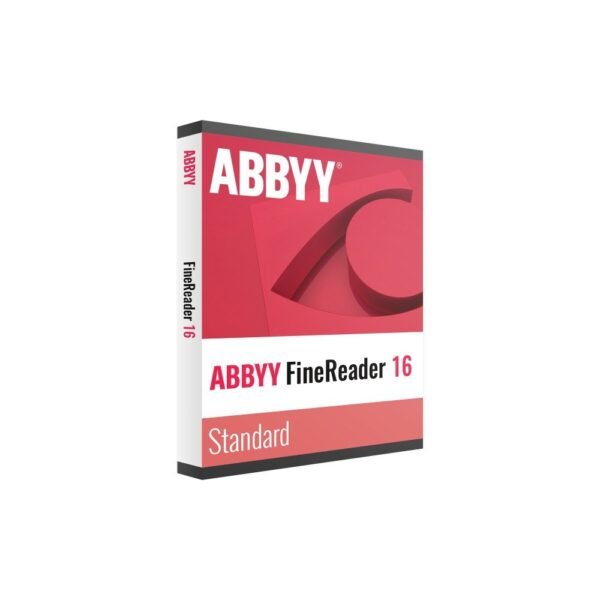
Buy ABBYY FineReader PDF 16 Corporate in Malta
Price range: €102.50 through €343.64 excl. VAT
- AI-powered OCR recognises scans and paper documents in 198 languages.
- Compare Documents identifies differences between document versions including scans and different formats.
- Hot Folder automatically converts incoming files on a schedule.
- Create edit convert organise comment and protect PDF documents.
- One-user subscription for 12 or 36 months with email delivery within 24 hours.
For activation in the European Union only. Orders with a billing address outside the EU are not accepted.
Description
Better document handling for Maltese businesses
Businesses in Malta deal with invoices contracts financial records client correspondence and administrative paperwork every day. These documents may arrive as paper copies scanned PDFs or files in different formats. Finding information in an image-based document or checking changes between revised contracts can take valuable working time. ABBYY FineReader PDF 16 Corporate brings OCR PDF editing document comparison and automated processing together in one Windows application. Its AI-based recognition technology converts scans and paper documents into searchable PDFs and editable formats such as Word and Excel. This helps finance departments legal professionals and office teams organise information and handle recurring document tasks more efficiently. It is particularly relevant to organisations that process substantial volumes of paperwork and need practical tools for reviewing and converting files.
Corporate features explained
The Corporate edition includes all features of ABBYY FineReader PDF 16 Standard and adds tools for business document workflows. OCR recognises text in scans and paper documents across 198 recognition languages. You can convert source material into searchable PDFs or editable formats including Word and Excel.
- Compare Documents: Compare two versions of a document and identify their differences. This also works when one or both documents are scans or when the files use different formats. The identified differences can be exported for review.
- Hot Folder: Select a folder for monitoring and configure a schedule. Incoming documents are converted automatically, supporting batch processing without repeating the same manual steps for each file.
- Automated tasks: Use automated document-processing functions for recurring conversion work and more structured office routines.
- PDF editing: Create convert and edit PDF files. Add comments organise pages and protect documents with passwords or redaction to conceal sensitive information.
- Tabbed interface: Work across multiple open documents using the tabbed interface introduced in version 16.
One user and two licence terms
This listing covers one user. Choose a 12-month or 36-month subscription according to how long you expect to use the software. Both options are time-limited licences rather than permanent licences. If your organisation needs several licences for staff members volume pricing is available with lower prices per licence for orders of 3 5 and 10 pieces. This can be useful when equipping a small finance team or several document-processing workstations.
Why order from TresBizz
TresBizz is based in Brussels Belgium and serves customers in Malta through online software orders. Product prices are displayed in euros. You can pay by card Apple Pay Google Pay or PayPal. Every order includes an official VAT invoice. EU business buyers can enter their VAT number and reverse charge treatment applies where applicable. Your purchase includes a new genuine software licence. Email support is available for questions about your order and delivery. If the supplied licence key does not work TresBizz offers a replacement or refund. There is no physical shipment because the software and licence details are delivered electronically.
System requirements
ABBYY FineReader PDF 16 Corporate runs on Windows 11 or Windows 10 64-bit. It has also been tested on Windows Server 2022 2019 2016 and 2012 R2 for Remote Desktop use. The minimum processor requirement is an x64 CPU running at 1 GHz or faster. The software requires 2 GB RAM plus 512 MB for each additional processor. Allow 1.6 GB of disk space for installation and another 1.6 GB available for operation. A screen resolution of 1024 × 768 or higher is required. An internet connection is needed to activate the licence. This edition is not for Mac. ABBYY sells a separate FineReader PDF for Mac for Apple computer users.
Digital delivery and activation
After your order is completed TresBizz emails the licence key download link and activation instructions within 24 hours. No box courier or physical delivery is involved. Download the application using the supplied link and install it on a compatible Windows computer. Follow the activation steps included in your email and connect to the internet when activating the licence. Keep your licence details for reference. If you need help with the order or activation you can contact TresBizz by email. If the licence key does not work the available resolution is a replacement or refund.
ABBYY FineReader PDF 16 Corporate FAQs for Malta
What does ABBYY FineReader PDF 16 Corporate include?
It includes all FineReader PDF 16 Standard features plus Compare Documents and automated document processing. You also get OCR PDF editing Hot Folder and Automated tasks.
Can I convert scanned invoices into editable Word or Excel files?
Yes. AI-based OCR recognises text in scans and paper documents across 198 recognition languages. You can create searchable PDFs and convert documents into editable formats such as Word and Excel.
Can the software compare two scanned contracts?
Yes. Compare Documents identifies differences between two document versions even when one or both files are scans or use different formats. You can export the comparison results.
Does ABBYY FineReader PDF 16 Corporate work on Mac?
No. This edition is for Windows 10 and Windows 11 64-bit. ABBYY sells a separate FineReader PDF for Mac.
How do I receive my ABBYY licence in Malta?
TresBizz sends your licence key download link and activation instructions by email within 24 hours. No physical delivery is required. An internet connection is needed for activation and every order includes an official VAT invoice.
Additional information
| Devices | 1 user |
|---|---|
| Term | 12 months, 36 months |
Related products
-

Ashampoo PDF Pro 5
€20.00 excl. VAT Add to basket -

ABBYY Screenshot Reader
€8.35 excl. VAT Add to basket -
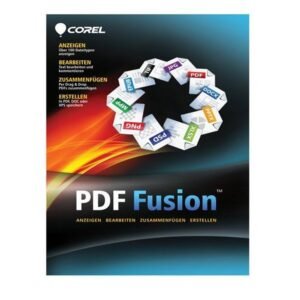
Corel PDF Fusion
€9.73 excl. VAT Add to basket -

MobiPDF Pro
Price range: €13.21 through €59.41 excl. VAT Select options This product has multiple variants. The options may be chosen on the product page






Reviews
There are no reviews yet.