



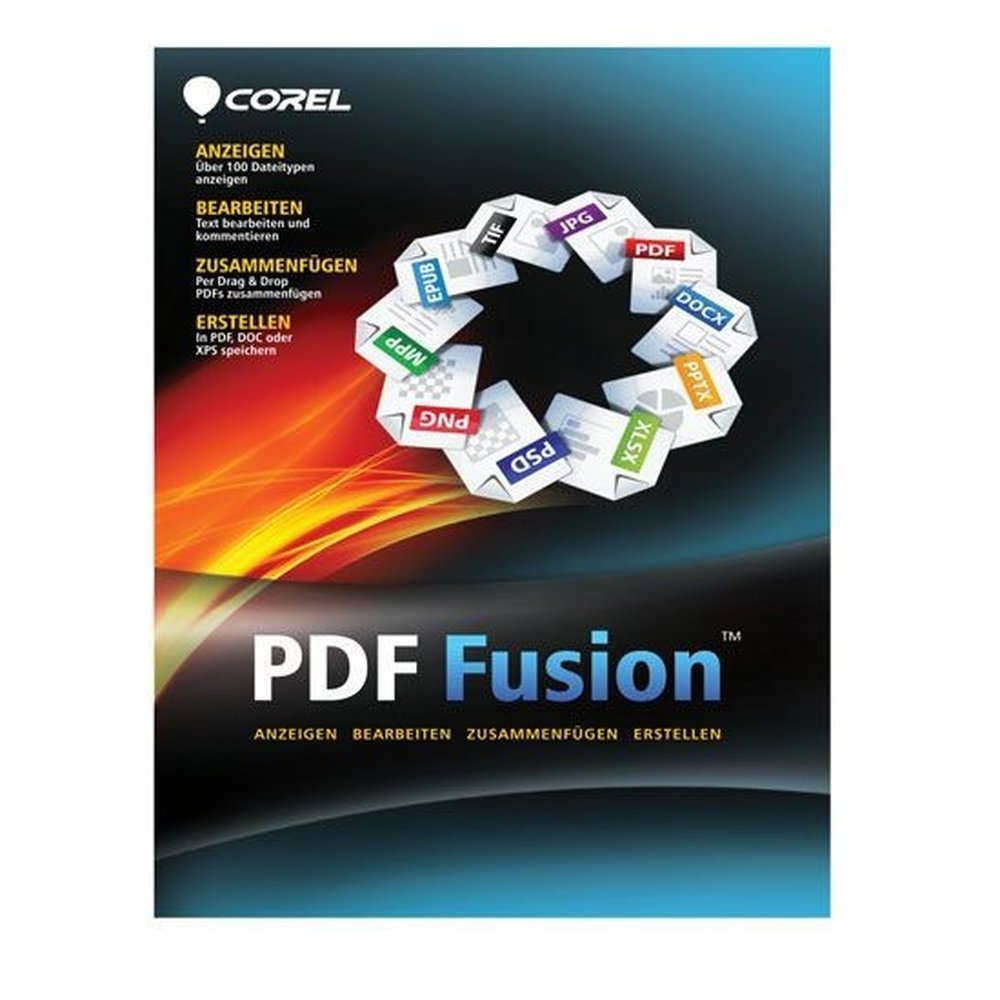
Description
Make everyday PDF work easier
From course notes and household records to invoices and business documents, people in Malta deal with files created in different programmes. Bringing them together for sharing or filing should not mean switching between several applications. Corel PDF Fusion is a Windows tool for viewing, assembling, editing and creating PDF files in one place. It gives home users, students and office teams practical tools for preparing documents for print, online use or review.
Open files and arrange pages
The application opens more than 100 file types, including DOC, XLS, PPT and images, without needing the programme that originally created them. Use Page, Assembly or Flick view to inspect your material, or choose the full-screen presentation view when displaying a document.
To build a combined file, drag and drop documents in different formats into Corel PDF Fusion. Assembly view lets you insert pages, remove unwanted pages and change their order. A finishing wizard optimises the result for printing or web use and can add a password.
Edit and review
You can change text directly in a PDF, rotate or crop pages, and add watermarks, links and bookmarks. For feedback, use highlighting, strikeout, underlining and sticky notes. Redaction can conceal selected text. Password protection can set limits on printing, copying and editing.
Create and convert
The Corel PDF Creator print driver makes PDFs from any application that can print. A PDF tab is available in Microsoft Word, Excel and PowerPoint. Save documents as PDF, PDF/A for archiving, XPS or DOC for Word. Batch Converter processes several files together.
Licence for one computer
Your TresBizz order includes a new authentic Corel PDF Fusion licence with these terms:
- Devices: 1 PC.
- Term: Lifetime licence.
- Purchase: one payment, with no subscription.
- Included: licence key, download link and activation instructions by email.
The licence is for one Windows PC and suits home users, students and offices that need to combine documents or edit PDFs.
Ordering from TresBizz
TresBizz is based in Brussels, Belgium, and displays prices for Malta in euros. Pay by card, Apple Pay, Google Pay or PayPal. Every order includes an official VAT invoice. EU business buyers can enter a VAT number; reverse charge applies where relevant. For office orders, the price per licence is lower when buying 3, 5 or 10 pieces.
Windows requirements
Corel PDF Fusion version 1.14 requires Windows 10, 8.1, 8 or 7, 32-bit or 64-bit, with the latest updates. It needs a 1.3 GHz processor, 512 MB RAM (1 GB recommended), 250 MB disk space and a 1024 x 768 screen. Windows 11 support is not stated. The software is not for Mac.
Digital delivery and help
No physical item is shipped. Within 24 hours, TresBizz emails your licence key, download link and activation steps. Install the software on a compatible Windows PC and follow the instructions. If the key does not work, contact support by email for a replacement or refund.
Corel PDF Fusion Frequently Asked Questions
What can I do with Corel PDF Fusion?
Corel PDF Fusion is an all-in-one Windows PDF application. It lets you view more than 100 file types, combine documents, edit PDF text, add annotations and create or convert files.
Can Corel PDF Fusion combine Word and Excel documents?
Yes. You can drag and drop documents in different formats, including DOC and XLS files, into the application and assemble them into one PDF. Pages can then be added, removed or reordered.
Is Corel PDF Fusion a lifetime licence?
Yes. This offer covers one PC with a Lifetime licence. It is a one-time purchase and does not require a recurring subscription.
Does Corel PDF Fusion work on Windows 11 or Mac?
The stated version 1.14 requirements list Windows 10, 8.1, 8 and 7 in 32-bit and 64-bit editions. Windows 11 support is not specified, and the software is not for Mac.
How will I receive my Corel PDF Fusion licence in Malta?
TresBizz sends the licence key, download link and activation instructions by email within 24 hours. No physical shipment is involved.







Reviews
There are no reviews yet.