




Description
PDF work for Maltese classrooms
Lecture notes from the University of Malta, MCAST assignment briefs and worksheets distributed in Maltese schools often arrive as PDF files. Students may need to mark up a reading before a seminar, bring several pages together for an assignment or turn a scanned handout into text they can search. Teachers also handle forms, class materials and documents that need small corrections. MobiPDF Pro for Students & Teachers puts these jobs in one place, whether you are studying in Msida, preparing lessons at home or reviewing coursework between classes.
Tools for study and teaching
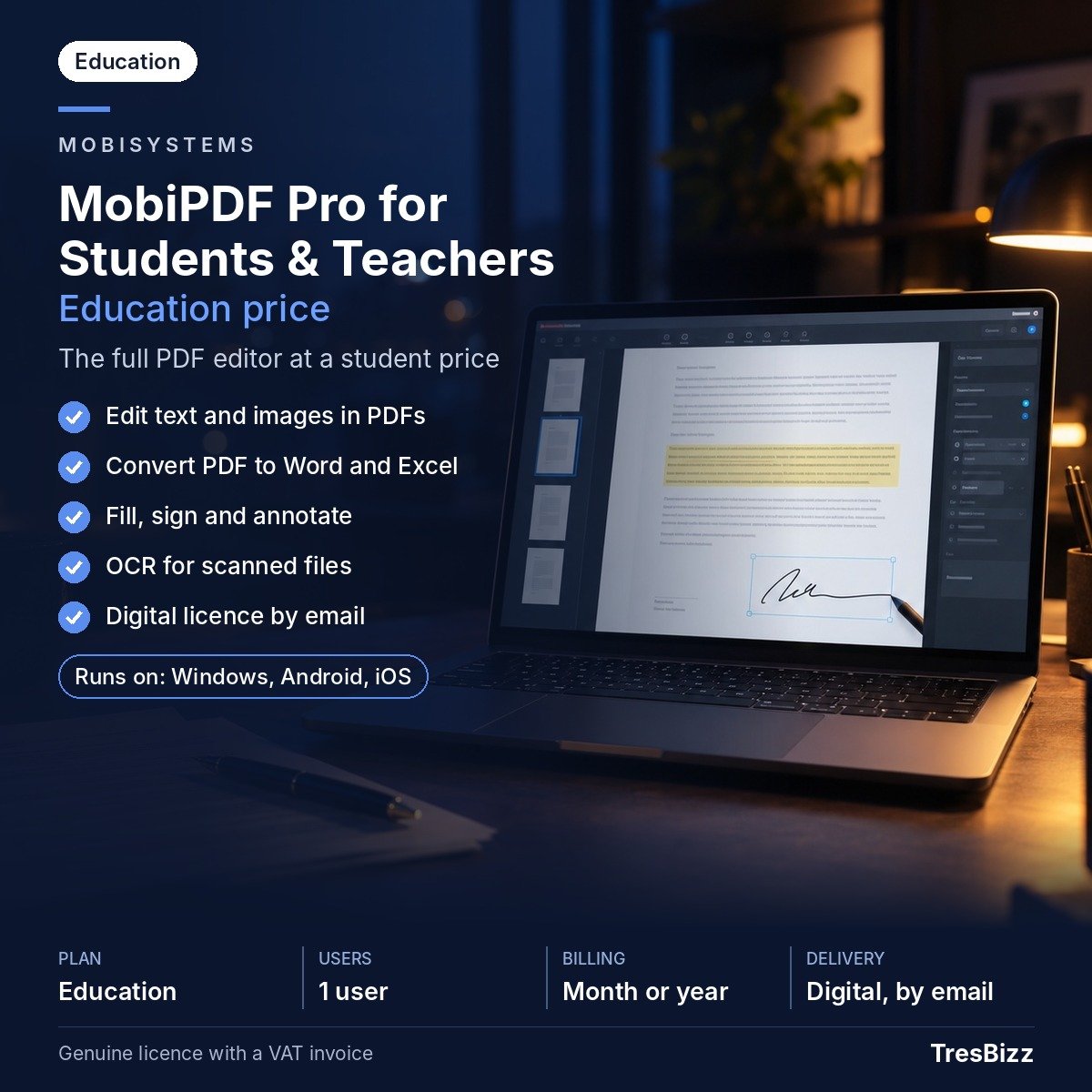
This is the education subscription of MobiPDF Pro from MobiSystems for pupils, students and teaching staff. It includes the MobiPDF Pro features, 20 GB of cloud storage and use on one desktop plus up to two mobile devices.
- Mark up learning material: Highlight passages, add comments and annotate course files or PDF handouts.
- Arrange pages: Create, combine, rotate, reorder, delete and split PDF pages to shape a document around an assignment or lesson.
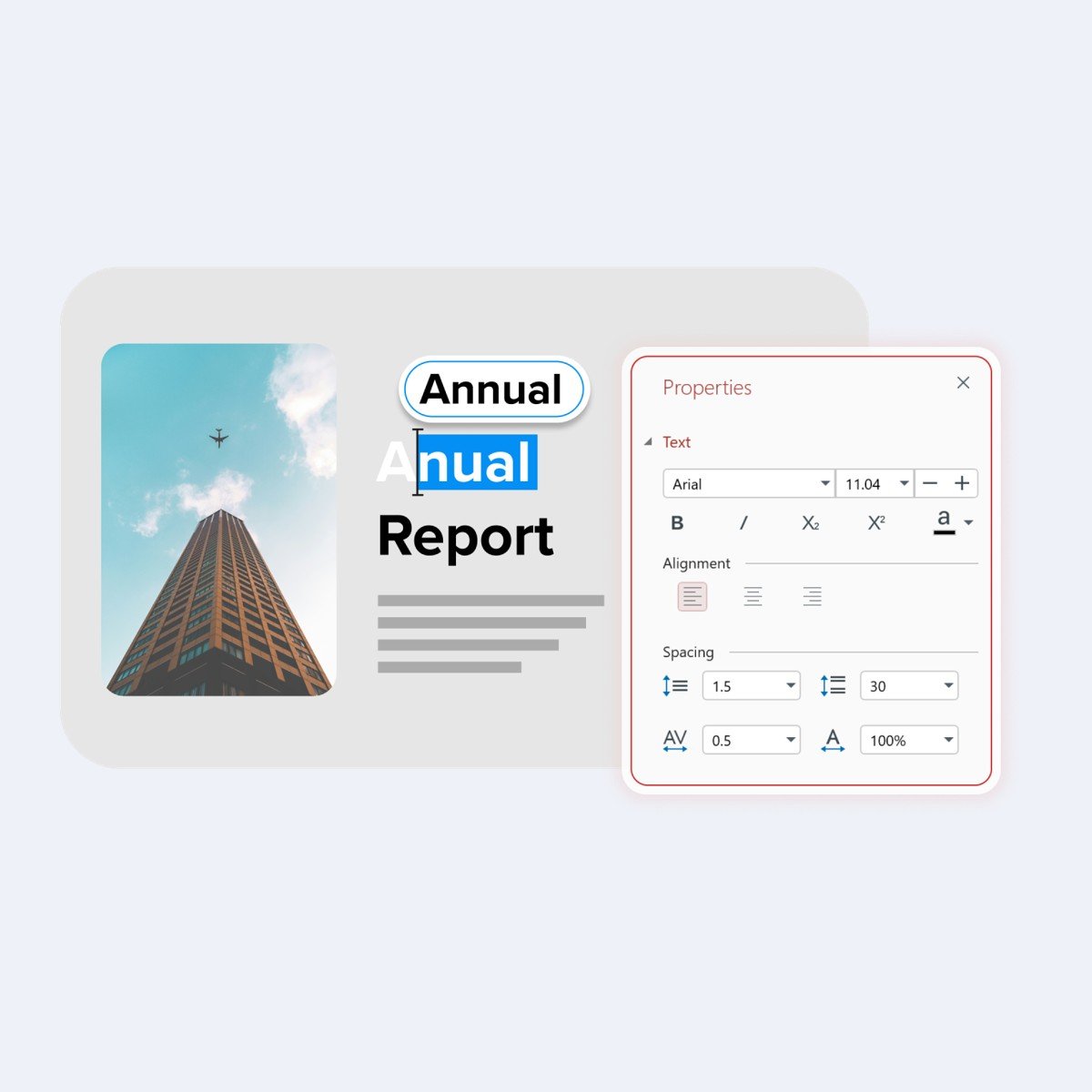
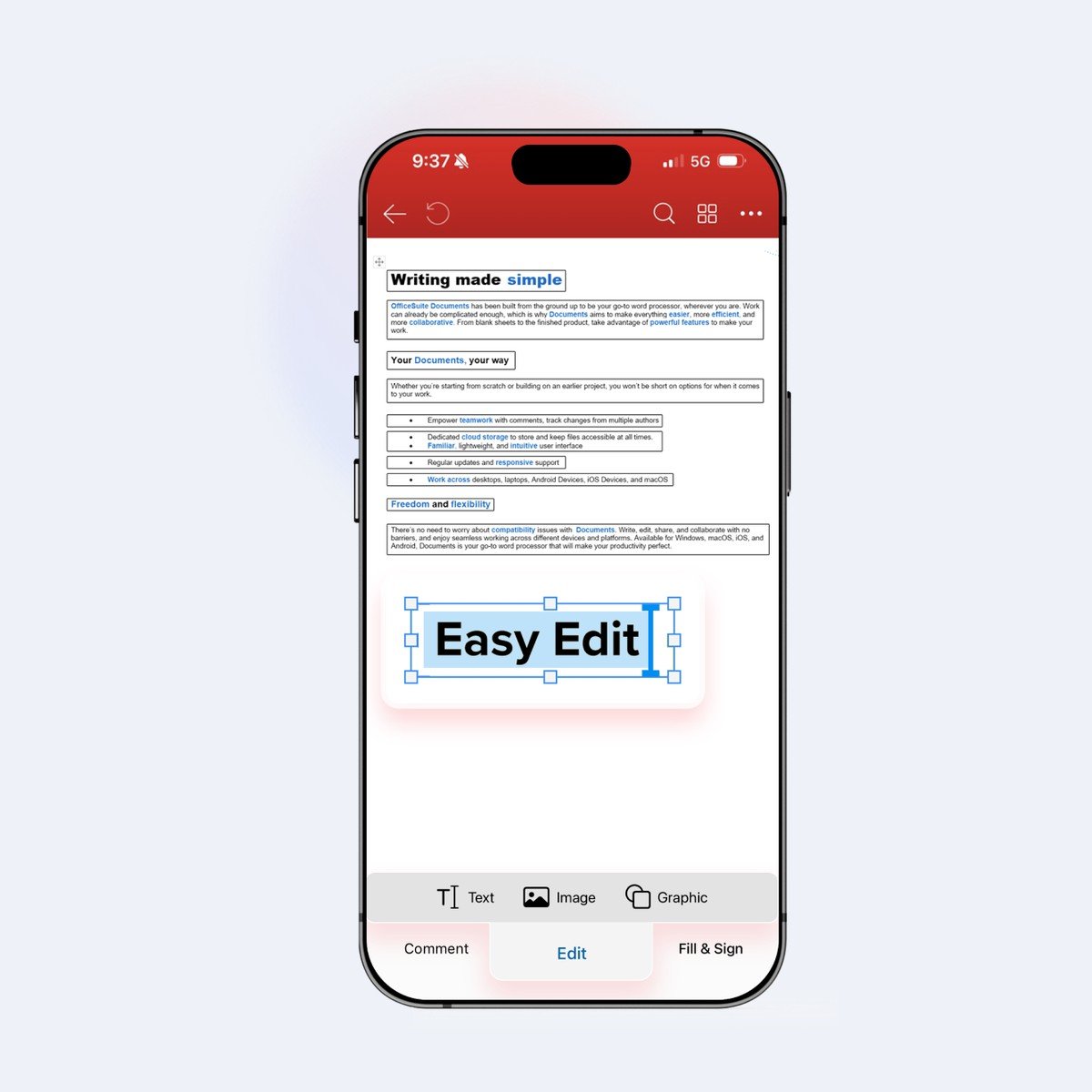
- Make changes: Edit text and images already inside a PDF.
- Move between formats: Convert PDFs to and from other file types, including Word and Excel.
- Work with scans: OCR turns scanned documents into editable, searchable PDFs.
- Handle forms securely: Create, complete and sign forms, add password protection and sign PDFs digitally.
Select a term
Choose the one-month or twelve-month subscription at checkout. Both are education options for eligible pupils, students and teachers. MobiSystems may ask you to confirm your education status, so be prepared to verify that you are a student or teacher if requested.
Order from TresBizz
TresBizz sells software licences from Brussels, Belgium. For customers in Malta, the product price is displayed in EUR. Pay by card, Apple Pay, Google Pay or PayPal. Each order comes with an official VAT invoice. Maltese businesses and other EU business buyers can enter their VAT number; reverse charge applies where relevant.
Buying for a school, tuition group or department? Lower per-licence pricing is available for orders of 3, 5 and 10 pieces. For questions, contact the TresBizz team by email.
Before you install
- Windows computer: Windows 11 or Windows 10, with version 22H2 recommended for Windows 10; x64 architecture.
- Memory and processor: 1 GB RAM minimum, 2 GB recommended, and a 1 GHz dual-core processor minimum.
- Apple mobile devices: iOS 18 or later, according to the current download page.
- Android devices: Android 8.0 or later.
An internet connection is needed to activate the software and sign in with a MobiSystems account. Check these requirements against your device before ordering.
Delivery by email
No box or postal shipment is involved. Within 24 hours, TresBizz emails the licence key, download link and activation steps. Download MobiPDF, follow the instructions and sign in with your MobiSystems account to activate. If the key does not work, contact support by email for a replacement or refund.
Questions about MobiPDF in Malta
Can University of Malta students use MobiPDF Pro for Students & Teachers?
Yes. The education subscription is intended for pupils, students and teaching staff. University of Malta students can use it to annotate lecture notes, prepare assignments and organise PDF reading material. MobiSystems may request confirmation of student status.
Is MobiPDF Pro useful for MCAST assignments and school worksheets?
Yes. Students can combine assignment documents, highlight course material, edit PDFs and convert files. Teachers can also prepare classroom handouts, adjust documents and manage scanned worksheets.
Can I choose between a monthly and yearly MobiPDF subscription?
Yes. TresBizz offers two subscription periods: one month and twelve months. Both provide the MobiPDF Pro features included in the education subscription. Education status may need to be confirmed when requested by MobiSystems.
Does MobiPDF convert scanned notes into editable documents?
Yes. Its OCR function processes scanned documents and makes them searchable and editable as PDFs. You can also convert PDFs to and from other formats, including Microsoft Word and Excel.
How do I receive my MobiPDF licence after ordering in Malta?
TresBizz sends the licence key, download link and activation instructions to your email within 24 hours. There is no physical shipment. An internet connection and MobiSystems account are required for activation. If the licence key does not work, you can request a replacement or refund by contacting email support.







Reviews
There are no reviews yet.