



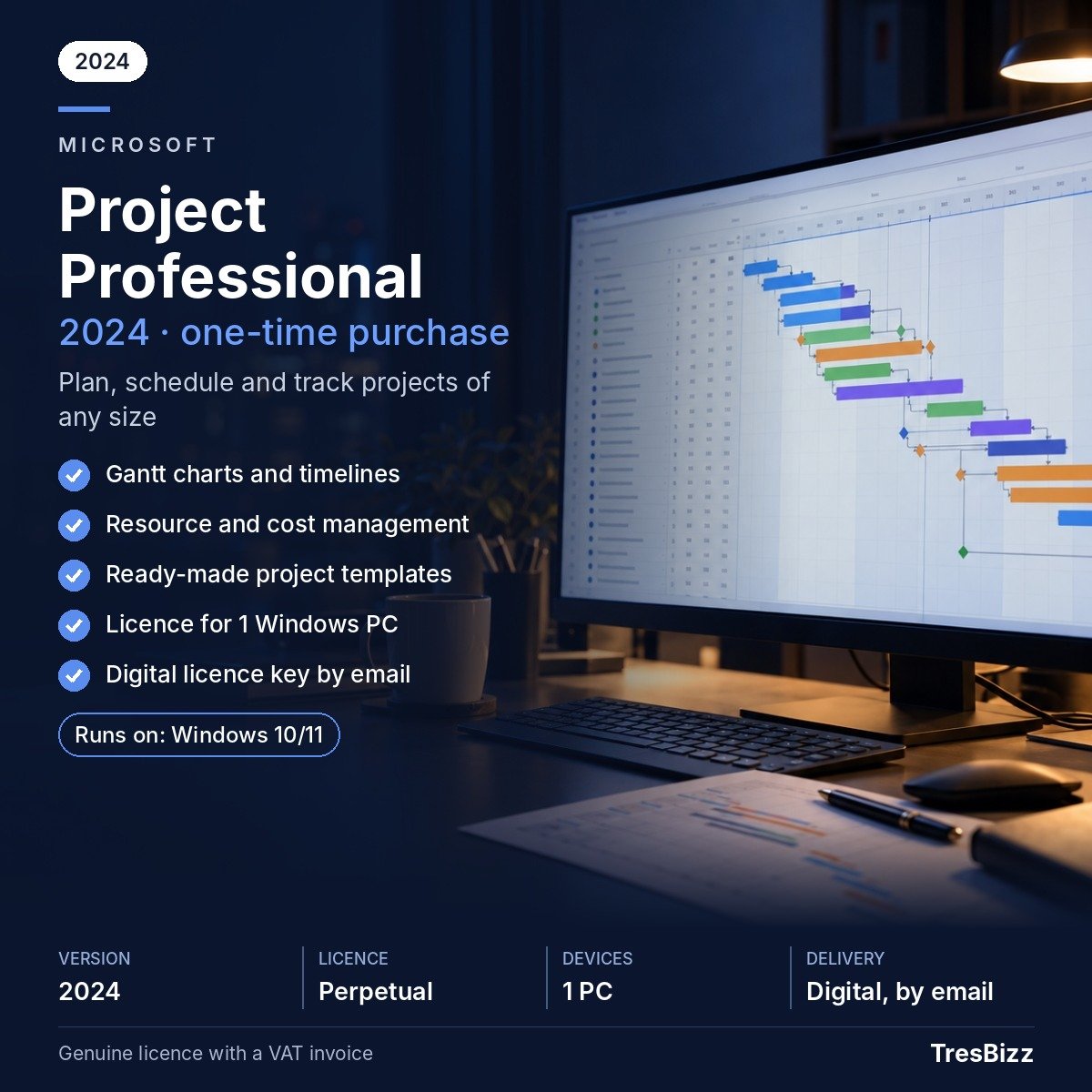
Microsoft Project Professional
Price range: €340.00 through €469.00 excl. VAT
- Build detailed project schedules and timelines
- Visualise activities with Gantt charts
- Allocate and coordinate project resources
- Follow expenditure and completion progress
- Connect to Project Server when required
Description
Microsoft Project Professional
Successful project delivery depends on having the right information available throughout every stage of the work. Microsoft Project Professional provides a dedicated Windows application for building schedules, organising activities and keeping track of the people and resources involved. It allows project managers to establish a structured overview of their assignments, examine progress and maintain control over planned expenditure. Visual planning tools help translate complicated workloads into schedules that are easier to follow. Whether you are responsible for technical operations, building projects or several organisational activities, this software brings important planning and monitoring functions into one desktop solution.
Key features
- Schedule creation: Arrange project activities, establish deadlines and define dependencies between individual tasks.
- Visual planning: Work with Gantt charts and timelines to see the sequence and duration of planned activities.
- Resource allocation: Distribute available resources across assignments and organise their participation throughout the project.
- Financial oversight: Keep an eye on planned expenditure and compare project costs with the progress achieved.
- Project reporting: Make use of prepared reporting formats and templates to present relevant planning information.
- Professional integration: Benefit from resource management capabilities and the possibility of connecting with Project Server.
Benefits
- Greater visibility: Bring activities, deadlines and responsibilities into a coherent schedule, making it easier to understand the complete project.
- Improved coordination: Organise resource assignments and dependencies so that the people involved can work towards clearly defined objectives.
- Progress awareness: Compare actual completion with the established plan and identify activities that require additional attention.
- Flexible planning: Use reporting tools, templates and visual scheduling features to communicate project information and review developments.
Who it is for
Microsoft Project Professional is suitable for project managers, consultants, engineering specialists, construction professionals and business teams responsible for coordinated work. It is particularly relevant when projects involve multiple activities, resource assignments, deadlines and financial considerations. Organisations that require the additional resource management functions or a connection to Project Server can choose the Professional edition rather than Project Standard. Before purchasing, consider which edition best matches your existing software environment and operational requirements.
Licence options
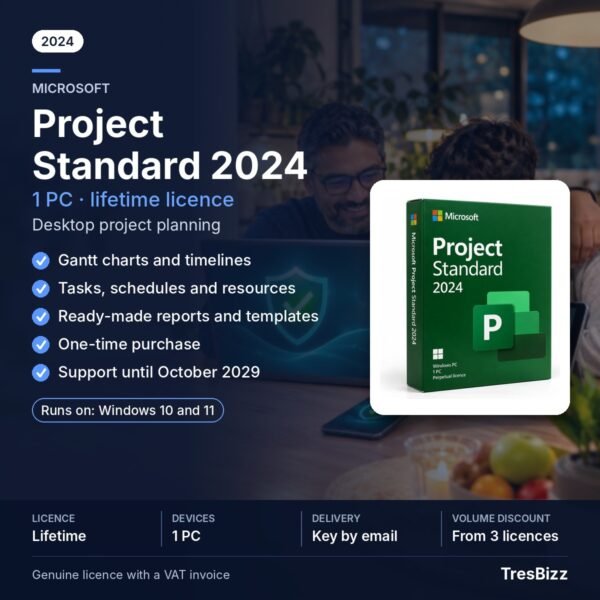
TresBizz offers Microsoft Project Professional 2019, 2021 and 2024. Project 2024 is the latest edition and our recommended selection for most customers. Its Microsoft security updates are scheduled to continue until October 2029. Support for Project 2021 ended in October 2026, while Project 2019 reached the end of its support period in October 2025. Neither older release receives security updates anymore. Choose an earlier version only when an established workflow, existing installation or Project Server compatibility makes it necessary. Each option is a new perpetual licence for one Windows PC, purchased with a single payment rather than a recurring subscription. Microsoft 365 cloud services and Project Online are excluded. TresBizz is based in Brussels and supplies an official VAT invoice with every order. EU business customers can provide their VAT number for reverse charge treatment where applicable.
System requirements
- Operating system: Windows 10 or Windows 11.
- Processor: 1.6 GHz.
- Memory: 4 GB RAM.
- Storage: 4 GB available disk space.
- Activation: Internet connection required.
- Platform: Windows only. No Mac edition is available.
Delivery and activation
After placing your order, you will receive your product key, software download link and installation guide by email within 24 hours. Follow the supplied instructions to install the selected edition and complete activation on your Windows computer. Email support is available if you need assistance during the process. If your purchased key cannot be activated, TresBizz will provide a replacement or refund. Please verify your Windows version and available disk space before completing your purchase.
Conclusion
Microsoft Project Professional combines structured scheduling, resource coordination, visual timelines and project monitoring in one desktop application. Select the edition that fits your requirements, with Project 2024 recommended for buyers seeking the newest release and continued security updates. Order from TresBizz for a perpetual licence with convenient email delivery.
Microsoft Project Professional FAQs
Which Microsoft Project Professional editions are available?
TresBizz offers Project Professional 2019, 2021 and 2024. Project 2024 is the newest release and the recommended choice for most buyers.
Is Microsoft Project Professional a subscription?
No. The purchase provides a perpetual licence for one Windows PC. It requires a single payment rather than monthly or annual subscription payments. Microsoft 365 cloud services and Project Online are not included.
Does Microsoft Project Professional work on Mac?
No. Microsoft Project Professional is designed for Windows. It requires Windows 10 or Windows 11 and does not have a Mac version.
Does Project Professional receive security updates?
Project 2024 is scheduled to receive Microsoft security updates until October 2029. Support for Project 2021 ended in October 2026 and Project 2019 support ended in October 2025. These older editions no longer receive security updates.
How will I receive my Microsoft Project Professional licence?
Your product key, download link and installation guide will be sent by email within 24 hours. Email assistance is available, and a replacement or refund is provided if the key does not activate.
Additional information
| Licence type | New perpetual |
|---|---|
| Version | 2019, 2021, 2024 |
Related products
-

Microsoft Visio Professional
Price range: €170.00 through €349.00 excl. VAT Select options This product has multiple variants. The options may be chosen on the product page -

Windows 10 Home
€9.99 excl. VAT Add to cart -

Windows 7 Professional
€9.99 excl. VAT Add to cart -

Windows 10 Professional
€9.99 excl. VAT Add to cart




Reviews
There are no reviews yet.